
Dokémon: A GUI Tool That Simplifies Docker Management
What is Dokemon?
Dokemon is a user-friendly GUI tool for managing Docker containers, allowing you to manage multiple servers from a single Dokemon instance. Simply put, it puts a pretty "coat" on Docker, enabling you to perform tasks with mouse clicks that previously required typing commands.
It supports docker-compose and multi-container management, which is particularly important for those running complex applications.
https://appstore.lazycat.cloud/#/shop/detail/cloud.lazycat.app.dokemon
Getting Started Guide
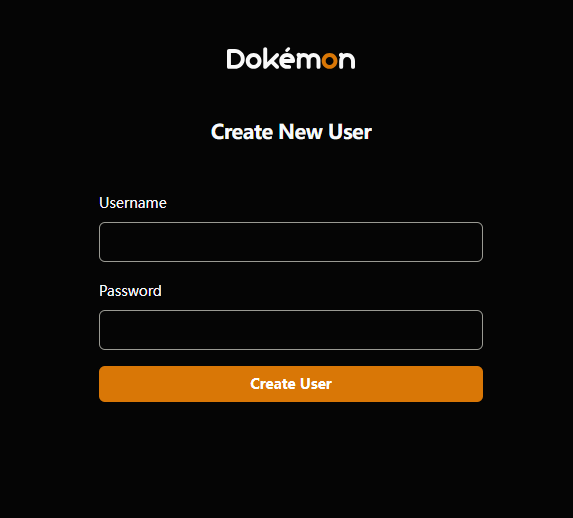
After installing the application, first create a new user.
Enter the main page.
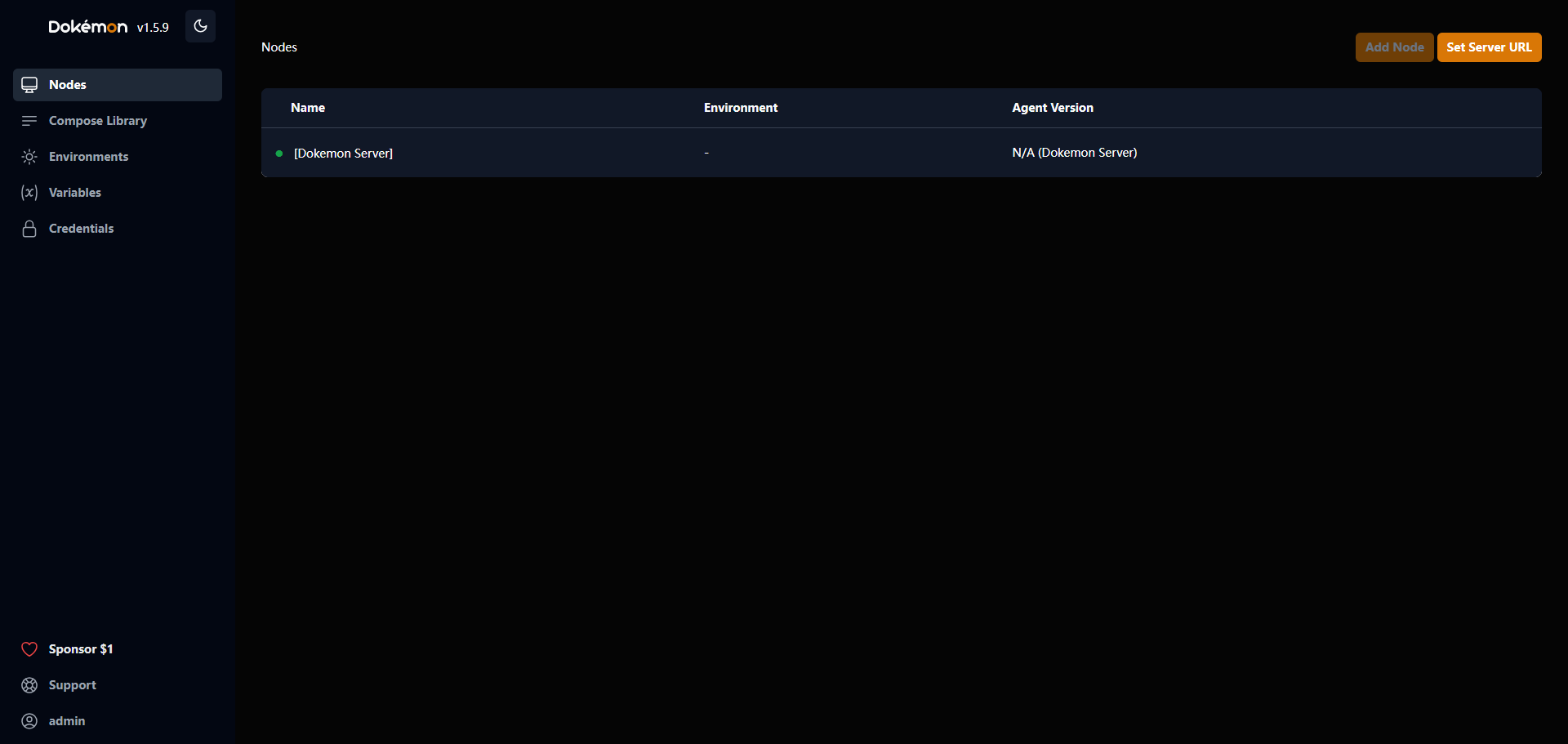 The [Dokemon Server] in the screenshot is its own node.
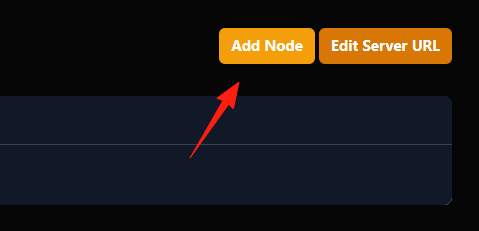
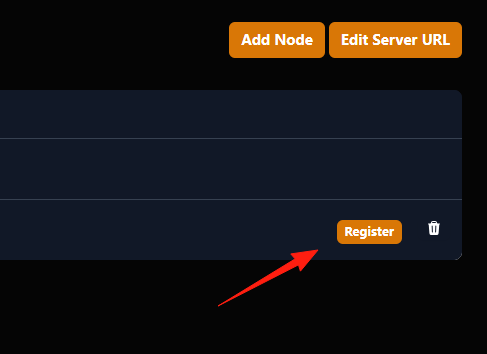
Click the "Add Node" button in the upper right corner to add new servers.
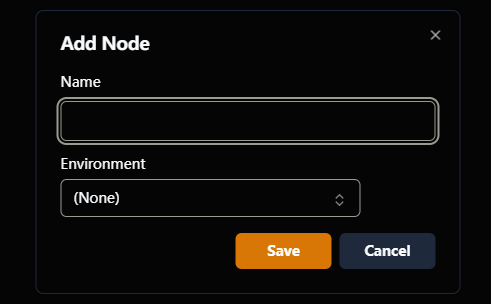 Click "register".
Copy this code.
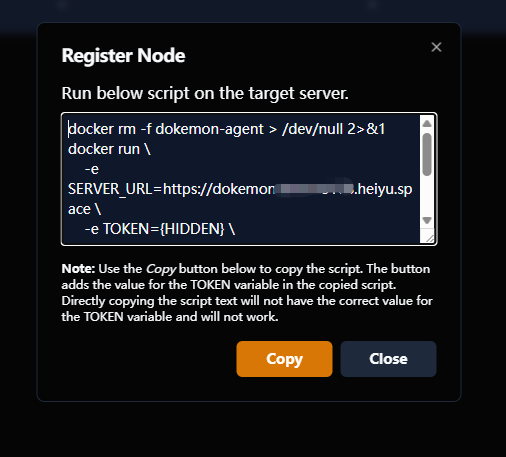 Run a Dokemon Agent container on the server you want to manage.
Execute the command above on your remote server.
Refresh the Dokemon webpage, and you will see a new server node automatically appear in the Nodes list.
The benefit of Dokemon's design is that you don't need to manually enter various IP addresses and credentials in the main program. Instead, remote servers actively "check in," which is very convenient when managing a large number of servers.
Compose Library
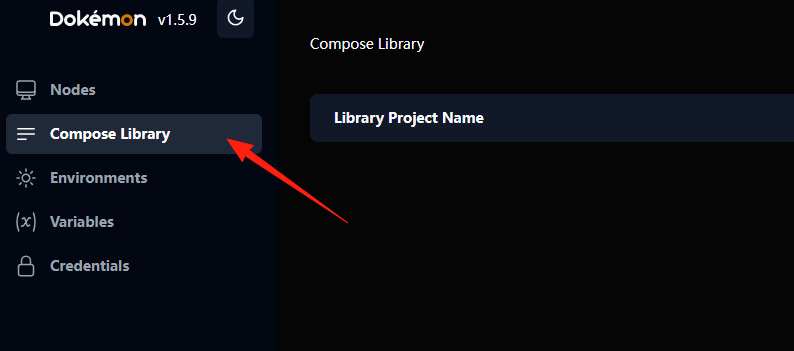
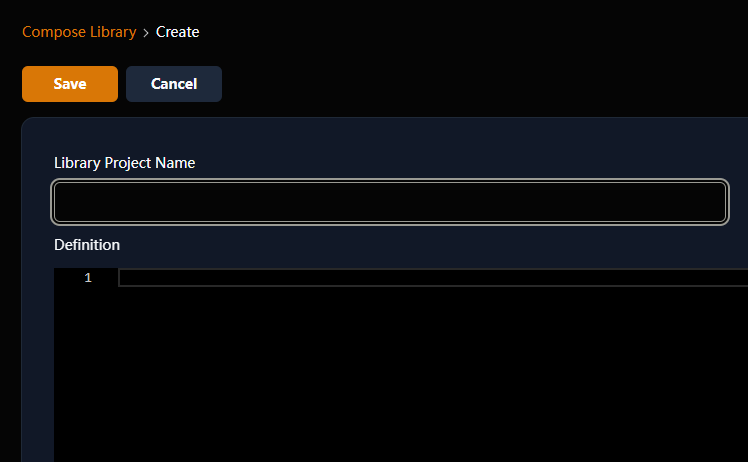
This is where all your docker-compose.yaml files are stored. You can place commonly used project templates here for easy repeated deployments in the future.
Upload or create docker-compose.yaml files directly here.
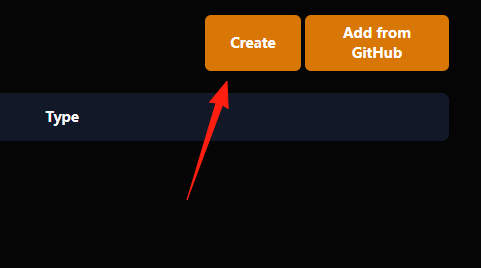
Once created, you can deploy, start, stop, or delete entire projects with a single click from this interface, eliminating the need to manually type commands like docker-compose up -d.
Environments
This feature is used to manage different environments.
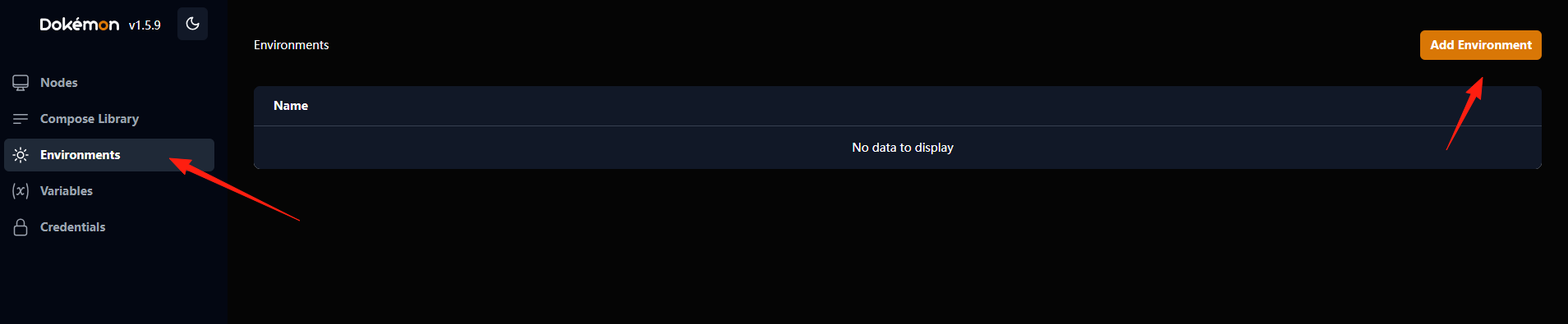 For example, if you have a project that requires different configurations during the development and production stages, you can create two environments here:
 development and production.
Variables
This feature is used to manage environment variables. Many Docker images require environment variables to be configured at startup, such as database passwords, API keys, etc. Dokemon can centrally manage these variables, making them easy to reuse.
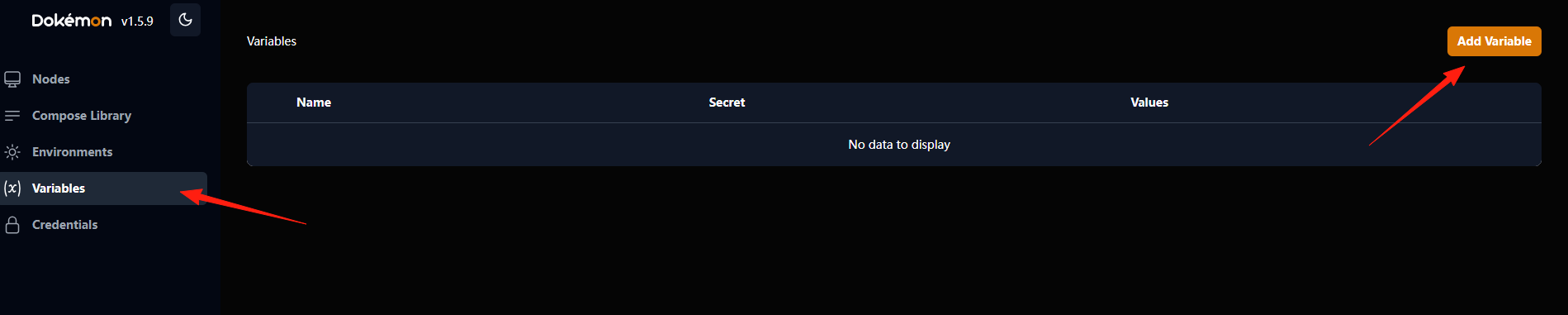
You can create a variable here, for example named DB_PASSWORD, and store the password in it.
When deploying a Docker Compose project, you can directly reference this variable instead of hardcoding the password in the configuration file.
Credentials
This feature is used to manage various login credentials.
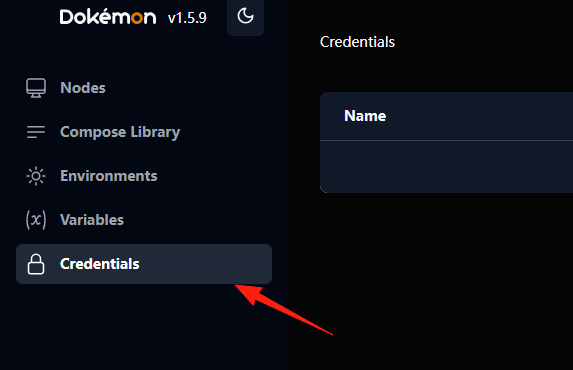 If you need to connect to a private image registry (such as a private repository on Docker Hub) or connect to other remote servers, credentials are required.
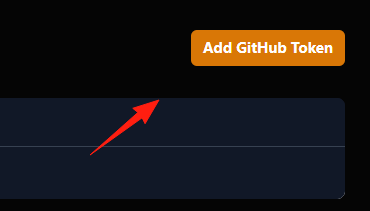 You can securely save your usernames and passwords here.
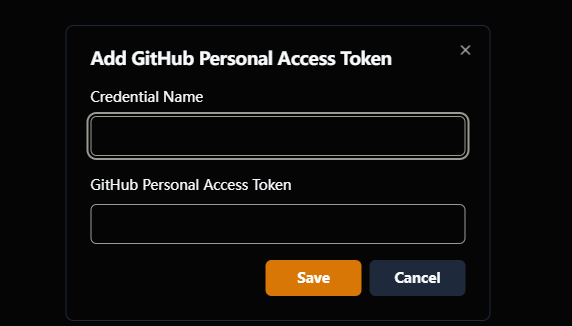
Dokemon will save these credentials for you and automatically invoke them when needed, saving you the trouble of manually entering them every time.
Summary
Compared to heavyweight tools like Portainer, Dokemon is more lightweight and concise.
After trying it, you'll discover that managing Docker can be so effortless! No more struggling with a dark terminal.
If you don't need many advanced features and just want a simple, easy-to-use Docker management interface, Dokemon is a good choice.