
DbGate: A Powerful Tool That Simplifies Database Management
What is DbGate?
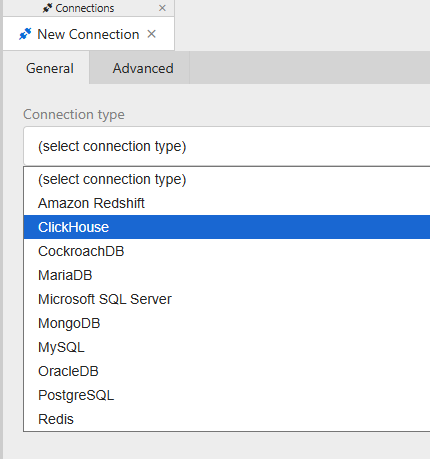
In simple terms, DbGate is a database management tool, but it has ambitious goals—it aims to support all major databases. Currently, it supports:
- Relational Databases: MySQL, PostgreSQL, SQL Server, Oracle, SQLite
- NoSQL Databases: MongoDB, Redis, ClickHouse, CosmosDB
- Support for new databases is continuously being added.
https://appstore.lazycat.cloud/#/shop/detail/in.zhaoj.dbgate
How to Use
After installing the application, opening it takes you directly to the functional interface.
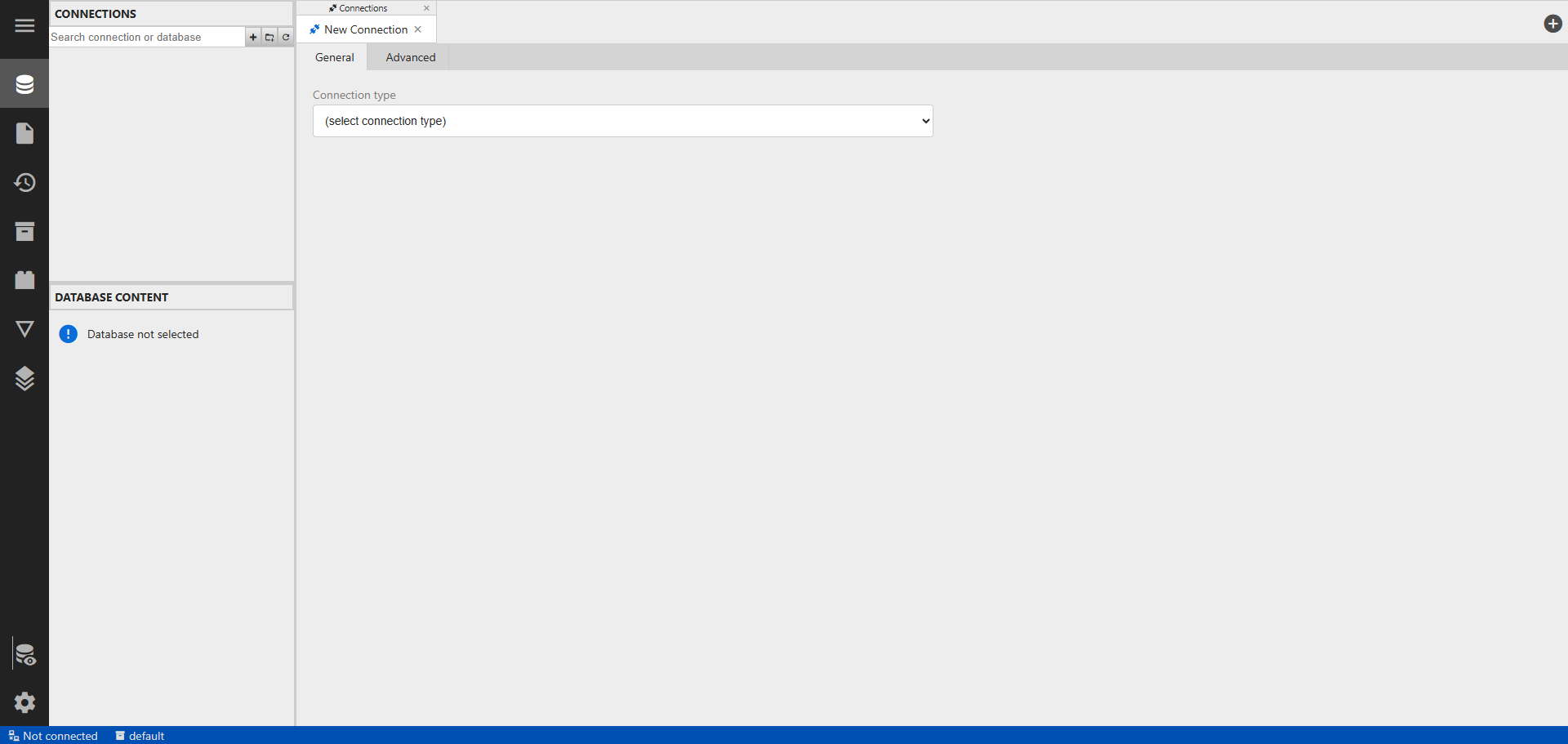
First, create a new connection.
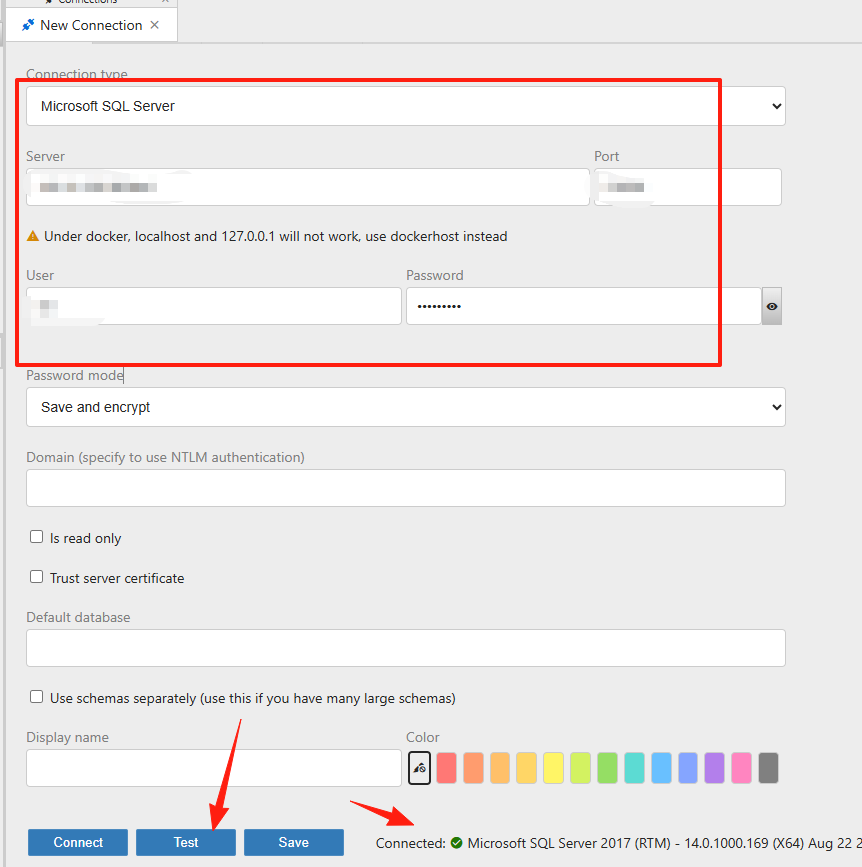
Fill in the database information and click "Test" to check connectivity.
If there are no issues, you can now see the database.
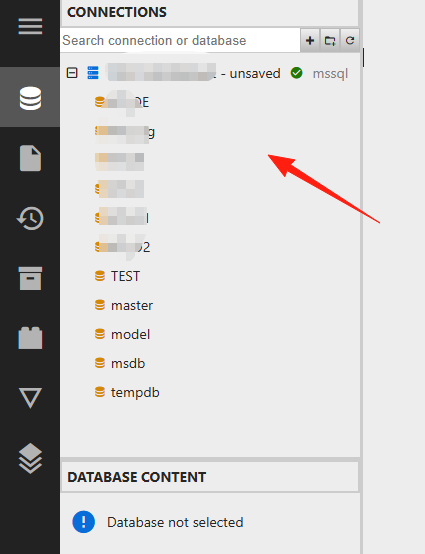
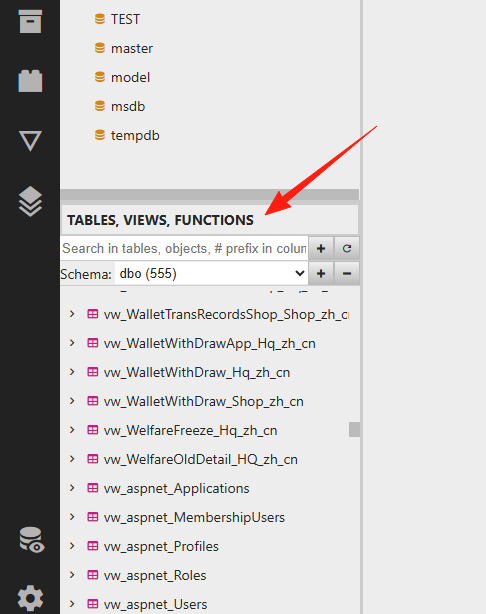
Click on a specific database, and the corresponding tables, views, and stored procedures will appear below.
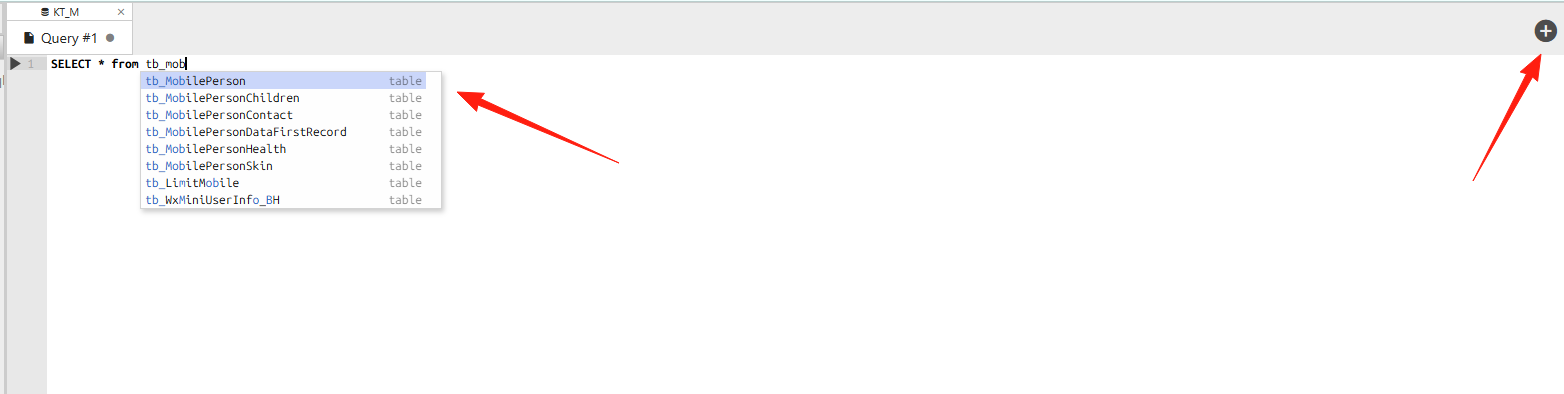
Click the "+" on the right to create a new query. Keyword hints are provided as you type.
- Syntax highlighting and auto-completion
- Multiple query windows can be opened simultaneously
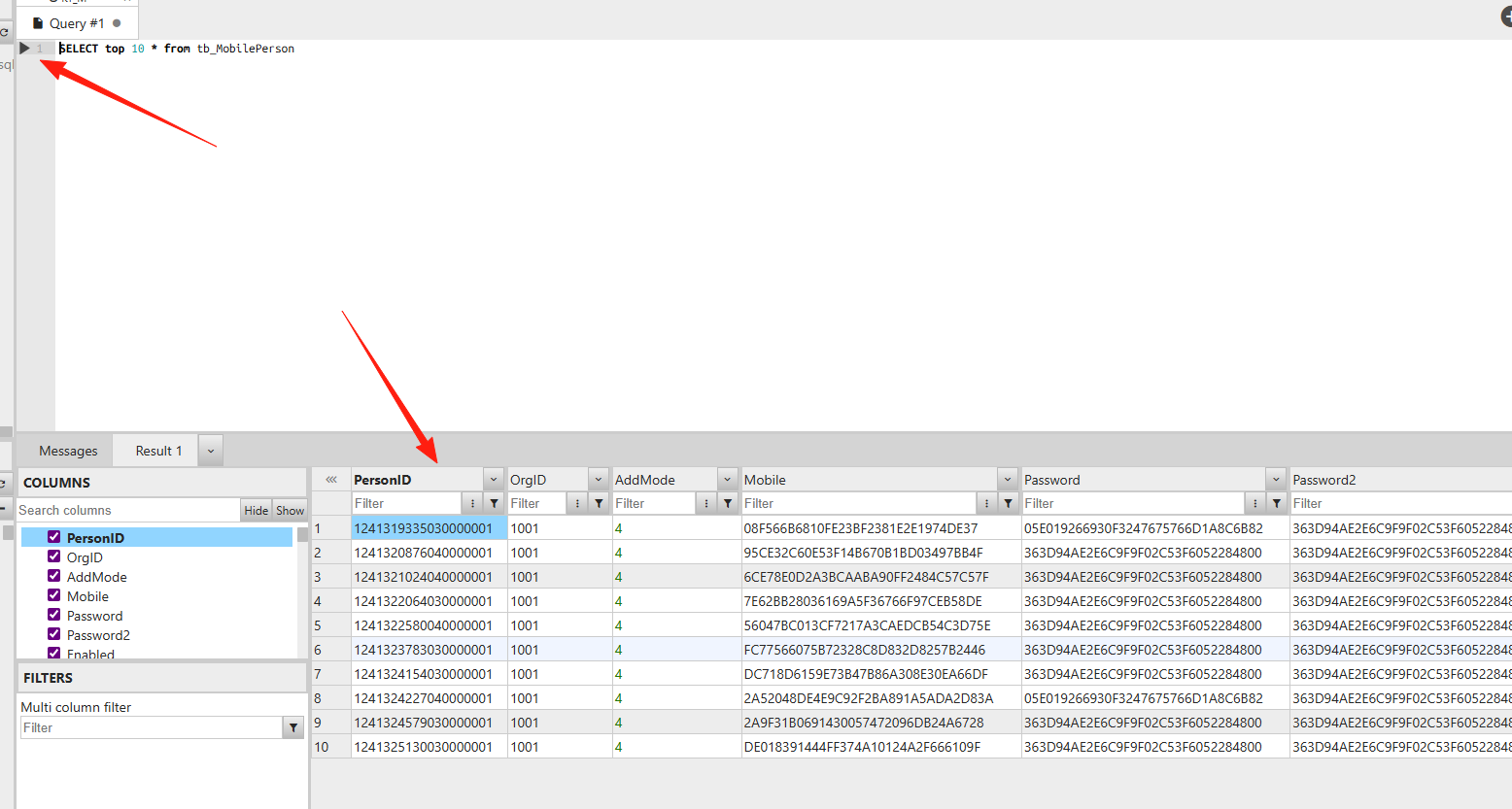
Data is displayed clearly in tables. Column widths adjust automatically when there are many columns. You can edit data directly within the table and save changes immediately.
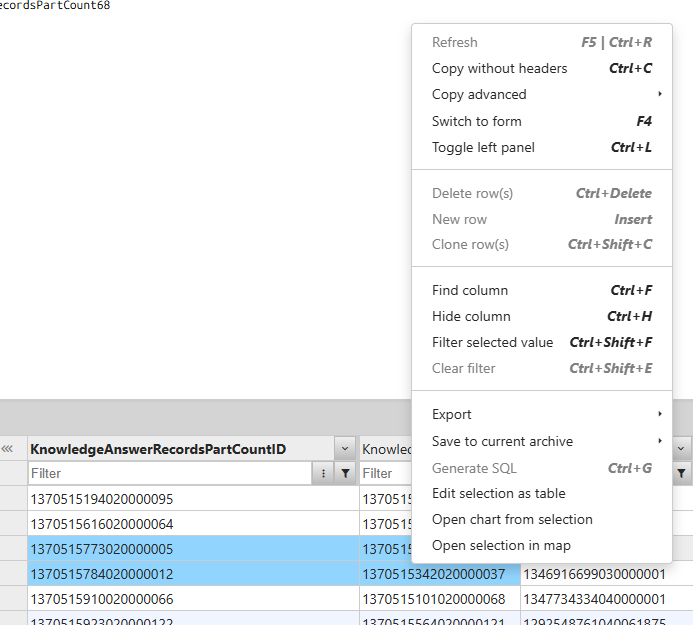
Right-click any data to quickly copy, export, or view details. This is much faster than writing SQL manually.
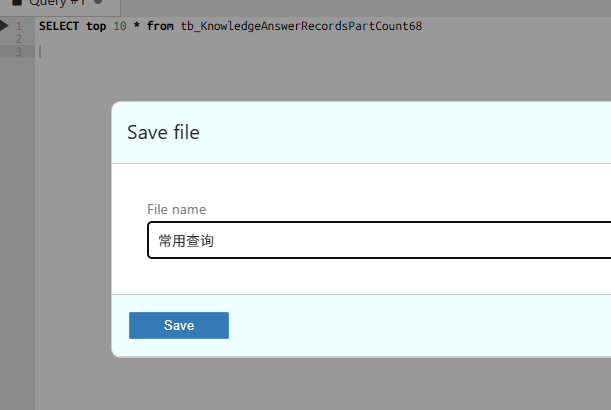
Frequently used statements can be saved.
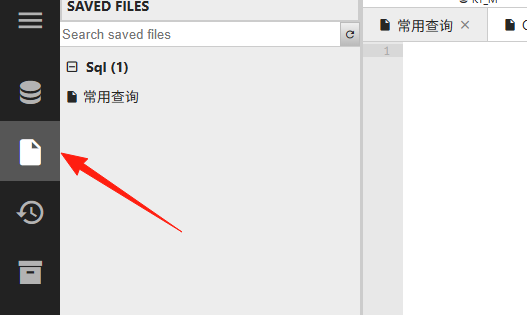
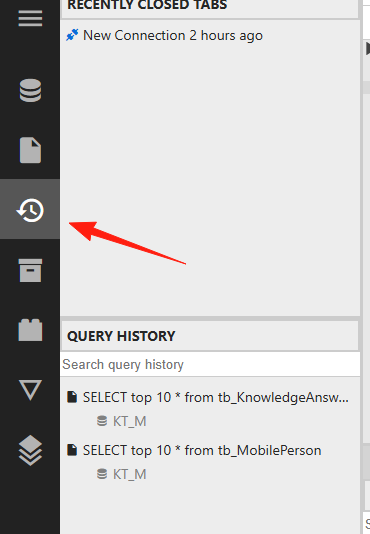
This section records historical query statements.
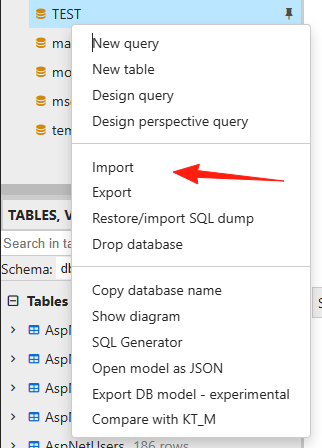
Data Import & Export
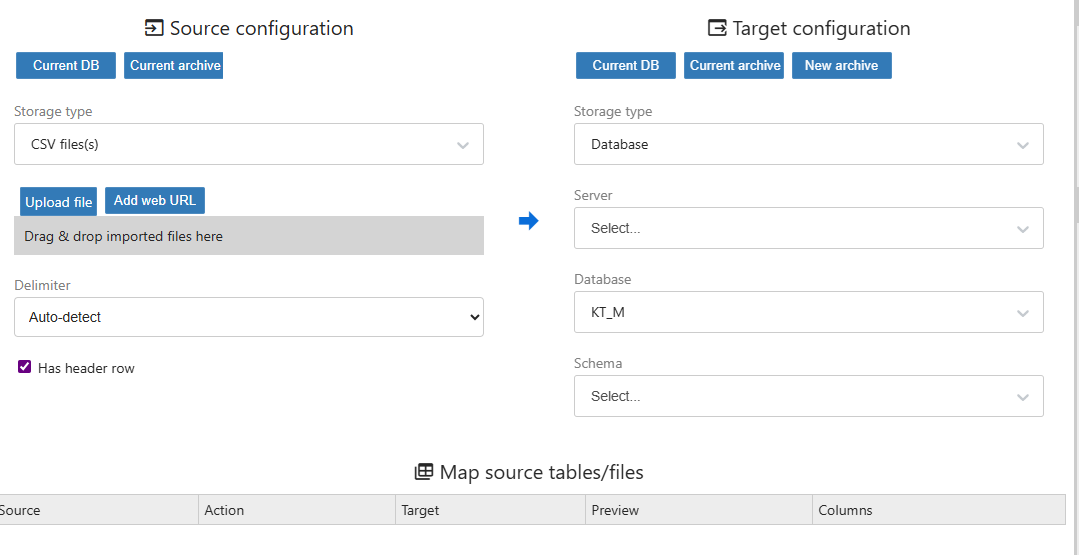
Supports a comprehensive range of formats: CSV, Excel, JSON, XML, DBF. The operation is straightforward: select the file, map the fields, and click import to complete.
Summary
DbGate is a promising database management tool. If you:
- Need a lightweight database client
- Frequently switch between different databases
Then DbGate is worth a try.
While it may not yet match established tools in terms of feature completeness and ecosystem, as a relatively young project, its development pace is impressively fast.