
ownCloud Practical Guide: Building Your Private Cloud Storage
What is ownCloud?
In simple terms, ownCloud is a self-managed cloud storage platform that allows users to store, share, and collaborate on files over the internet. It's like building your own Dropbox or Google Drive, but all data resides on your own server.
Imagine this: you have a computer or rent a cloud server. After installing ownCloud, it becomes your private cloud drive. You can access your files from anywhere, share them with friends, and even collaborate with multiple people on editing documents.
https://appstore.lazycat.cloud/#/shop/detail/owncloud.gutenye
How to Use
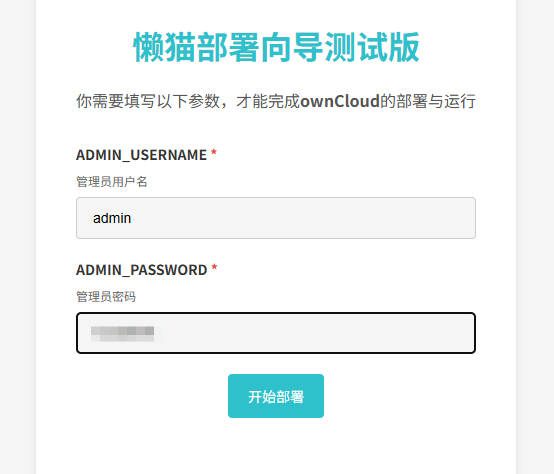
After the application is installed, first configure the username and password.
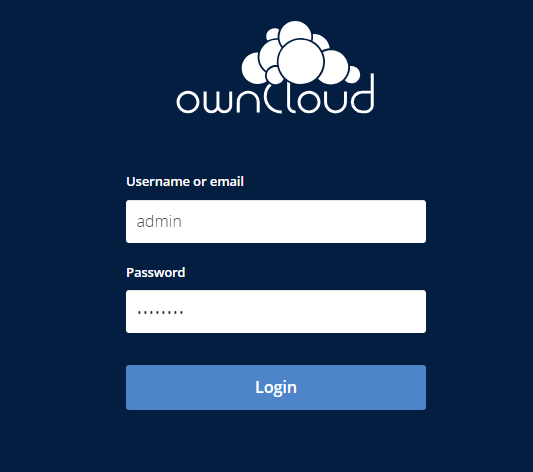
 Log in using the account you just created.
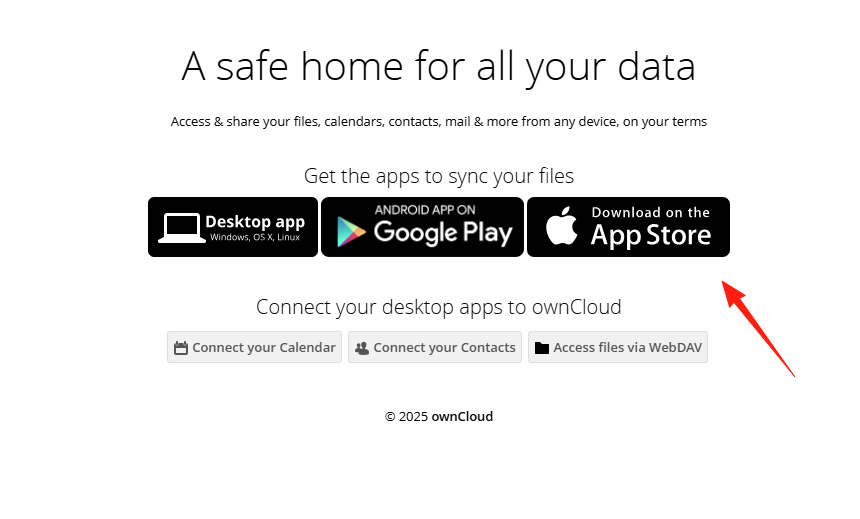
It supports clients on multiple platforms.
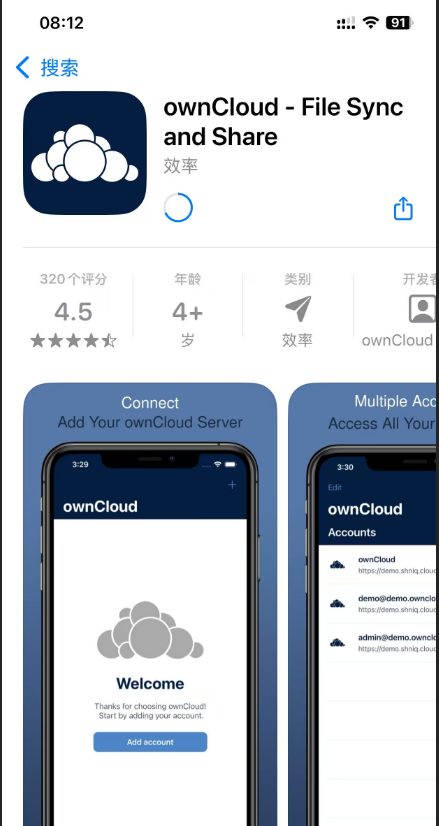
 This is the mobile client.
 Enter the main page.
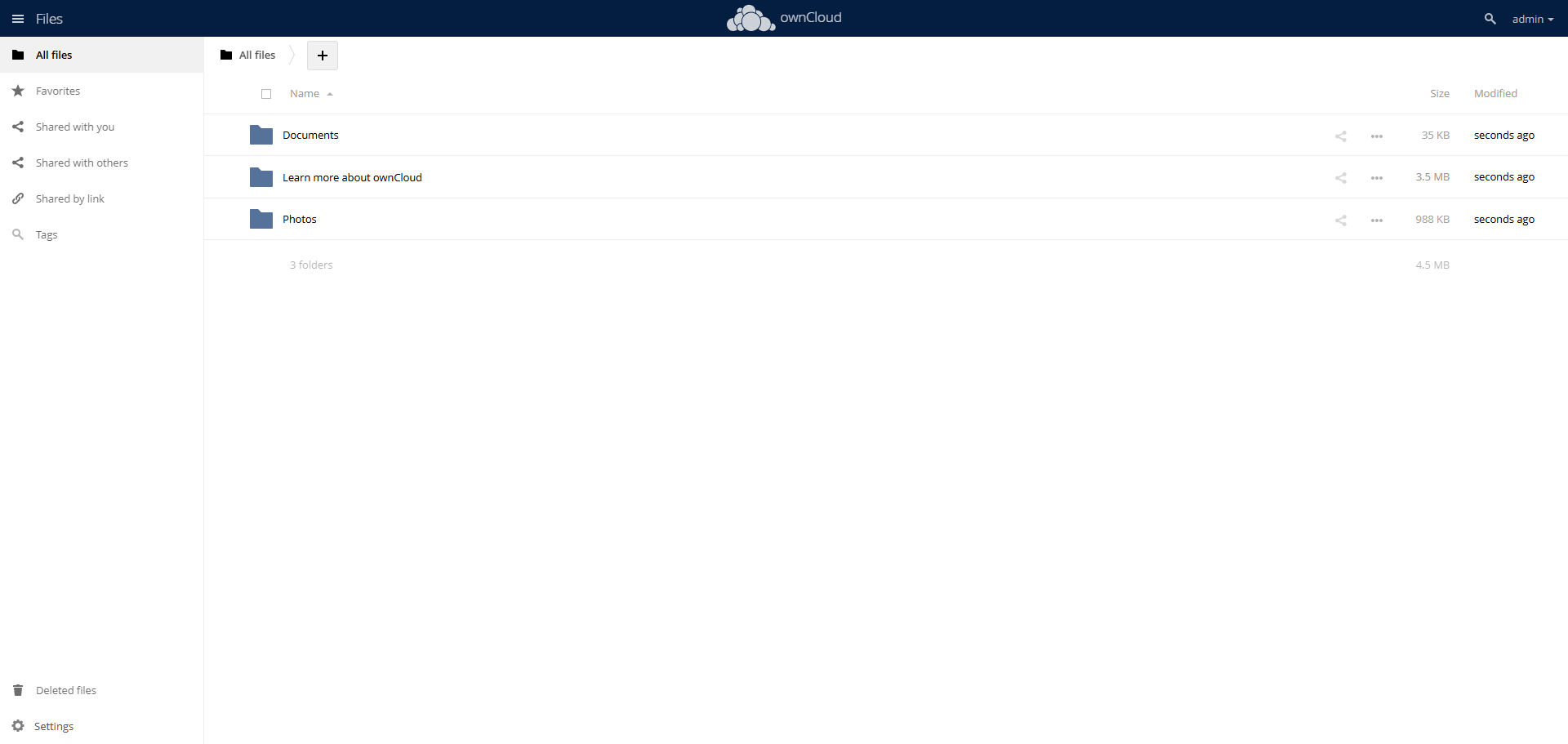
Click the username in the upper right corner and go to Settings.
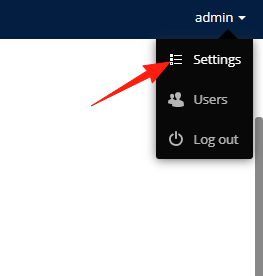
Change the language to Chinese.
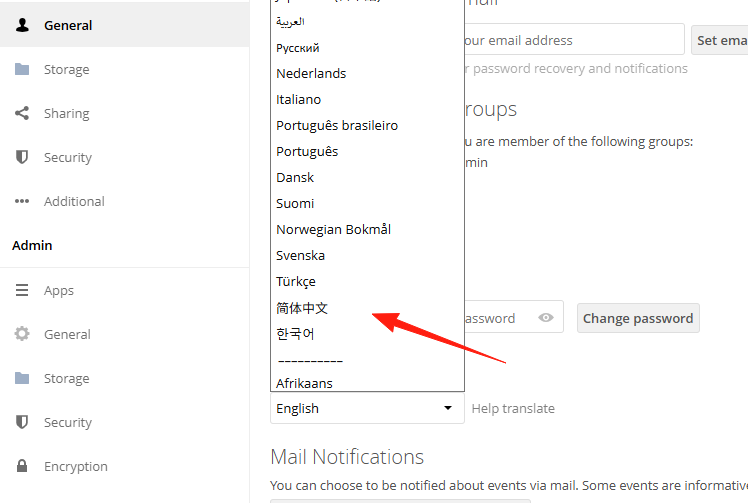
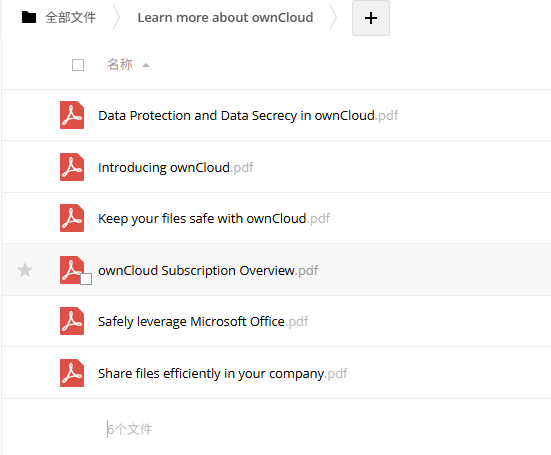
Go to Files. It has created three default folders for us: a Documents folder, a Photos folder for pictures. If you want to explore more features yourself, you can enter the second folder; the PDF inside explains more usage.
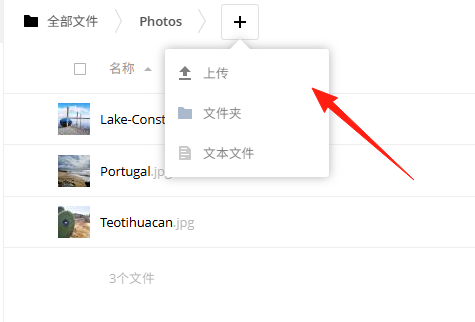
Click the + to upload files, folders, or documents.
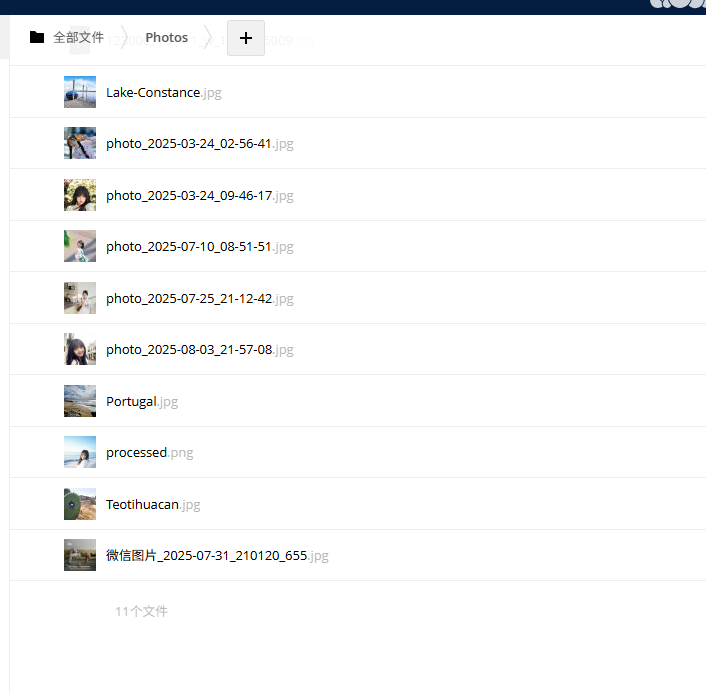
You can select multiple images in bulk for upload.
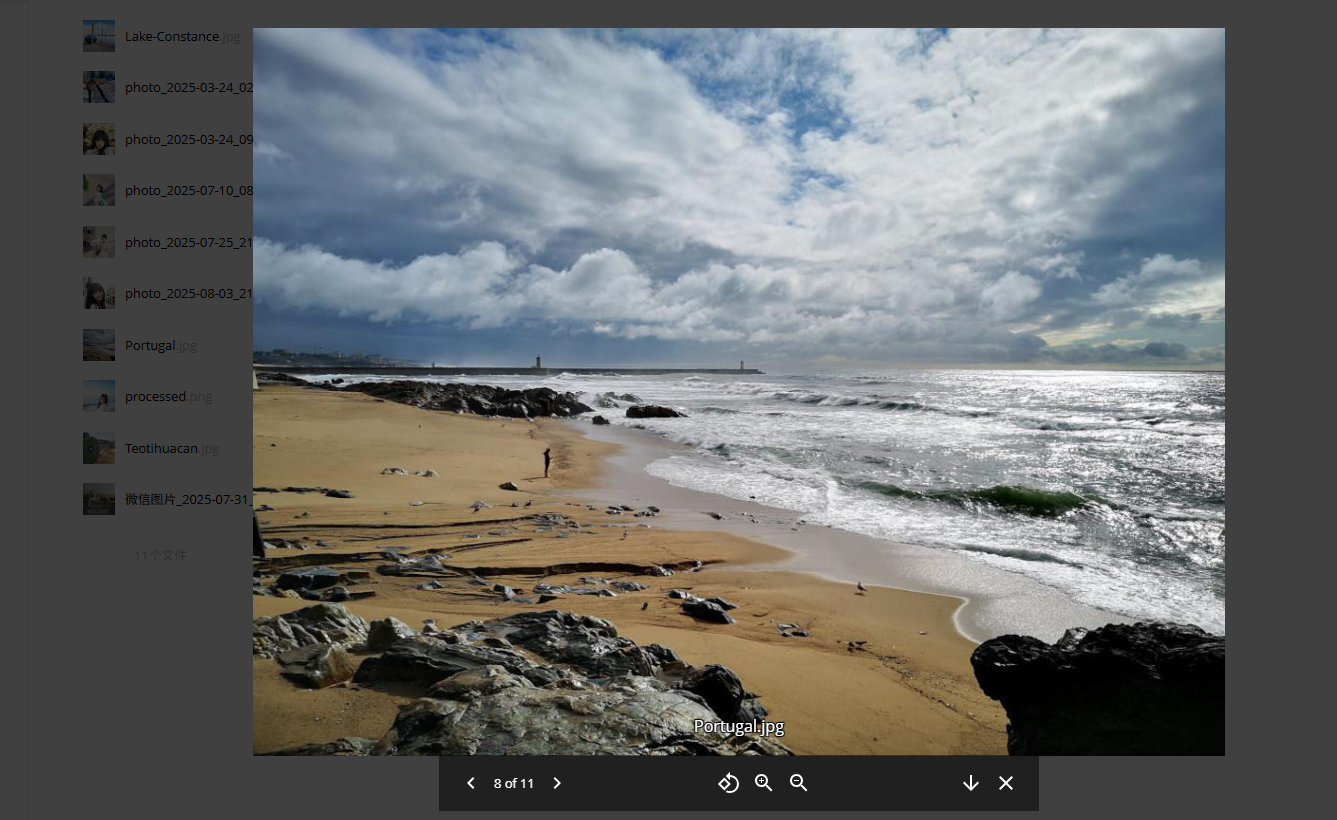
Supports online preview.
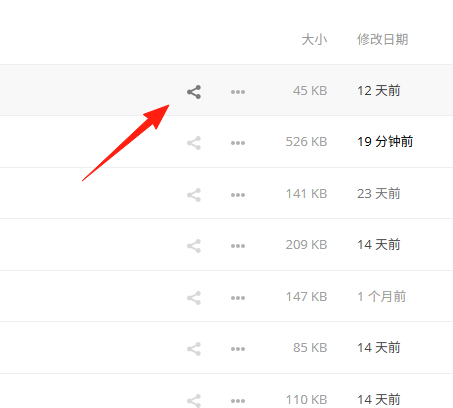
Click the share icon.
To allow external access, create a public link.
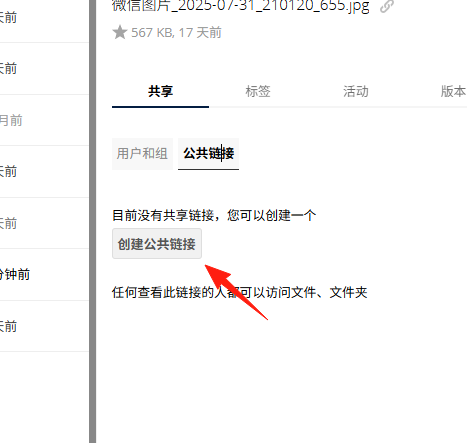
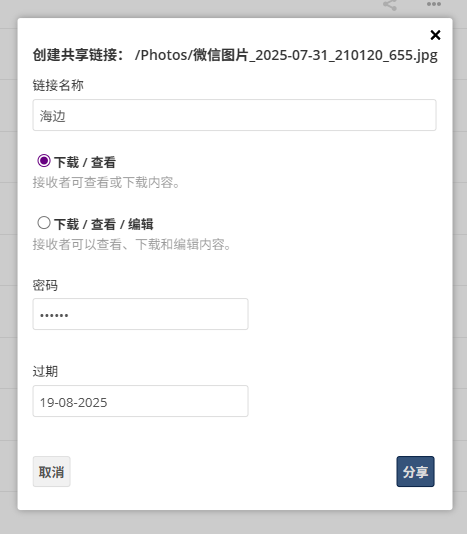
You can set permissions, passwords, and expiration dates.
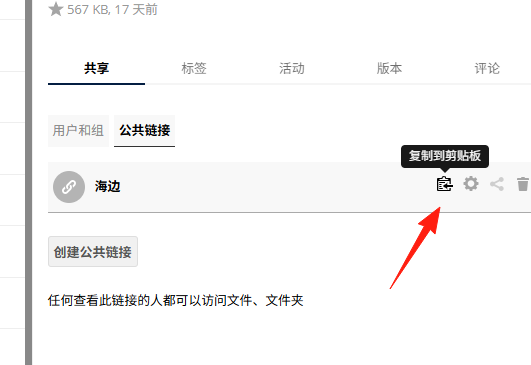
Then just copy this link and share it with others.
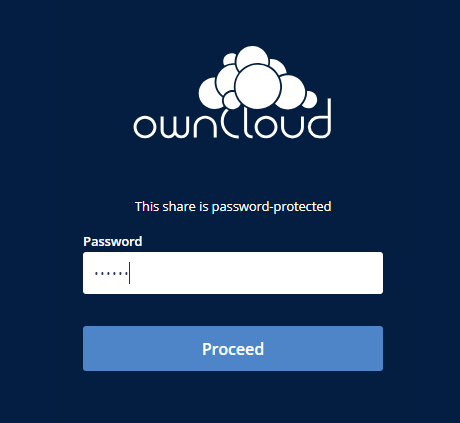
When others open the link, they need to enter the password.
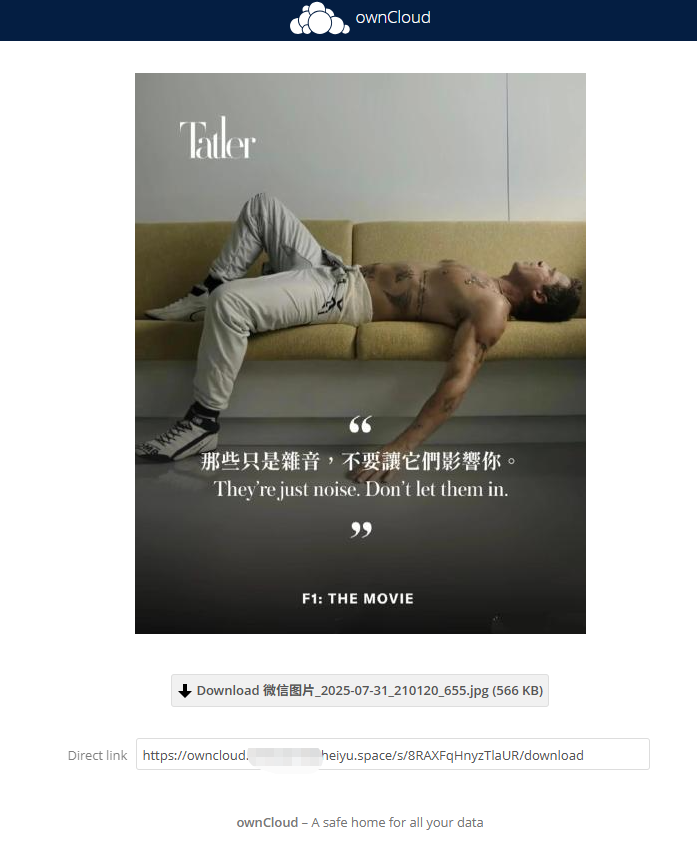
They can download the images.
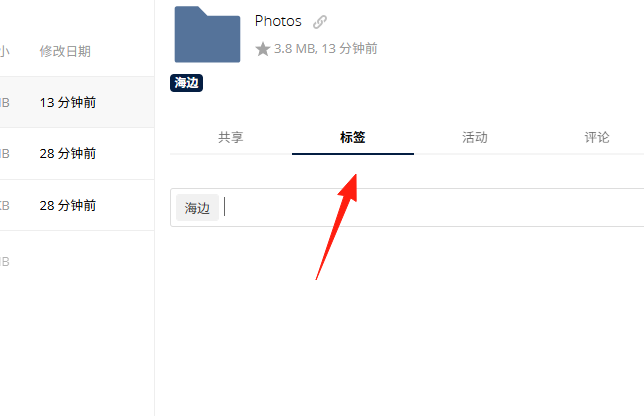
Files can be tagged for easier searching.
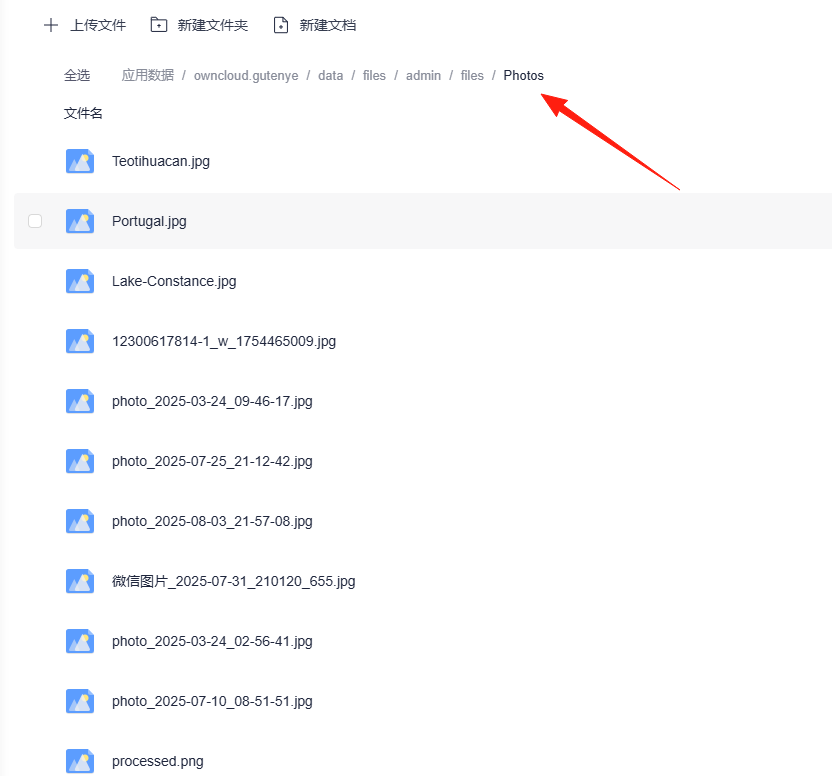
All uploaded files are located within the application directory; make sure to back them up promptly.
Summary
ownCloud is a reliable private cloud solution. Although it requires some time to set up, once configured, it's very convenient.
Most importantly, your data is completely under your control, so you don't have to worry about privacy leaks or the service provider shutting down.