
Grist Practical Guide: Making Data Management Simple and Fun
What is Grist?
In simple terms, Grist combines the best of spreadsheets and databases. It merges the simplicity and ease-of-use of spreadsheets with the powerful functionality of databases, allowing you to handle complex data relationships without needing to learn complicated SQL.
Imagine this: You can create tables just like you would in Excel, but you can also set up relationships between tables, just like in a professional database. This is the charm of Grist.
https://appstore.lazycat.cloud/#/shop/detail/in.zhaoj.grist
Practical Guide
After the application is installed, open it to access the home page.
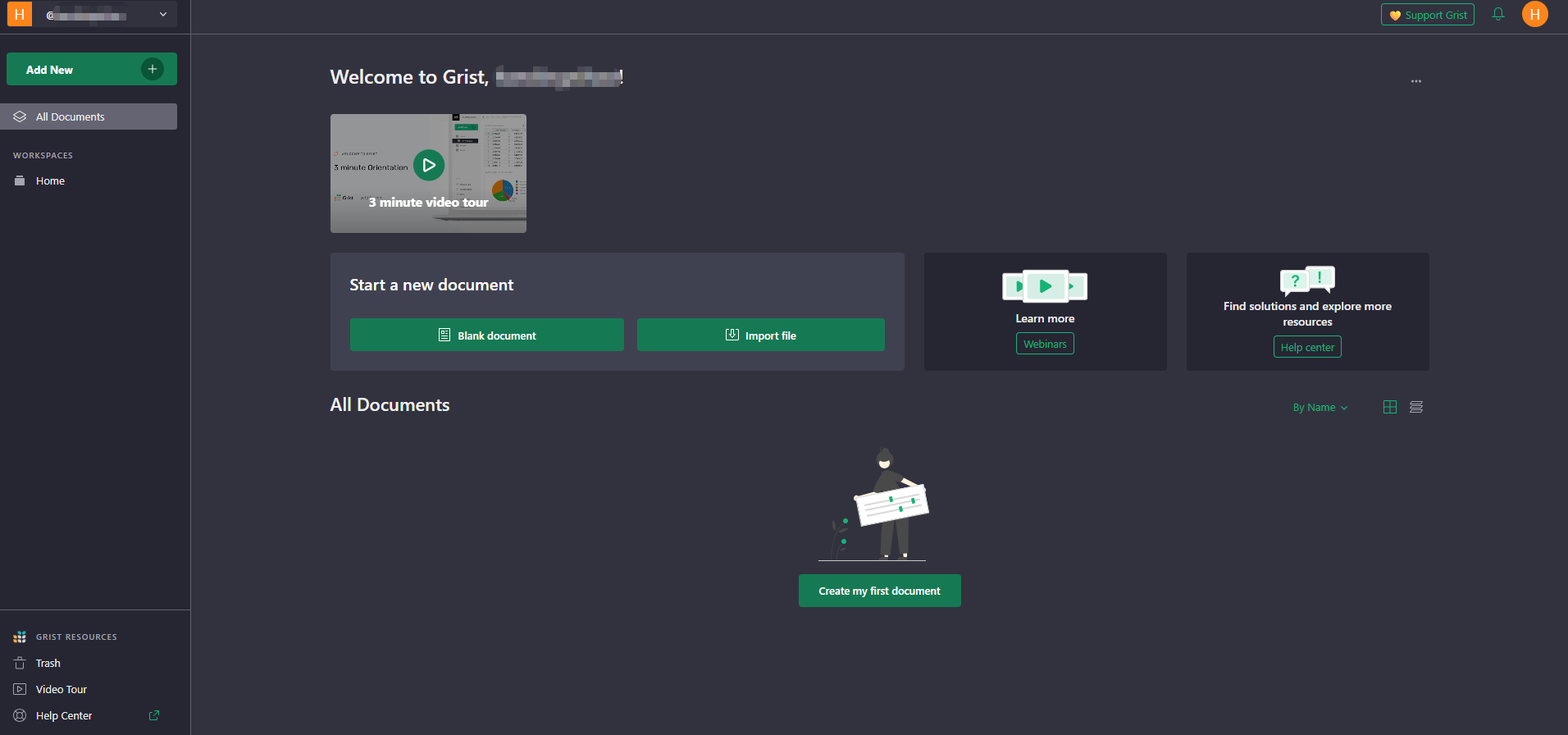
Create Your First Project
Suppose you want to manage personal finances. Here are the specific steps:
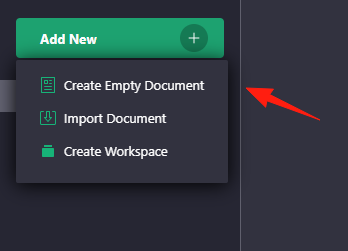
Create Basic Tables
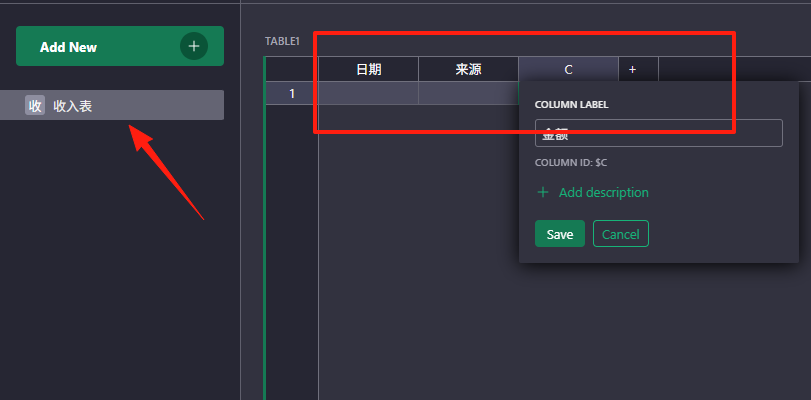
Income Table:
- Date | Source | Amount | Type
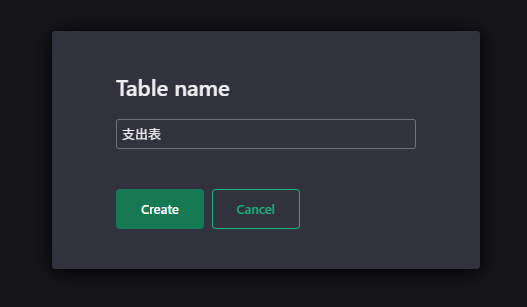
Expense Table:
- Date | Item | Amount | Category
Set Up Formula Calculations
In Grist, formulas are super simple. Want to calculate total income? Just enter directly in a cell:
=SUM(Income Table.Amount)
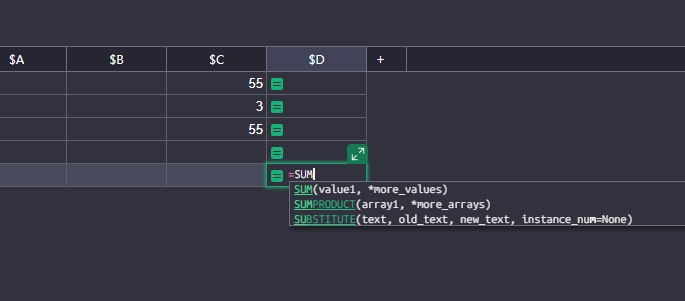
Want monthly statistics? Use this:
=SUMIF(Income Table.Date, MONTH($Date)==Current Month, Income Table.Amount)
Create a Dashboard
This is Grist's killer feature! You can:
- Add charts to display income and expense trends
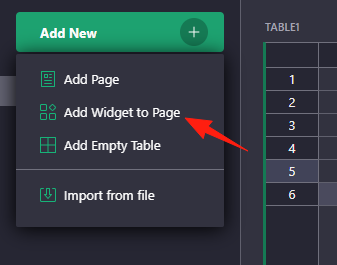
- Set up various widgets to display key data
- Create personalized data panels
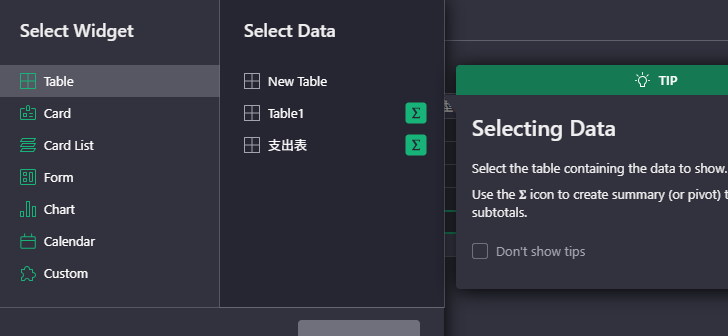
This is the most powerful part of Grist! You can write Python code in formulas:
# Calculate compound growth rate
def calculate_growth(start_value, end_value, periods):
    return ((end_value / start_value) ** (1/periods) - 1) * 100

return calculate_growth($Start_Amount, $End_Amount, $Months)
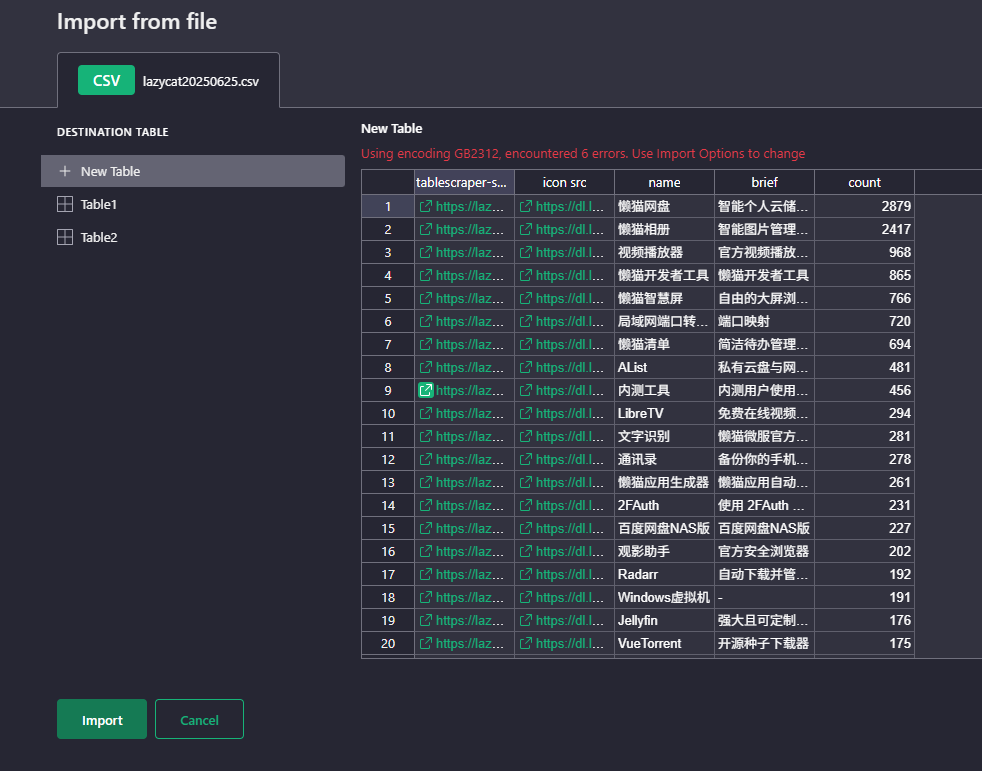
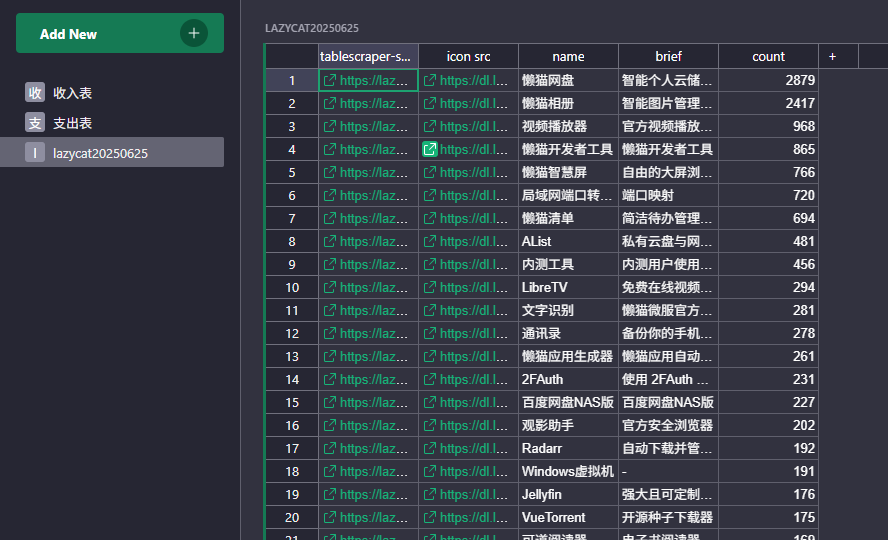
Supports importing your own data.
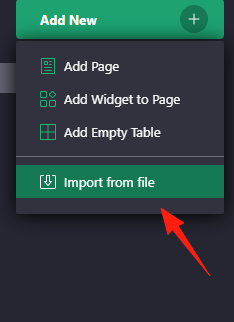
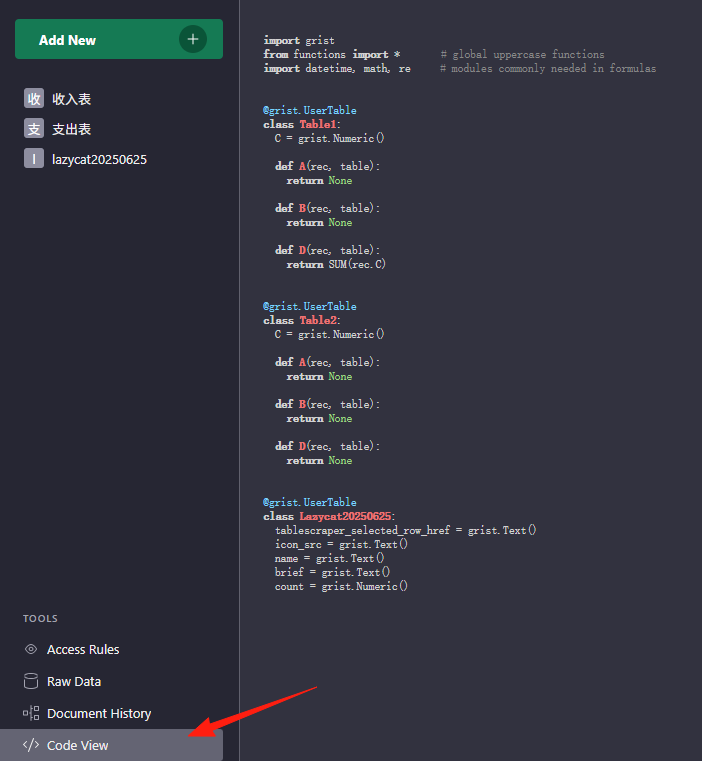
Switch to view the code view mode.
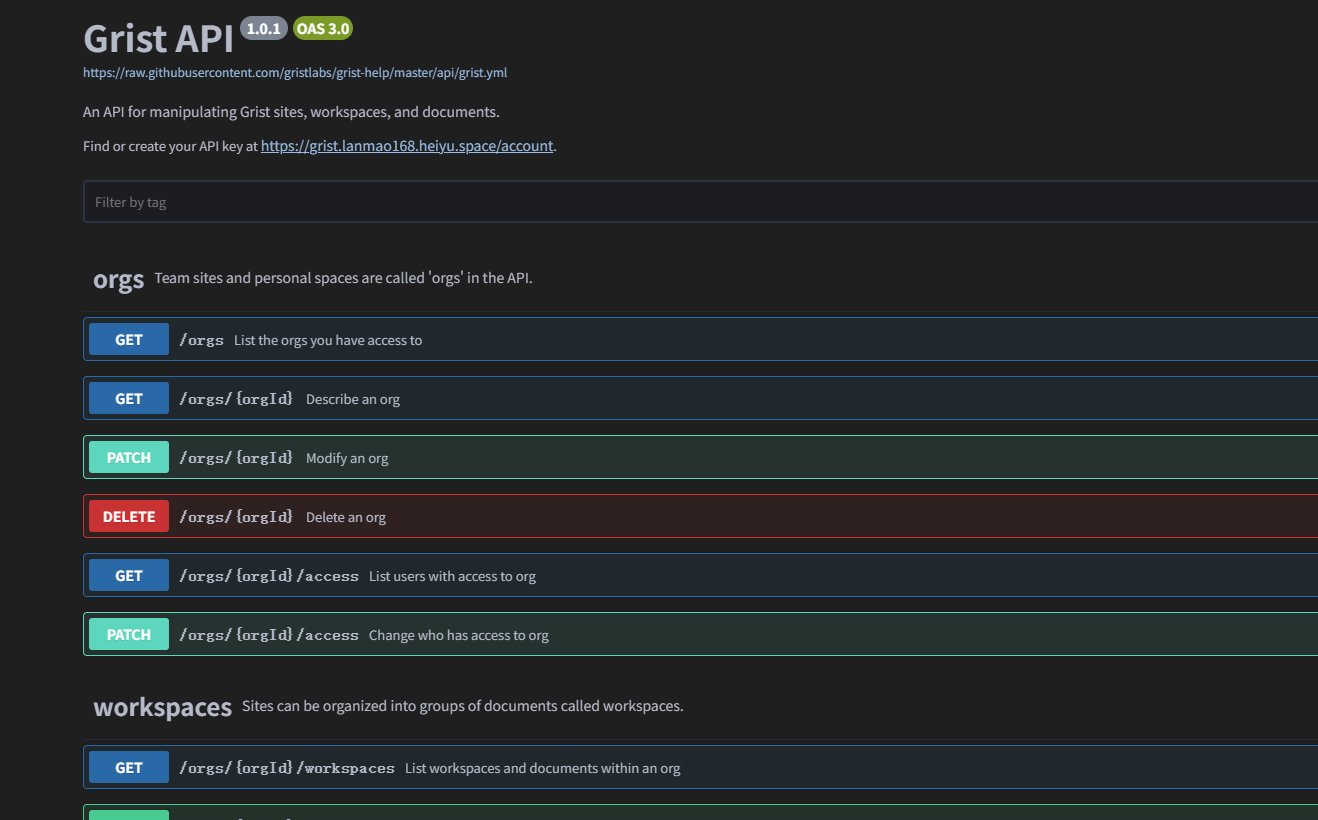
For those with development skills, you can directly use its API to connect data.
Summary
Grist is truly a treasure trove of a tool, especially suitable for:
- Individual users who don't want to spend money on expensive software
- Small teams that need flexible data management
- Friends who want to learn some technology but don't want to deal with complex programming
Most importantly, don't be afraid to experiment! Grist's learning curve really isn't steep; you can get the hang of it over a weekend.
Grist's design philosophy is to make data management simple and intuitive.
So, don't be intimidated by all the complex features. Start with the simplest ones, and you'll gradually discover its power.