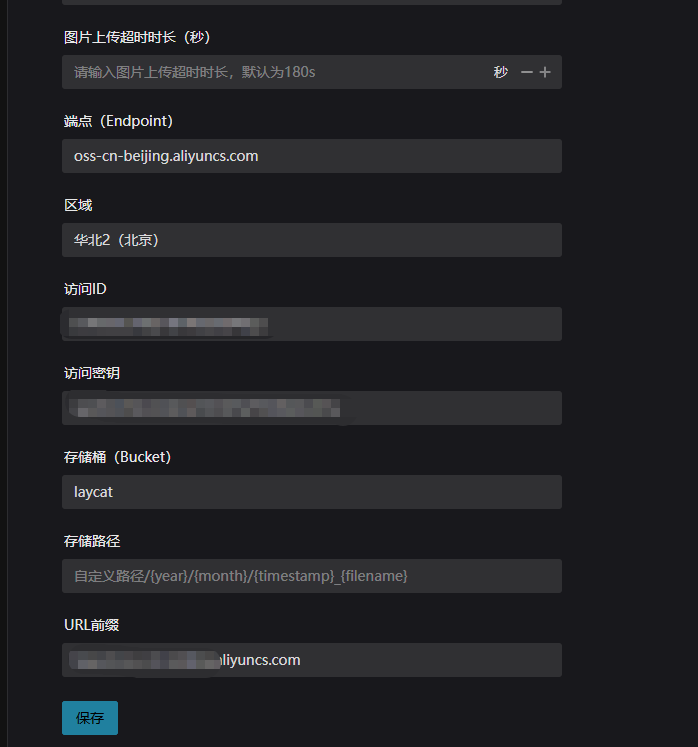
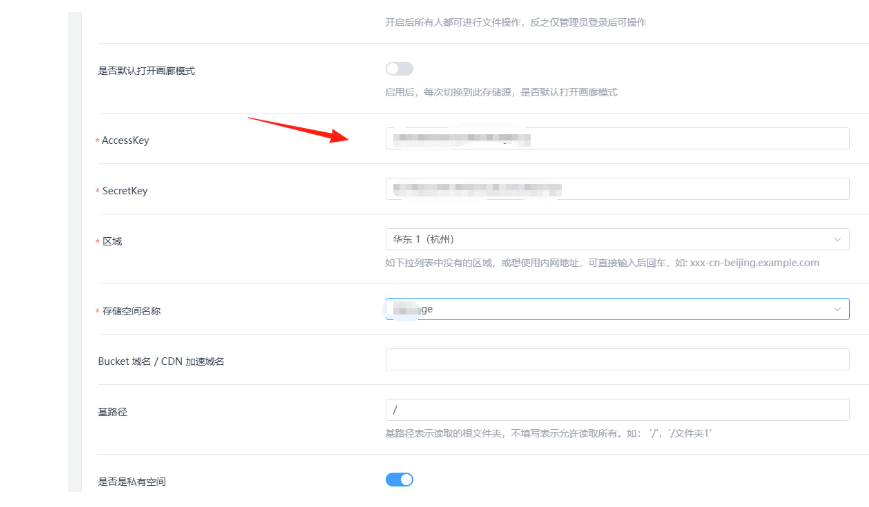
How to Configure S3-Compatible Cloud Storage Such as Alibaba Cloud OSS
In the Lazycat Store applications, some apps that involve image storage require connecting to cloud storage services like S3 or Alibaba Cloud OSS. Examples include Moment, ZFile, and others.
https://appstore.lazycat.cloud/#/shop/detail/app.tx1ee.moment
https://appstore.lazycat.cloud/#/shop/detail/cloud.lazycat.app.zfile
This guide explains how to locate these configurations. Using Alibaba Cloud as an example:
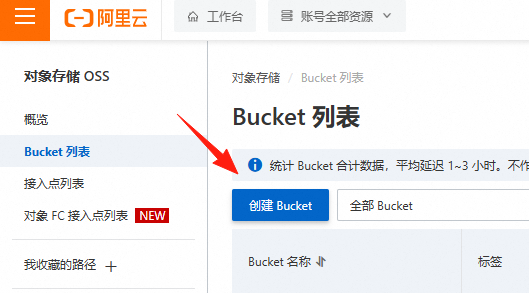
Go to the Alibaba Cloud console, Object Storage Service (OSS) https://oss.console.aliyun.com/bucket
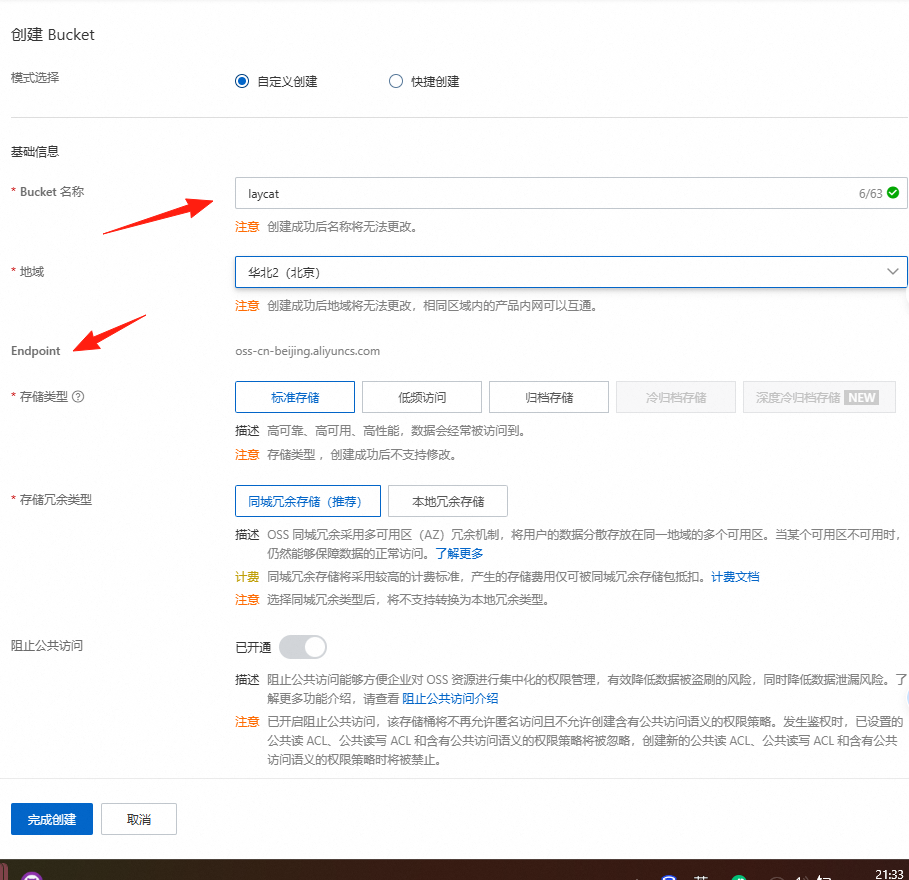
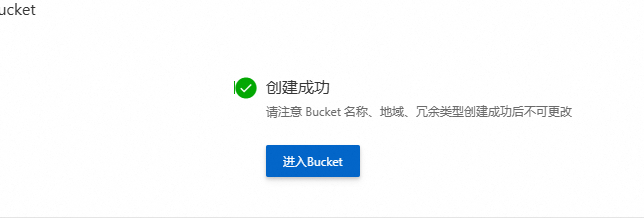
Create a bucket
Remember this EndPoint, for example: oss-cn-beijing.aliyuncs.com
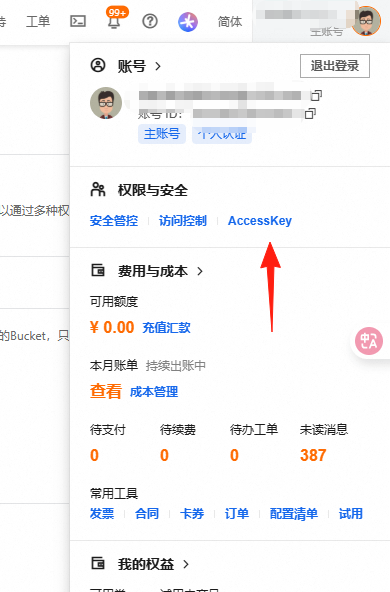
Click on the avatar in the top right corner and select "AccessKey Management".
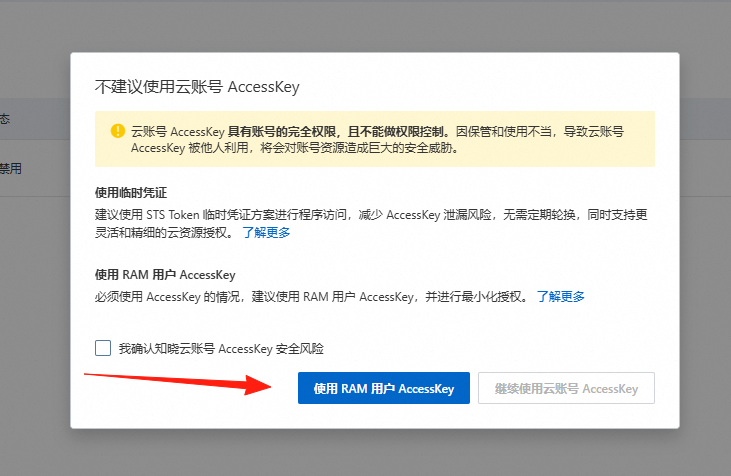
 You can create an AccessKey here. It is strongly recommended not to use the root account's AccessKey, but instead create a dedicated RAM user for the Moment application.
 After creation, the AccessKey ID and Secret Key are only visible during creation. Please be sure to save them securely.
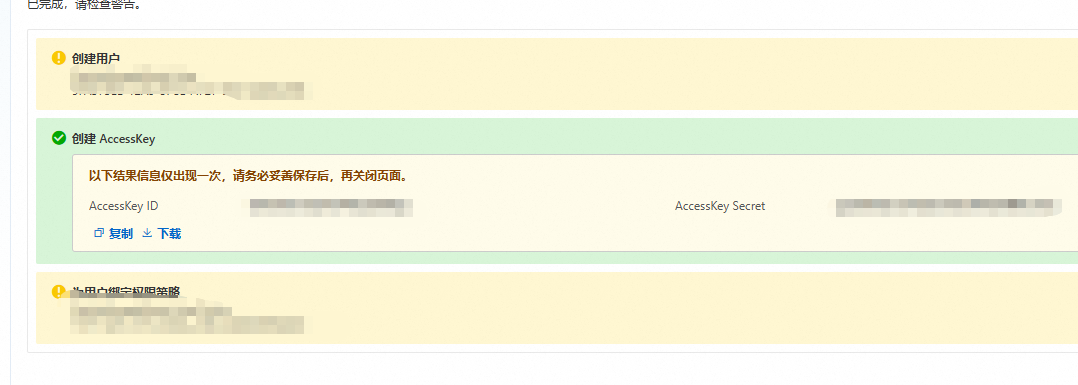
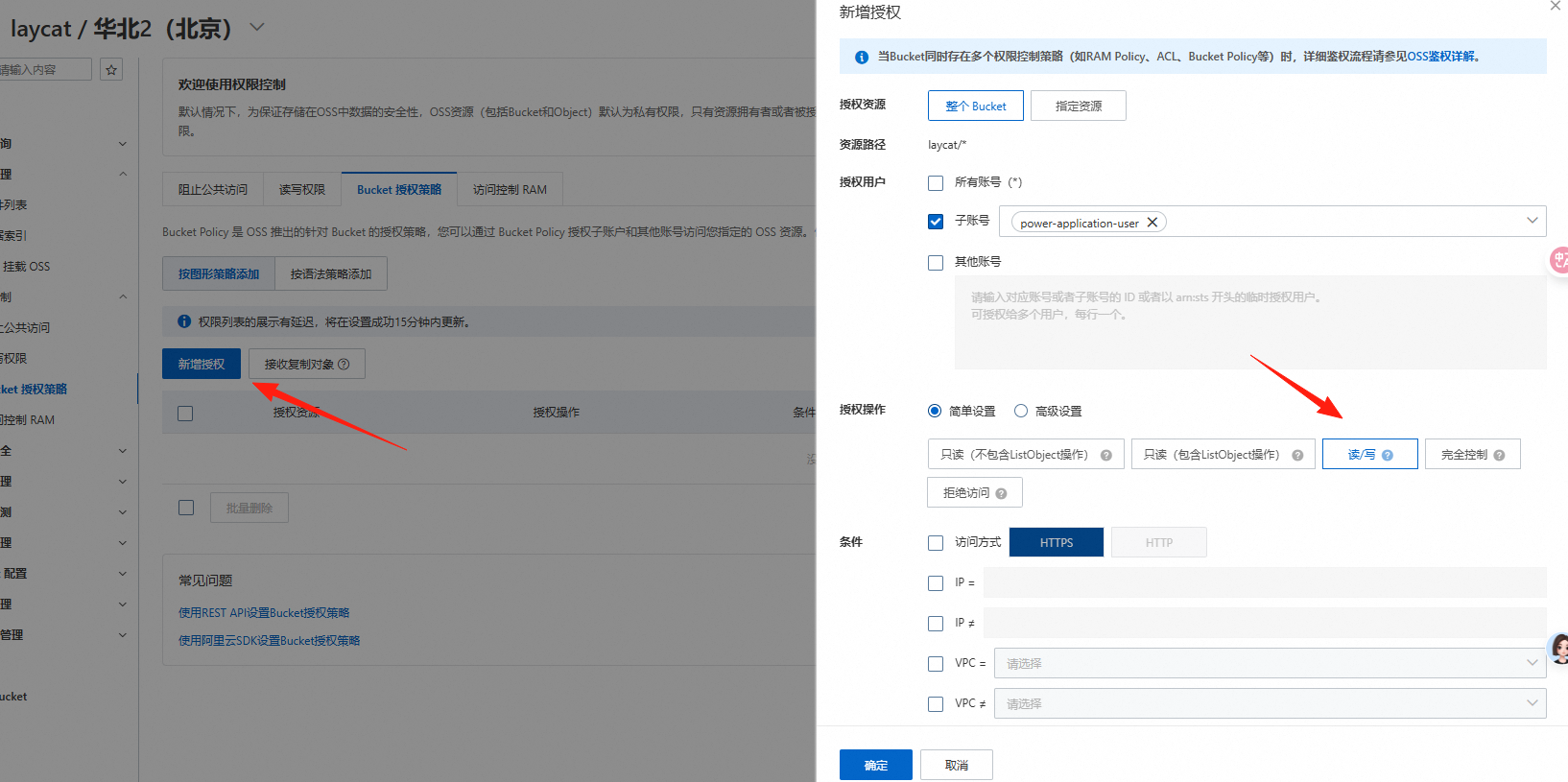
Grant it read-only and write-only permissions for enhanced security.
Now all the required configurations are obtained and can be filled into the relevant fields.