
Dnote: A Command-line Note-taking Tool for Programmers
Today I want to share an incredibly practical tool with everyone—Dnote. Let's skip the fancy concepts and get straight to the point: it's a tool that lets you take notes directly in your terminal, making it especially suitable for those of us who code all day.
Why Use Dnote?
Do you ever face these frustrations?
- While coding, you suddenly think of a key point to remember, but opening a separate notes app breaks your flow.
- You've bookmarked countless code snippets, but can never find the right one when you need it.
- You're working on a server and need to note something down, forcing you to switch contexts.
Dnote was born to solve these exact pain points. It's a command-line note-taking tool designed specifically for programmers, allowing you to quickly record and retrieve information without ever leaving the terminal.
https://appstore.lazycat.cloud/#/shop/detail/xyz.mxue.dnote
Usage Guide
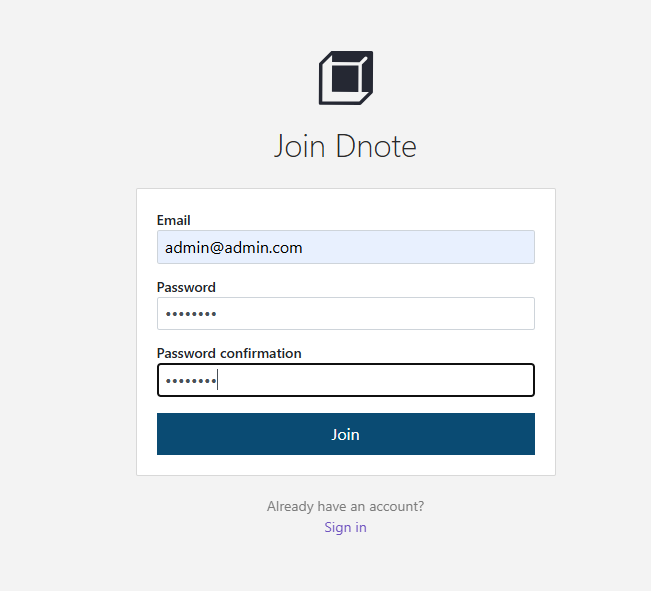
After installing the app, you first need to register a user.
 After logging in, you will enter the homepage.
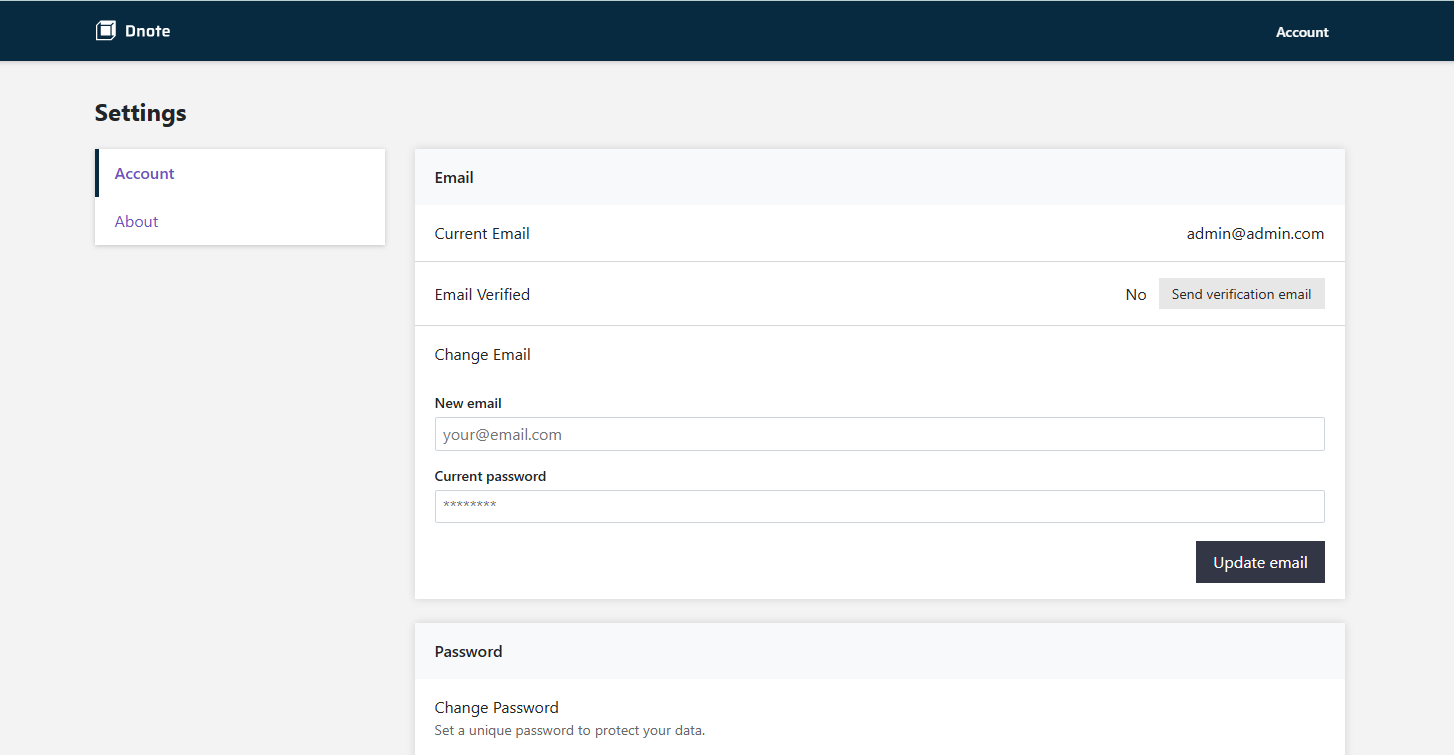
At this point, you effectively have a server. Open your command-line tool and SSH into Lanmao.
First, execute the command: curl -s https://www.getdnote.com/install | sh
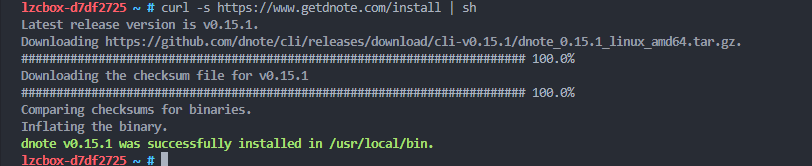
After running the CLI for the first time, a configuration file is generated at ~/.config/dnote/dnoterc.
The default configuration file information is as follows:
editor: nvim
apiEndpoint: https://api.getdnote.com
You need to change apiEndpoint: https://api.getdnote.com to apiEndpoint: https://dnote.device-name.heiyu.space/api
 Create a notebook named "Work"
dnote add Work
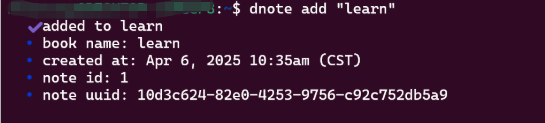
Quickly record code snippets
# Record a useful command
dnote add linux "Check port usage: netstat -tlnp | grep :8080"

# Record multi-line content
dnote add react "
Basic useState usage:
const [count, setCount] = useState(0);
setCount(count + 1);
"
View all notebooks
dnote ls
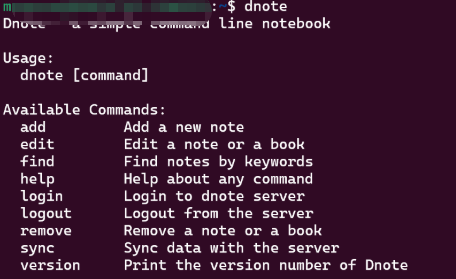 This will display all your notebooks and the number of notes in each one.
Dnote supports full-text search. When you accumulate many notes, this feature becomes a lifesaver.
# Search all notes containing "docker"
dnote find docker

# Search for multiple keywords
dnote find "react hooks"
Delete a Note
# Delete the 2nd note in the 'linux' notebook
dnote remove linux 2
Summary
Dnote is a simple and practical tool. It doesn't interrupt your workflow, allowing you to stay focused on programming itself. While its features aren't overly complex, they effectively address real pain points faced by programmers.