
Yopass Guide: The Ultimate Tool for Secure Password Sharing
What Exactly is Yopass?
Yopass is an open-source project specifically designed for quickly and securely sharing confidential information. Its sole purpose is to reduce the circulation of passwords across various ticketing systems, Slack messages, and emails.
Simply put, it's a "burn-after-reading" tool for sharing passwords. You paste your sensitive information into it, and it generates a link for you. Once the recipient clicks the link and views the content, the link becomes permanently invalid.
Core Features
- End-to-End Encryption: Information is encrypted/decrypted locally in the browser; the server cannot see the plaintext content.
- One-Time Viewing: Links can only be opened once and disappear after being viewed.
- Automatic Expiration: Information is automatically deleted after the set time period, even if it hasn't been viewed.
- No Registration Required: No need to create an account; ready to use out-of-the-box.
- File Support: Capable of sharing not just text but also uploading small files.
https://appstore.lazycat.cloud/#/shop/detail/in.zhaoj.yopass
Getting Started Guide
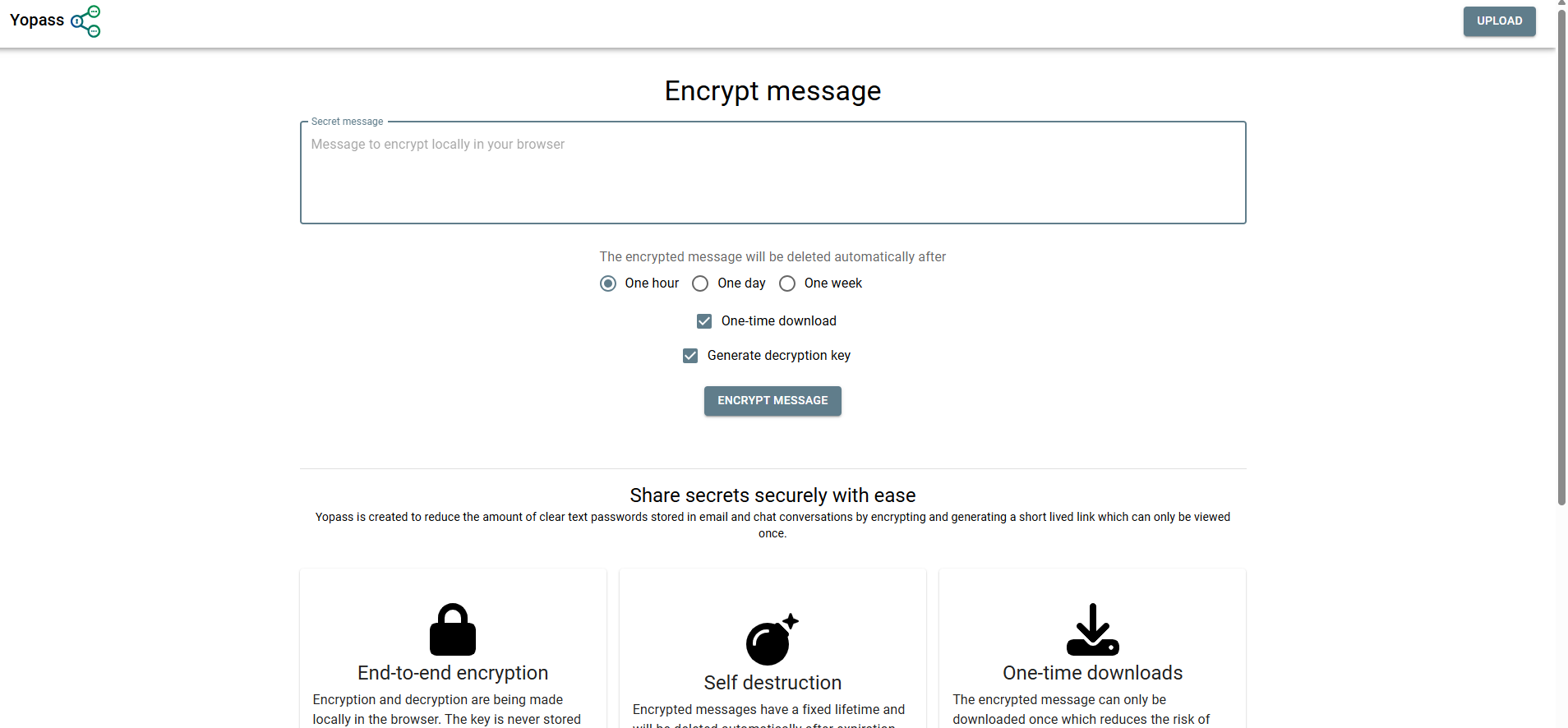
After installing the application, open the home page.
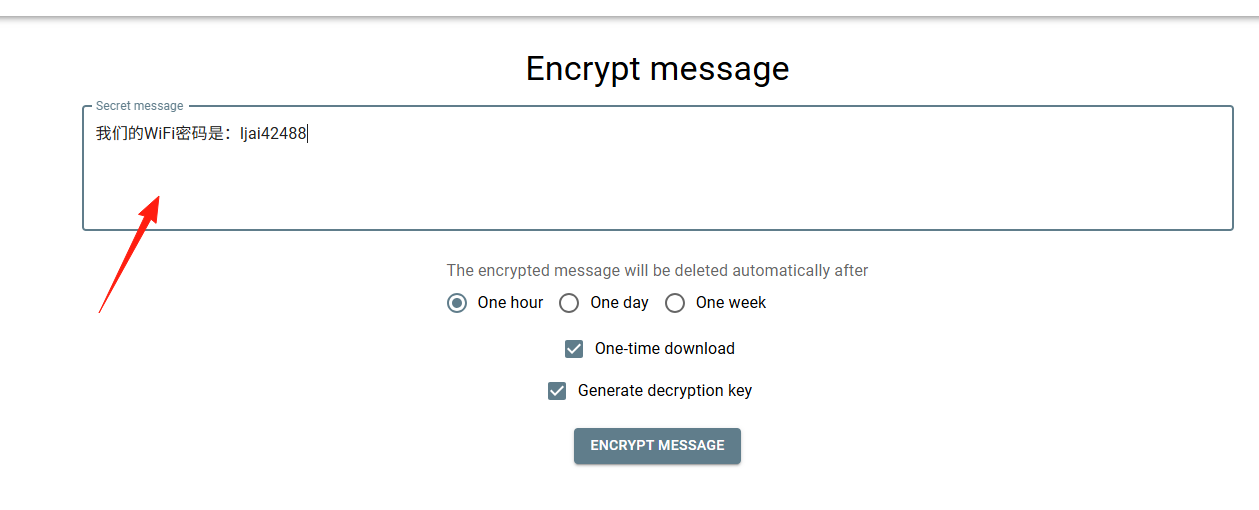
Enter the content to share: Input your password, API key, or other sensitive information into the text box.
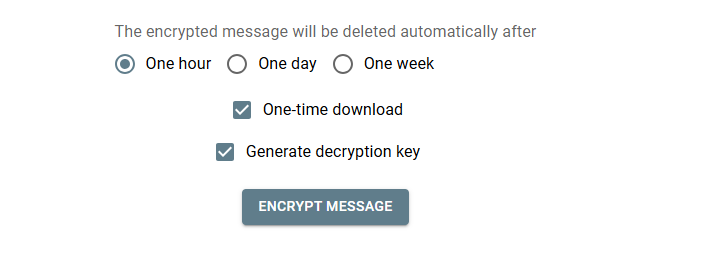
Set expiration time: Choose 1 hour, 1 day, or 1 week (it's recommended to select the shortest possible duration).
Generate link: Click "Encrypt Message", and the system will generate a unique link.
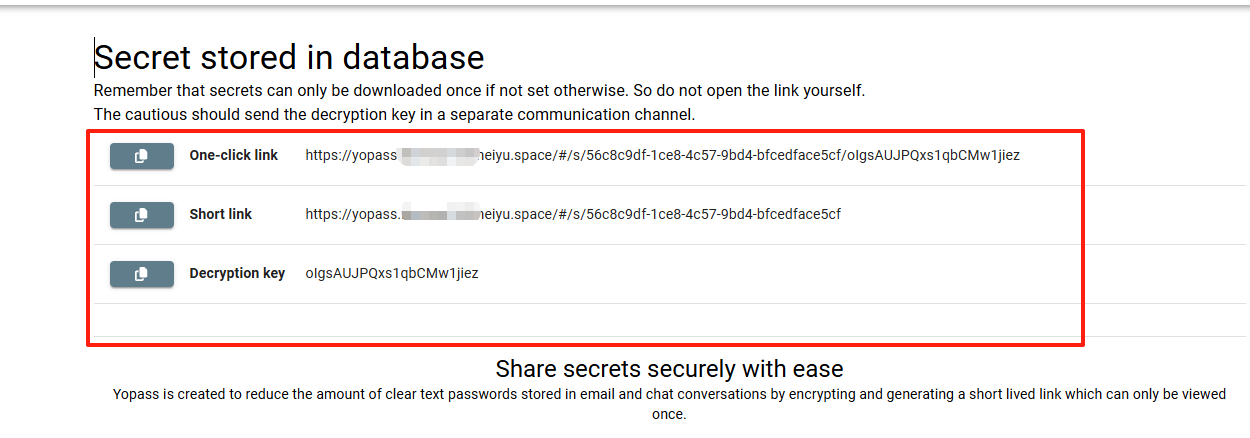
Share the link: Send the link to the recipient via another channel (e.g., SMS, phone call).
Enter the decryption password.
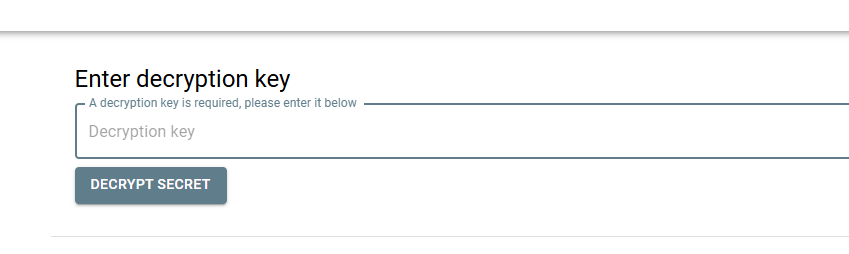
Important Reminder: Never send the generated link and the contextual information in the same place! For example, if you need to share a database password, do not write "This is the production database password" and paste the link in the same email.
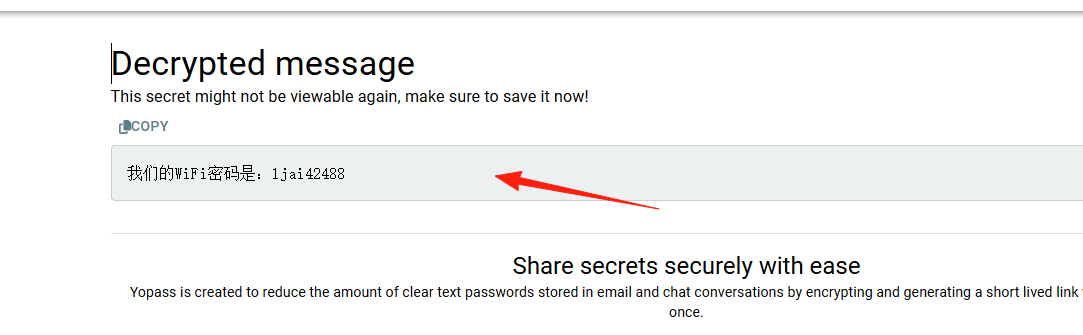
File Sharing
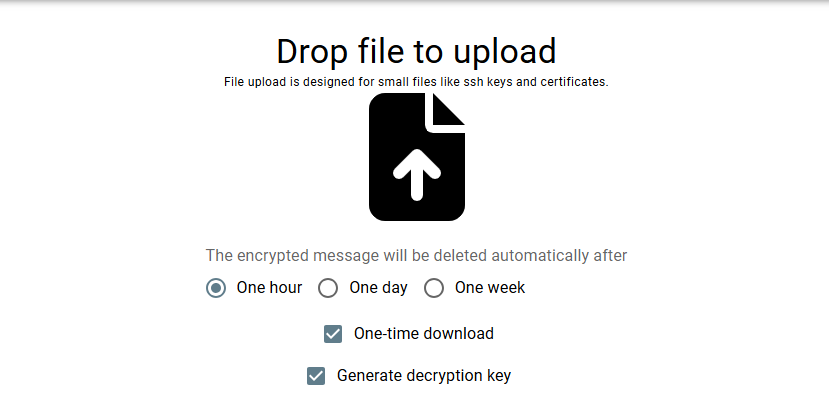
Yopass supports limited file upload functionality:
- Suitable for sharing small configuration files, certificate files, etc.
- Do not upload excessively large files (there is a size limit).
- Similarly, it's for one-time viewing; files are deleted after download.
Encryption and decryption are both performed locally in the browser. The server cannot see the plaintext content, and there is no mapping relationship between user IDs and encrypted information.
Expired links cannot be recovered. This is by design for Yopass – information is permanently deleted once it expires or is viewed.
Summary
Yopass is a very practical tool for sharing passwords, especially suitable for:
- IT personnel who frequently need to share temporary passwords.
- Individual users who prioritize information security.