
PlaylistDL: A One-Click Tool for Downloading Music from Spotify and YouTube
Do you ever face this dilemma: you come across a favorite playlist on Spotify and want to download it locally, but don't want to pay for a subscription? Or you discover a treasure trove of music on YouTube, but always need an internet connection to listen?
Today, I'd like to recommend an open-source gem — PlaylistDL, a self-hosted web application that can download songs, albums, or playlists from Spotify and YouTube as MP3 files.
The best thing about this tool is its simplicity and directness: copy the link, paste it, click download, and you're done. No complicated command-line operations, no sketchy software—just a web interface that anyone can use.
https://appstore.lazycat.cloud/#/shop/detail/lxd.lzcapp.playlistdl
Note: Both of these websites require a proxy, otherwise the download will fail.
How to Use
After installing the application, open the homepage.
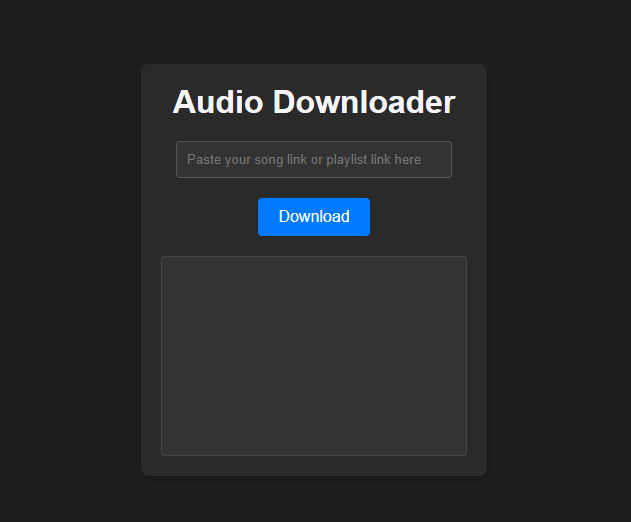
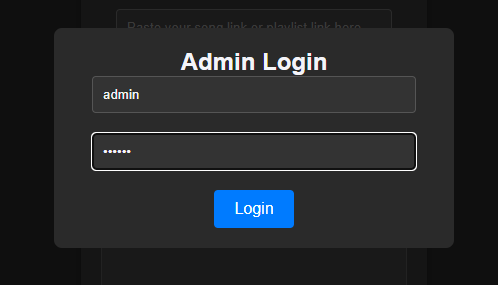
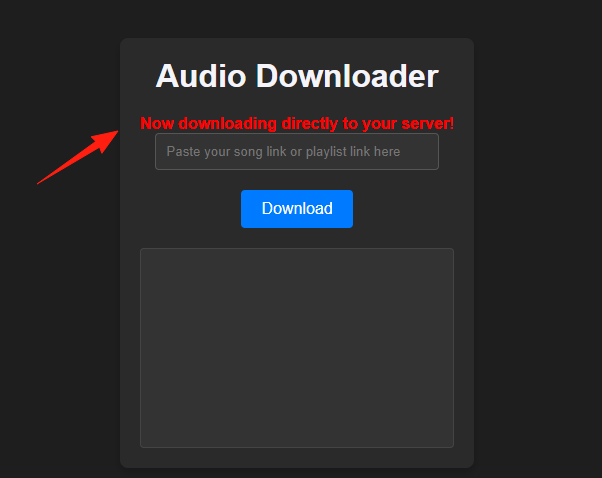
First, click "Login" in the upper right corner. Username / Password: admin / 123456. If you download without logging in, the files will not be saved to the server.
When you see this prompt, it's ready.
Go to the YouTube Music channel at https://music.youtube.com/ and find music you like. Click the "..." icon and find the share link.
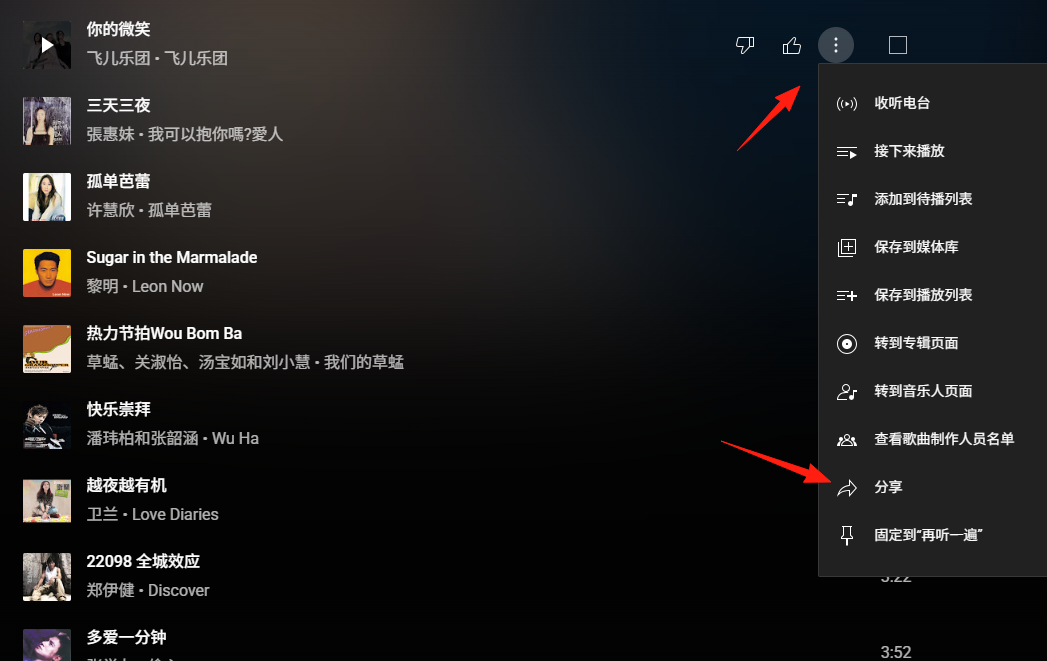
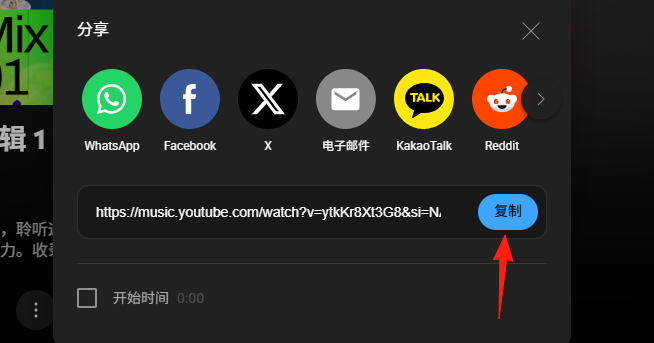
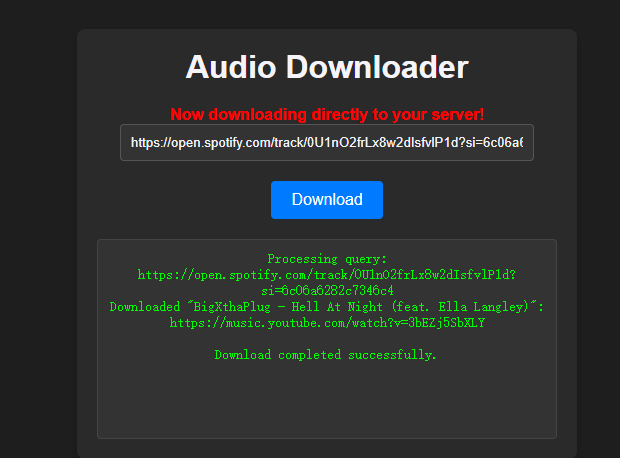
After copying the link, paste it into the input box and click download.
You can see the download progress below.
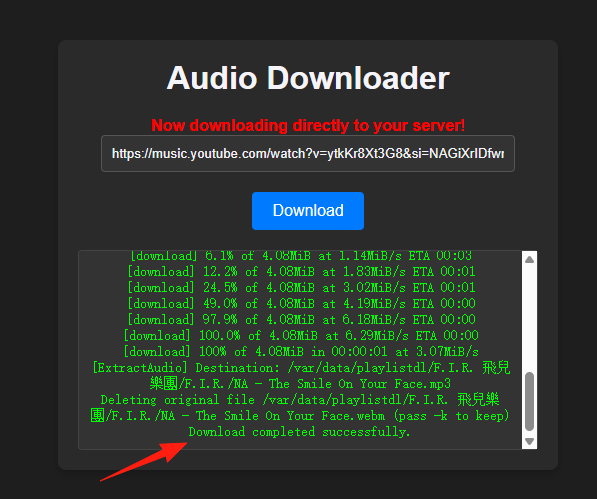
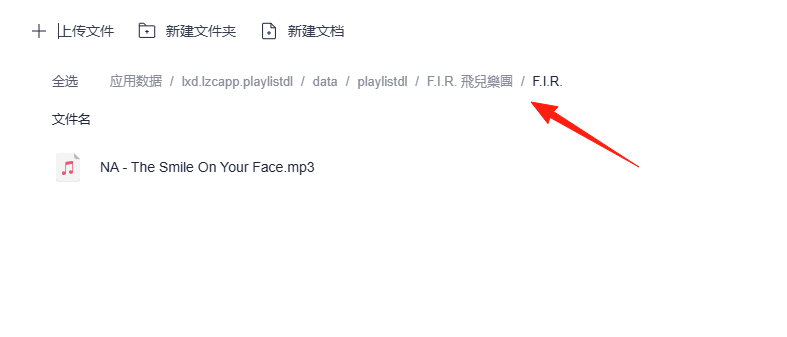
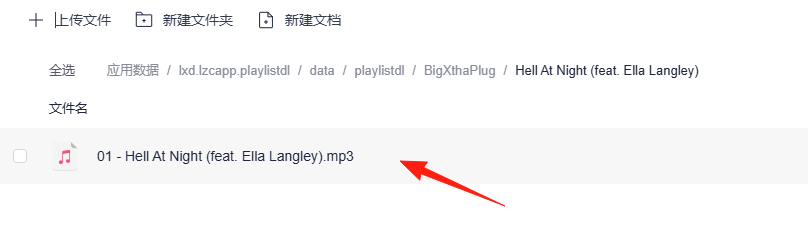
After a successful download, go to the LazyCat Cloud Drive, under App Data.
Downloaded files are organized in an Artist/Album/Song structure.
The audio quality from YouTube depends on the original video, while Spotify typically offers more consistent quality.
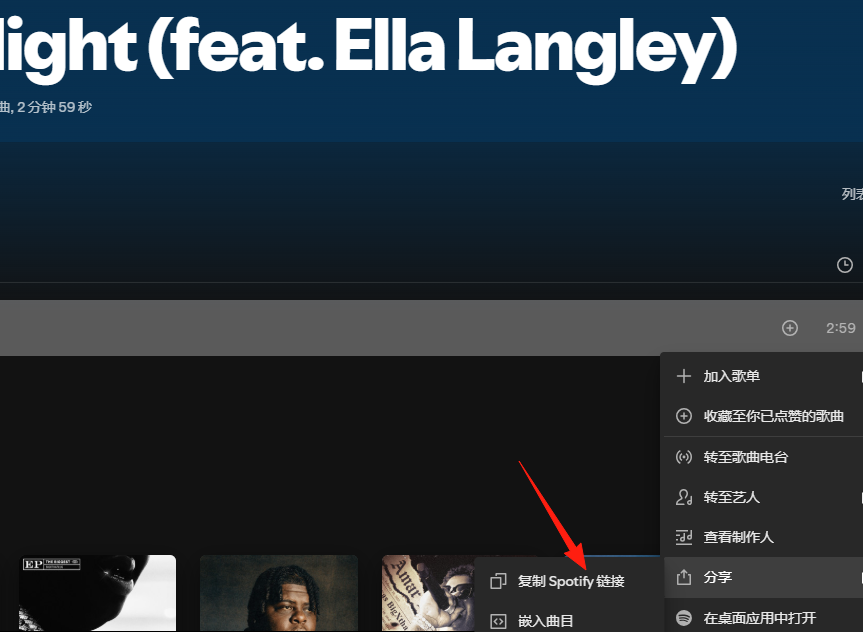
The process is the same for Spotify.
Summary
PlaylistDL is a very practical tool, especially its web interface and automatic recognition features, which make downloading music incredibly simple.
Whether you want to build a personal music library or just download a few favorite songs occasionally, it meets the need perfectly.