
AI-Media2Doc Practical Guide: The Ultimate Tool for Converting Video & Audio to Documents
Introduction
Do you ever face these challenges: watching tutorial videos but having to type notes while they play? Listening to lecture recordings but needing to repeatedly pause to transcribe them? Or perhaps you're a content creator wanting to adapt video content into Xiaohongshu notes or WeChat articles, but feel rewriting is too time-consuming?
AI-Media2Doc is specifically designed to solve these problems. Simply put: feed it a video/audio file, and it automatically generates documents in various styles.
Key Features Overview
- One-Click Conversion: Directly transform videos and audio into text documents
- Multiple Styles: Xiaohongshu notes, WeChat articles, knowledge notes, mind maps, video subtitles
- AI Dialogue: Conduct follow-up Q&A based on video content
- Smart Screenshots: Automatically capture key frames from videos and insert them into articles
- Fully Local: No account registration required, data is not uploaded to third-party platforms
https://appstore.lazycat.cloud/#/shop/detail/cloud.lazycat.app.ai-media2doc
Quick Start Guide
After installing the application, you can refer to this document to configure the relevant keys: https://playground.lazycat.cloud/#/guideline/1129
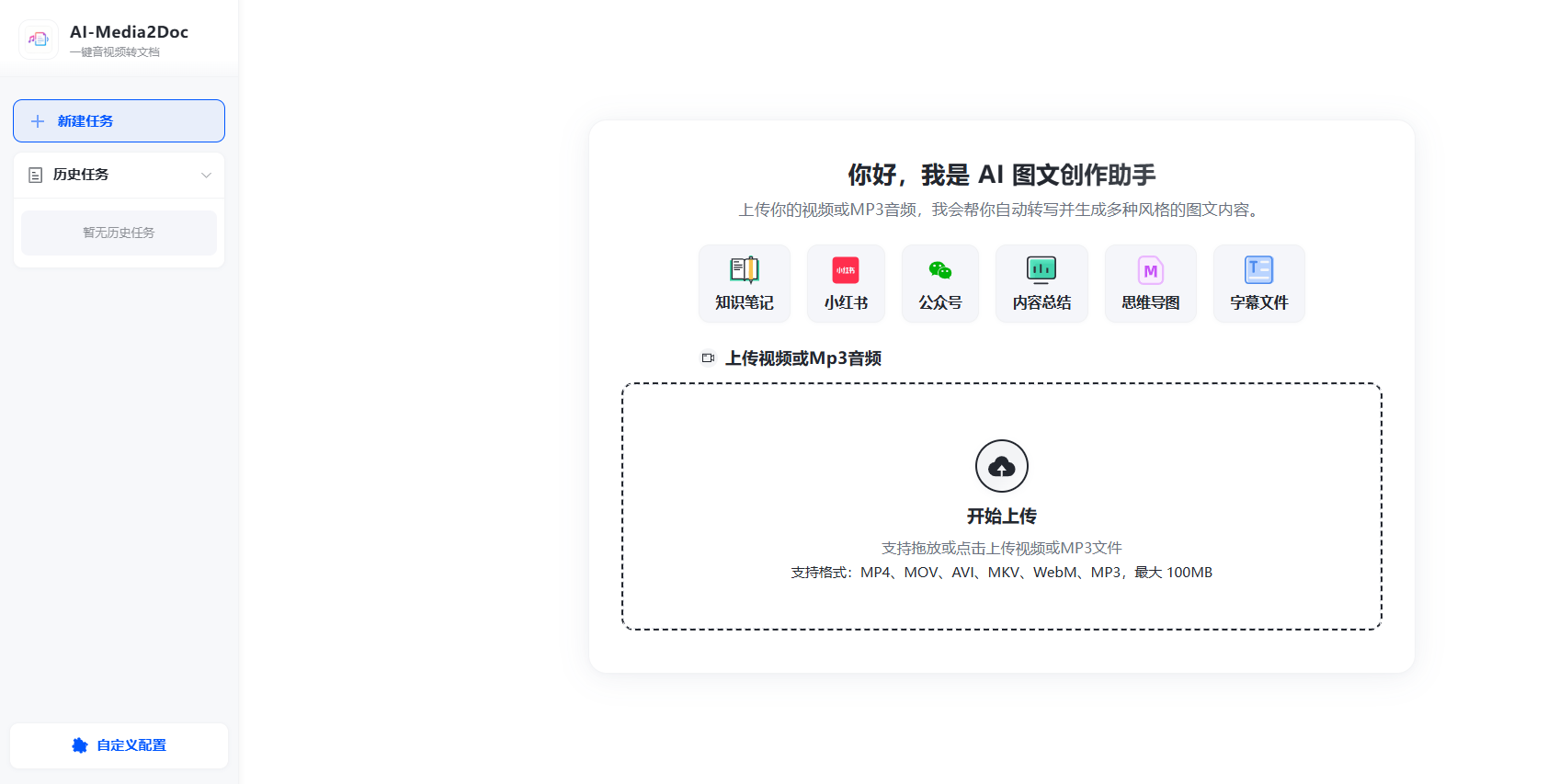
Enter the home page
Upload a video, click "Knowledge Notes," and start processing
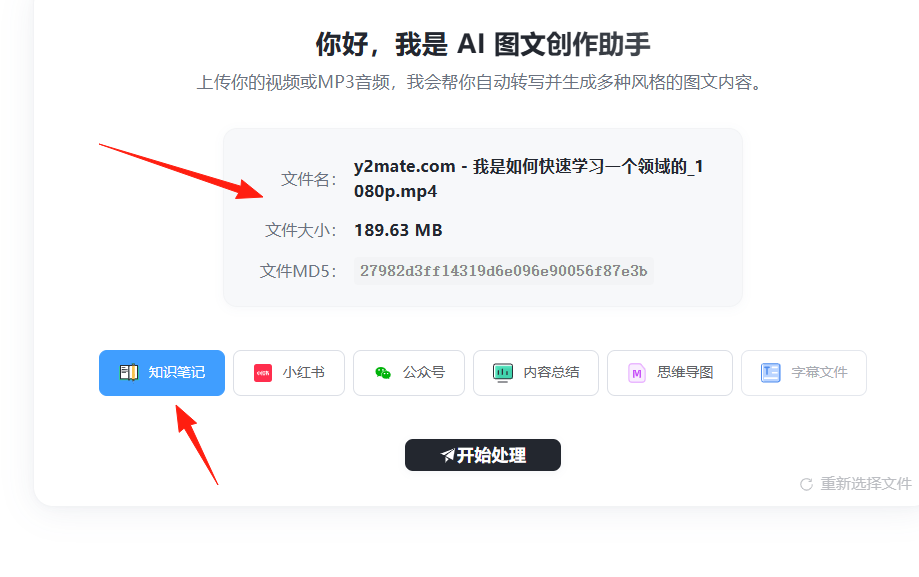
Different formats work better for different scenarios:
- Study Notes: Choose the "Knowledge Notes" format for clear structure and easy review
- Social Media: Choose the "Xiaohongshu" format for lively language and easy sharing
- Formal Documents: Choose the "WeChat Article" format for rigorous language and strong logic
- Quick Understanding: Choose the "Mind Map" format to grasp key points at a glance
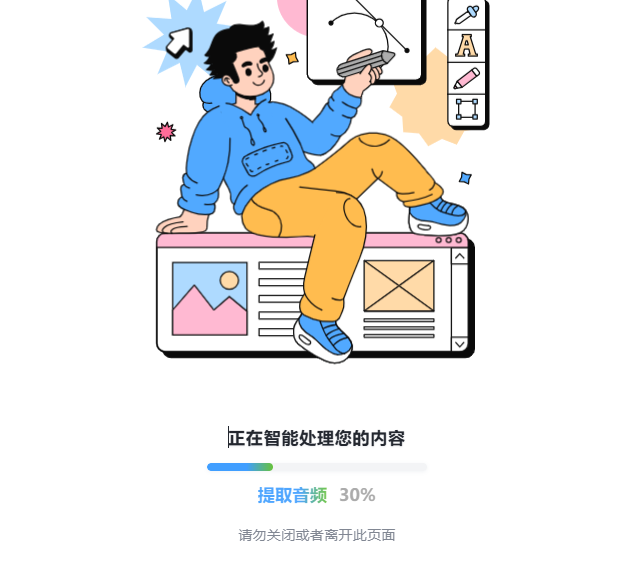
You can see the progress
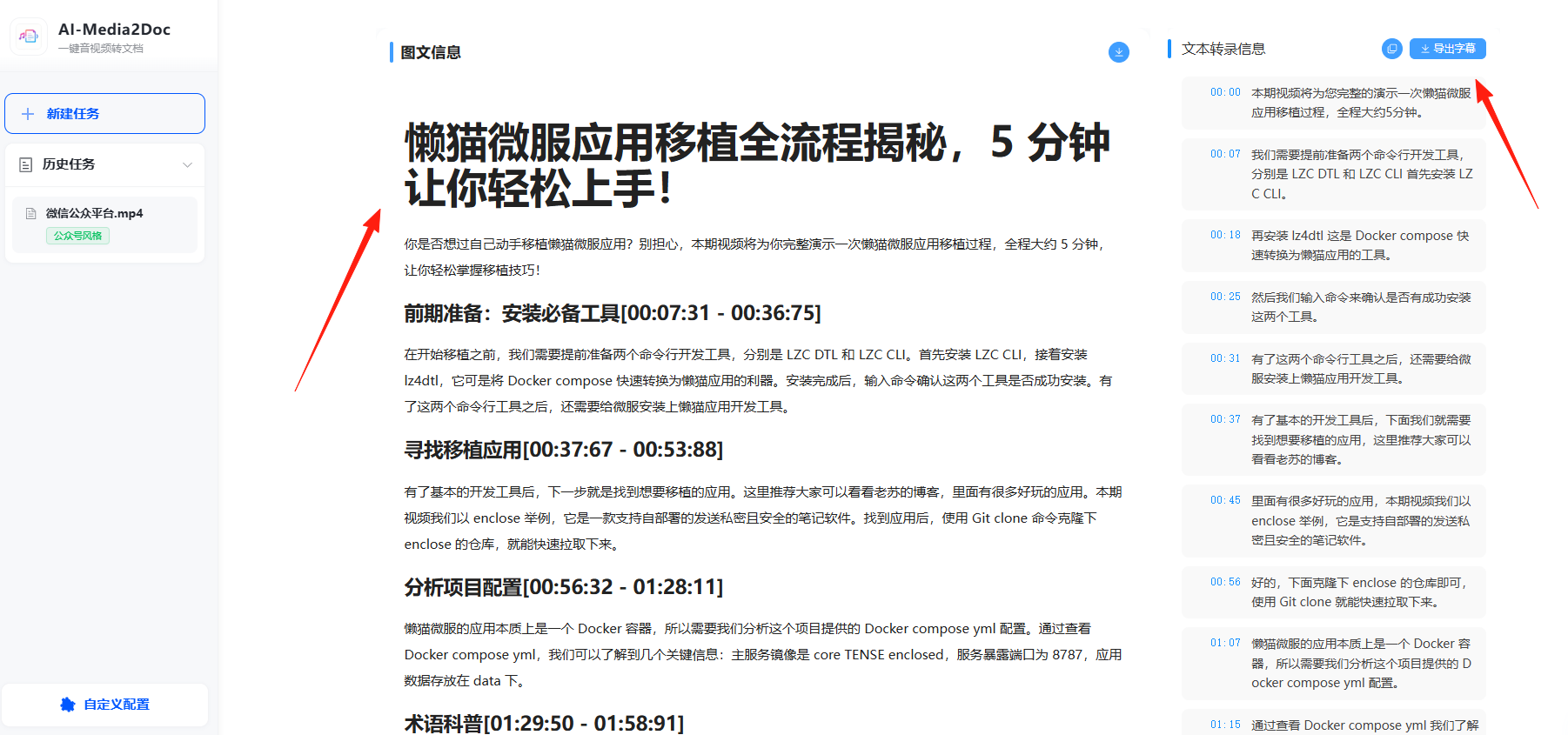
After successful processing, you can see the summary in the middle section and subtitles on the right, which can be exported
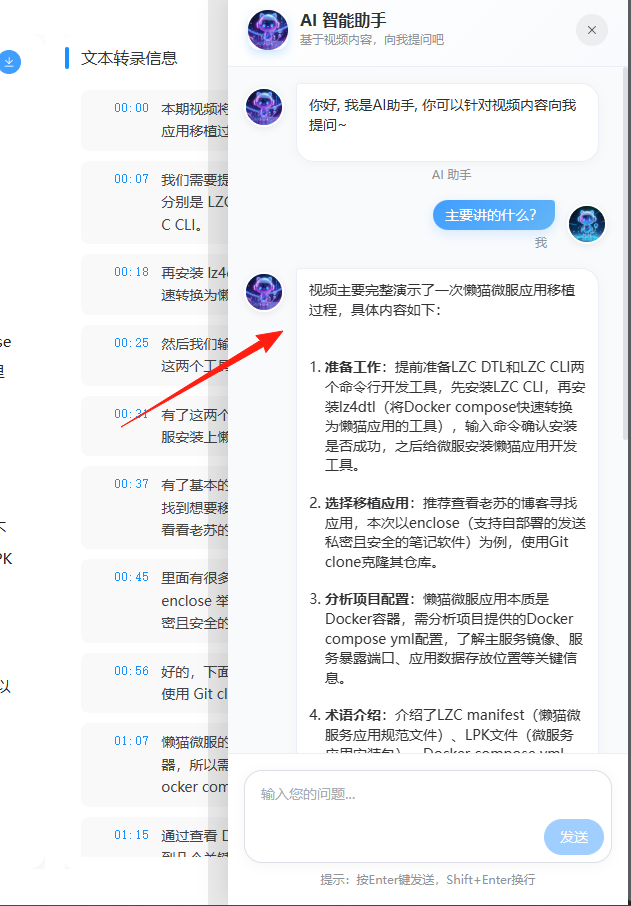
After conversion, you can continue conversing with the AI:
- "Help me summarize the core points"
- "Can you provide a simpler example of this concept?"
- "What content could be made into short videos?"
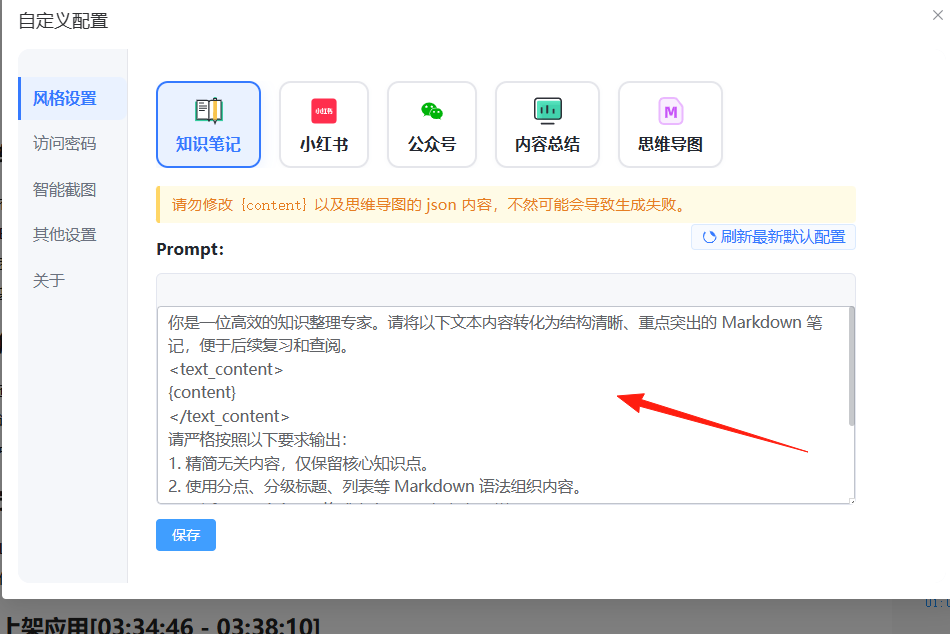
If the default results are unsatisfactory, you can customize the Prompt:
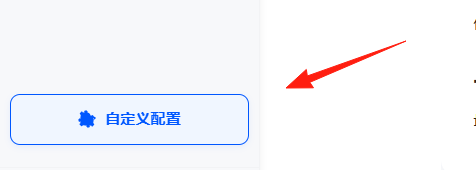
Click "Custom Settings"
 Enter your requirements in the Prompt box
Summary
AI-Media2Doc is a genuinely practical tool, especially suitable for those who frequently work with audio and video content.
Although setup takes some time, once configured, it can significantly improve work efficiency.
If you regularly need to organize audio and video content, this tool is definitely worth trying. The author continues to update it, and it's expected to become even more user-friendly!