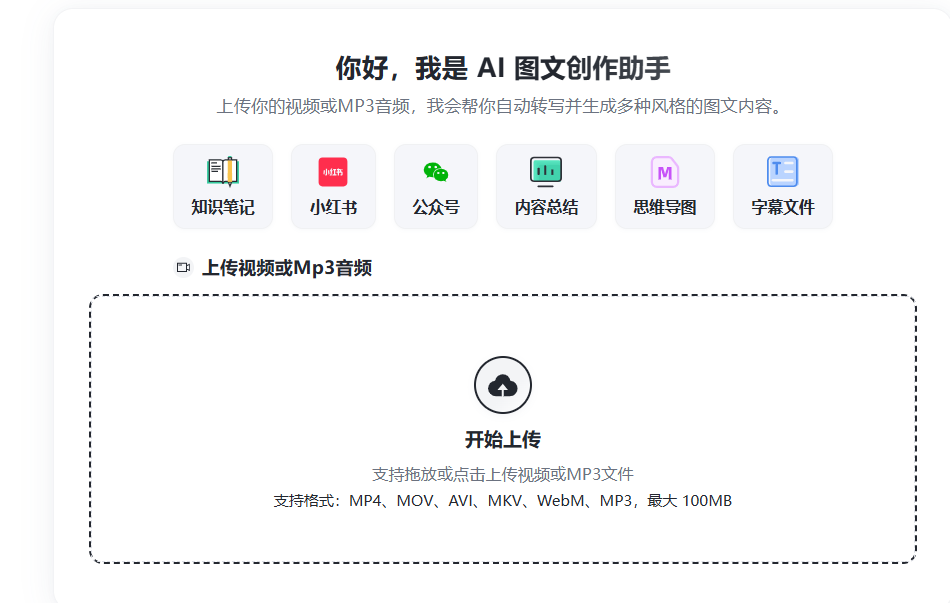
AI-Media2Doc User Guide: How to Get Volcengine API Key
Many AI applications in the store require configuring relevant API keys, such as AI-Media2Doc, One API, etc.
https://appstore.lazycat.cloud/#/shop/detail/cloud.lazycat.app.ai-media2doc
After starting AI Media2Doc, you need to fill in a series of variables:
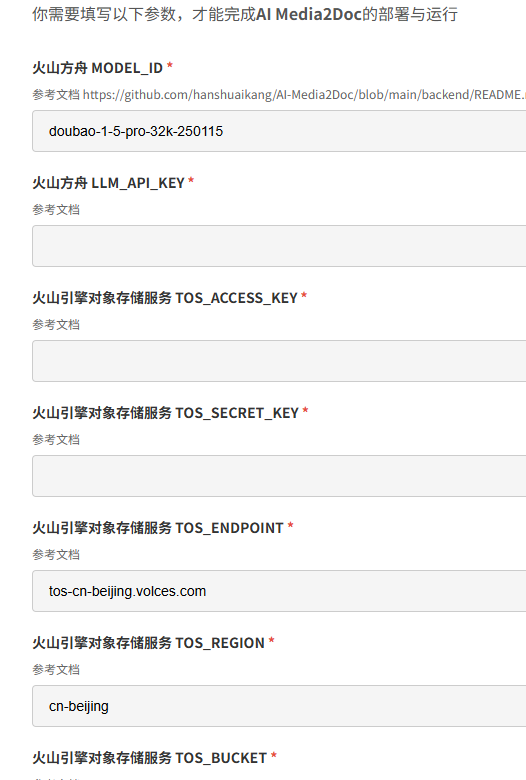
This article explains how to obtain these APIs. The process also applies to other applications.
Go to Volcano Engine: https://console.volcengine.com/
Go to Service Activation Management, and select to activate a Large Language Model.
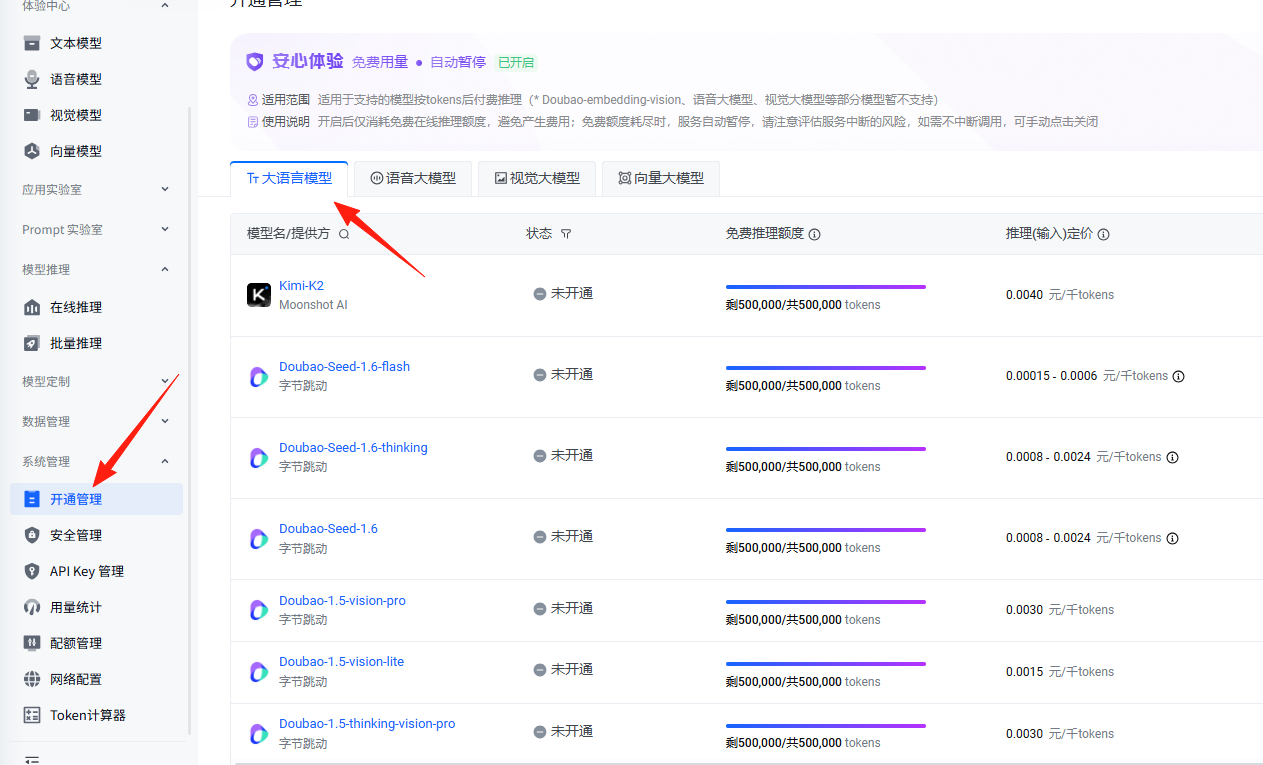
This one is recommended. Click "Activate Service" on the right.

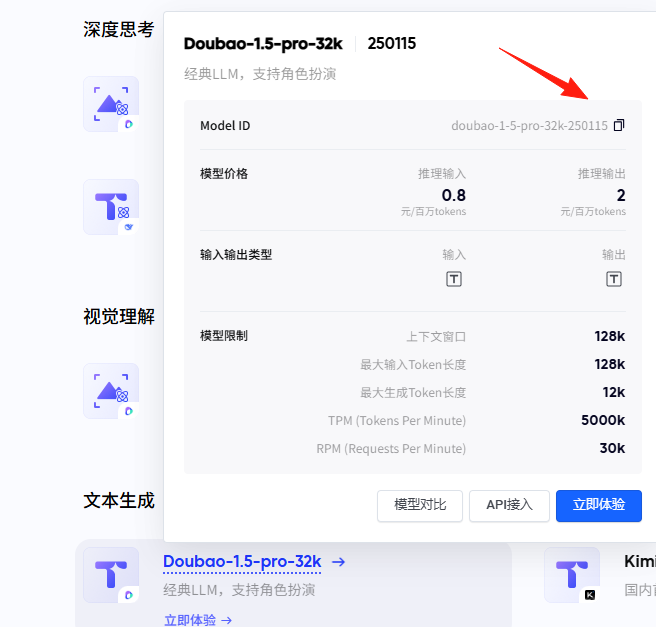
Copy its model ID: doubao-1-5-pro-32k-250115
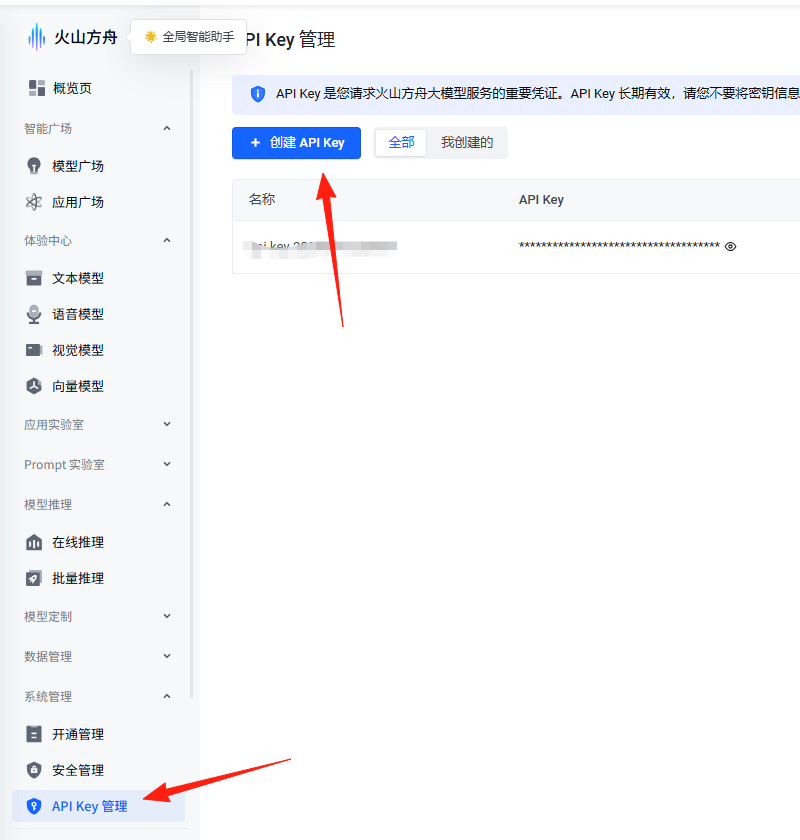
Create an API Key in the API Key Management section.
You will then obtain the value for ARK_API_KEY.
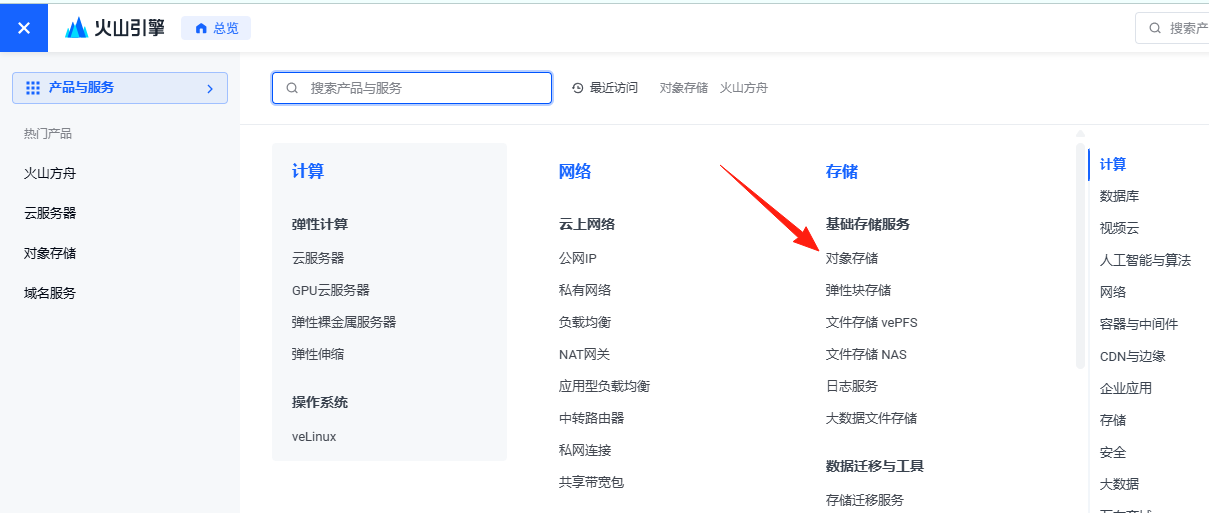
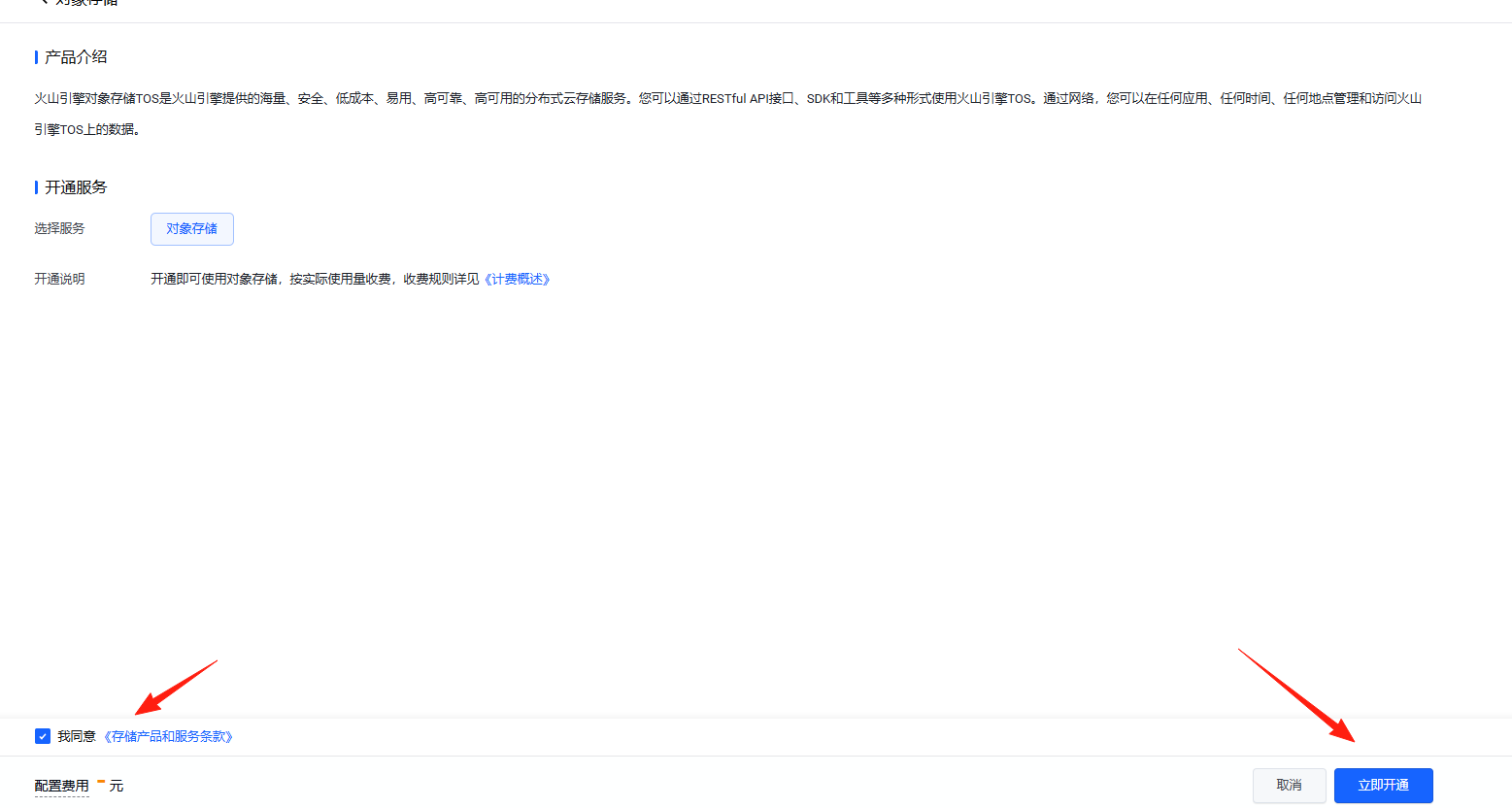
Search for "Object Storage", or click here, to activate the service.
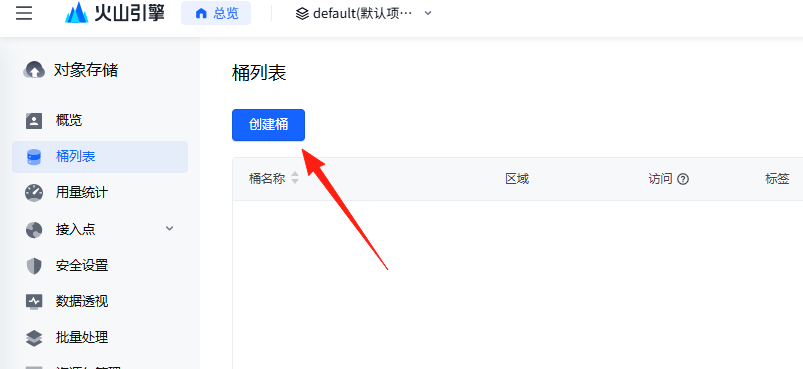
Create a bucket. After creation, enter that bucket.
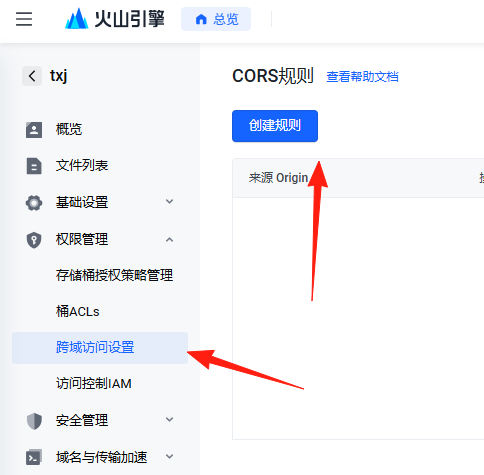
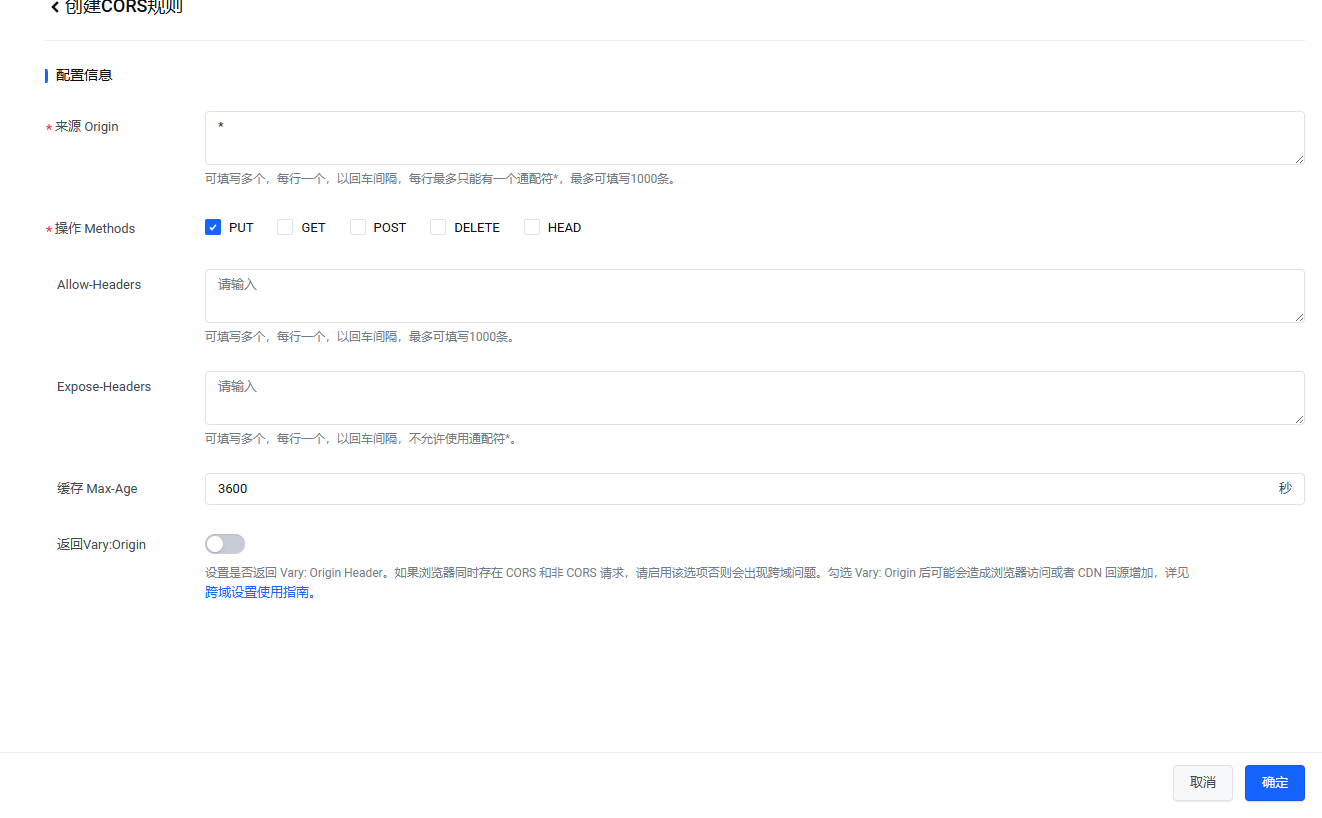
Click "Permission Management" on the left, find "Cross-region Access Settings", and create a new cross-region access rule.
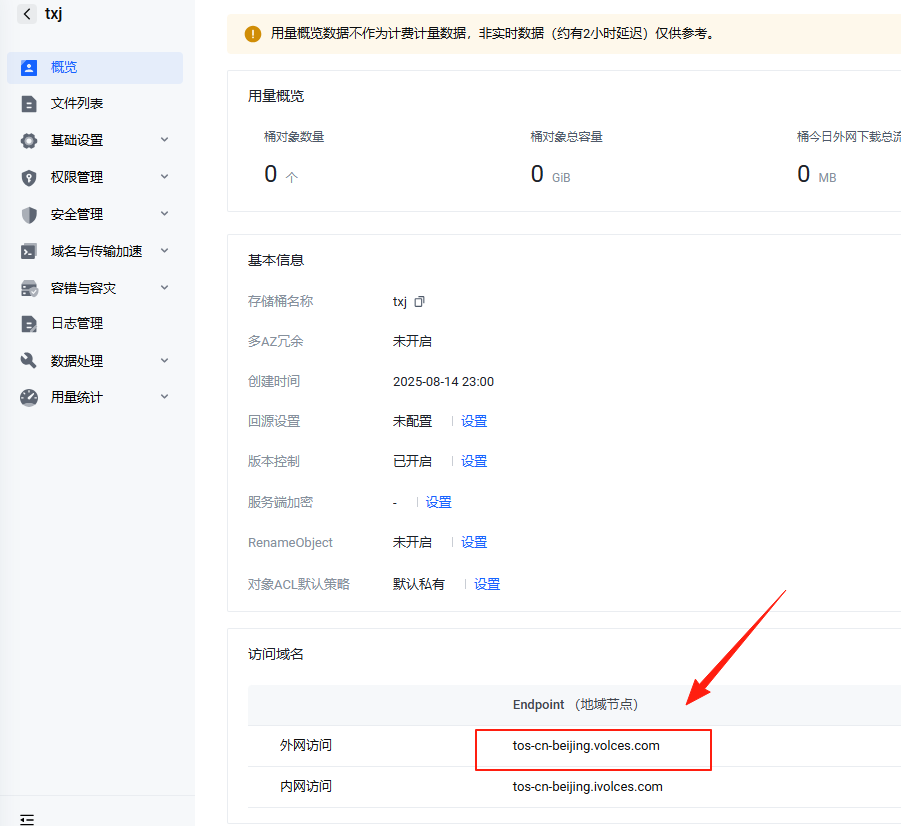
Click "Overview".
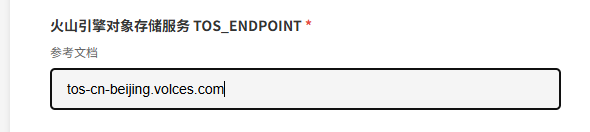
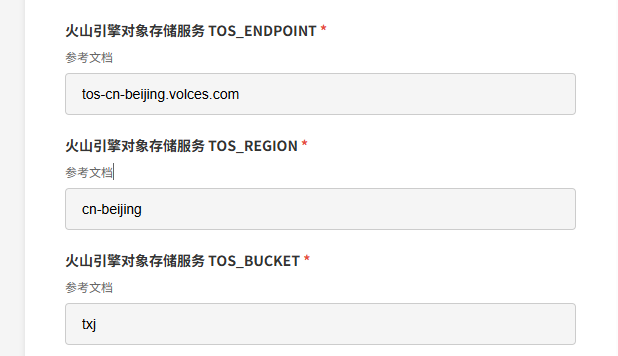
You will see an Access Domain. The value for TOS_ENDPOINT is the one inside the red box. The value for TOS_ENDPOINT may vary for different regions.
The value for TOS_BUCKET is the name of the bucket you created.
The value for TOS_REGION is the region of the bucket you created, for example, cn-beijing.
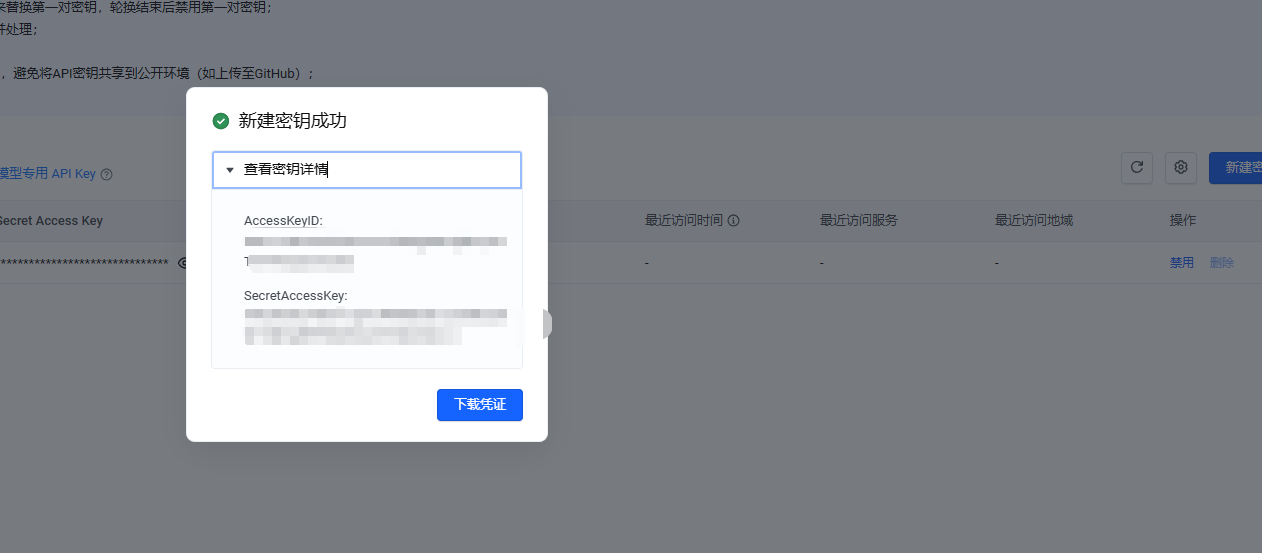
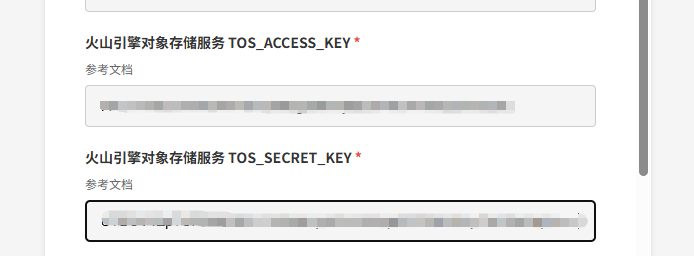
Go to the IAM console (https://console.volcengine.com/iam/keymanage) and create an access key. You will then obtain the values for TOS_ACCESS_KEY and TOS_SECRET_KEY.
Each audio recognition large model on Volcano Ark offers a 20-hour trial quota. You can try them in turn.
Log in to the Recording File Recognition Large Model console (https://console.volcengine.com/speech/service). Click "Speech Recognition" on the right -> "Recording File Recognition" (Note: Not "Recording File Recognition Large Model"). Create an application.
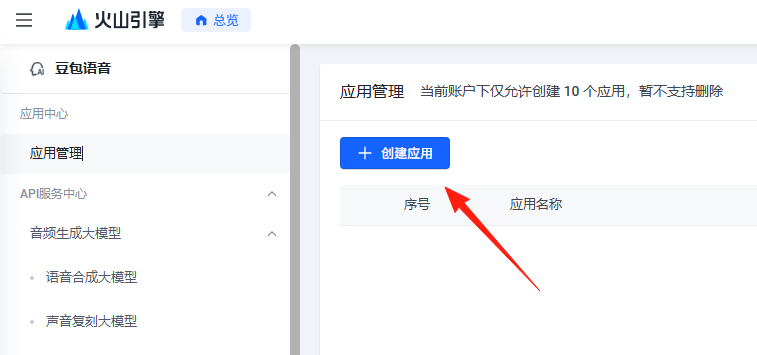
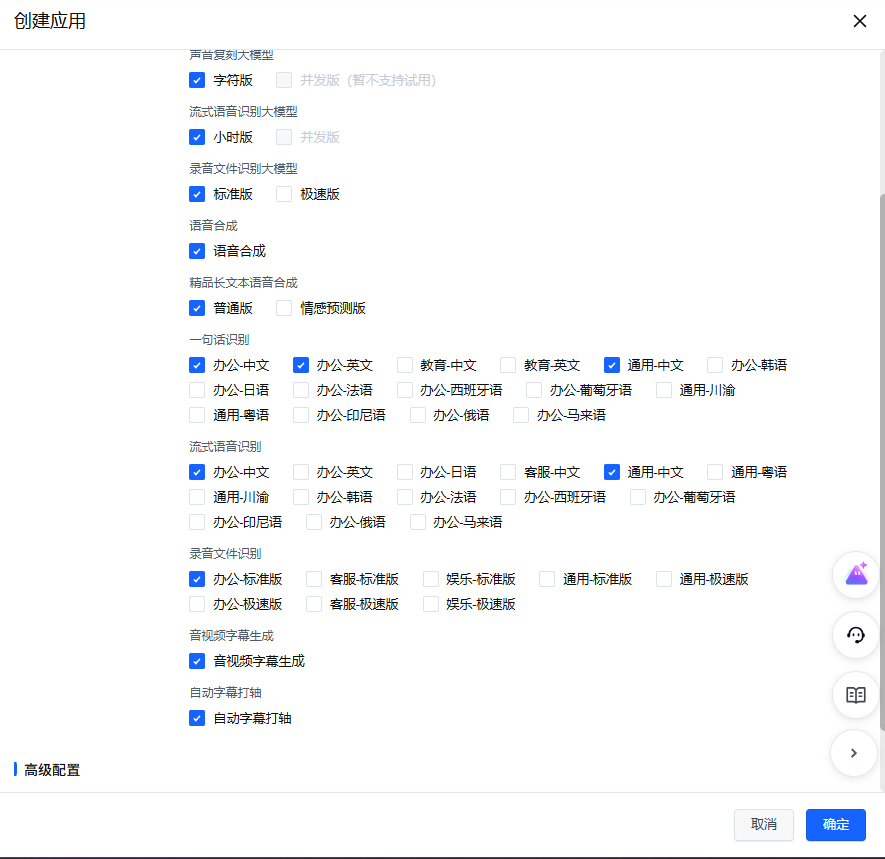
You will then obtain the values for AUC_APP_ID, AUC_ACCESS_TOKEN, and AUC_CLUSTER_ID.
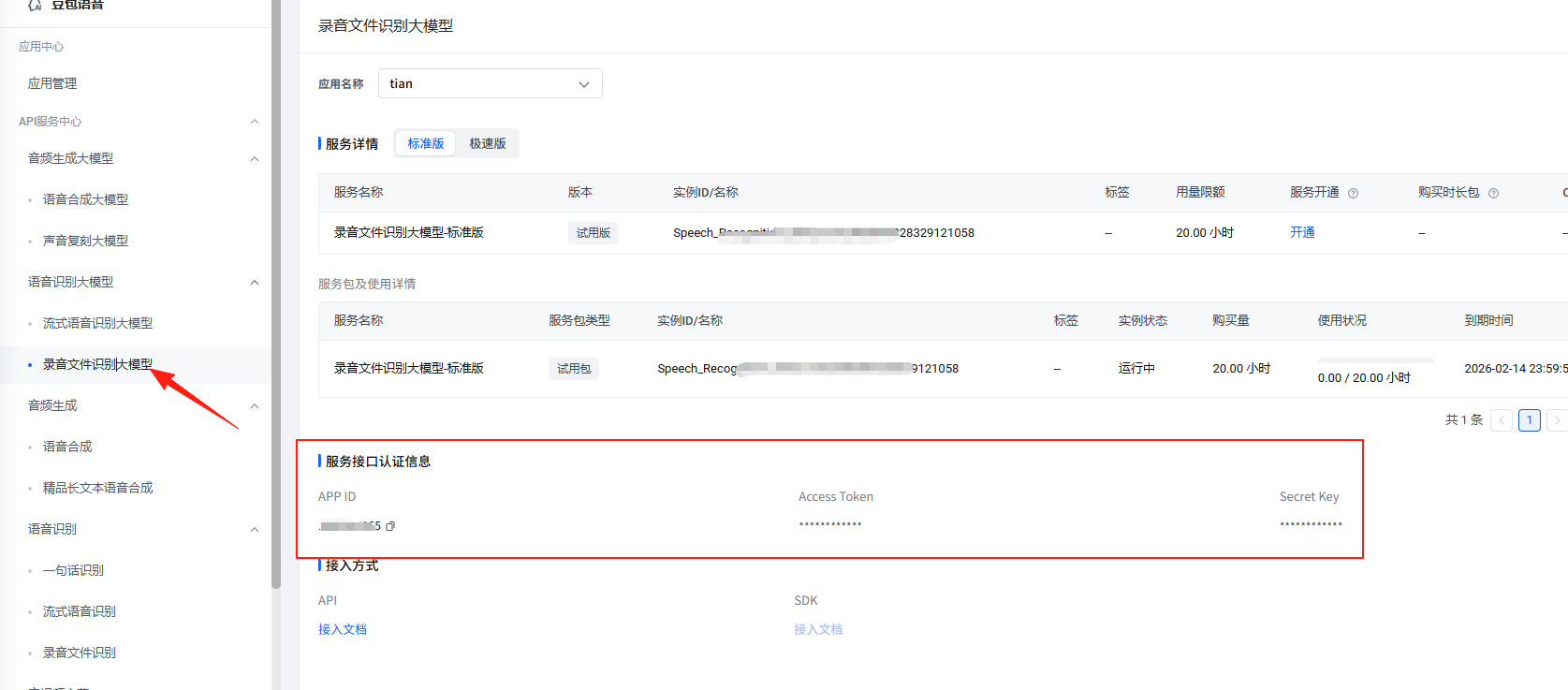
After filling in all the values above, you can proceed to use the application normally.