
ToolJet: The Low-Code Marvel That Lets Beginners Build Professional Dashboards in 5 Minutes
What is ToolJet?
In simple terms, ToolJet is an open-source low-code framework for building and deploying custom internal tools. Imagine being able to create a fully functional backend management system by simply dragging and dropping components like building blocks, without writing any code.
Crucially, it supports connections to various databases and APIs, such as:
- Databases: PostgreSQL, MongoDB, MySQL, etc.
- Cloud Services: AWS S3, Google Cloud, etc.
- Third-party Tools: Google Sheets, Stripe, Slack, etc.
https://appstore.lazycat.cloud/#/shop/detail/cloud.lazycat.app.tooljet
How to Use
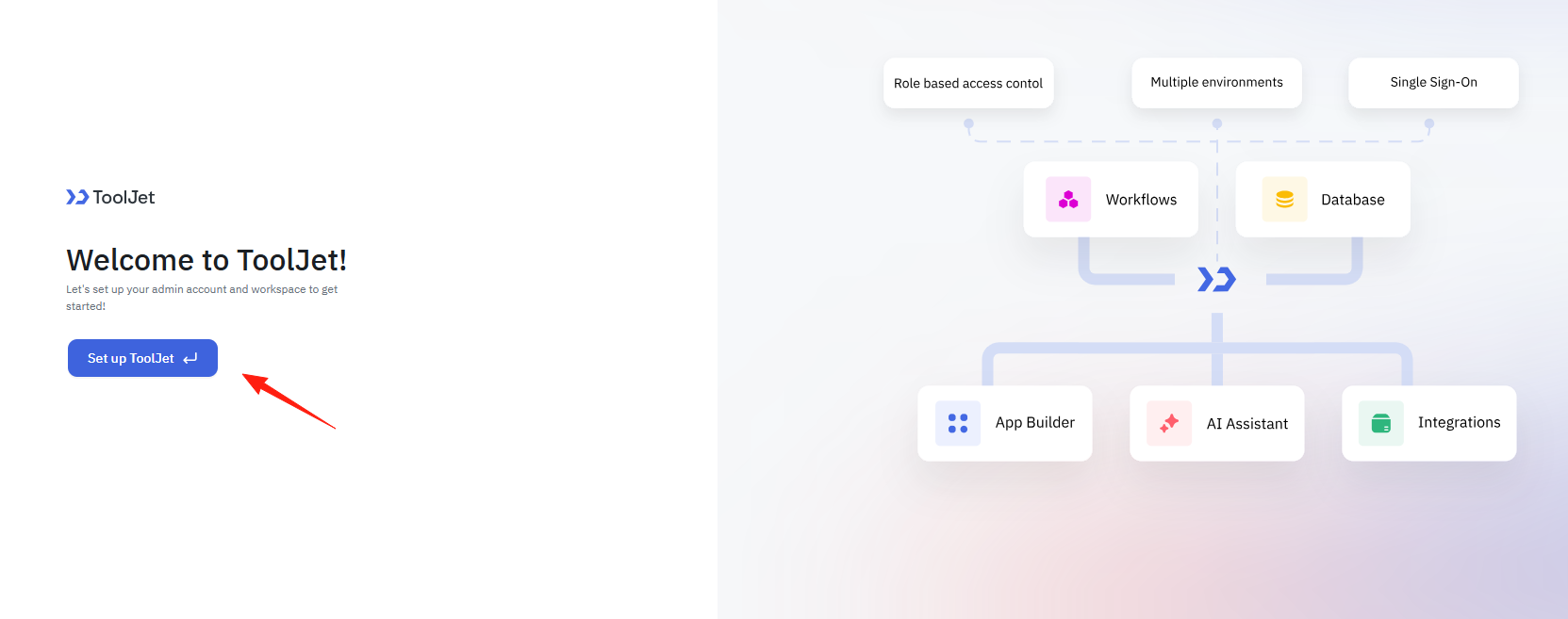
After installing the application, open the homepage and click "set up".
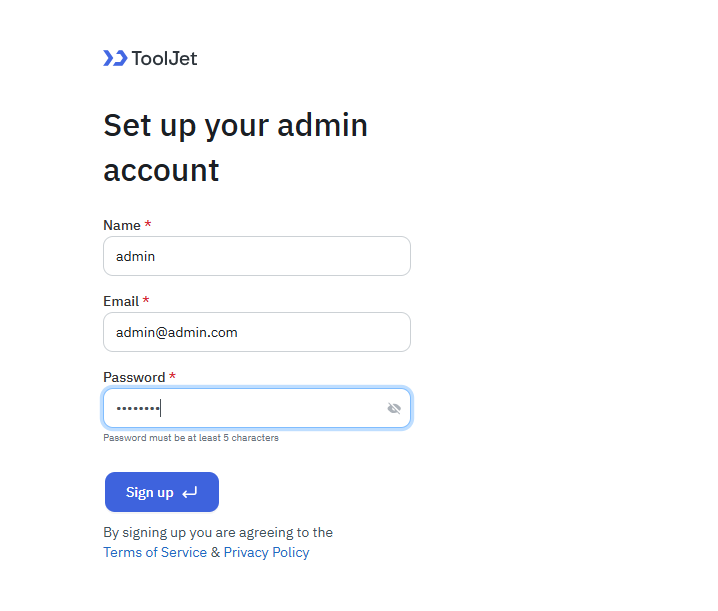
Register a user.
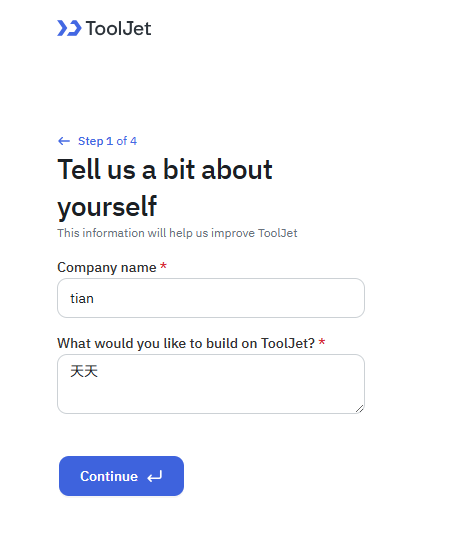
Enter any company name.
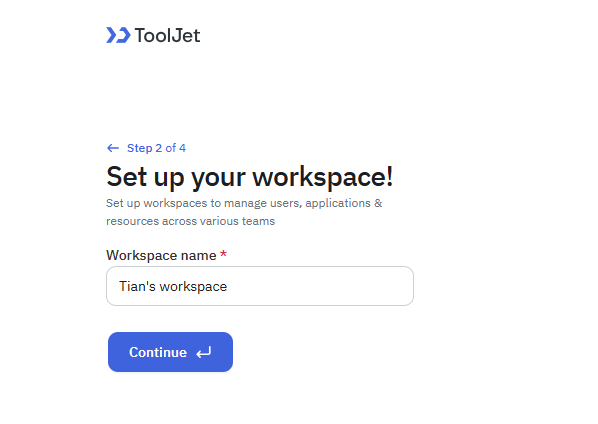
Create a workspace.
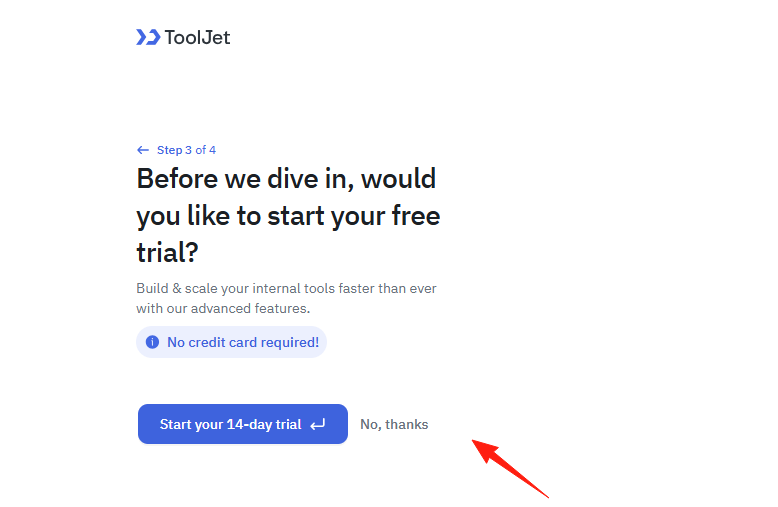
This step prompts for payment; select "No thanks".
Enter the main page.
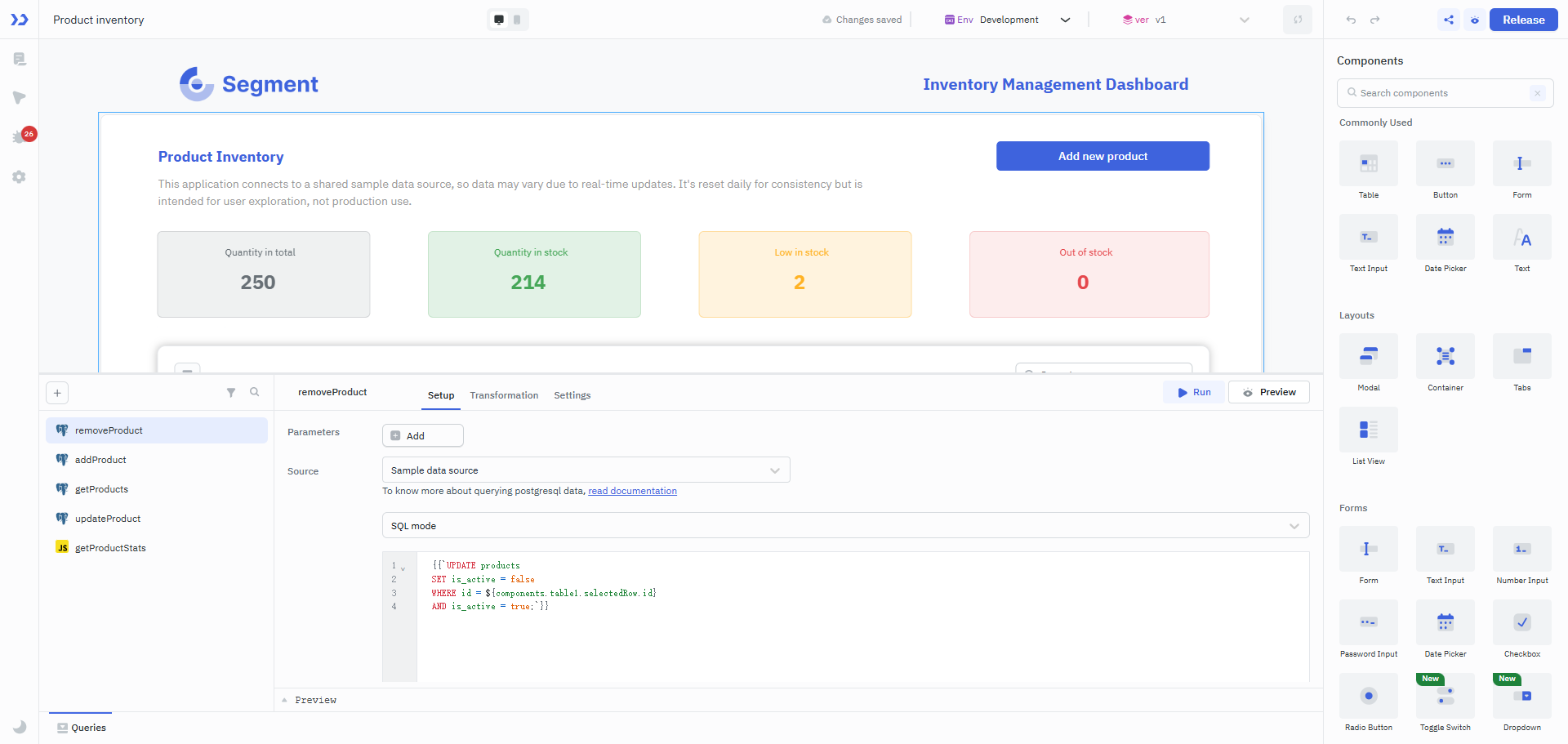
Below, I'll share a specific use case showing you how to quickly build an order management backend.
Connect Data Source
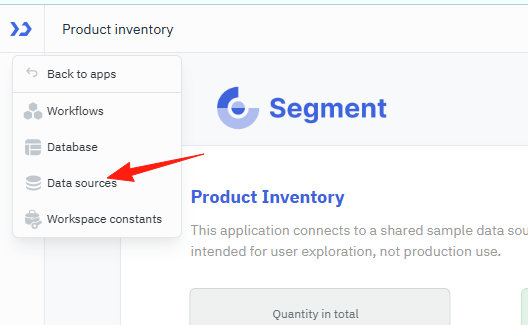
Click "Data Sources" in the left menu.
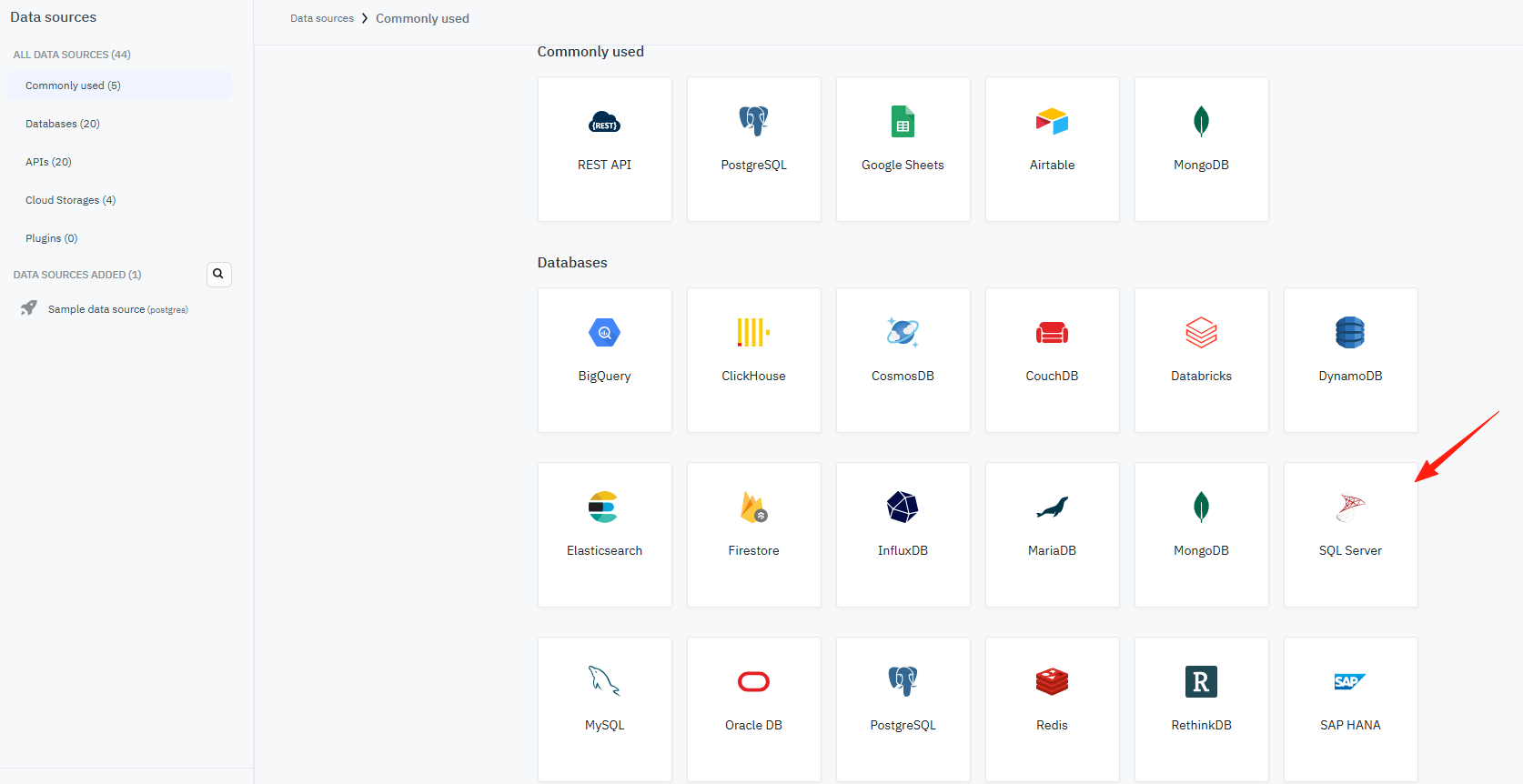
Select your database type (e.g., SQLServer).
Fill in the connection information: Host, Port, Username, Password.
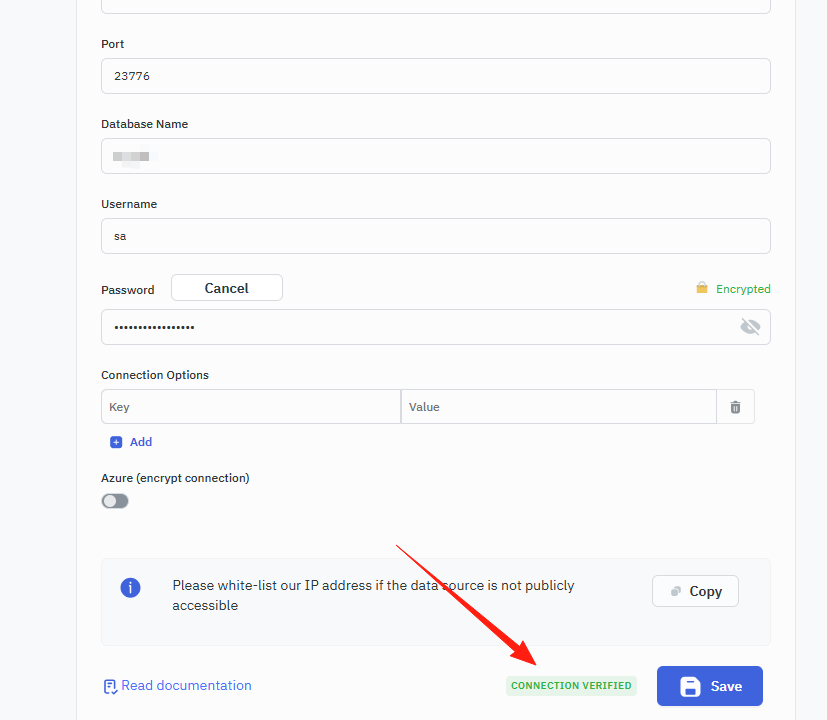
Click "Test Connection" to confirm the connection is successful.
Create Application
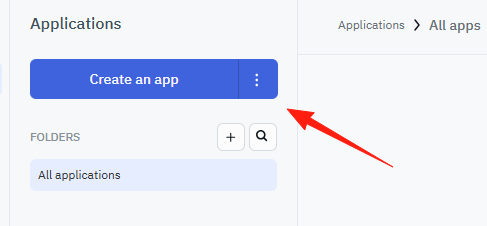
- Click "Create an app"
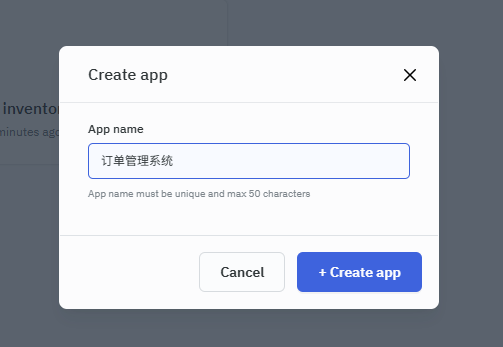
- Name the application, e.g., "Order Management System"
- Enter the visual editor
Design Interface
Add Table Component: Drag a "Table" from the right-hand component library onto the canvas.
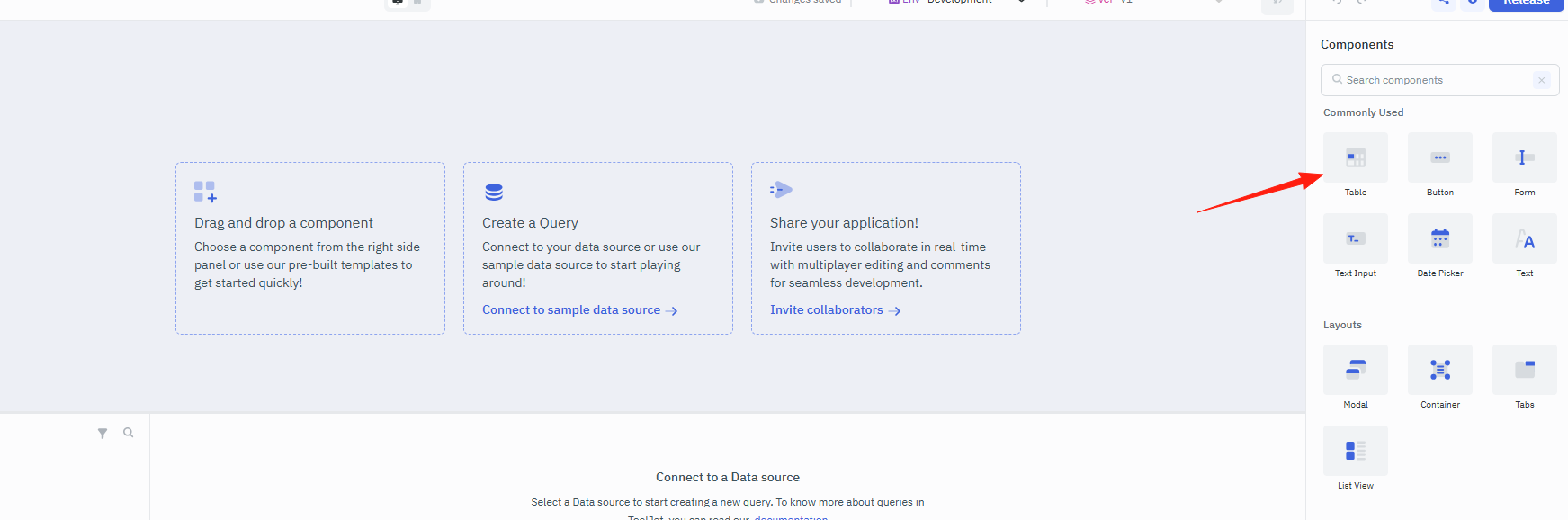
Configure the table columns in the right-hand properties panel.
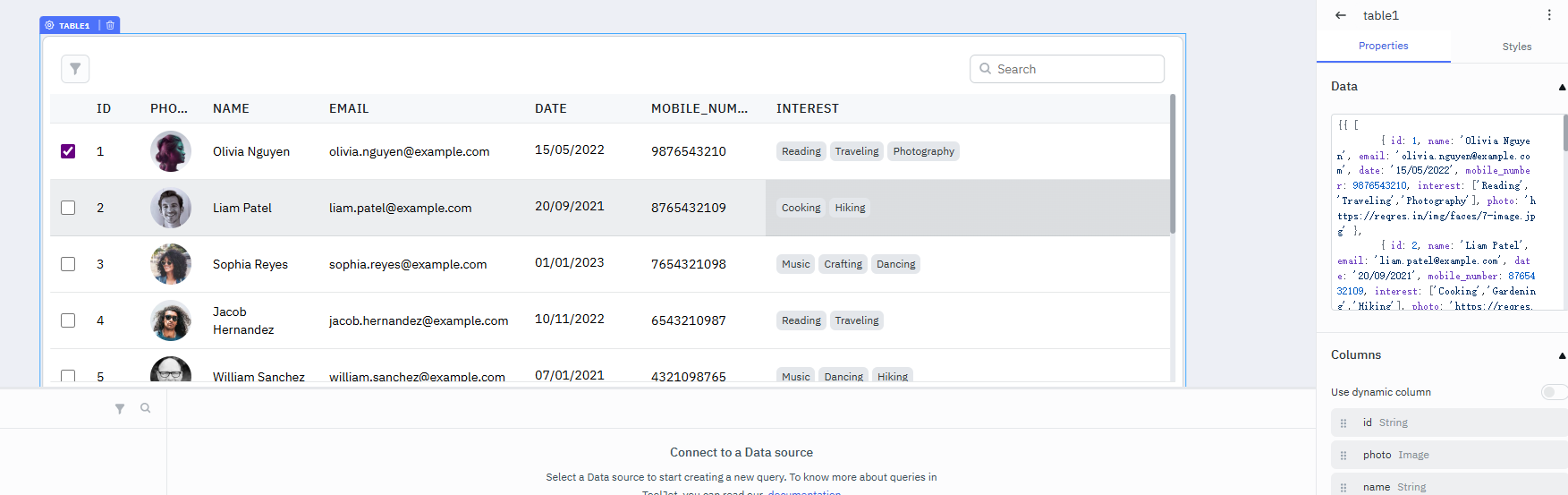
Set the data source to the database query created earlier.
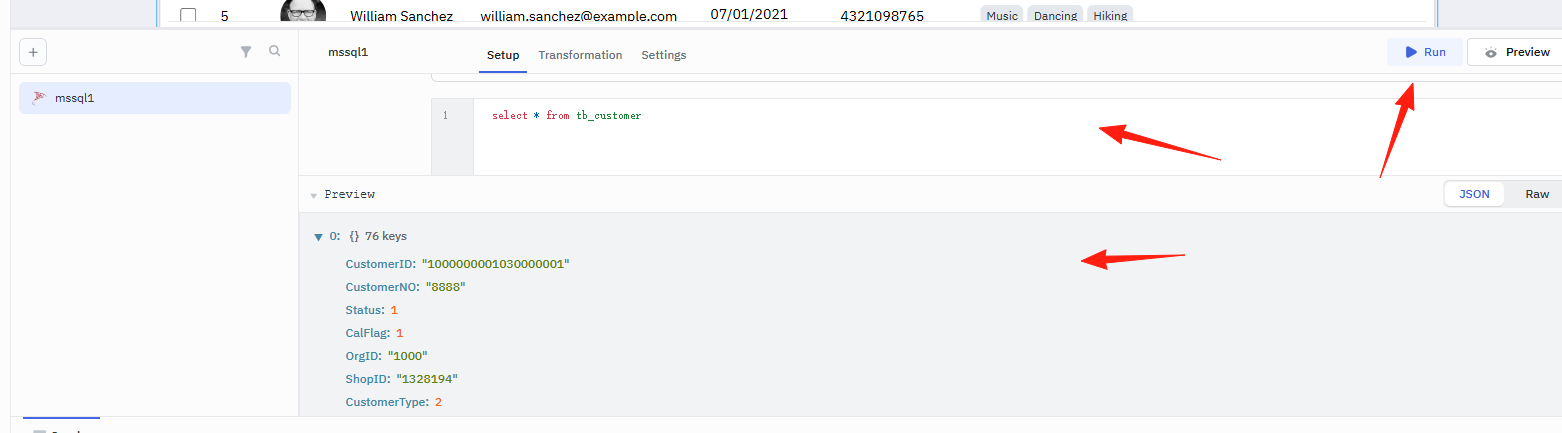
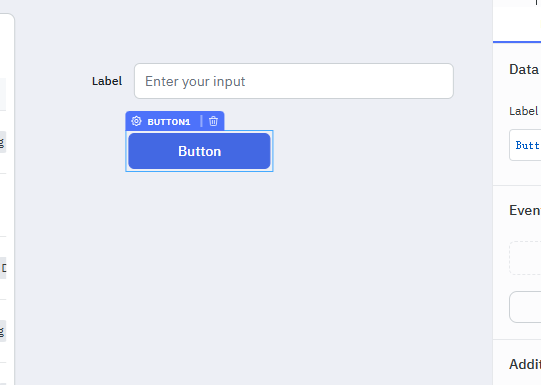
Add Search Functionality:
- Drag a "Text Input" component as the search box.
- Drag a "Button" component as the search button.
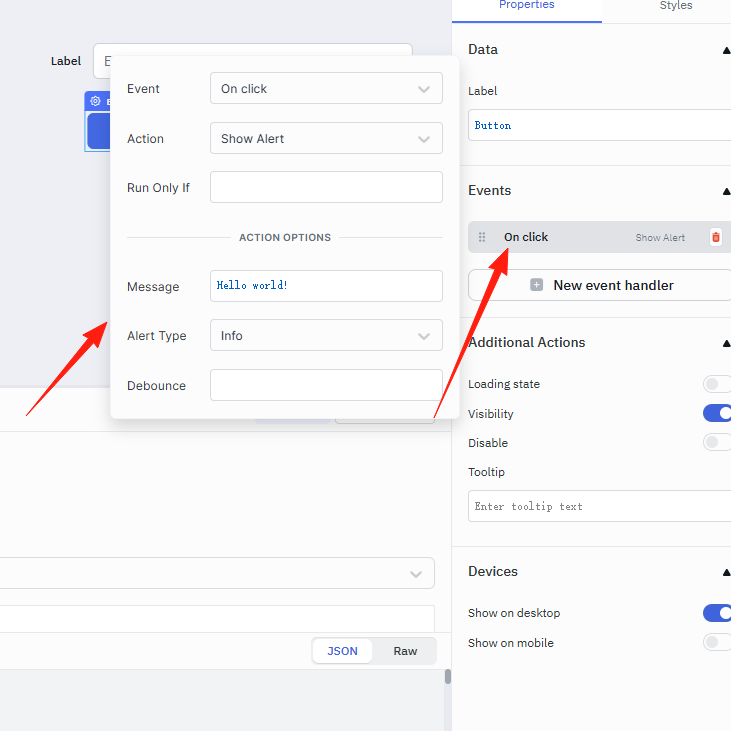
- Configure the query logic in the button's event handler.
Add Action Buttons:
- Add an action column to the table.
- Place "Edit" and "Delete" buttons.
- Configure the corresponding popups and API calls.
Add Interactive Logic
Use JavaScript to write some simple logic here:
- Execute a search query when the search button is clicked.
- Open an edit popup when the edit button is clicked.
- Call the update API when saving.
Publish Application
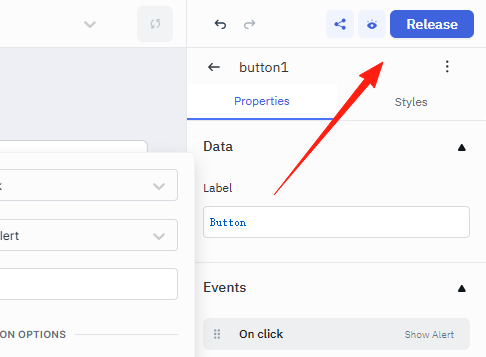
Click the "Release" button in the top right corner, and your application is ready for official use!
The official version is in English, which is not very user-friendly for domestic users. It is recommended to use the Chinese localized version, which can be found by searching for "tooljet_cn" on GitHub.
Summary
ToolJet is particularly suitable for scenarios requiring rapid development of internal systems. It allows you to create professional management backends without any frontend knowledge, which is a boon for many backend developers or non-technical personnel.
If you have similar needs, I highly recommend giving it a try.