
Audioserve: Turn Your Audiobook Collection into a Private Cloud Library
Do you ever face these frustrations? You have a collection of audiobooks saved on your phone, but can't find them when switching devices, or you want to sync playback progress across different devices but find it impossible?
Audioserve is a simple personal server designed specifically for hosting audio files, with a primary focus on audiobooks.
In simple terms, this tool turns your audiobook collection into your private version of "Himalaya" or "Dedao," with all data completely under your control.
https://appstore.lazycat.cloud/#/shop/detail/cloud.lazycat.app.audioserve
Usage Guide
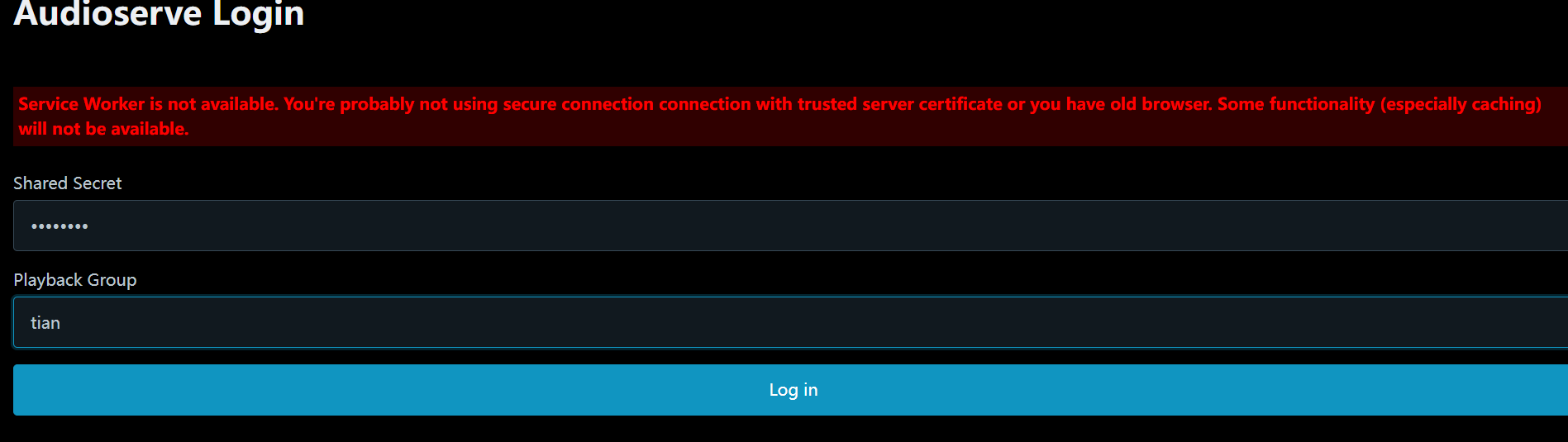
After installing the app, open the home page. Fill in admin123 for the Shared Secret field.
You can enter anything for the Playback Group field.
Audioserve has some requirements for the folder structure, but it's not complicated:
Recommended Folder Structure:
Audiobooks/
├── Author Name/
│   ├── Book Title 1/
│   │   ├── 01-Chapter One.mp3
│   │   ├── 02-Chapter Two.mp3
│   │   └── cover.jpg (Cover Image)
│   └── Book Title 2/
└── Another Author/
A Few Tips:
- It's best to start filenames with numbers (01, 02...), so the order stays correct.
- Place a
cover.jpgfile in each book's folder to serve as the cover image. - You can add a
description.txtfile to write a book synopsis. - Supports files like
.m4bwhich contain chapter information.
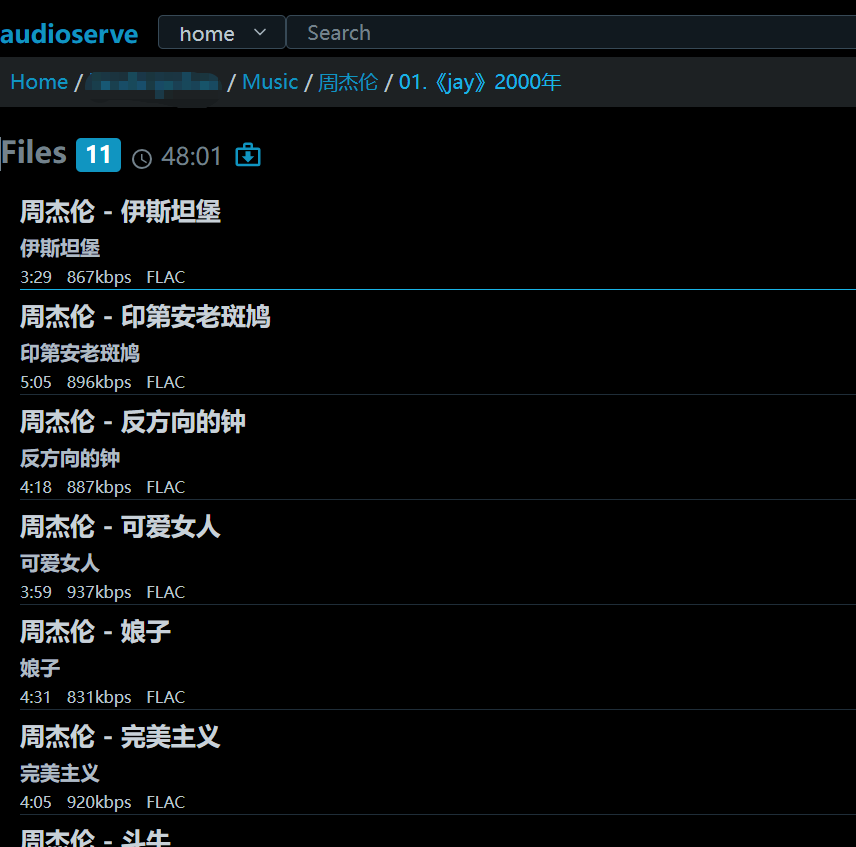
Connect your phone to your home Audioserve server, listen during your commute, and then seamlessly continue listening on your computer at the office.
You can adjust the sleep timer, volume, and playback speed at the bottom.

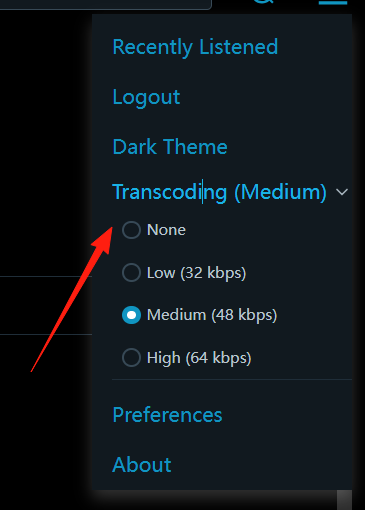
If your collection is very large (thousands of books), the initial scan might be slow. Please be patient. Subsequent scans will be much faster. You can adjust the audio quality from the top-right corner.
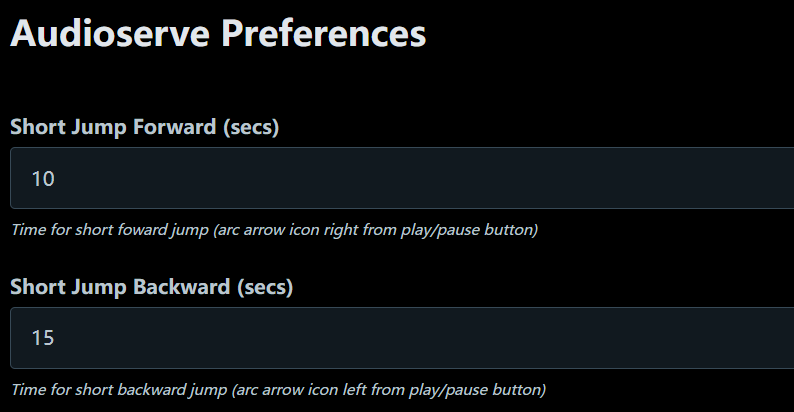
Adjust the skip duration for the beginning and end of audio files.
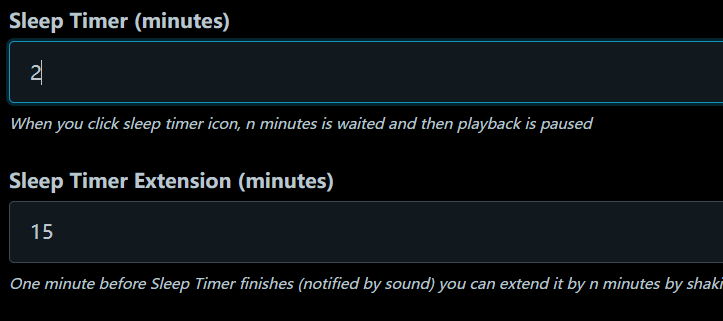
Adjust the default sleep timer duration.
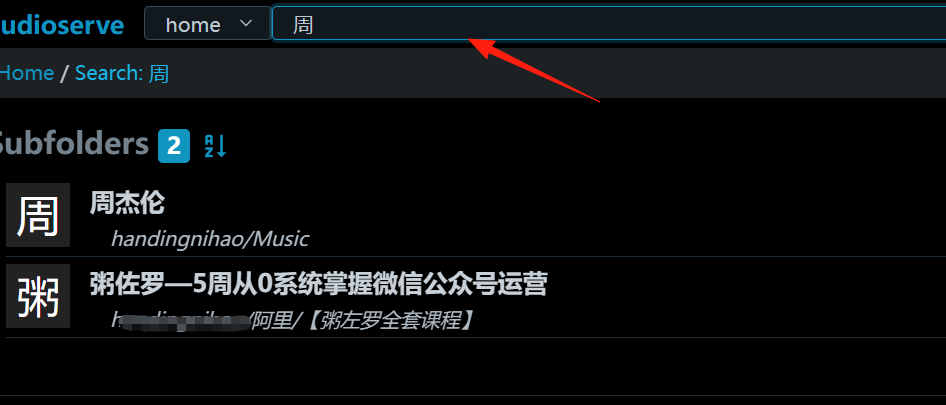
You can search for relevant files.
Summary
Audioserve is a very practical tool, especially suitable for friends with large audiobook collections.
Its biggest advantages are simplicity and specialization: unlike Plex which is overly complex with features, or cloud drives which lack specific functionality, it is designed specifically for audio. It has all the necessary features and avoids adding unnecessary clutter.
If you:
- Have a large collection of audiobooks you want to manage
- Want to sync playback across multiple devices
- Value privacy and don't want to upload files to third-party platforms
- Have some technical proficiency
Then Audioserve is definitely worth trying.