
HTTPBin Practical Guide: The Essential HTTP Testing Tool for Developers
What Is This?
HTTPBin is an extremely practical online service specifically designed for testing and debugging HTTP clients.
Simply put, it's a "fake API server" where you can send all kinds of requests, and it will dutifully respond to you.
Imagine you're writing code and need to test API calls, but don't want to break someone else's server. That's where HTTPBin comes in handy—it's like a punching bag; you can hit it as much as you want, and it won't fight back.
https://appstore.lazycat.cloud/#/shop/detail/in.zhaoj.httpbin
How to Use It?
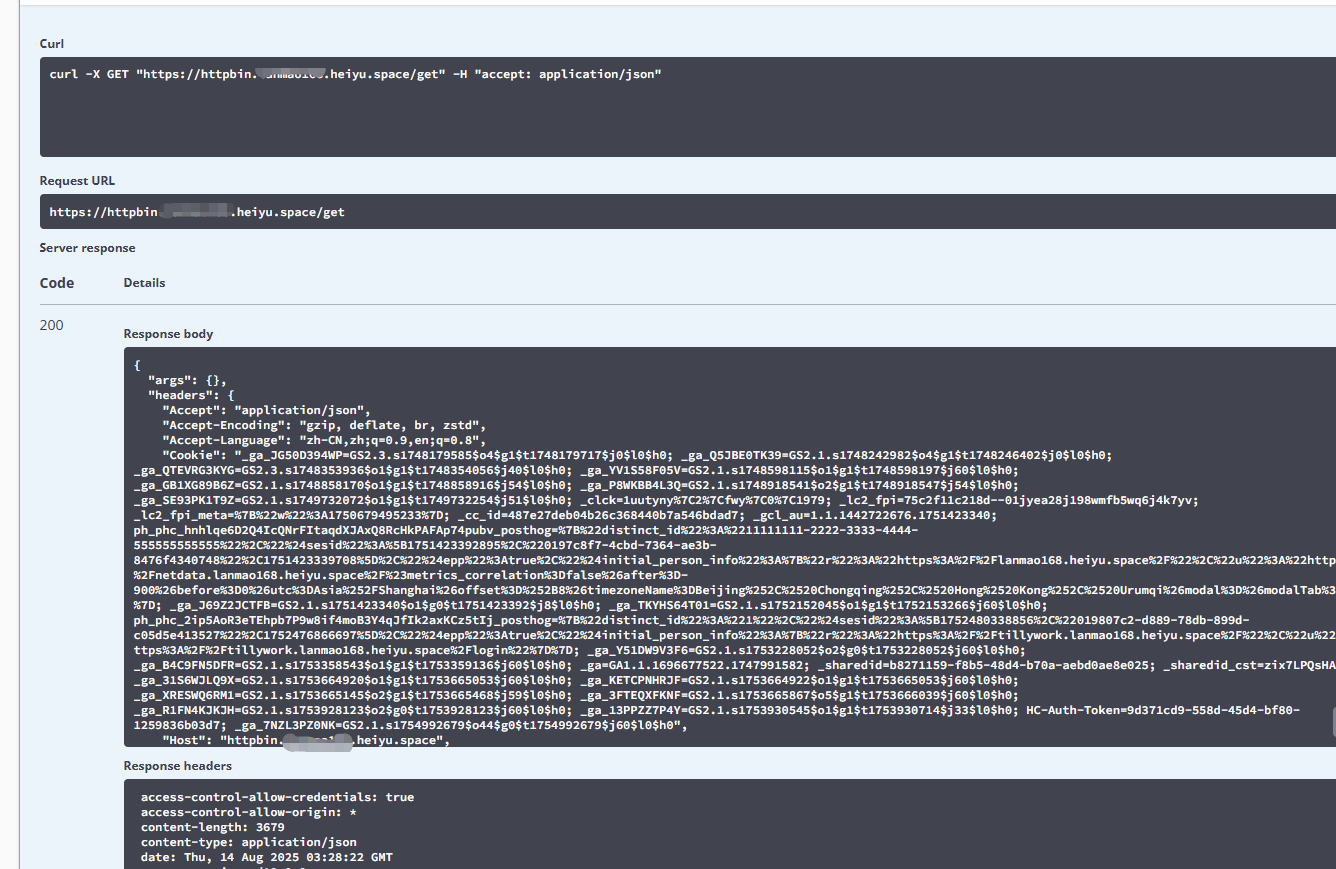
View Your Request Information: /get
This is the most basic and commonly used feature. When you send a GET request, it returns all your request headers, IP address, and request parameters.

Use Case Example: You want to confirm whether the User-Agent or Authorization header you added to the request was sent successfully. Click "Try it out", then the Execute button.

You will see a response similar to this:
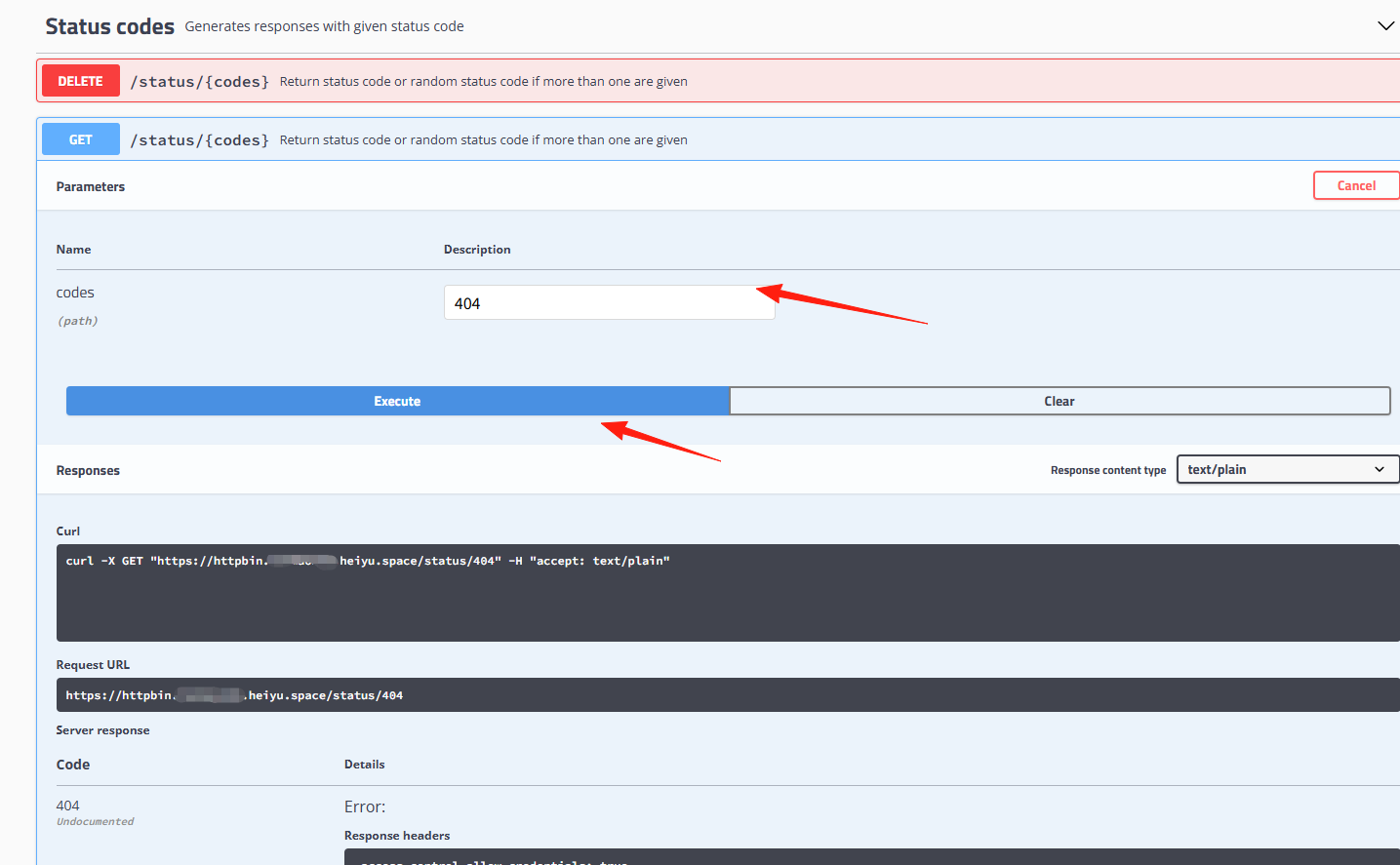
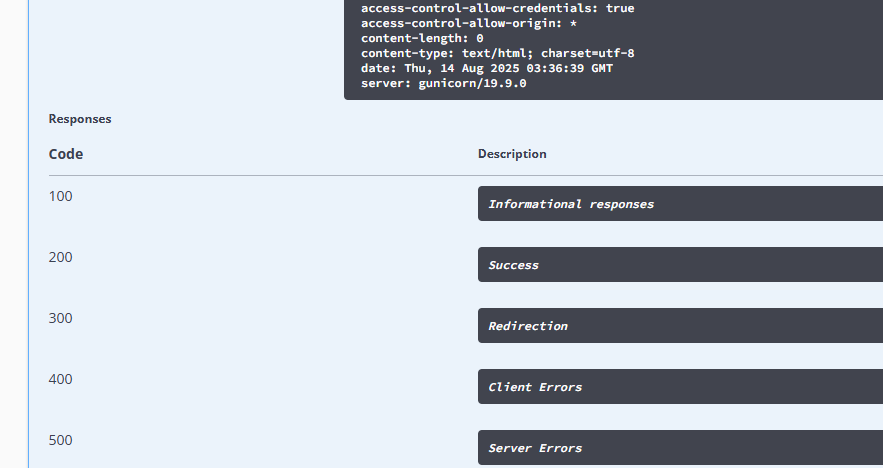
/status/{code} - Simulate Various HTTP Status Codes
Want to test how your program handles errors? This is the most useful:
# Simulate a 404 error
requests.get('https://httpbin.XXX/status/404')

# Simulate a 500 server error
requests.get('https://httpbin.XXX/status/500')
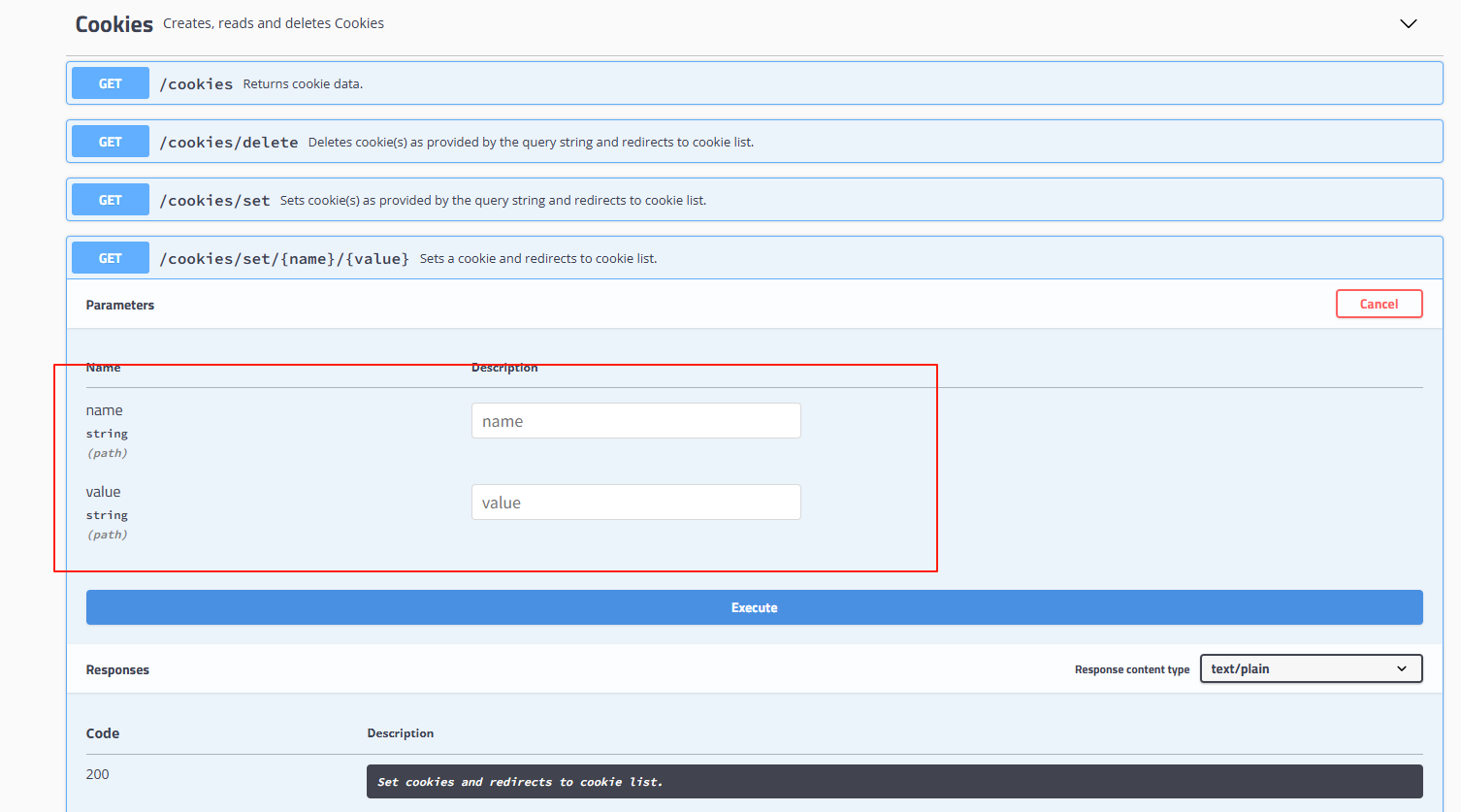
/cookies - Cookie Testing
# Set cookies
session = requests.Session()
session.cookies.set('test_cookie', 'hello_world')
response = session.get('https://httpbin.org/cookies')
print(response.json())  # Check if cookies were sent correctly
Summary
HTTPBin is like a programmer's "training room," allowing you to safely test various HTTP operations. Whether you're a beginner learning API calls or a veteran debugging complex HTTP clients, it's an incredibly handy tool.
Remember these most useful endpoints:
/get- View request parameters/post- Test POST data/status/{code}- Simulate errors/delay/{seconds}- Test timeouts/ip- Check your IP
Go try it out now!