
Outline User Guide: A Powerful Team Knowledge Base Management Tool
What is Outline?
Outline is an open-source wiki knowledge base and collaborative document management tool for teams. It's aesthetically pleasing, supports real-time collaboration, feature-rich, and Markdown compatible. In simple terms:
- Real-time Collaboration: Just like Google Docs, multiple people can edit simultaneously and see each other's changes in real-time.
- Markdown Support: A favorite among technical folks, allowing for fast writing.
- Beautiful Interface: Its design is sure to impress your colleagues.
https://appstore.lazycat.cloud/#/shop/detail/cloud.lazycat.app.outline
User Experience
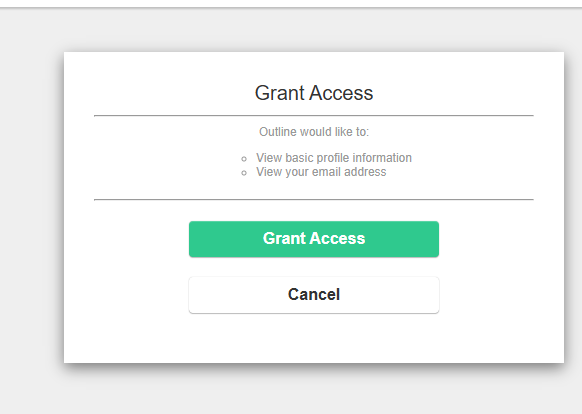
After installing the app, authorize it first.
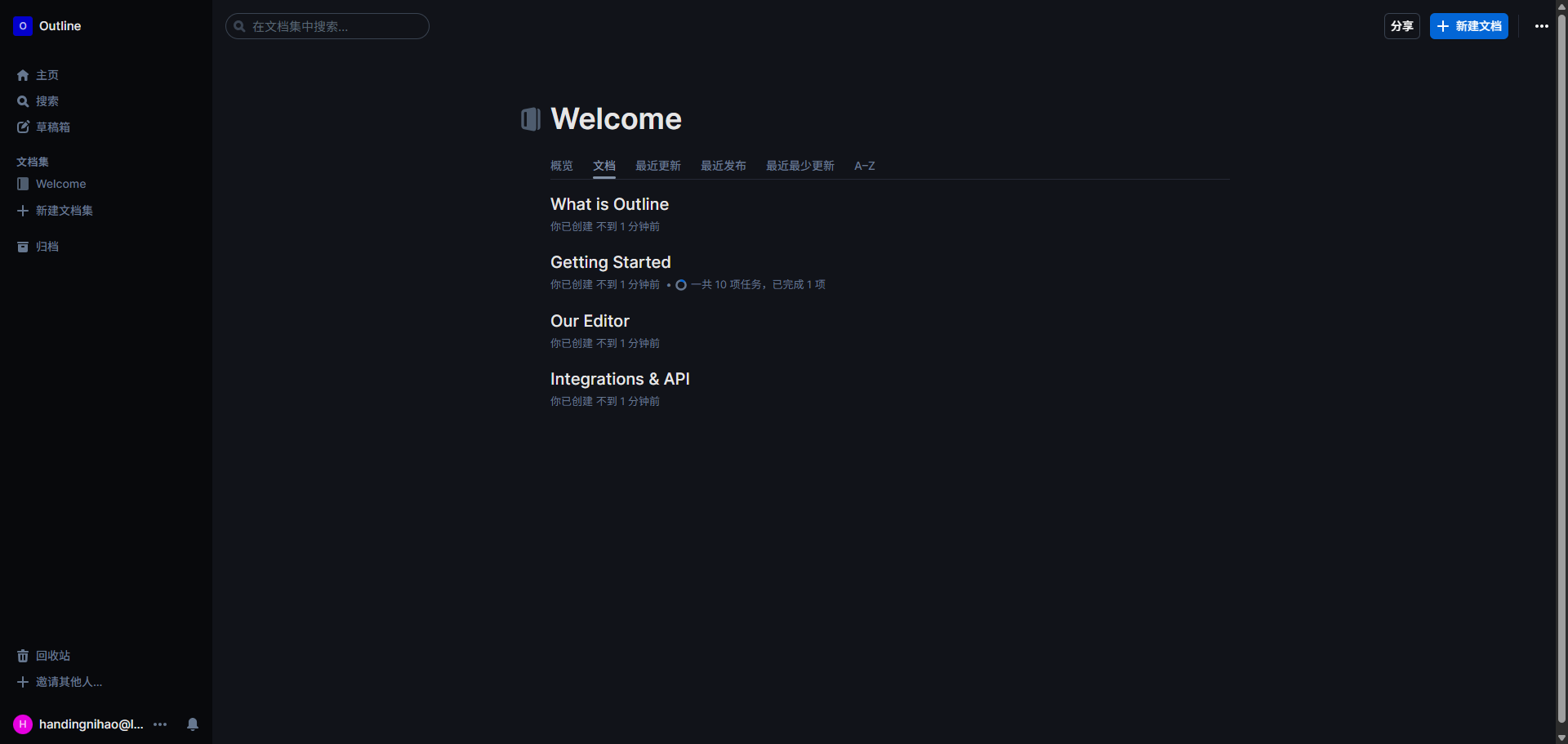
Enter the main page.
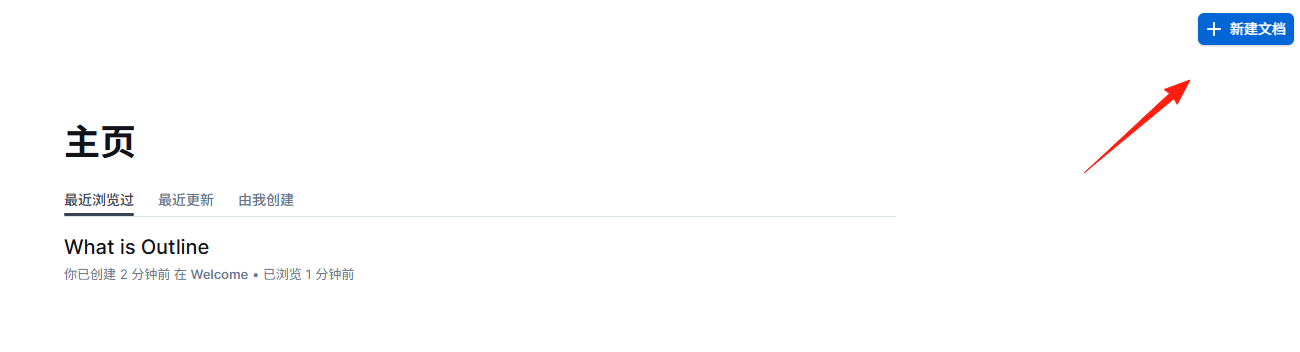
Click the top right corner to create a new document.
Editing Experience: More Enjoyable Than Word
An intuitive editing experience: A blazing-fast editor supporting Markdown, slash commands, interactive embeds, and more.
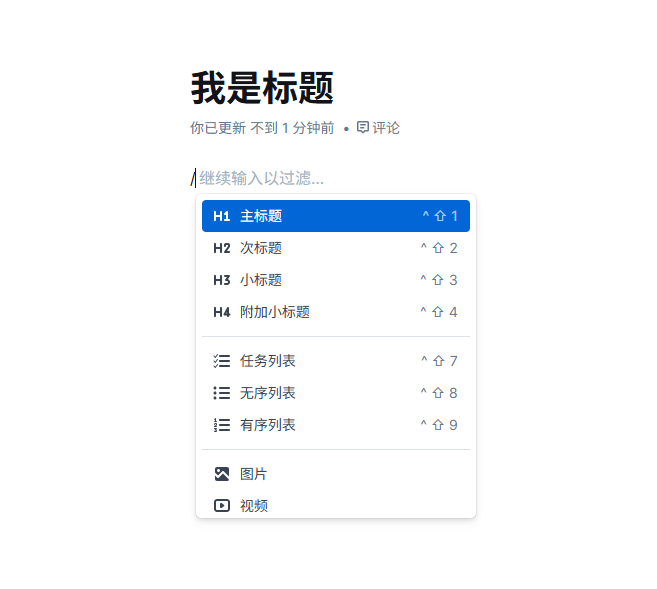
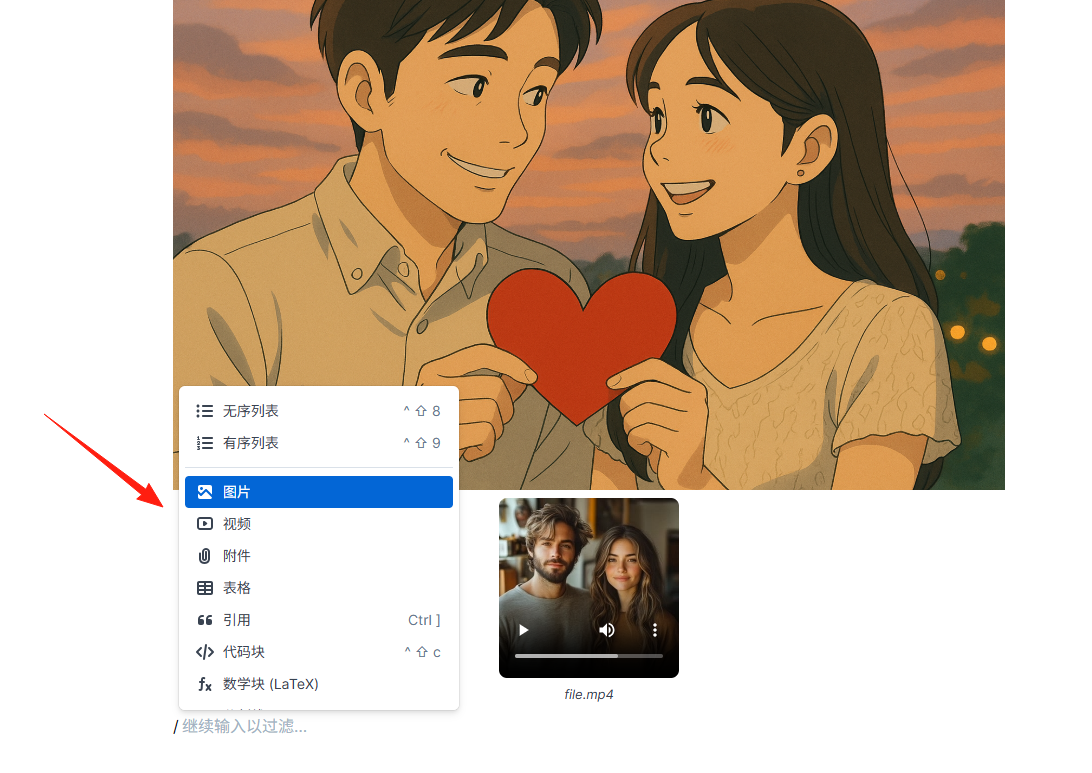
What are Slash Commands?
- Type
/to bring up a menu of functions. /tableto quickly insert a table./codeto insert a code block.- As simple as typing in a chat app.
 Practical Tips:
- Start with
##to quickly create a level 2 heading. - Start with
-to create a list. - Wrap code blocks with ```.
- Drag and drop images directly to insert them.
Team Collaboration: Say Goodbye to Document Version Hell
The biggest headache in team collaboration is version chaos:
- "Is this the latest version?"
- "Who changed my document?"
- "Where did yesterday's edits go?"
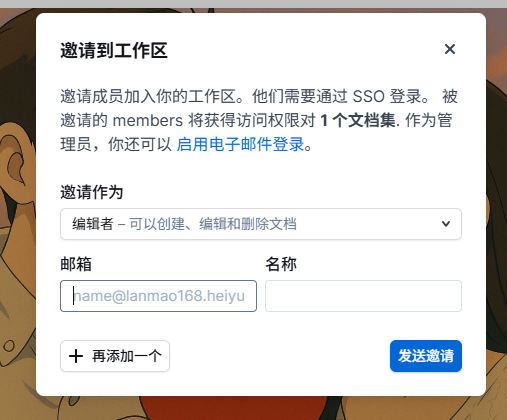 Outline perfectly solves these problems:
- Real-time Sync: Colleague A types, Colleague B sees it immediately.
- Version History: Every change is recorded, allowing rollback at any time.
- Permission Control: Set who can view and who can edit.
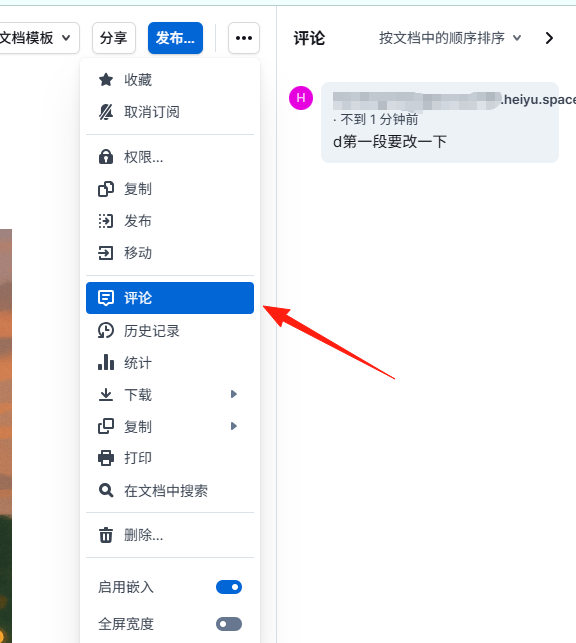
- Commenting Feature: Leave comments and discuss specific paragraphs.
Organization Structure: Keeping Knowledge Orderly
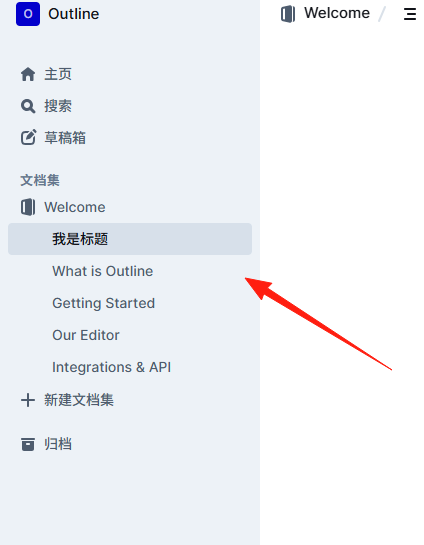
Outline's organization method is interesting; it uses an open tree structure:
Team Knowledge Base
├── Product Documentation
│   ├── Requirements Docs
│   ├── Prototype Designs
│   └── User Feedback
├── Technical Documentation
│   ├── Development Standards
│   ├── API Documentation
│   └── Deployment Guides
└── Operations Materials
    ├── Event Planning
    └── Data Analysis
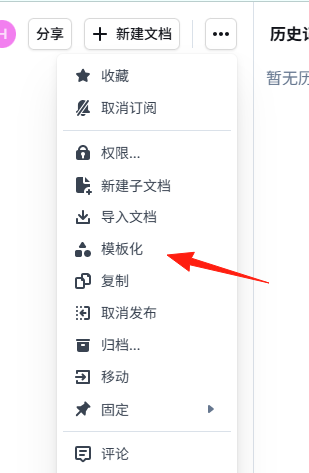
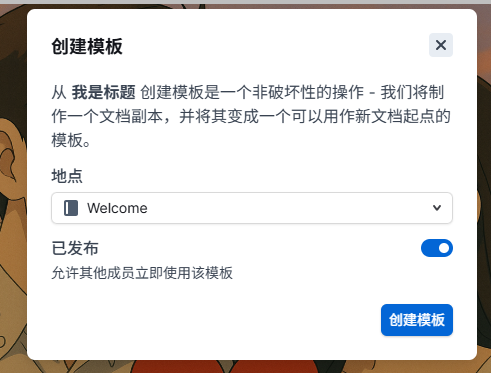
Create a "Template Library" collection to organize commonly used document formats, and just copy them for use each time.
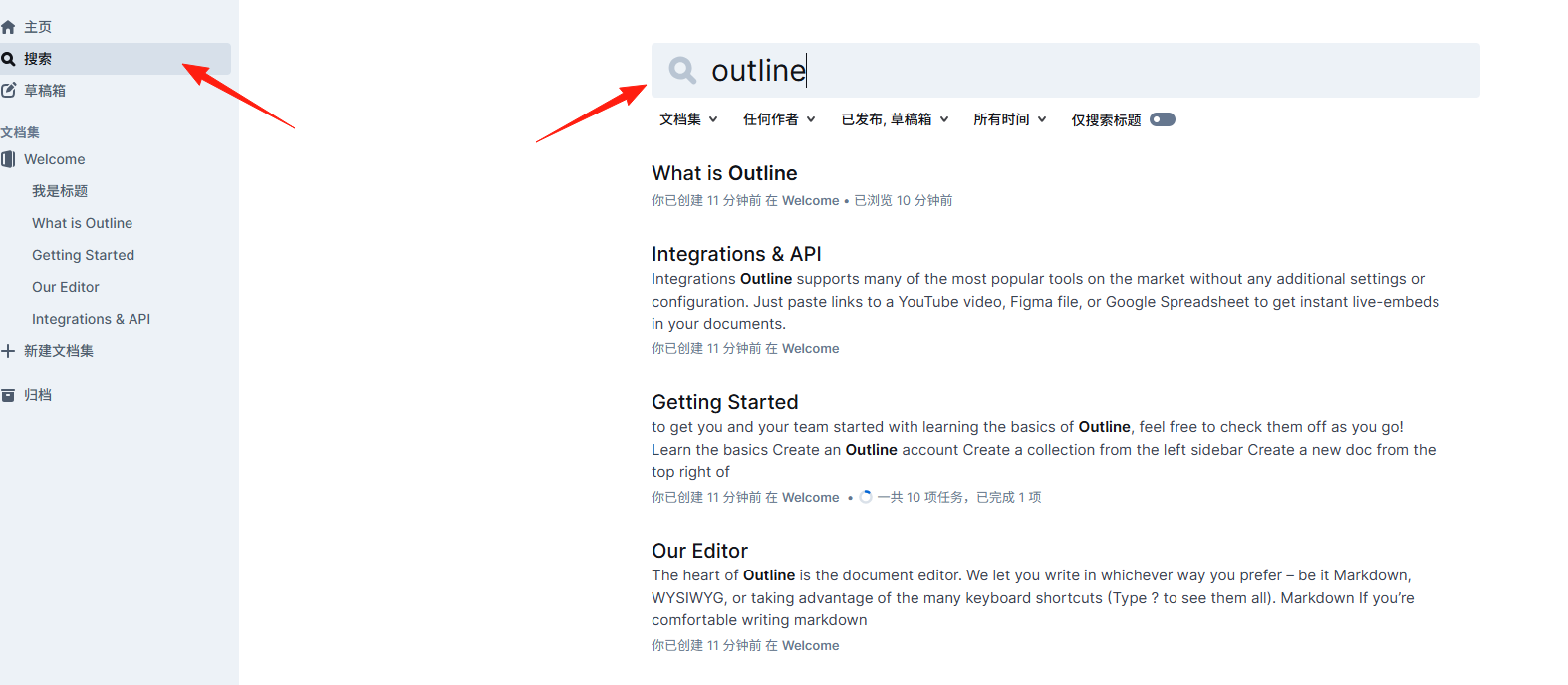
Outline's search function is powerful, but use it wisely:
- Use Accurate Keywords: Searching for "API" is more precise than "interface documentation".
- Use Tags for Categorization: Add tags like
#product#techwithin documents. - Regularly Update Key Information: Place important data and links at the beginning of documents.
Data Backup Strategy
Although Outline is stable, data is priceless, so backups are essential:
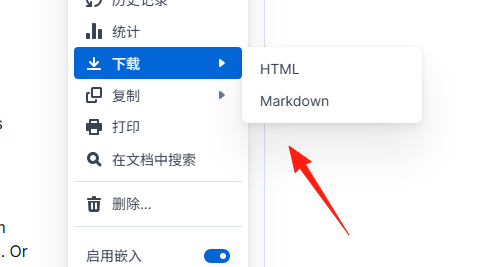
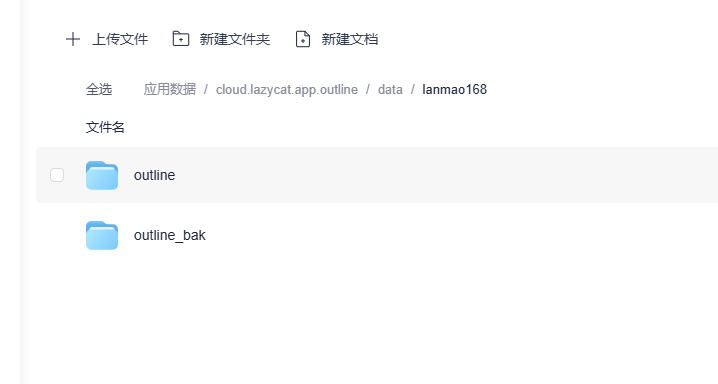
- Regular Exports: Outline supports exporting to Markdown format.
- Database Backups: If self-hosted, remember to back up the PostgreSQL database.
- File Backups: Images and attachments should also be backed up separately.
Summary
If your team is looking for a knowledge base solution, I highly recommend trying Outline. Although the initial deployment might have a slight technical learning curve, once set up, it will definitely double your team's collaboration efficiency.
A good tool is just the beginning; the key is to get the team into the habit of recording and sharing knowledge.