
VoAPI Practical Guide - The Ultimate AI API Management Tool Even Beginners Can Master
What is This?
Simply put, VoAPI is an "AI Model Interface Management and Distribution System." Sounds impressive, right? But to put it simply: You want to use various AIs, but each provider has a different interface. VoAPI helps you manage them all in one place.
Think of it like this: you have a bunch of remotes, each controlling a different appliance. VoAPI is like a universal remote—one device to control them all.
https://appstore.lazycat.cloud/#/shop/detail/cloud.lazycat.app.voapi
How to Use
After installing the application, open the home page.
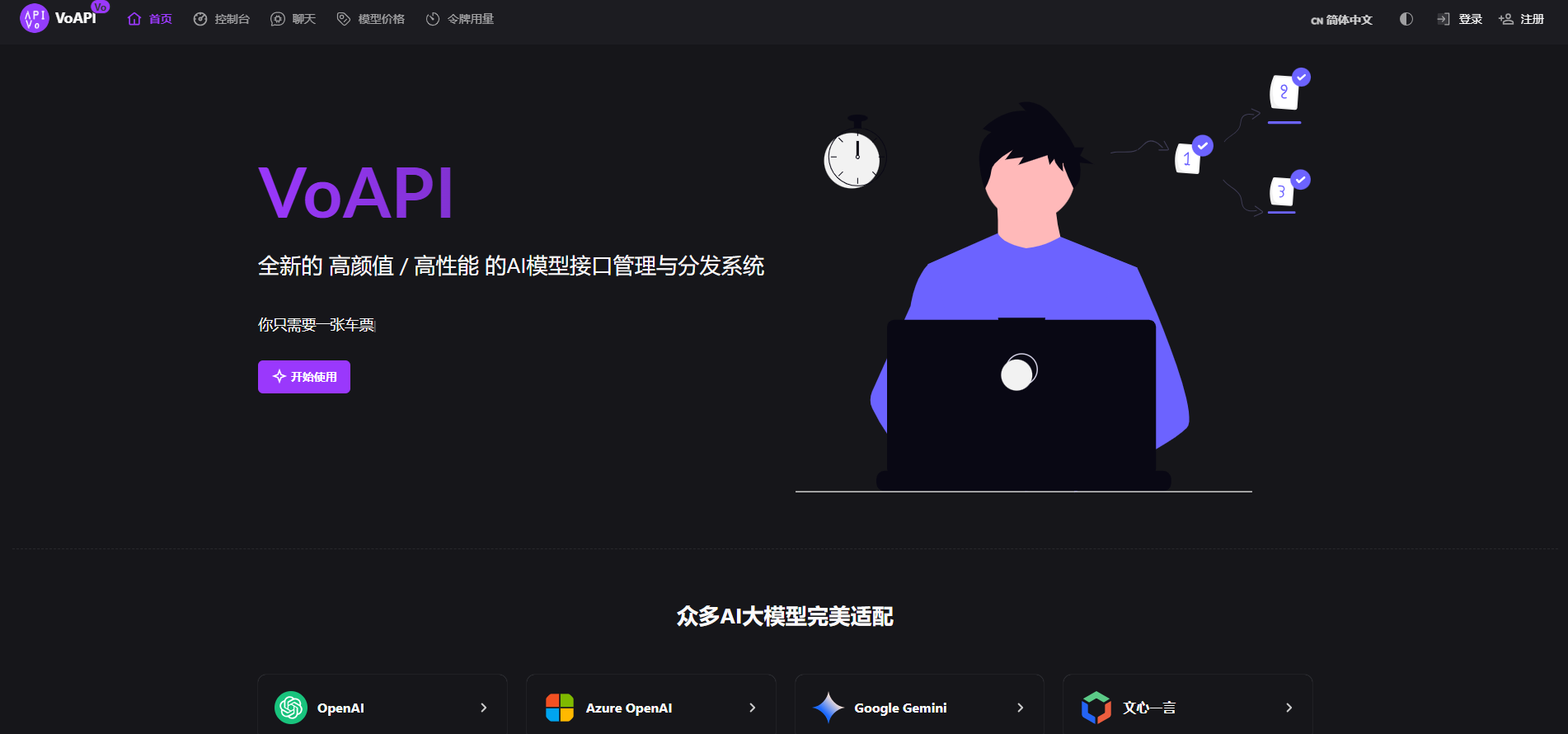
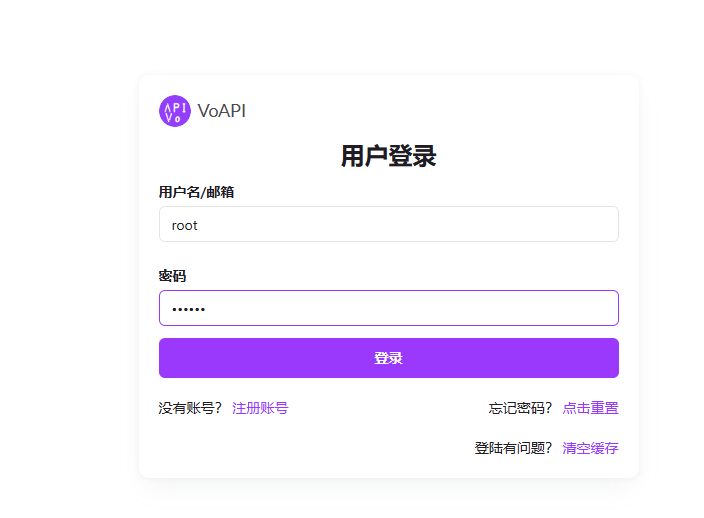
Click Login.
Default Username: root
Default Password: 123456
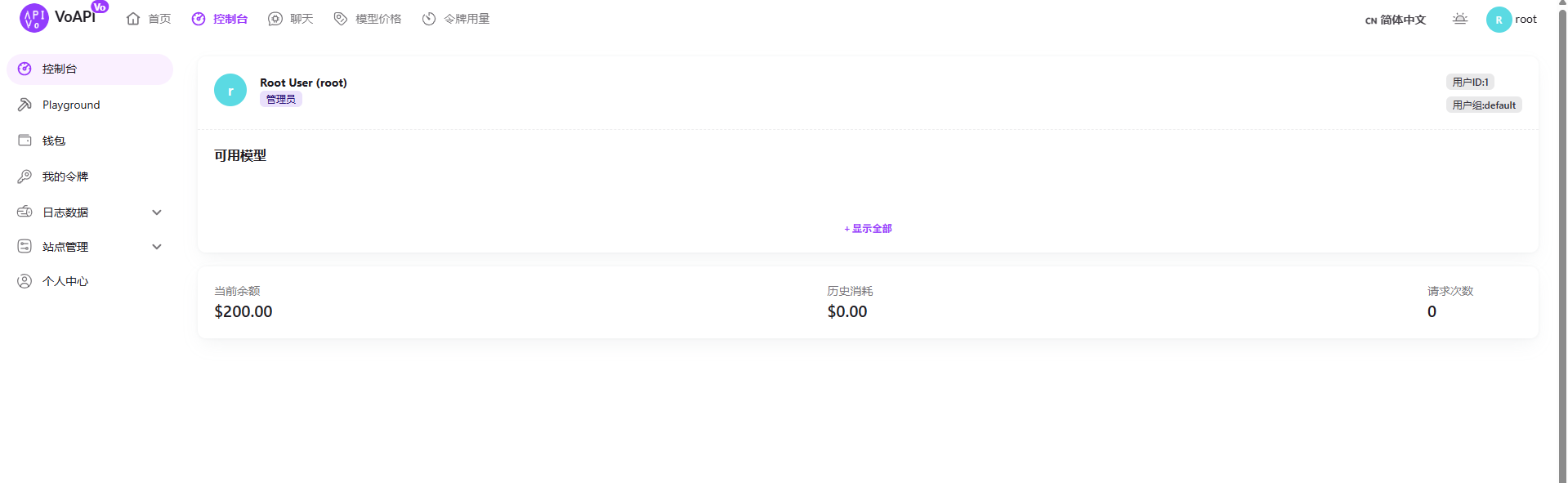
Enter the admin panel.
How to Add an Interface
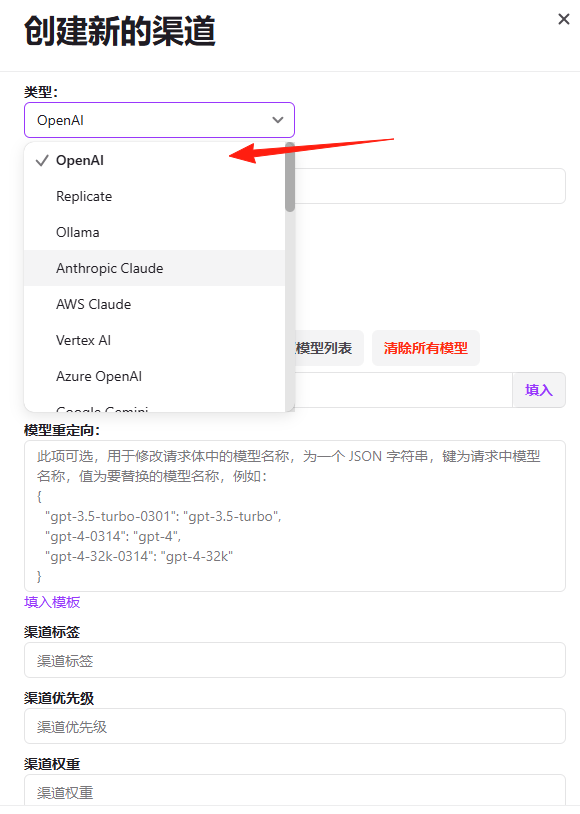
Channel Management → Add Channel
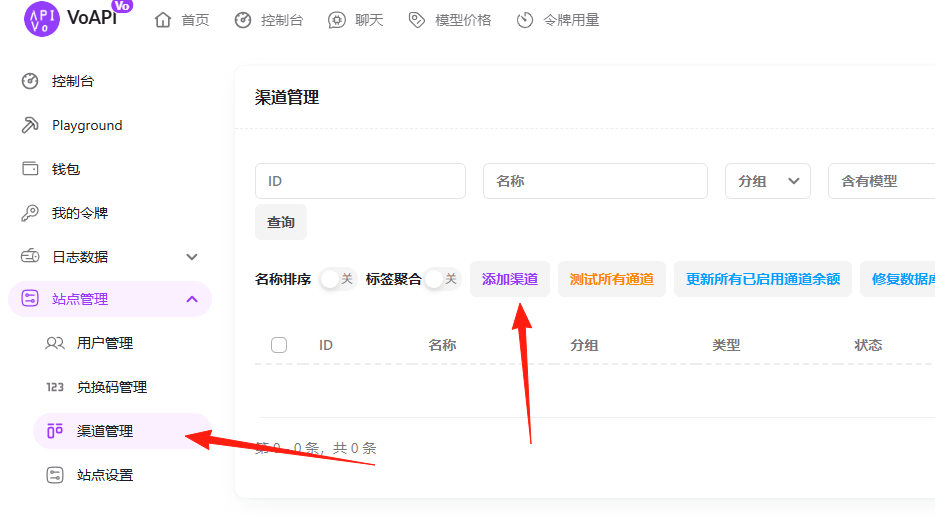
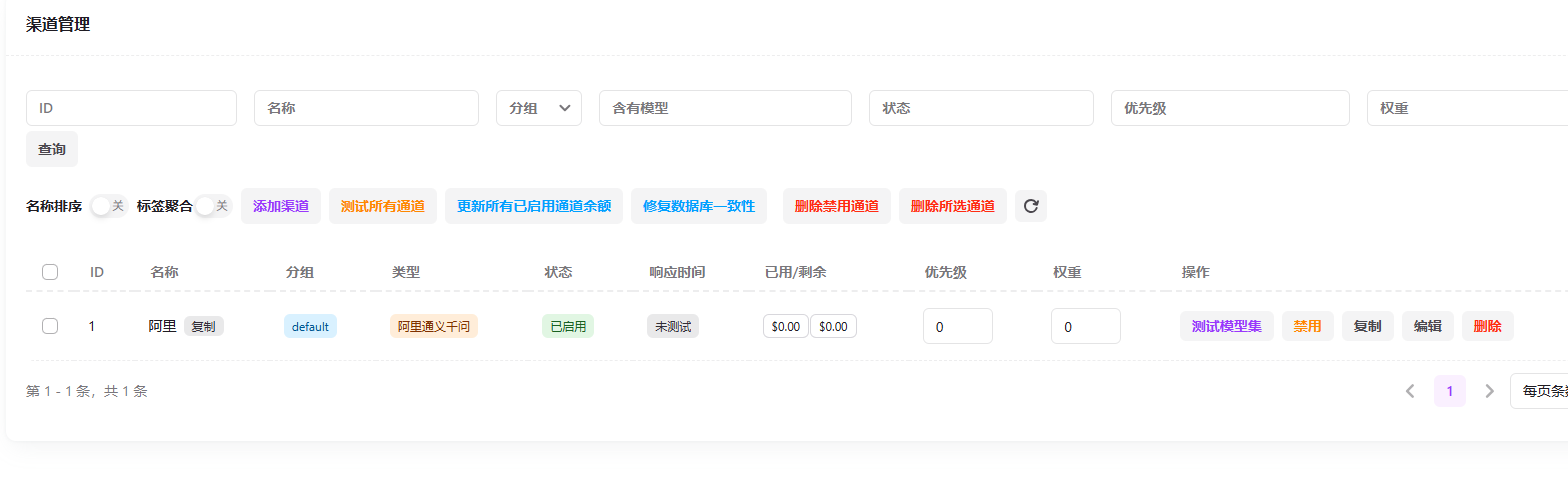
Using Alibaba's Tongyi Qianwen as an example, after adding it:
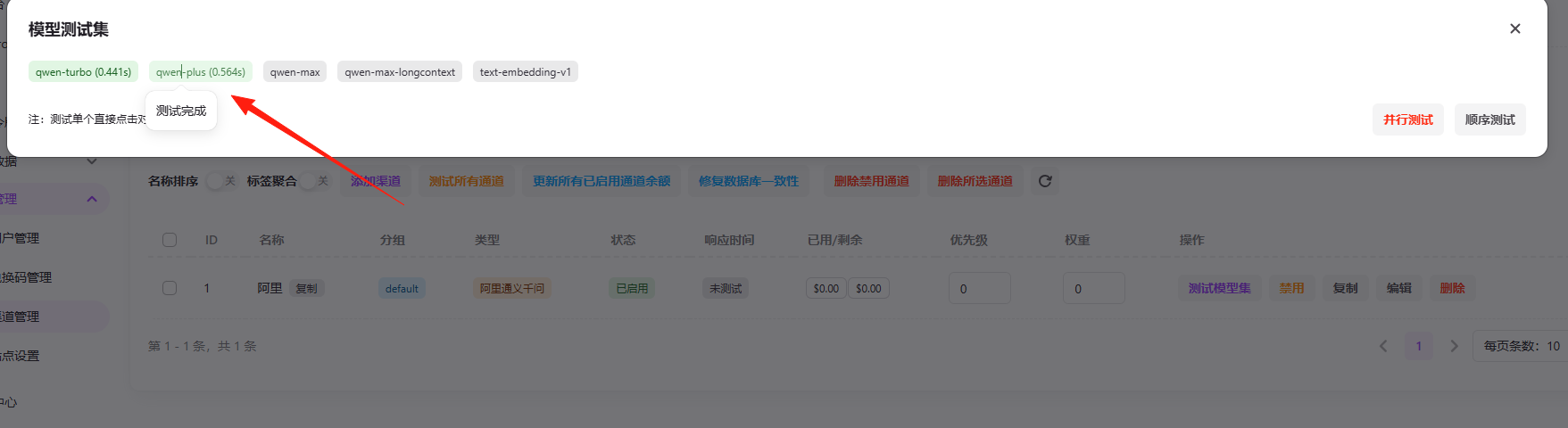
Click "Test Model Set." If the connection is successful, it will turn green.

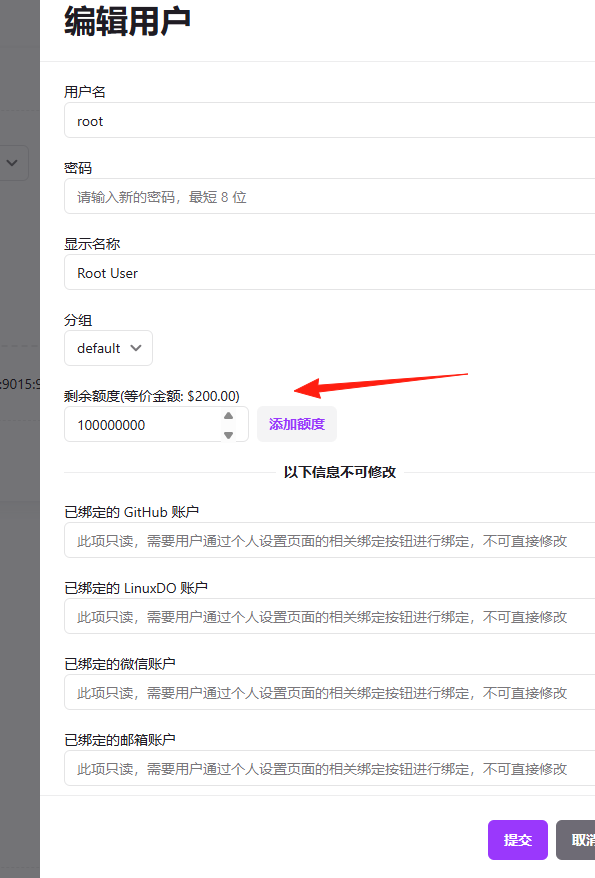
Setting User Quotas
User Management → Find the User → Edit → Set Quota
This allows you to control how much AI service each user can spend, preventing overuse.
Summary
VoAPI is a great project with a beautiful interface and comprehensive features. Whether you want to set up your own AI services or learn about AI interface management, it's definitely worth trying.
Most importantly, 🎉 New Standalone Version Preview: VoAPI V1.0 is completely independently developed. The author is continuously updating it, and it will become even more powerful in the future.
Go try it now! You can get it set up in just 5 minutes. How great is that?