
VulnBank Hands-On Guide - The Essential Path from Beginner to Penetration Expert
What Is This Project For?
VulnBank is an intentionally vulnerable banking application packed with various common security vulnerabilities. Think of it as a "training ground" specifically designed for practicing:
- Web Application Penetration Testing - Various injection attacks, privilege escalation
- API Security Testing - Various security issues in REST APIs
- Code Auditing - Learning how to identify security flaws in code
- DevSecOps Practices - Integrating security testing into the development lifecycle
Feature-wise, it functions like a real online banking system:
- User registration and login
- Account balance management
- Money transfer functionality
- Loan applications
- Avatar upload
- Transaction history
- Password reset
- Virtual card management
- Bill payment system
But each feature contains hidden pitfalls, waiting for you to discover.
https://appstore.lazycat.cloud/#/shop/detail/cloud.lazycat.app.vulnbank
Getting Started Guide
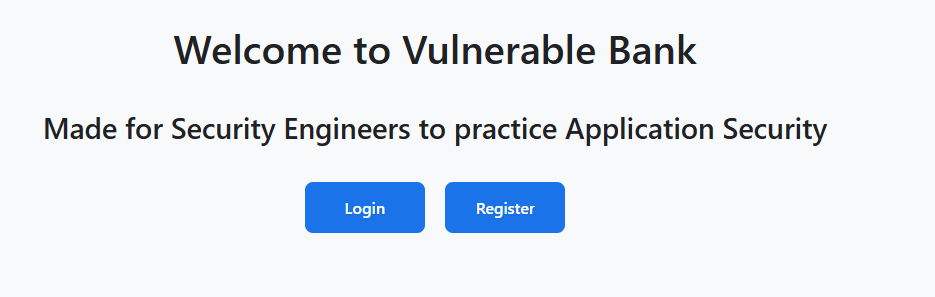
After installing the application, open the home page.
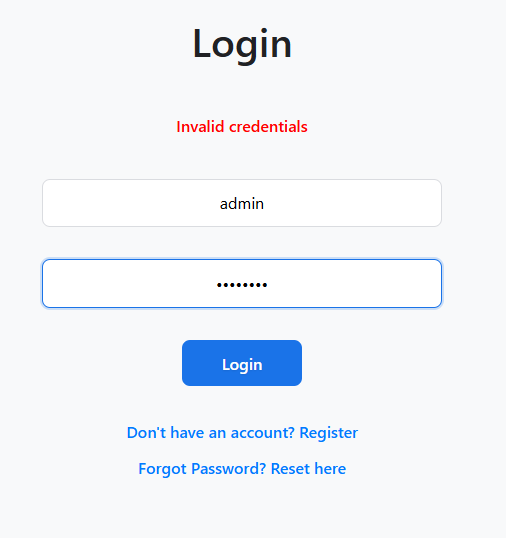
Log in to the system. Default credentials: admin/admin123
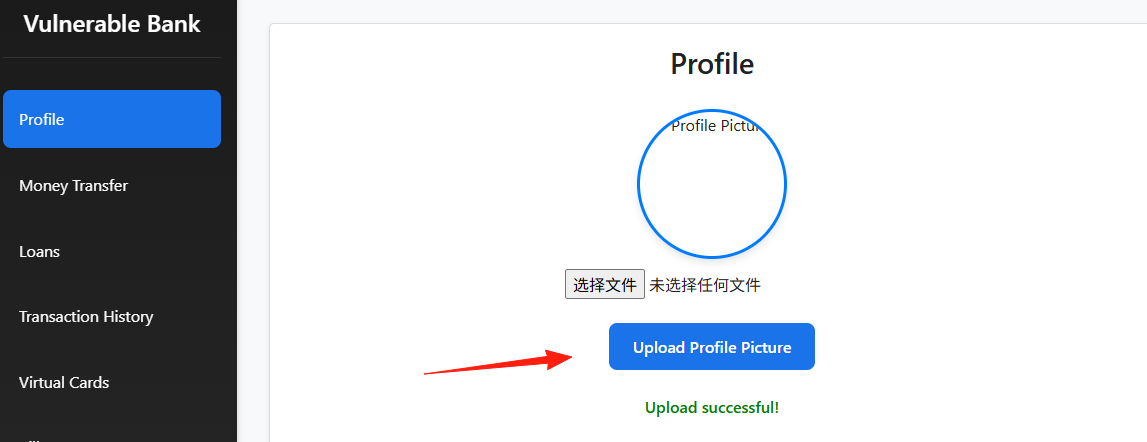
Enter the main page. The various functions are listed on the left.
Profile
- Normal Usage: Upload your avatar and view your account information.
- Hacker's Perspective:
- File Upload Vulnerability: The avatar upload section is prone to issues. Try uploading a non-image file, like a
.phpfile, and see if the server throws an error or even allows the upload. If it succeeds, congratulations, you might have found a file upload vulnerability! - Privilege Escalation: See if you can view or modify other users' personal information by manipulating parameters, such as changing the user ID in the URL.
- File Upload Vulnerability: The avatar upload section is prone to issues. Try uploading a non-image file, like a
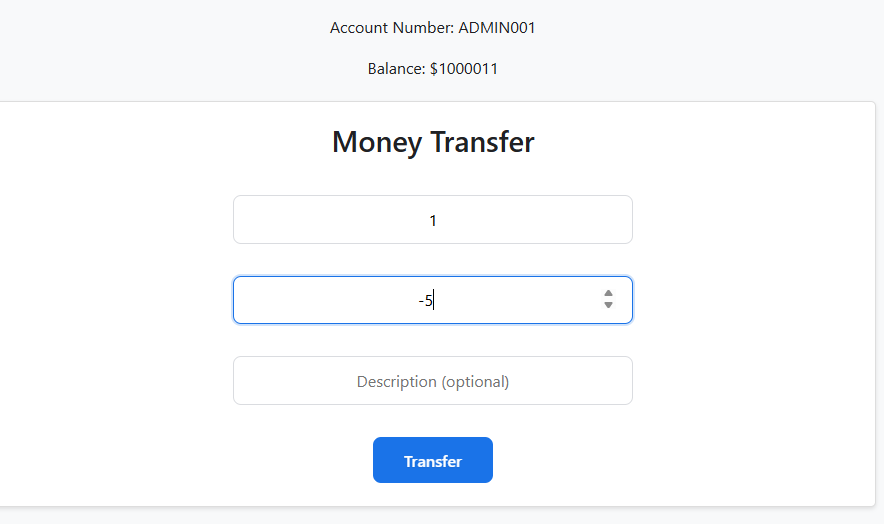
Money Transfer
- Normal Usage: Enter the recipient's account number and the amount to transfer.
- Hacker's Perspective:
- Input Validation Vulnerability: In the "Amount" field, don't just input normal numbers. Try entering negative numbers, extremely large numbers, or even letters, and see what happens.
- SQL Injection: In the "Recipient Account" or "Amount" fields, try inputting special SQL injection payloads, like
' or 1=1 --, to see if you can bypass validation or trigger errors. - Race Condition: If you can rapidly submit two transfer requests in quick succession (e.g., within the same millisecond), see if it results in the money being deducted only once but transferred twice. This typically requires tools like Burp Suite's Intruder.
This "Create Virtual Card" function
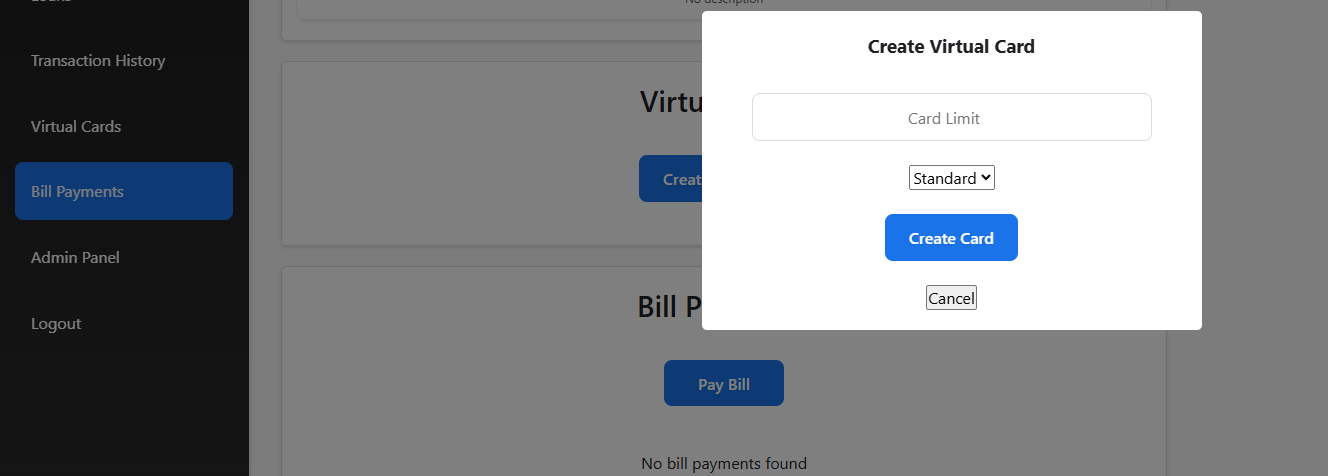
The "Card Limit" input field This field appears to only accept numbers, but precisely for that reason, you should "break the rules."
- Enter a negative number: Try entering a negative number, like
-1, in the limit field. If the system lacks strict validation, it might cause your account balance to increase or lead to unexpected program errors. - Enter an extremely large number: Input an astronomical number, like
9999999999999999. If the system doesn't enforce a maximum limit, this could cause an integer overflow, granting your card a strange balance or even crashing the system.
Final Notes
The greatest value of the VulnBank project is that it allows you to experiment freely in a safe environment without worrying about breaking anything.
It covers the most common security issues found in banking applications. Essentially, for every vulnerability you might encounter in a real-world environment, you can find a corresponding practice scenario here.
Related Resources:
- Project Address: https://github.com/Commando-X/vuln-bank
- Author's Blog: https://dghostninja.github.io/posts/Vulnerable-Bank-API/