
kindly-rss: An RSS reader optimized for Kindle
Recently, while tinkering with RSS subscriptions, I stumbled upon a project called Kindly RSS. To be honest, I didn't have high expectations at first, given the sheer number of RSS readers available nowadays. But after trying it out for a few days, I found that this one is actually a bit different.
What is this project?
In simple terms, Kindly RSS Reader is an RSS aggregator specifically optimized for E Ink screen devices (like the Kindle). You can think of it as a news reading tool "born for eye comfort."
https://appstore.lazycat.cloud/#/shop/detail/cloud.lazycat.app.kindly-rss
Practical Usage Guide
After installing the app, you'll notice the interface is so clean it almost feels "barebones."
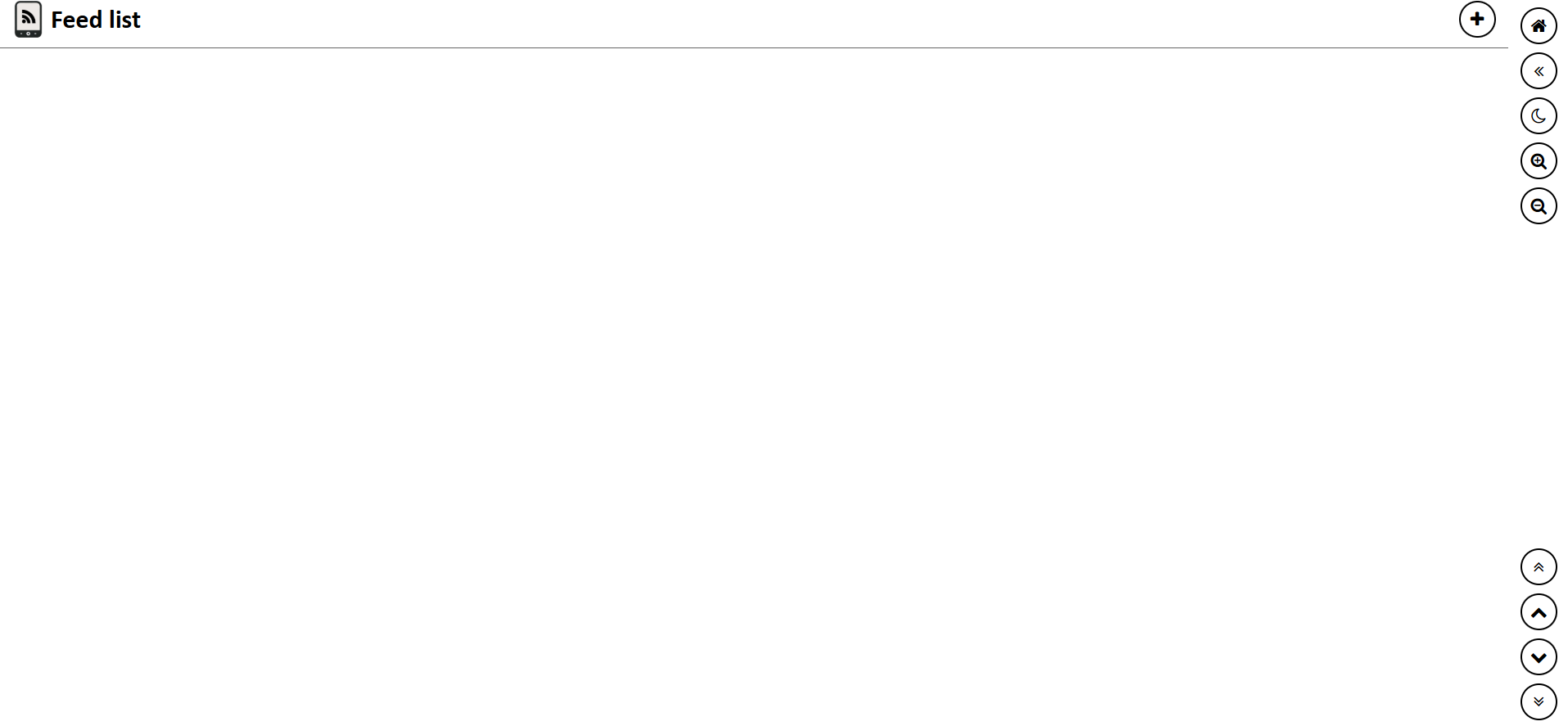
Adding a Feed Click the "+" on the page and enter the RSS link.
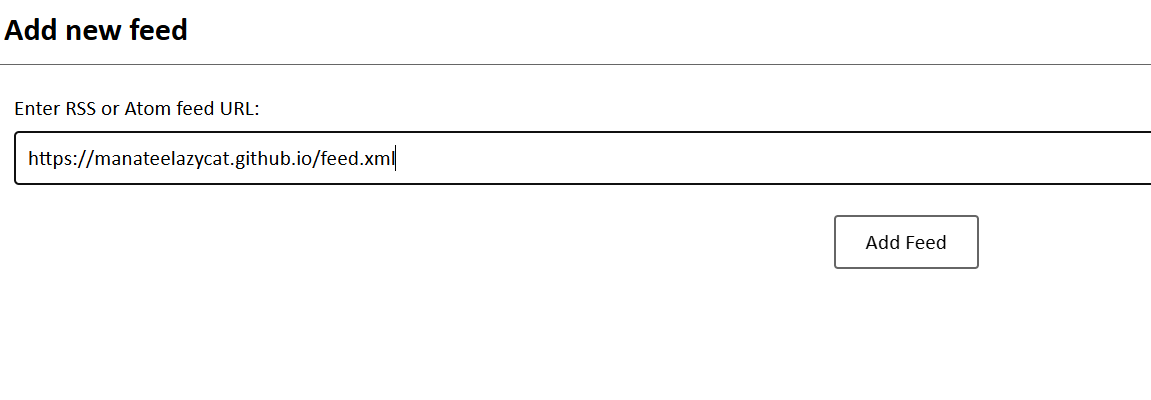
Now that you have the tool, you need good content. Here are a few quality RSS sources worth recommending: Wang Zong's Blog: https://manateelazycat.github.io/feed.xml
Tech:
- Hacker News: https://hnrss.org/frontpage
- GitHub Trending: https://mshibanami.github.io/GitHubTrendingRSS/
- V2EX: https://www.v2ex.com/index.xml
- BBC Chinese: http://feeds.bbci.co.uk/zhongwen/simp/rss.xml
Lifestyle:
- SSPAI: https://sspai.com/feed
- Ruan YiFeng's Network Log: http://www.ruanyifeng.com/blog/atom.xml
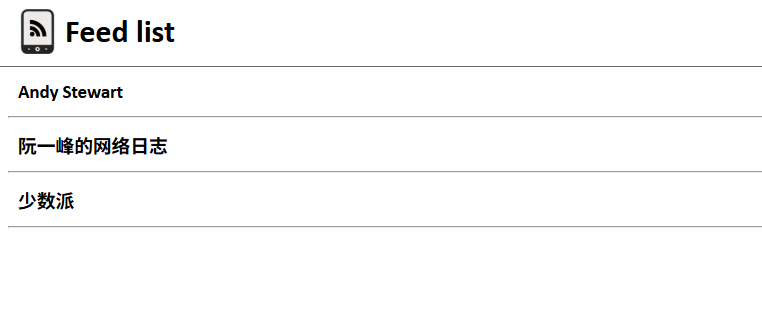
Click to enter the list
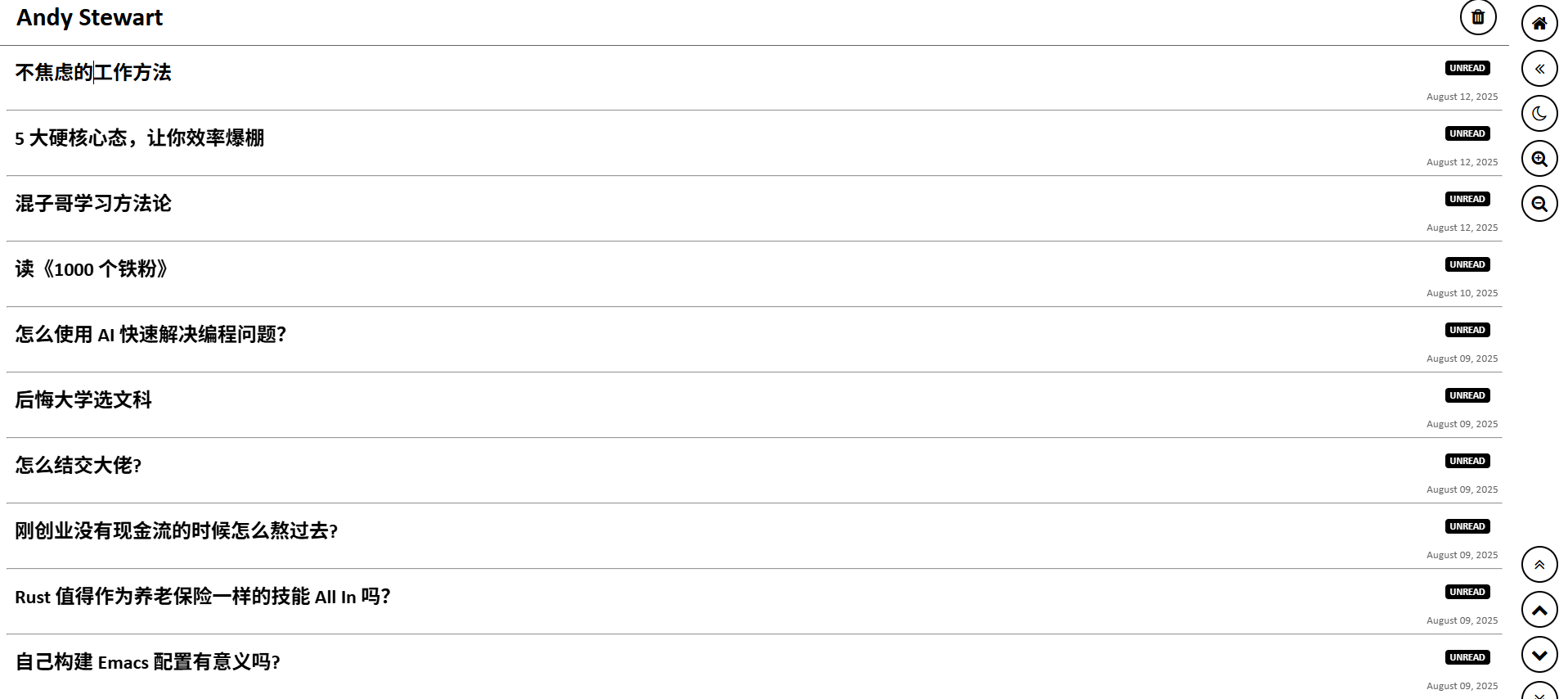
View content
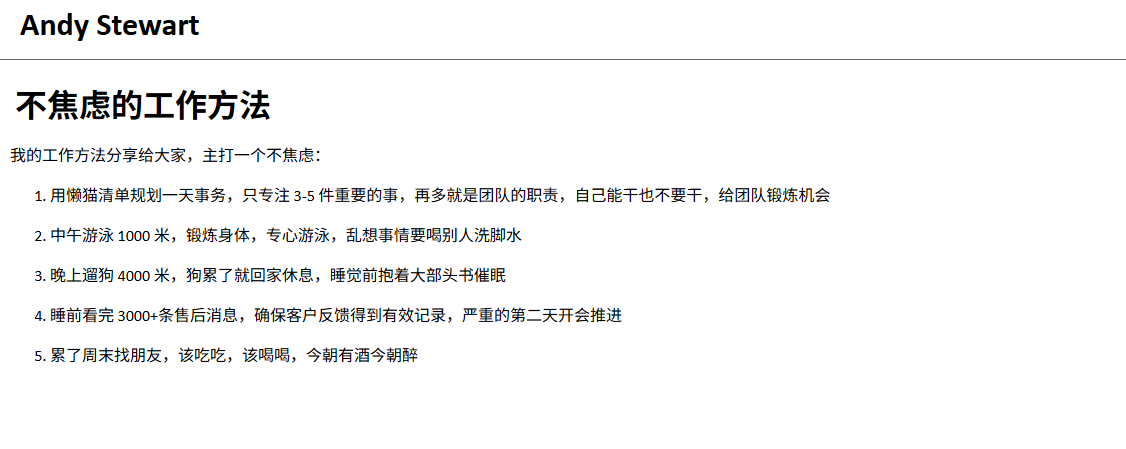
Currently, you can only add them manually one by one. However, considering the project is still in its early development stages, I believe batch import/export features will be added later.
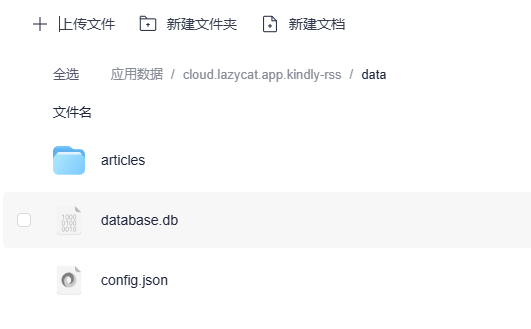
Although the data is persistent, it's still recommended to regularly back up the kindly-rss-data folder to prevent accidental loss.
Summary
Kindly RSS isn't the kind of feature-rich RSS reader, but it does one thing well: it lets you comfortably read RSS content on E Ink screen devices.
If you:
- Have a Kindle or other e-book reader
- Prefer a clean interface design
Then this tool is worth trying out.