
Magic Resume: Create a High-Quality Resume in Three Minutes
Magic Resume is a modern online resume editor that makes creating professional resumes simple and fun. Built with Next.js and Framer Motion, it supports real-time preview and custom themes.
🎨 Custom Theme Support 📱 Responsive Design 📤 Export to PDF 🔄 Real-time Preview 💾 Auto Save 🔒 Local Storage
https://appstore.lazycat.cloud/#/shop/detail/io.zeroc.app.magicresume
Getting Started Guide
After installing the app, open the home page.
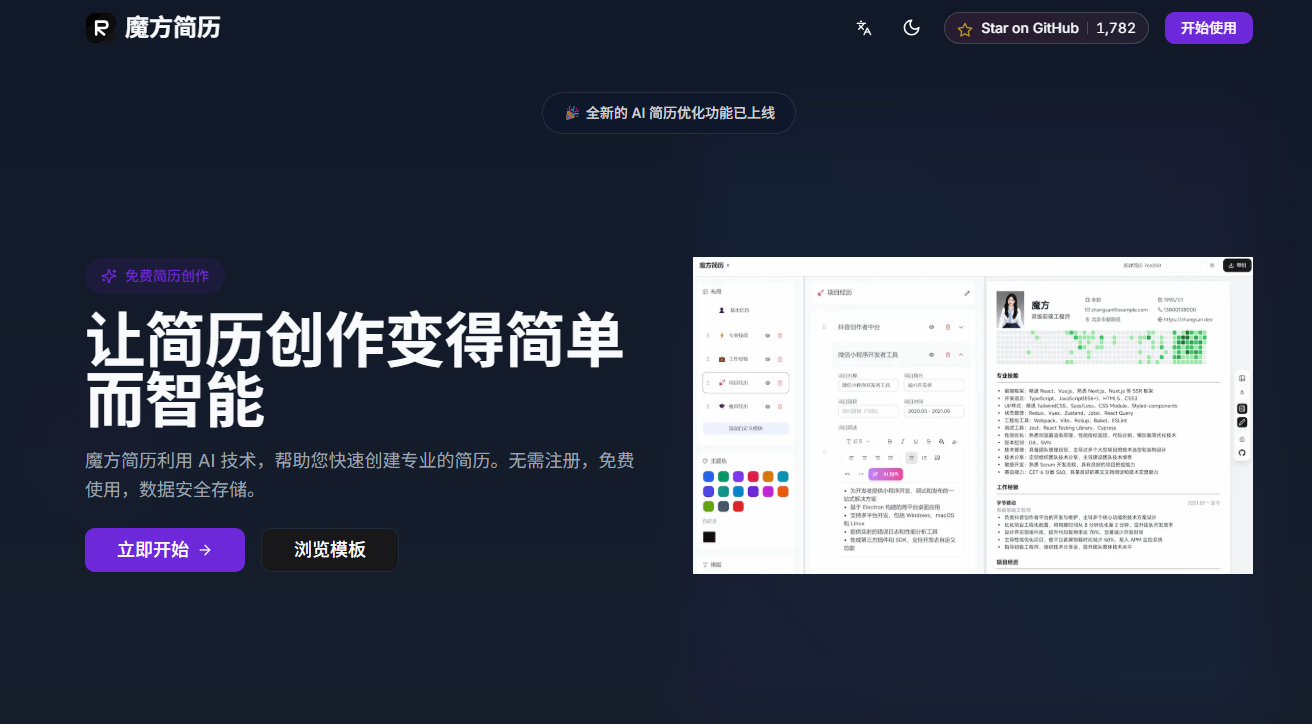
Open the main page.
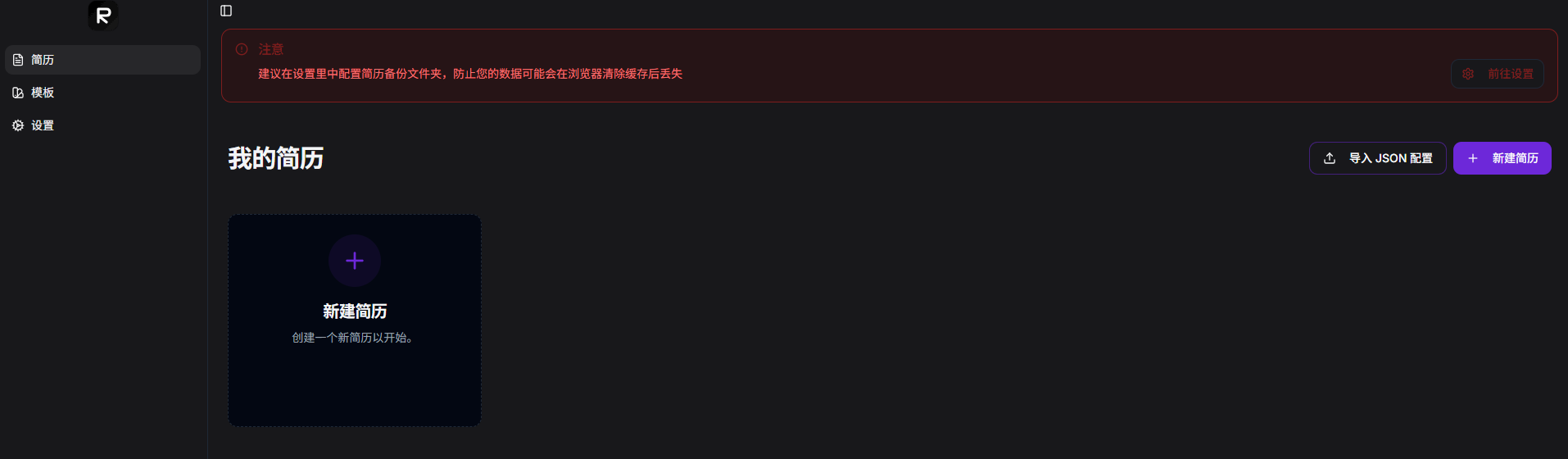
In the Settings, configure a backup folder.
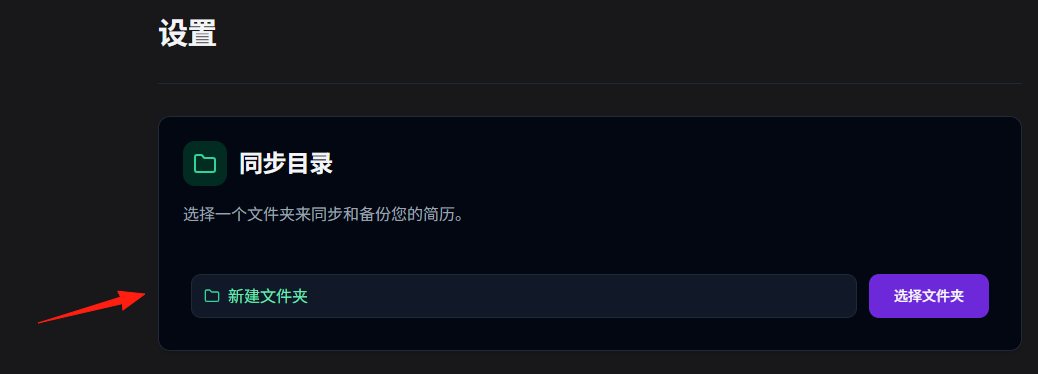
In the AI Configuration, you can set up Doubao and DeepSeek.
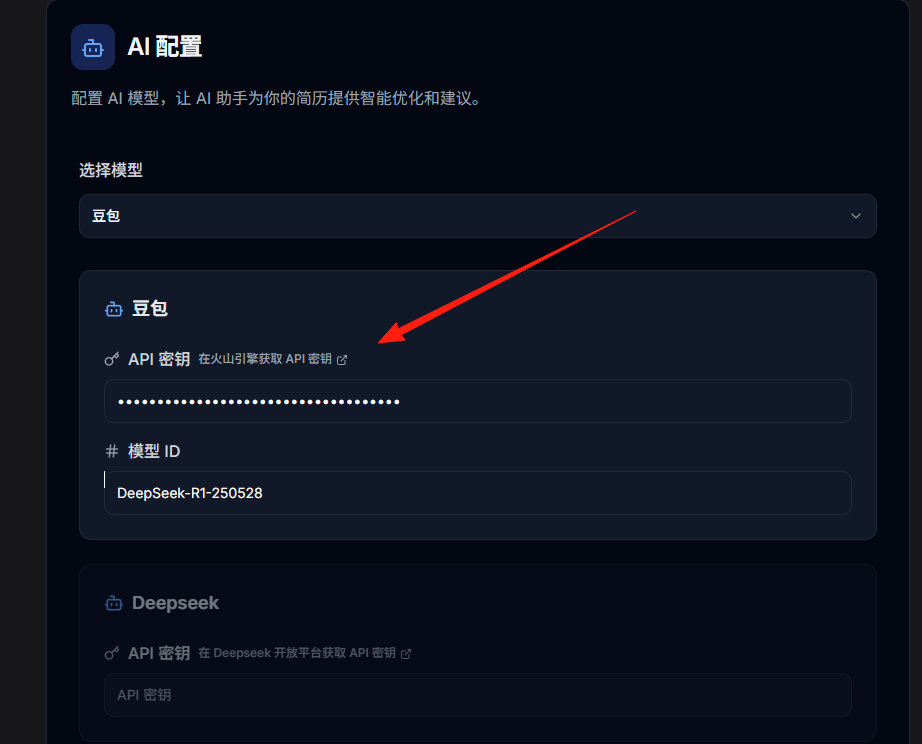
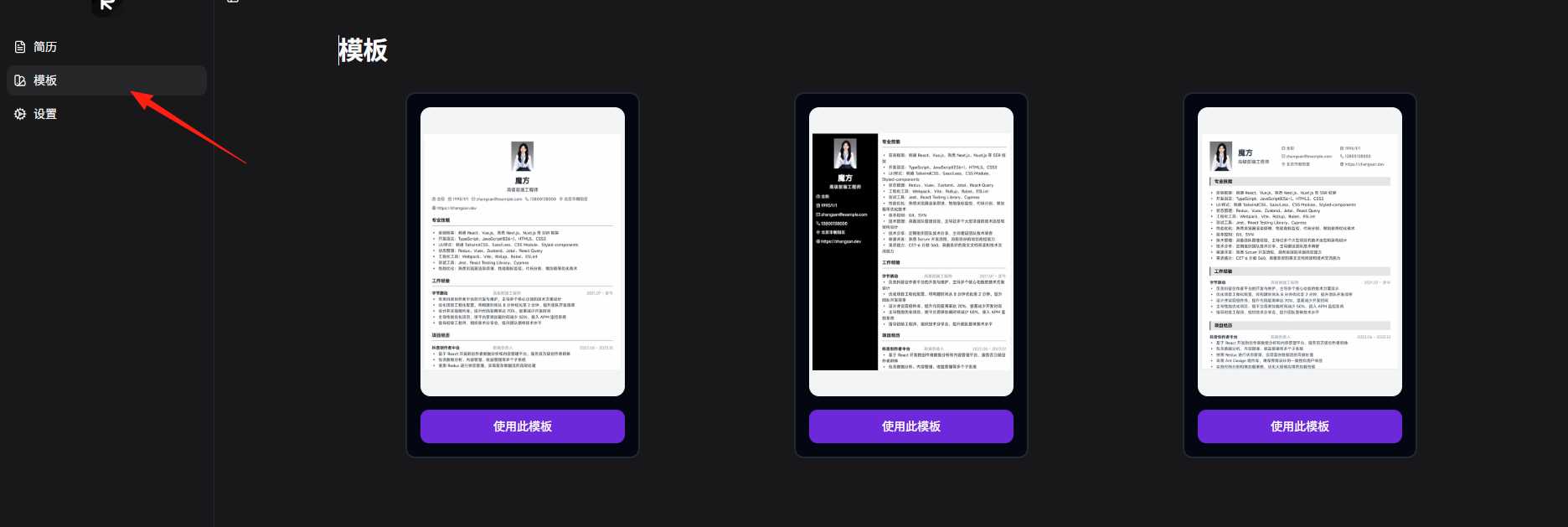
Choosing a Suitable Template
Start by selecting a template that looks appealing. You can change it later; the key is to fill in the content first.
Filling in Personal Information
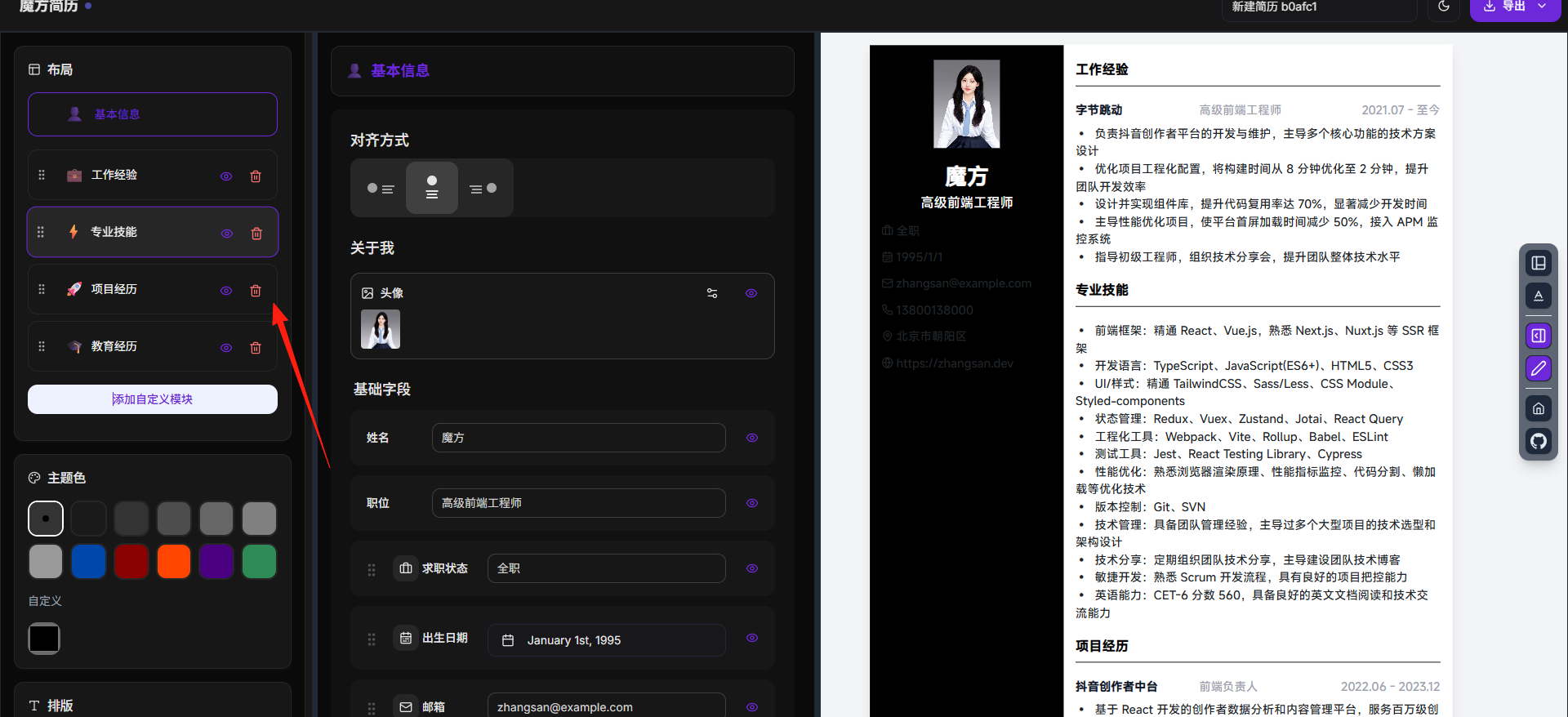
This section is straightforward—just fill it out truthfully:
- Name, phone number, email (required)
- Photo (optional, but a professional headshot is recommended)
- Personal website, portfolio links (if available)
Writing a Self-Evaluation
This part is crucial! Avoid clichés like "cheerful personality and positive attitude."
The Right Approach:
3 years of front-end development experience, proficient in frameworks like React and Vue.
Independently managed a mobile project with 500k+ MAU.
Strong coding standards and teamwork skills.
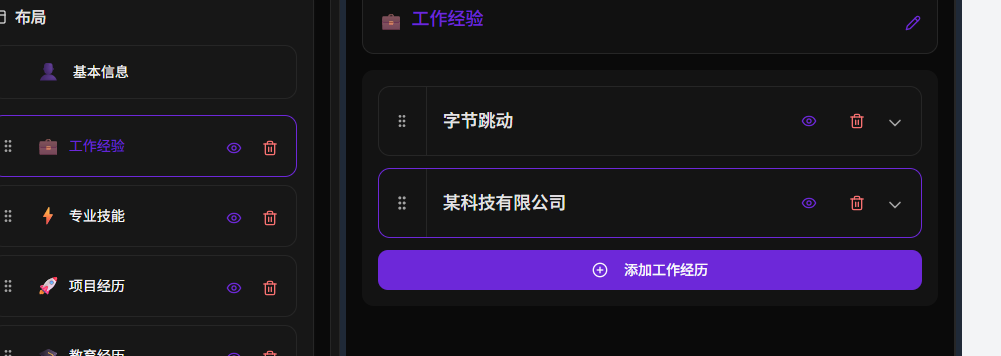
Work/Internship Experience
List in reverse chronological order, with the most recent experience first.
Format Template:
Company Name | Position | Time Period
• Responsible for the development and maintenance of the xxx project, serving xxx daily active users
• Optimized page performance, reducing initial load time by 30%
• Collaborated with product and design teams to deliver xx requirements on time
Writing Tips:
- Start with action verbs: Responsible for, Completed, Optimized, Improved
- Quantify achievements with numbers: by how much, saved how much
- Highlight problems solved and value delivered
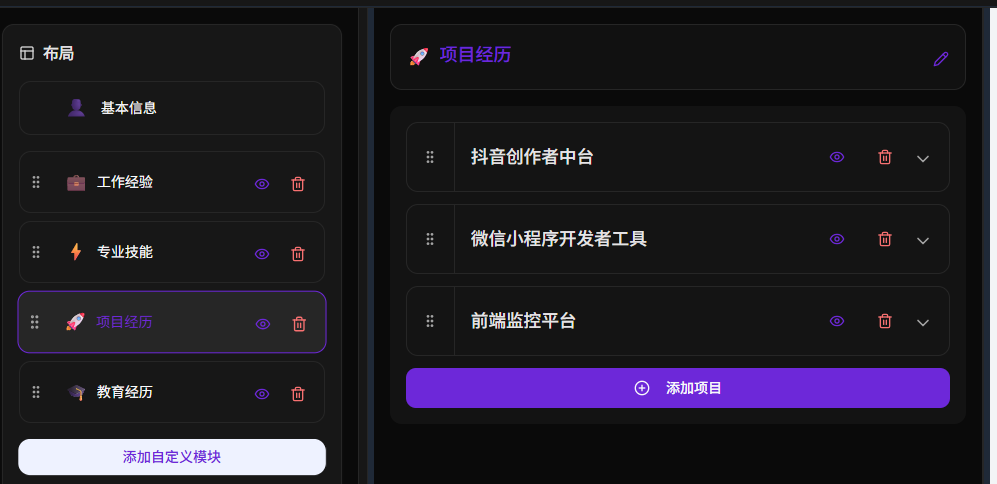
Project Experience
This is the key section to showcase your technical skills!
Project Description Template:
Project Name: xx E-commerce Mini Program
Project Duration: 2023.06-2023.09
Tech Stack: WeChat Mini Program, Node.js, MySQL
Responsibilities:
• Developed front-end pages, implementing core features like product display, shopping cart, and orders
• Integrated backend APIs, handling data interactions and exceptions
• Optimized page load speed, significantly improving user experience
Achievements: Achieved 5000+ DAU after launch, with a 95% user satisfaction rate
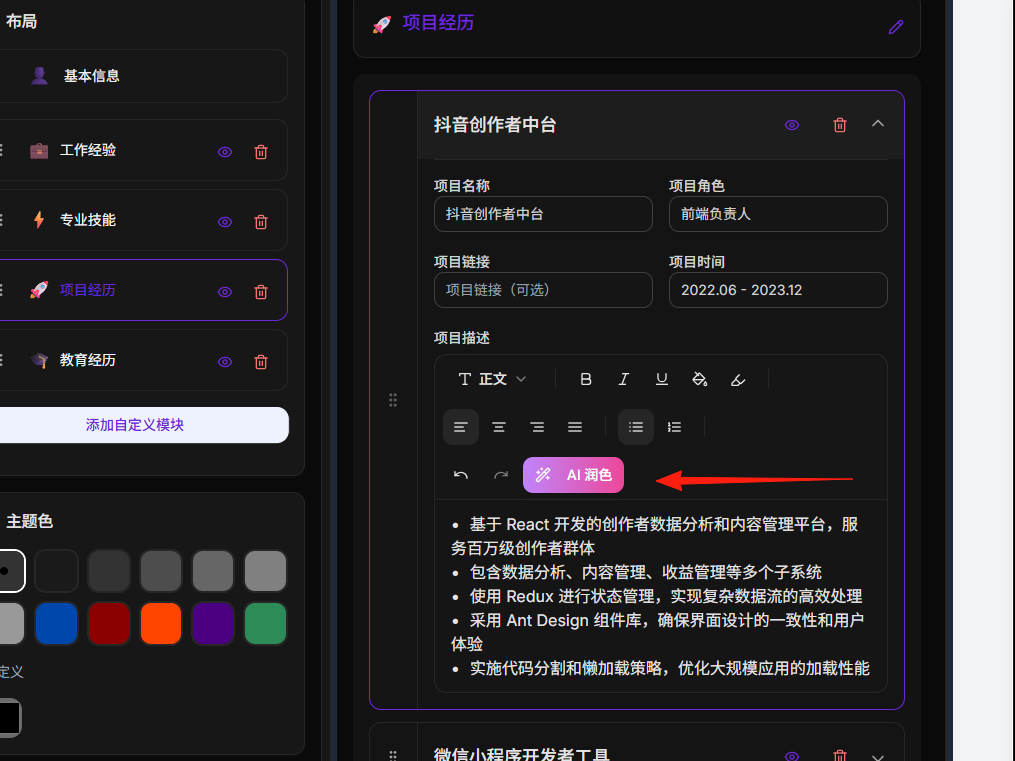
The AI feature is a highlight of Magic Resume, but many don't know how to use it effectively.
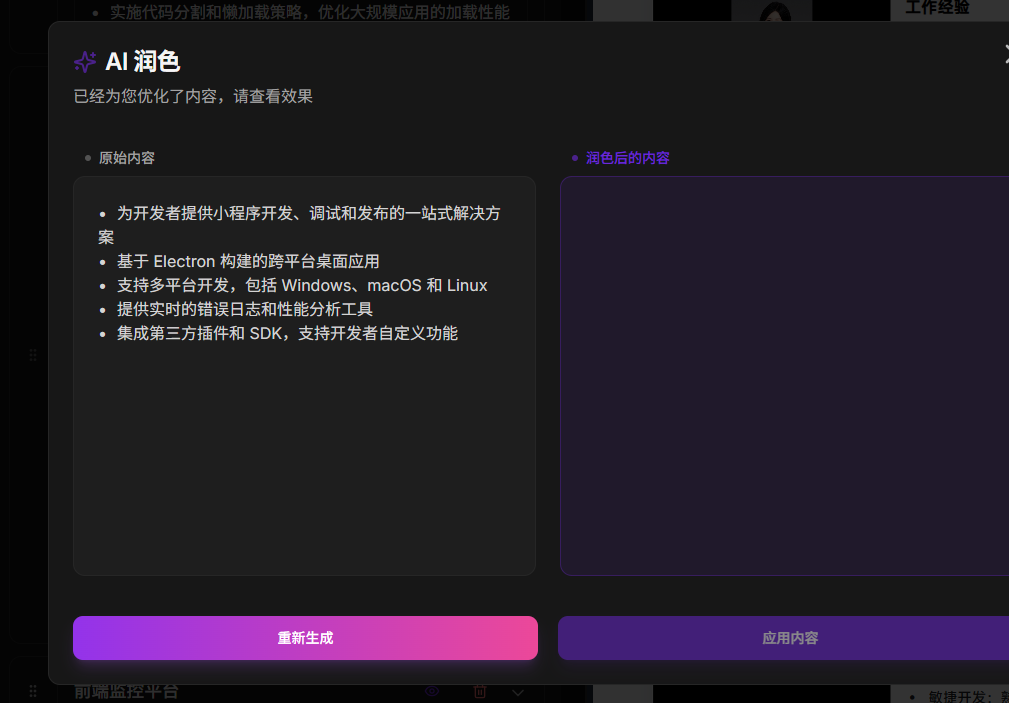
On the editing page, you'll see the AI suggestion icon. Clicking it will:
- Analyze if your description is specific enough
- Suggest adding quantified data
- Optimize language expression
Exporting and Saving
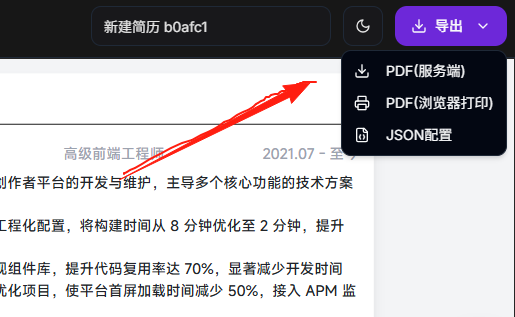
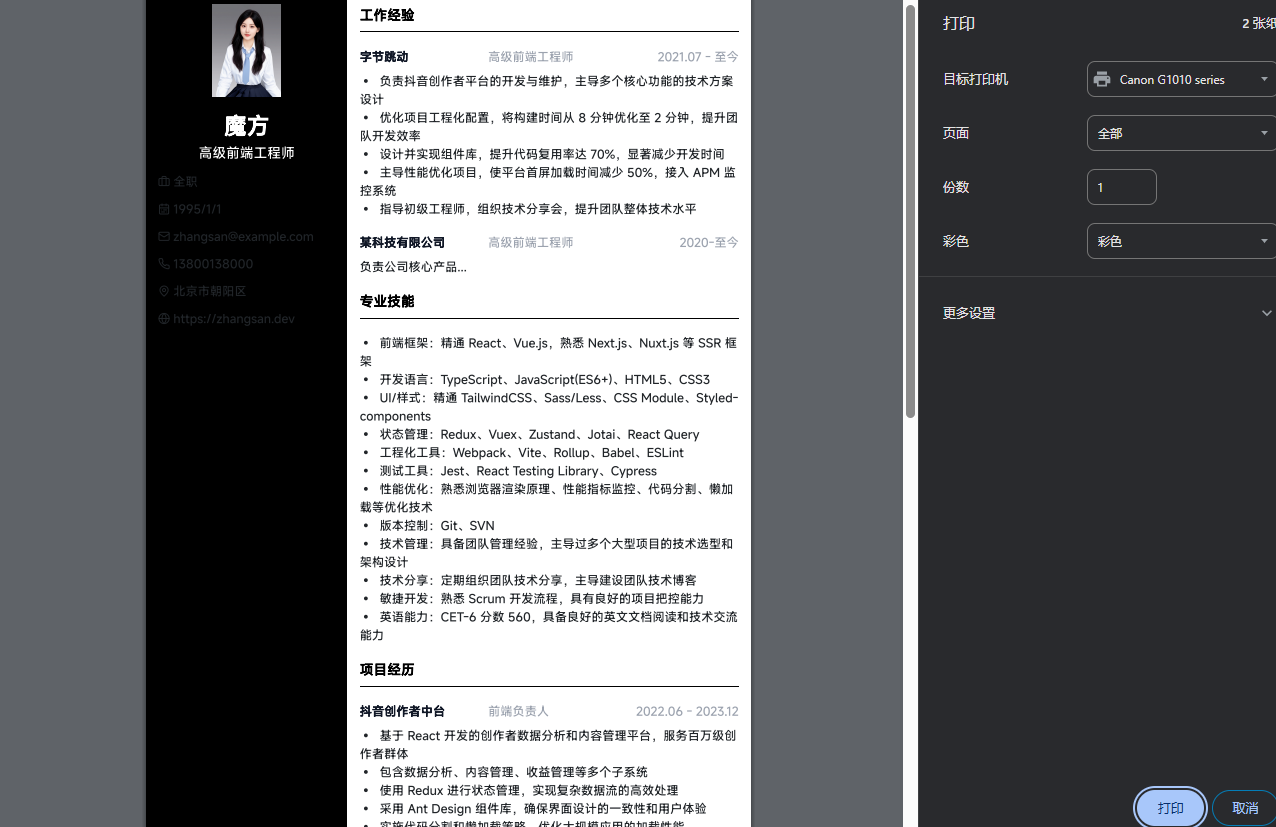
Don't forget to save your resume! Magic Resume supports:
- Export PDF: Direct download for job applications
- Save Draft: Data is saved locally in the browser and will be there when you reopen
- Export JSON: Back up your resume data to prevent accidental loss
Final Thoughts
A resume is just the first step in job hunting; content matters more than the tool. Magic Resume helps you create a visually appealing resume, but the real core is your experience and skills.
A good resume isn't written—it's revised. Revise it multiple times, and you'll surely create a resume that catches HR's eye.
Wishing everyone success in landing their desired offer! 🎉