
GoMFT Practical Guide: The Ultimate Tool for Effortless File Transfers
What Is This?
Simply put, GoMFT is a web-based file transfer tool that allows you to easily move files between various cloud drives, servers, and local storage. Imagine never having to manually copy and paste files again. Once you set the rules, it works like a diligent little bee, automatically moving your files from point A to point B on schedule.
Most importantly, it's built on rclone and supports a vast number of storage platforms—Google Drive, Amazon S3, cloud drives, FTP, SFTP, even your home NAS. Basically, it supports everything you can think of.
https://appstore.lazycat.cloud/#/shop/detail/in.zhaoj.gomft
Getting Started Guide
After installing the application, click Login.
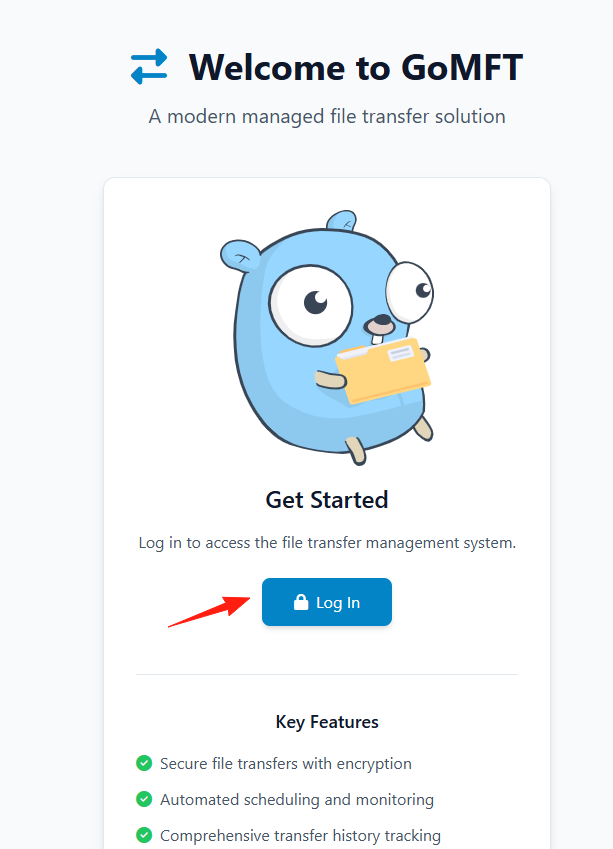
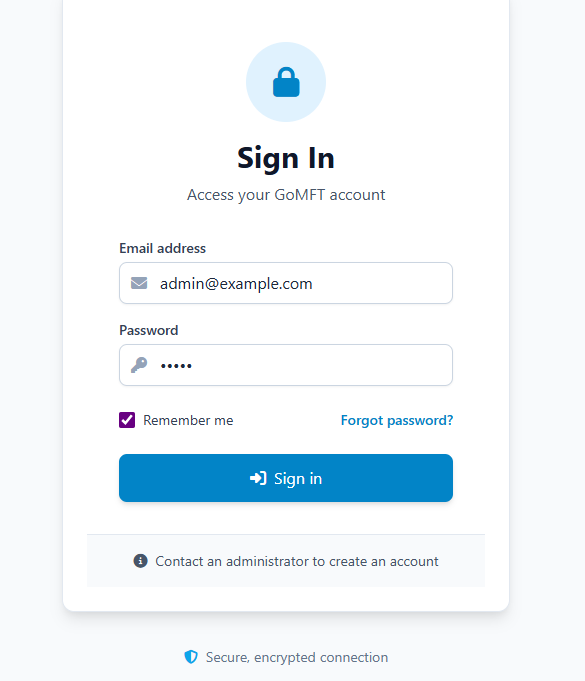
Log in with the default account:
- Email: admin@example.com
- Password: admin
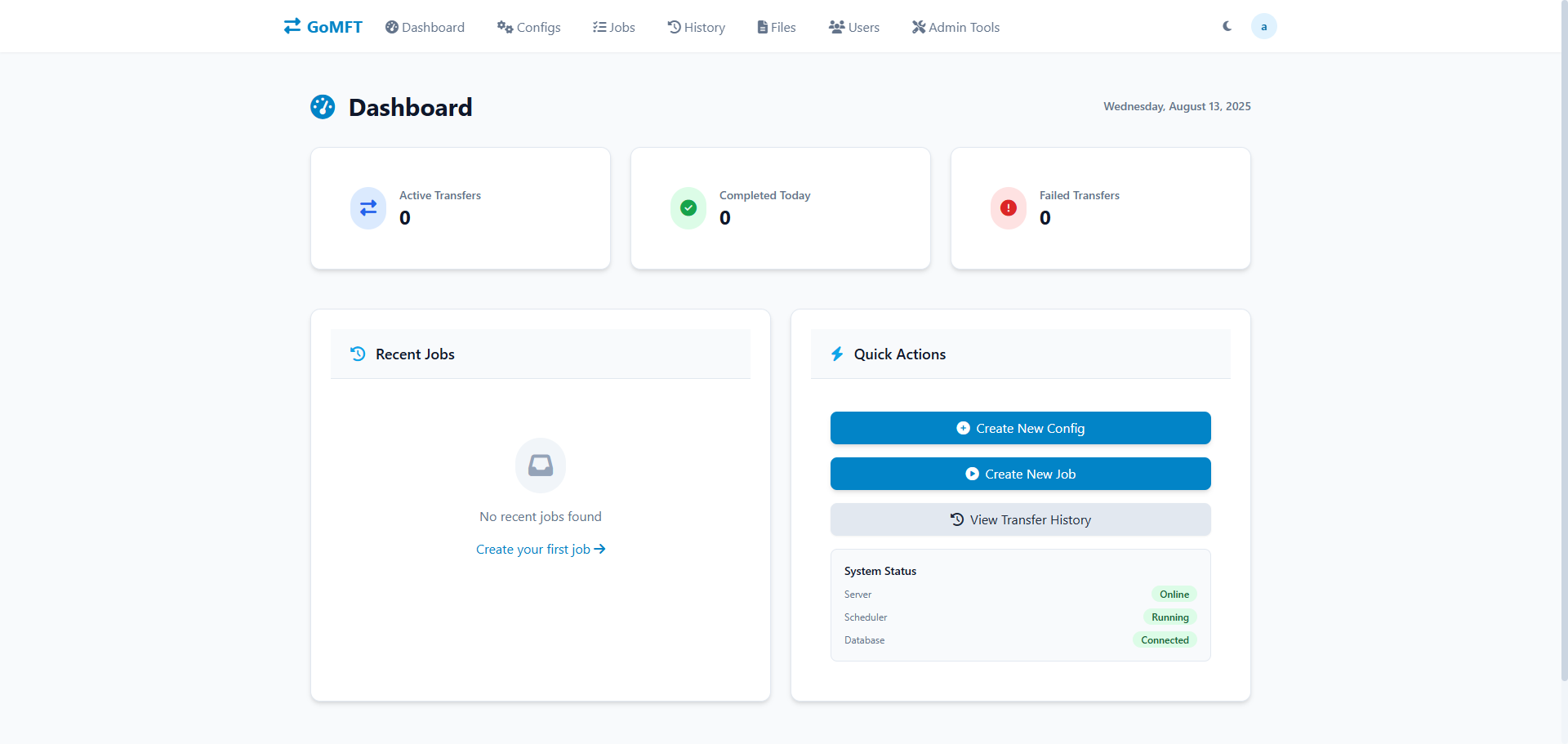
Enter the main page.
You have a bunch of work documents locally and want to automatically back them up to Google Drive every day:
- Create a transfer configuration: select the local folder as the source and Google Drive as the destination.
- Set file filtering rules, for example, only back up
*.docxand*.xlsxfiles. - Create a scheduled task, set to run daily at 2:00 AM.
- Enable notifications to receive an email after the backup completes.
First, you need to create a "Transfer Configuration." This tells GoMFT where the files are coming from and where they are going:
Click "Create new Config"
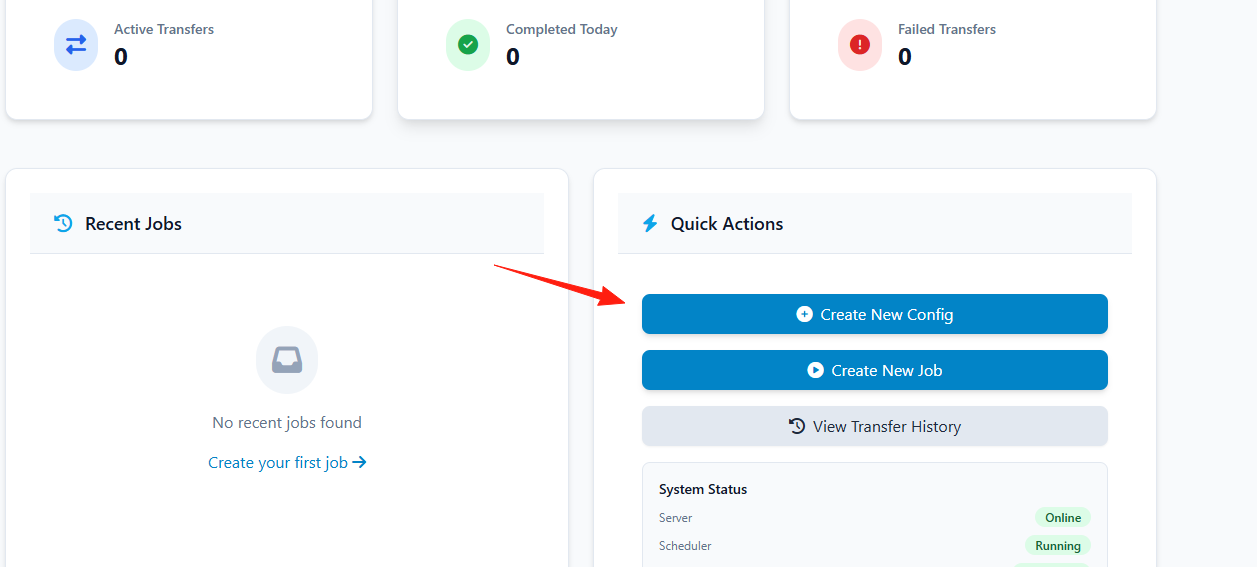
Select the source and destination types, for example, "Local File System" → "Google Drive"
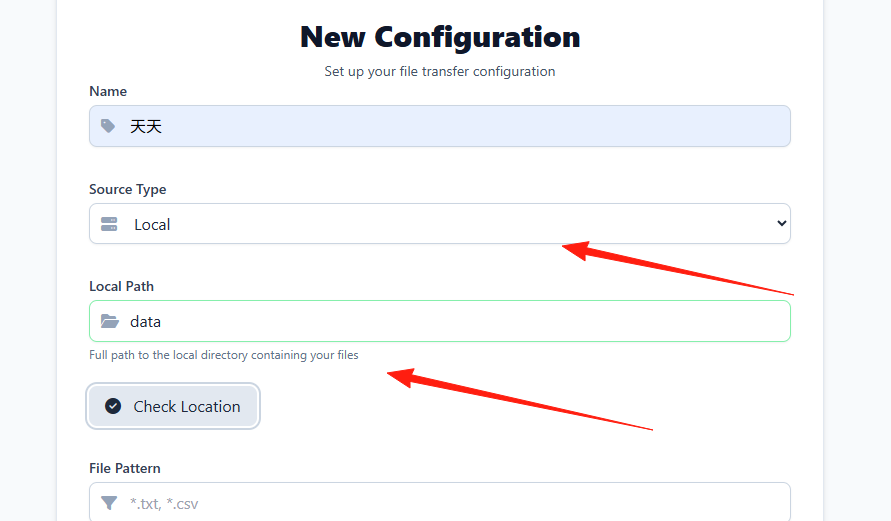
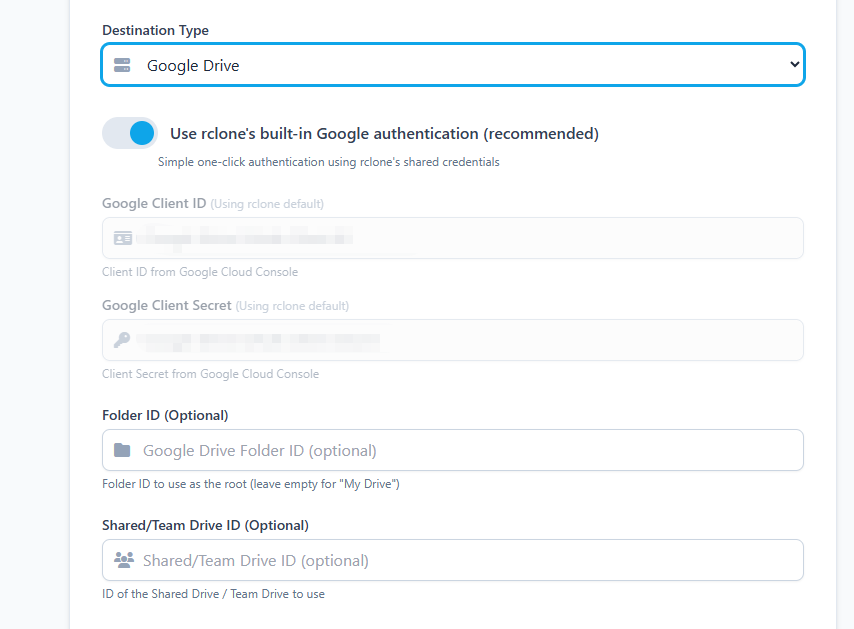
Set file filtering:
- Include pattern:
*.pdf,*.docx(Only transfer PDF and Word files) - Exclude pattern:
temp*,~*(Exclude temporary files)
Google Drive authentication (You will be redirected to the Google authorization page)

Create a Job
With the transfer configuration created, you can now create a specific job:
Go to the "Jobs" page
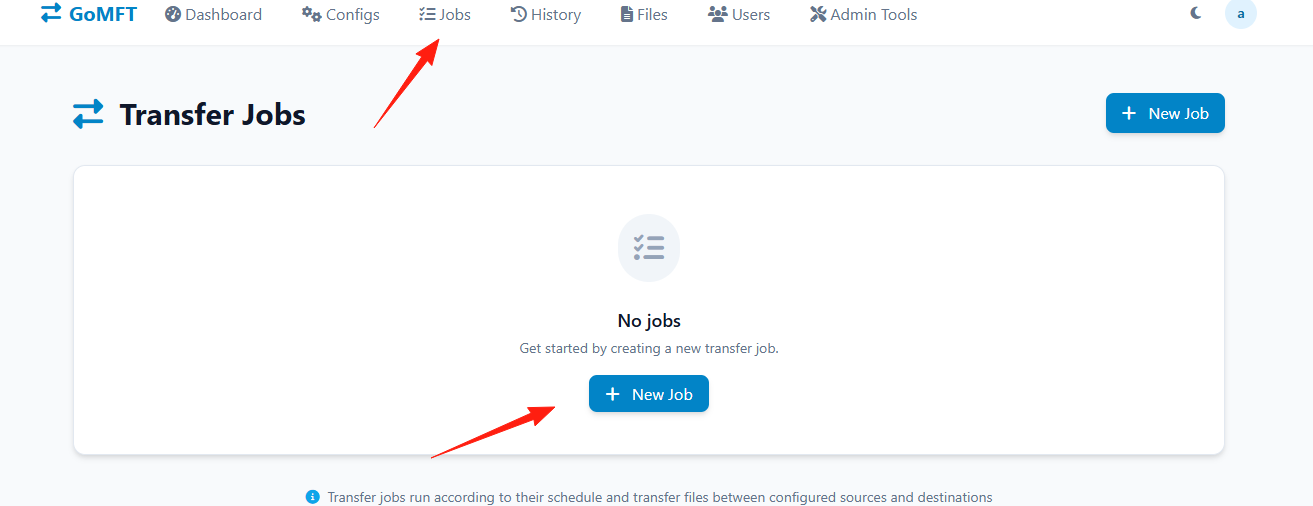
Select the transfer configuration you just created Set the execution schedule:
- Simple mode: Choose presets like "Daily," "Weekly," etc.
- Advanced mode: Custom cron expression, e.g.,
0 2 * * *(Daily at 2:00 AM)
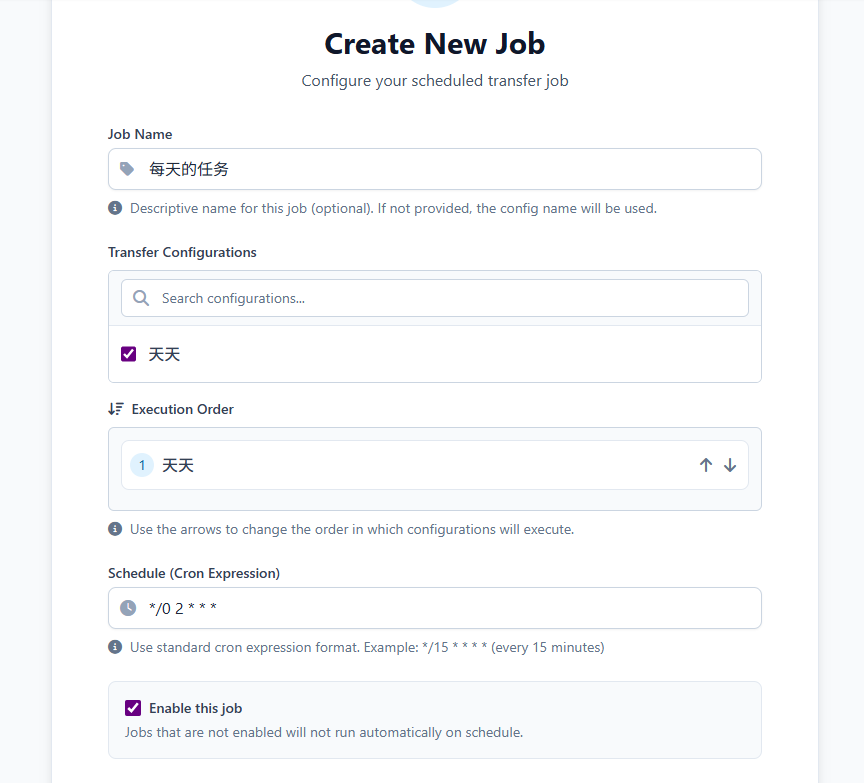
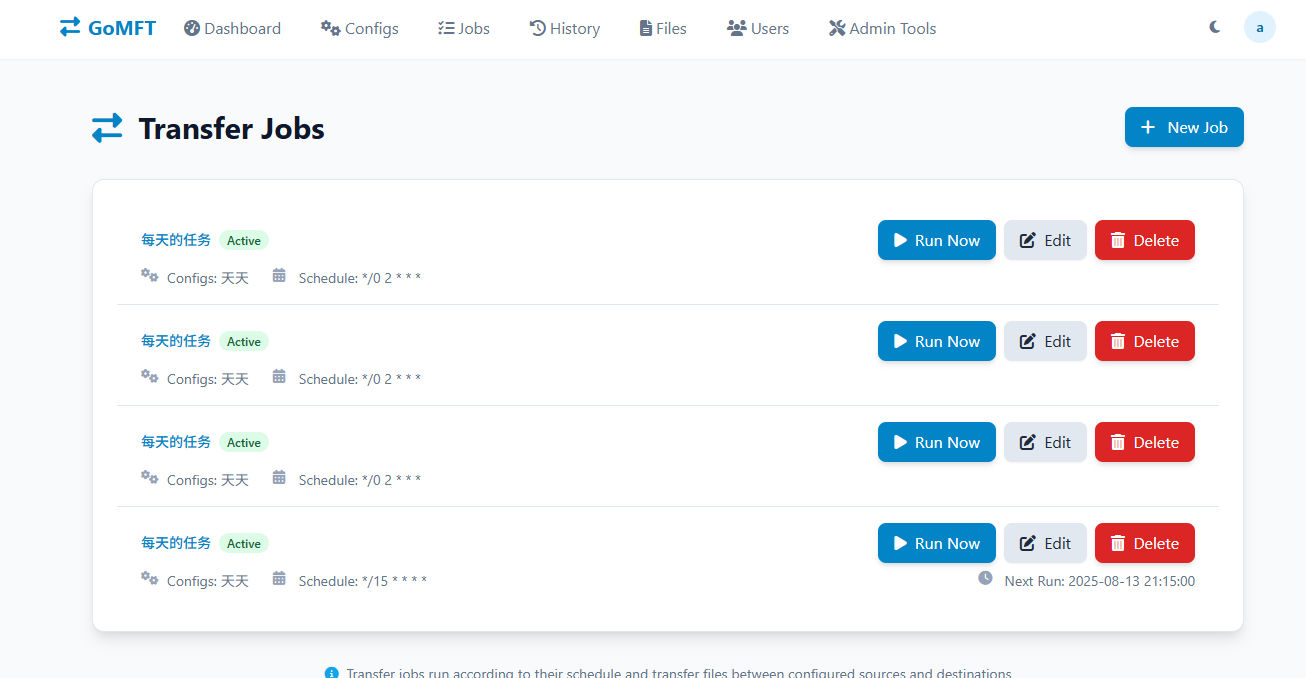
Configure SMTP information in the environment variables, then enable email notifications in the job.
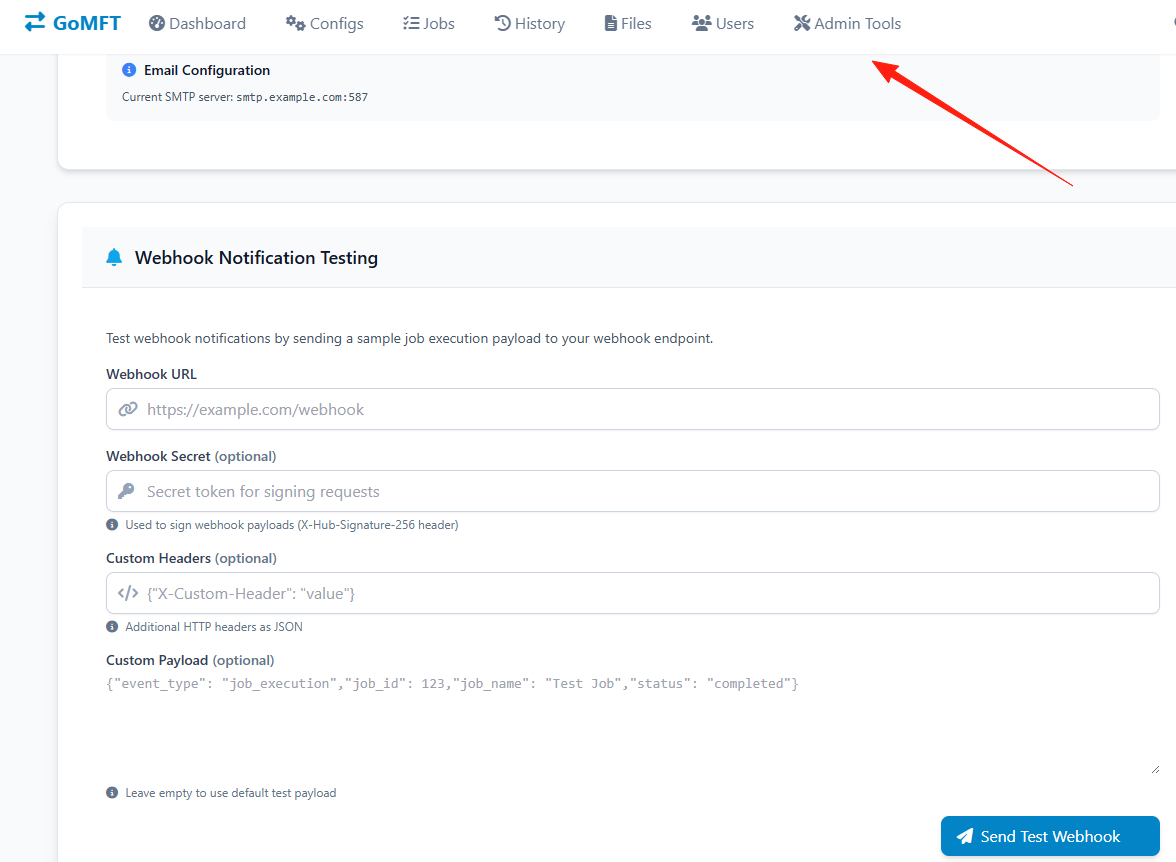
Webhook Notifications
If you use WeCom, DingTalk, or Slack, you can configure Webhooks:
- Obtain the Webhook URL for your group bot.
- Enter the URL in the job settings.
- Select the trigger conditions (Success, Failure, or All).
Summary
GoMFT is a great file transfer tool, especially suitable for scenarios requiring regular file synchronization. It wraps complex rclone commands into a user-friendly web interface, significantly lowering the barrier to entry.
Although the project is still under active development and might have minor bugs, the core functionality is already very stable.
If you have automated file transfer needs, why not give this tool a try?