
Snibox Guide: The Ultimate Code Snippet Manager for Developers
What is Snibox?
Snibox is a self-hosted code snippet manager that supports various programming languages, Markdown, and plain text.
Imagine having a dedicated place to neatly organize all your commonly used code snippets, configuration files, and command-line operations, where you can find what you need with a simple search. This is the problem Snibox aims to solve.
In short, it's your personal code organizer.
https://appstore.lazycat.cloud/#/shop/detail/wcloud.gblw.app.snibox
Usage Guide
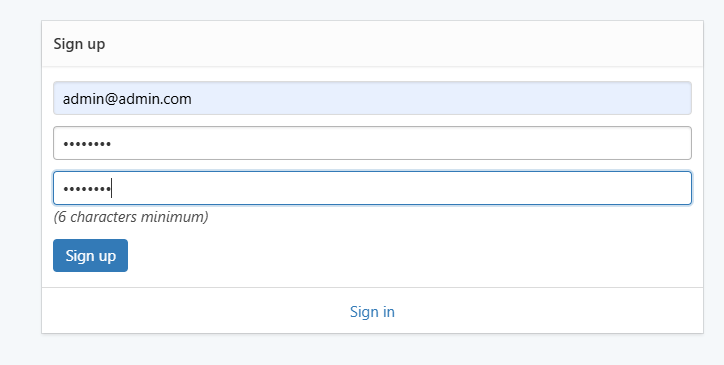
After installing the application, open the login page and register a user first.
Enter the main page.
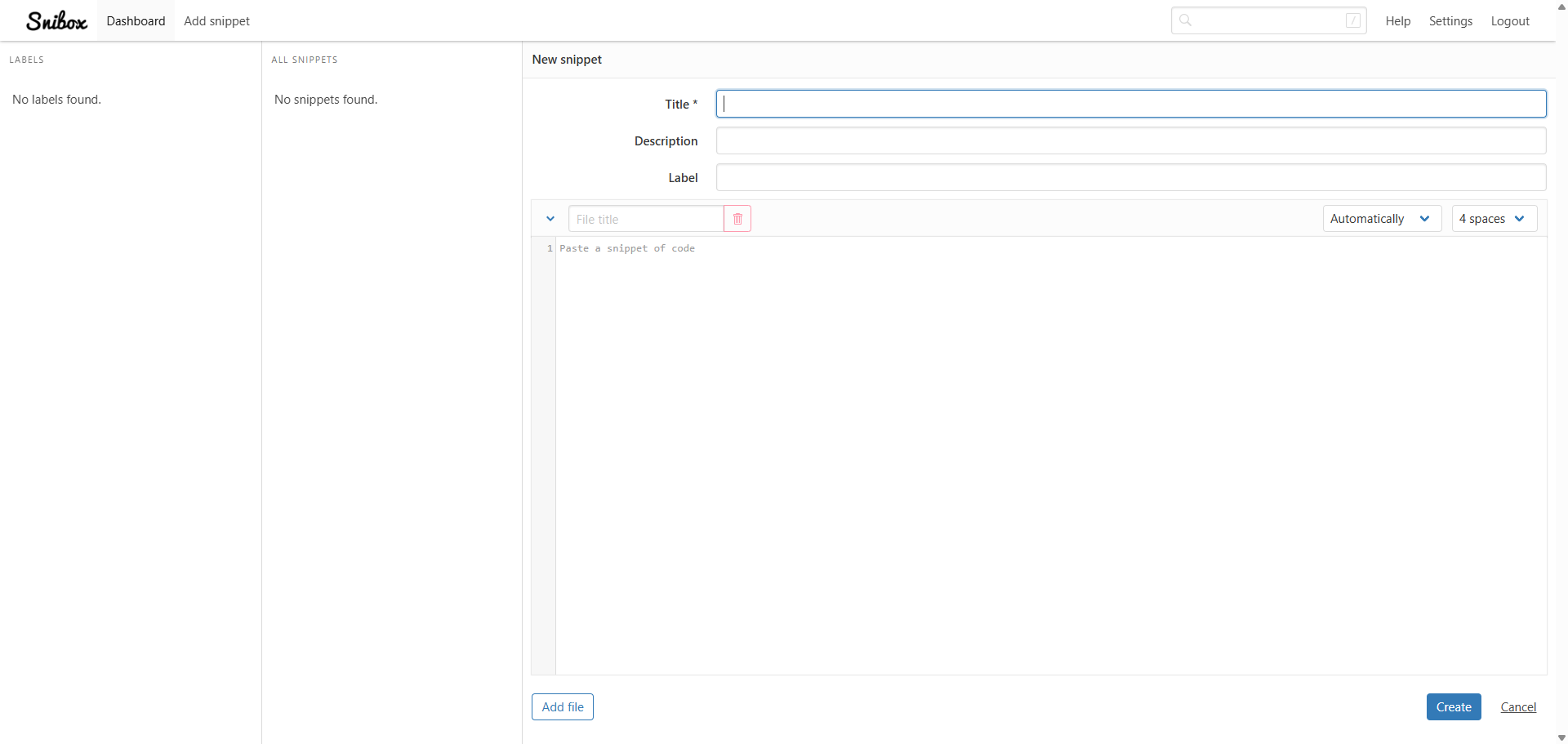
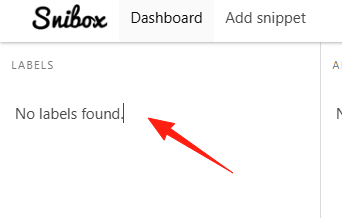
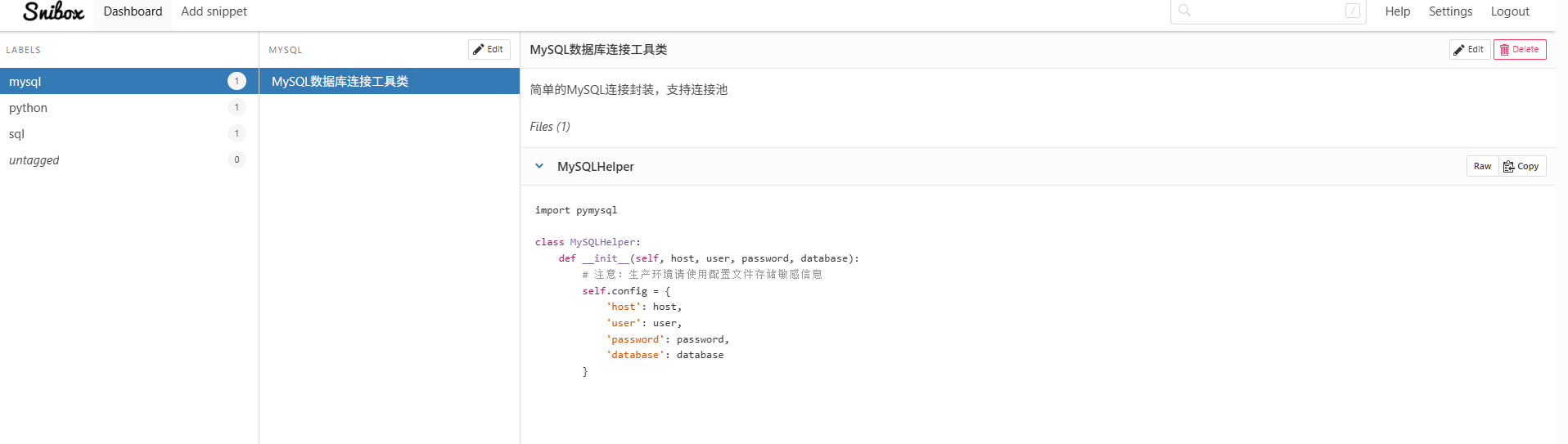
On the left is LABELS: This is the tags area. Here you can see all the tags you have created. Clicking on different tags allows you to quickly filter associated code snippets.
For example, if you click the "JavaScript" tag, only code snippets related to JavaScript will be displayed on the right.
Label: This is where you add tags. You can enter one or more tags, such as "JavaScript", "React", "hook", etc. Separate tags with commas or by pressing Enter.
For each snippet, clearly describe its Purpose: What this code does.
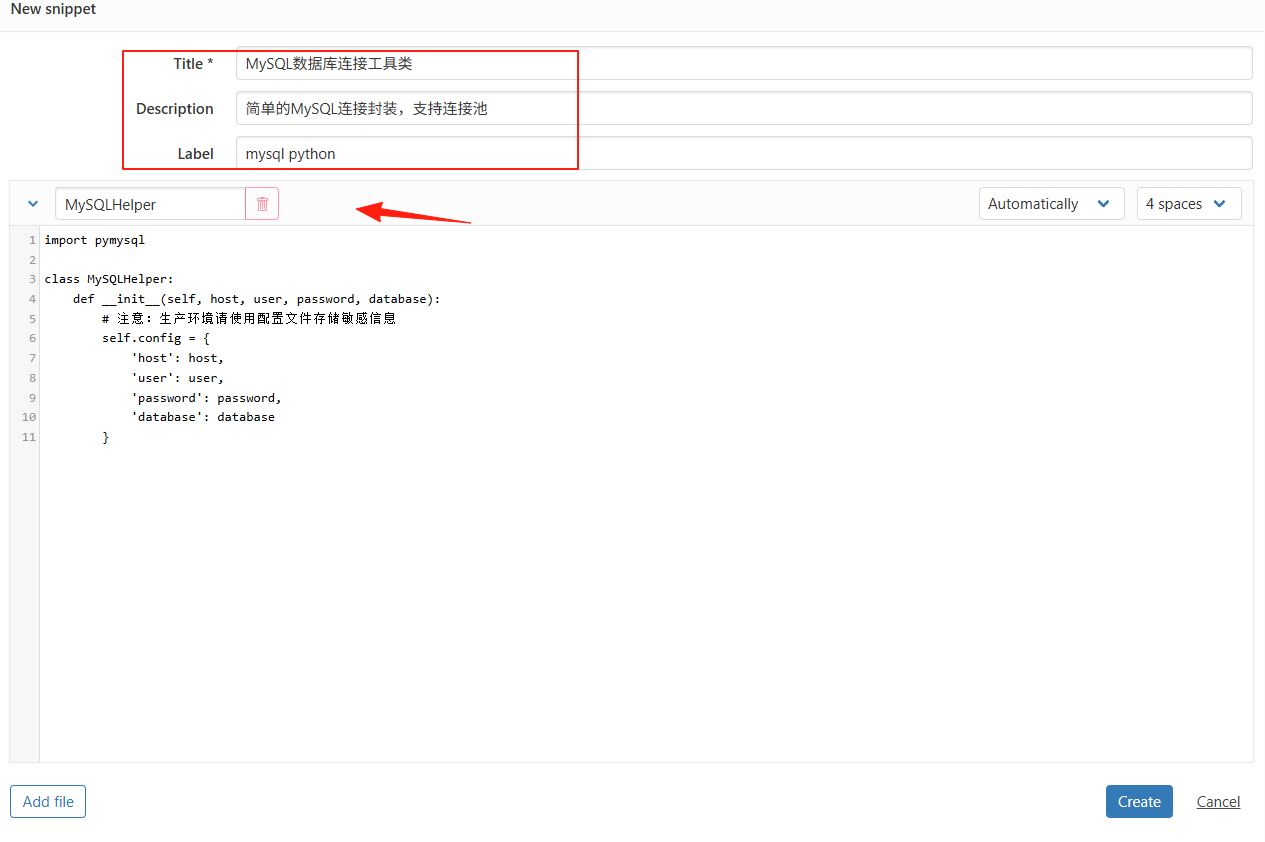
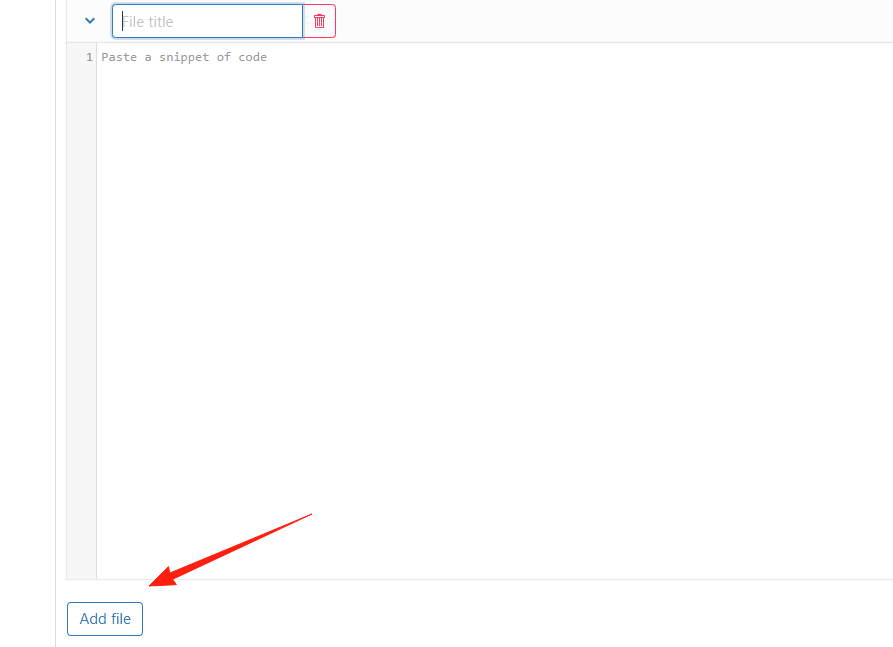
You can add multiple files to a single code snippet.
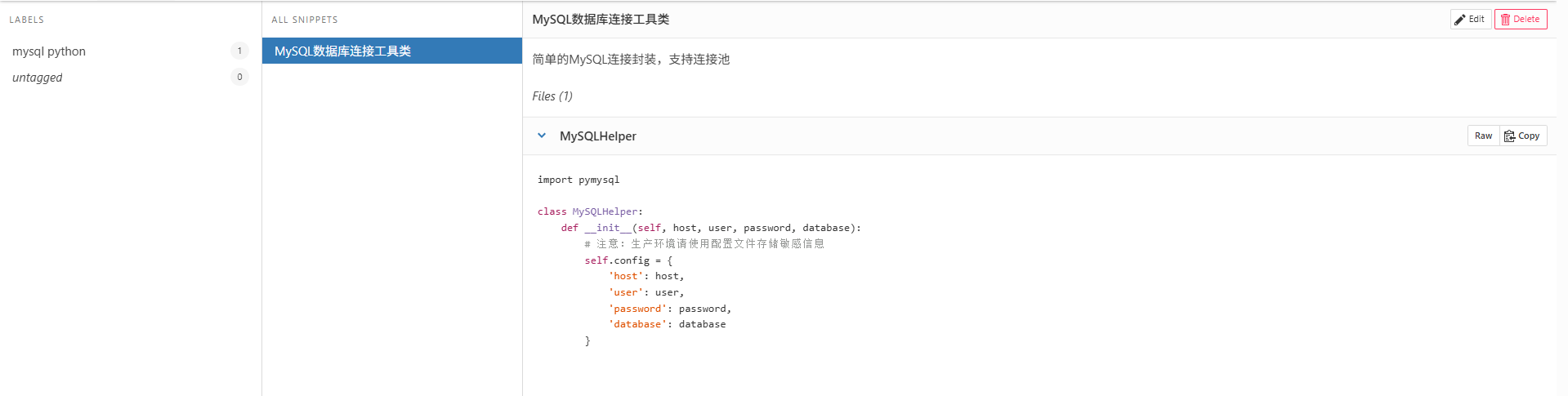
The result after creating a new snippet.
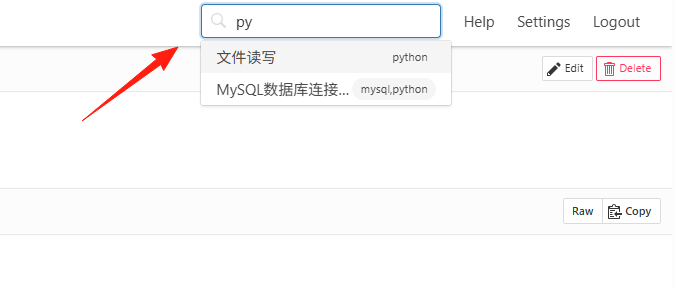
Make good use of the search functionality:
- Precise Search: Search for specific function names or keywords.
- Tag Combination: Select multiple tags simultaneously to narrow down search results.
Bookmark your frequently used code snippets, and you'll feel a sense of accomplishment.
Summary
Snibox addresses a real pain point for programmers: code snippet management.
It's not a fancy tool, but a simple and practical organizer.
If you often find yourself frustrated while searching for code, why not give Snibox a try.