
Share-a-Secret Practical Guide: Open-Source Secret Sharing Tool
What Is This?
In simple terms, Share-a-Secret is a "burn-after-reading" information sharing tool. You paste the content you want to share (passwords, private messages, anything) into it, and it generates a link for you. Once the recipient clicks the link and views the content, the link becomes permanently invalid and can no longer be accessed.
Application Features:
• Supports secure sharing of any text information (e.g., passwords, accounts, configurations) via one-time links • Links can be configured with a maximum access count and validity period; they automatically expire after the limit is reached or the period ends • All content is stored in the database encrypted with 128-bit AES symmetric encryption; the decryption key is only contained within the shareable link • Only individuals possessing the complete link can decrypt and view the content; even platform administrators cannot access the plaintext • Supports light and dark theme switching with a simple and user-friendly interface • Suitable for self-hosting in on-premises, private cloud, or other environments by enterprises, teams, or individuals • Open-source project, supports customization and secondary development • Optimal security achieved when deployed via HTTPS • Lightweight, low resource consumption, easy to maintain • Supports multiple languages and custom domains
https://appstore.lazycat.cloud/#/shop/detail/cloud.lazycat.app.shareasecret
How to Get Started?
After installing the application, opening it takes you directly to the functional page.
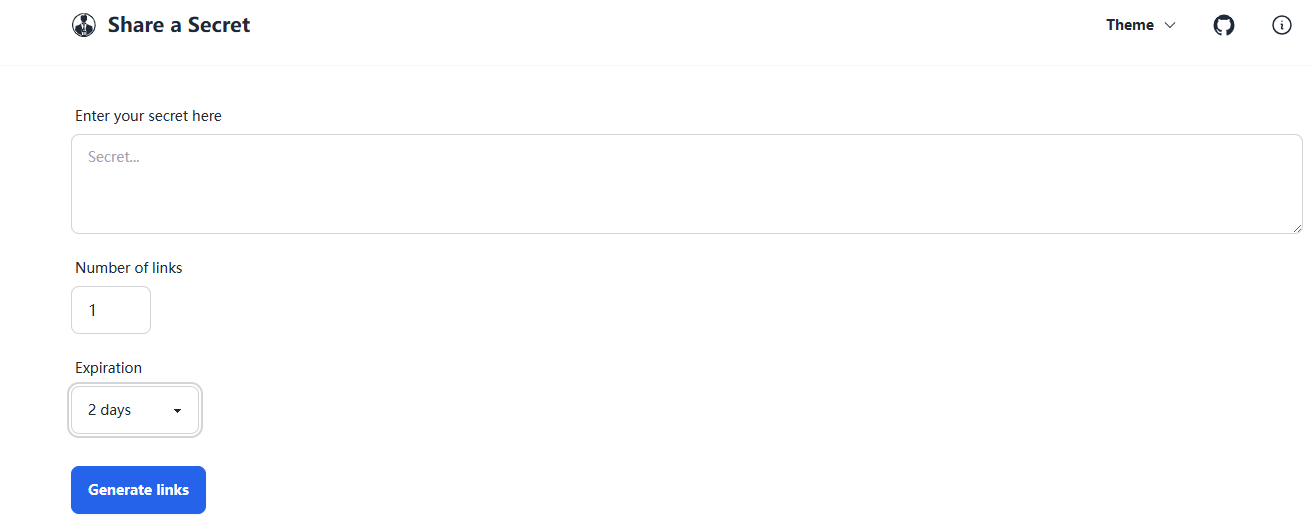
When sharing work passwords with colleagues, it's recommended to set an expiration of 1-2 hours. For temporary personal information sharing, 30 minutes is usually sufficient. Setting the duration too long increases security risks, while too short might not give the recipient enough time to view it.
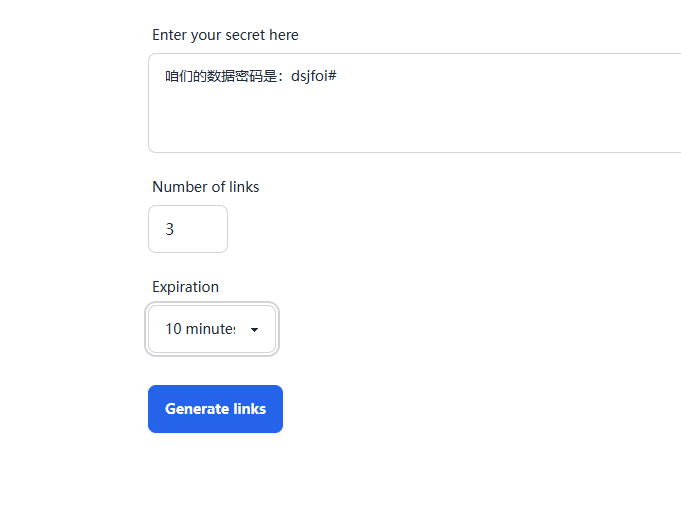
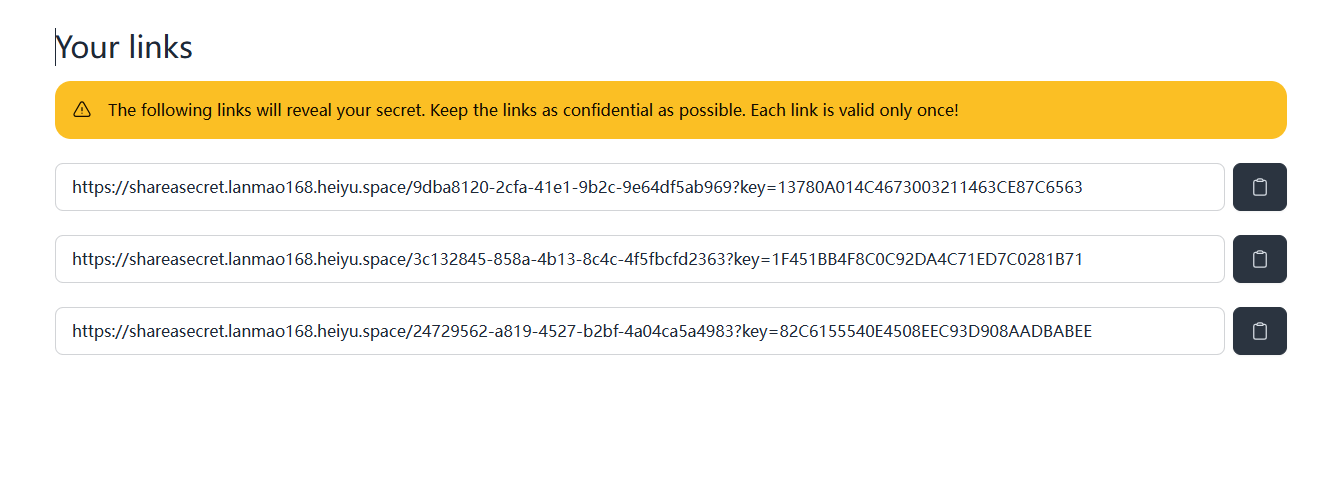
When you need to share the same information with multiple people, avoid generating a single link to send to the group. Instead, generate a corresponding number of links for each recipient and send them individually. This way, if any person views their link, the other links will also become invalid, enhancing security. For example, if I set the count to 3, it will generate 3 links.
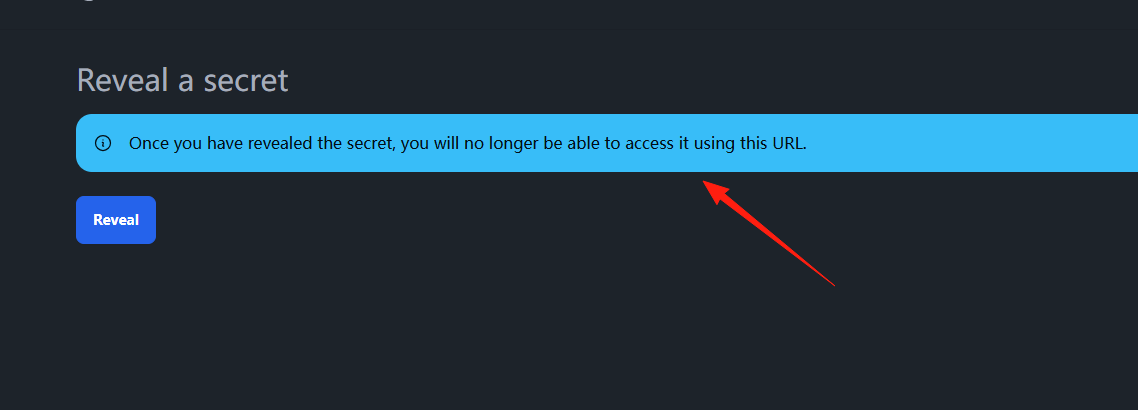
When someone opens the link, they will see a prompt.
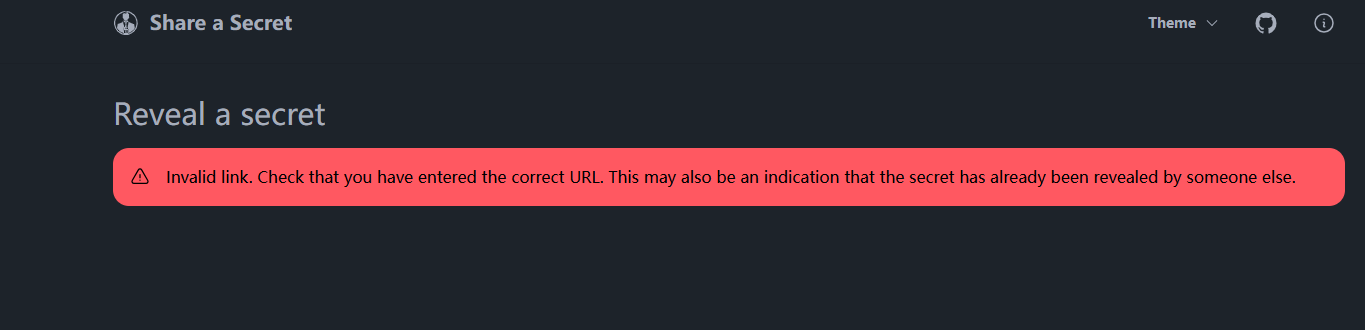
If the link is opened again, it will show that the link has expired.
Summary
Share-a-Secret is a very practical utility, especially suited for scenarios that frequently involve sharing sensitive information.
Once a link is accessed, it automatically becomes invalid. Even if someone takes a screenshot of the link, it's useless – opening it will just result in a 404 error.
If you have similar needs, why not give it a try?