
StreamVault User Guide - All-in-One Video Download Tool
I recently discovered a quite impressive open-source project called StreamVault (formerly known as spirit). Essentially, it's a video download tool. It supports numerous platforms like Bilibili, Douyin, YouTube, and even has a cool feature – it can monitor your favorites and creator lists, automatically downloading new content for you.
For those who frequently need to download videos in bulk, this tool can save a lot of time.
Key Features Overview
- Single Video Download - Paste a link and download, simple and direct
- Bulk Monitoring & Download - Set up favorites or creator lists; new content is downloaded automatically
- Multiple Download Methods - Choose between HTTP direct connection or Aria2 acceleration based on your needs
- NFO Metadata Generation - Works seamlessly with media servers like Jellyfin
- Webhook Notifications - Get download completion alerts pushed to WeCom or Feishu
- Multi-Platform Support - Web backend, mobile APP, and browser extension are all available
https://appstore.lazycat.cloud/#/shop/detail/cloud.lazycat.app.streamvault
Quick Start
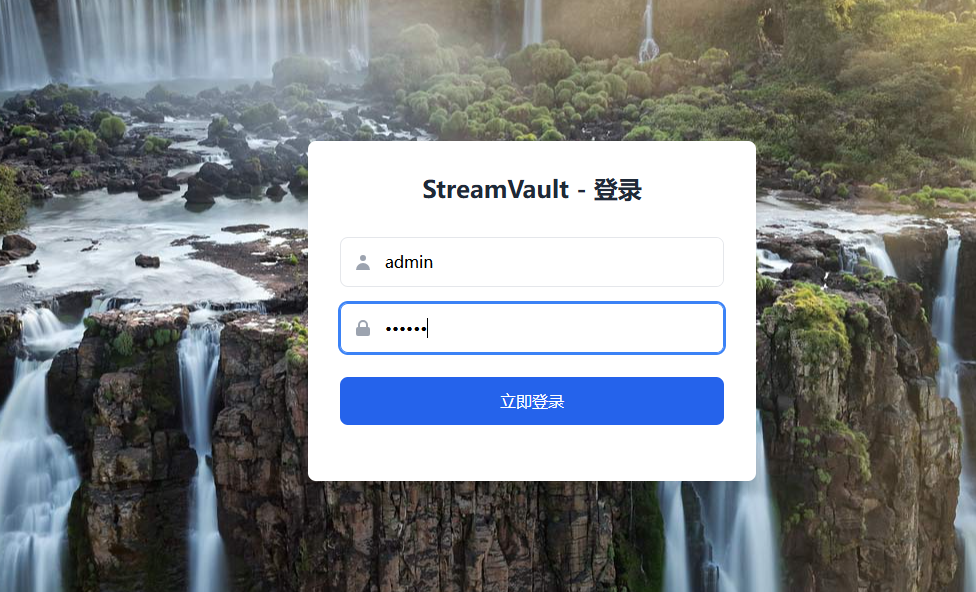
After installing the application, manually append /admin/login to your browser's address to access the login page. The default credentials are admin / 123456.
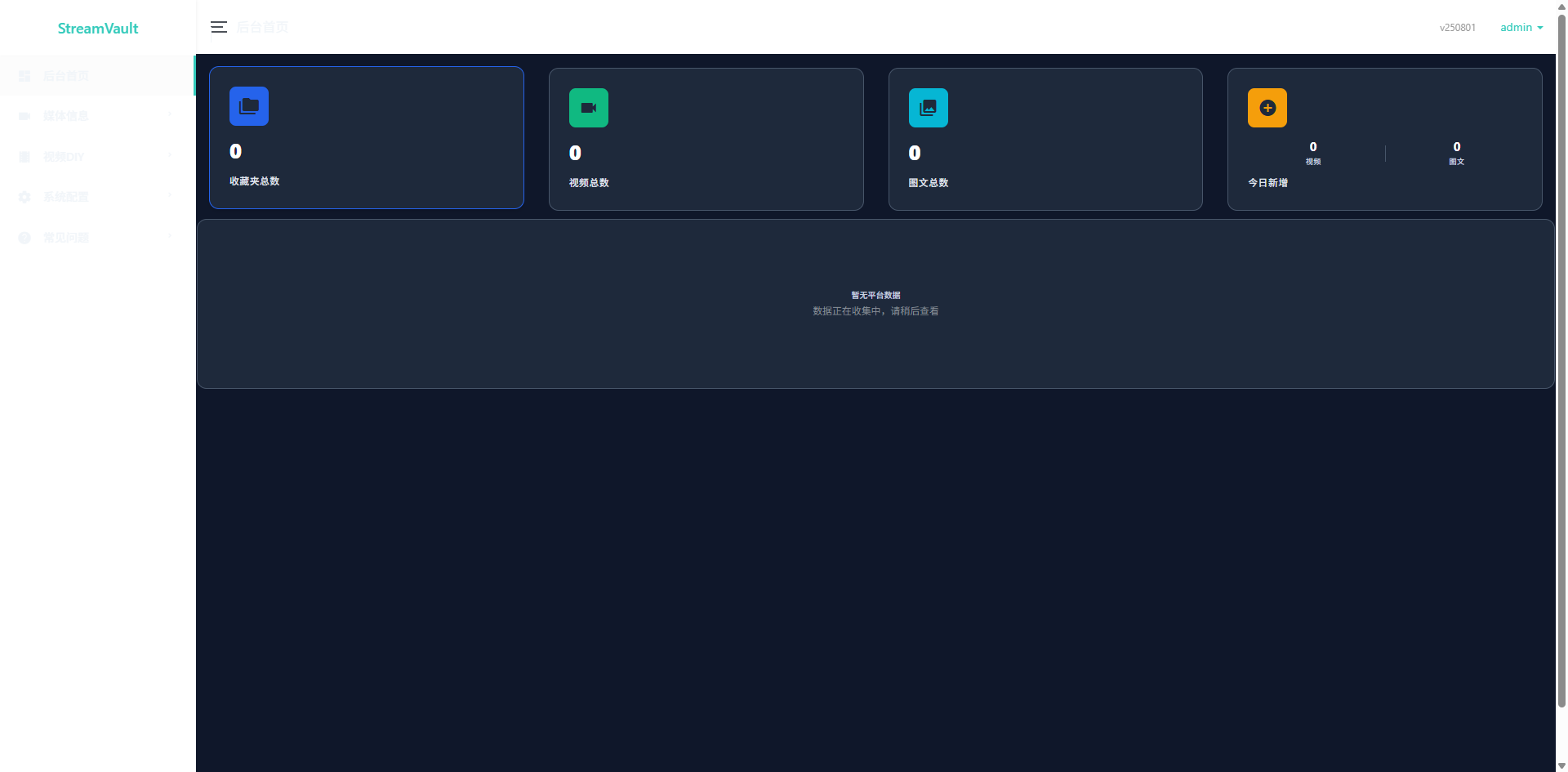
After logging in, you'll enter the main page.
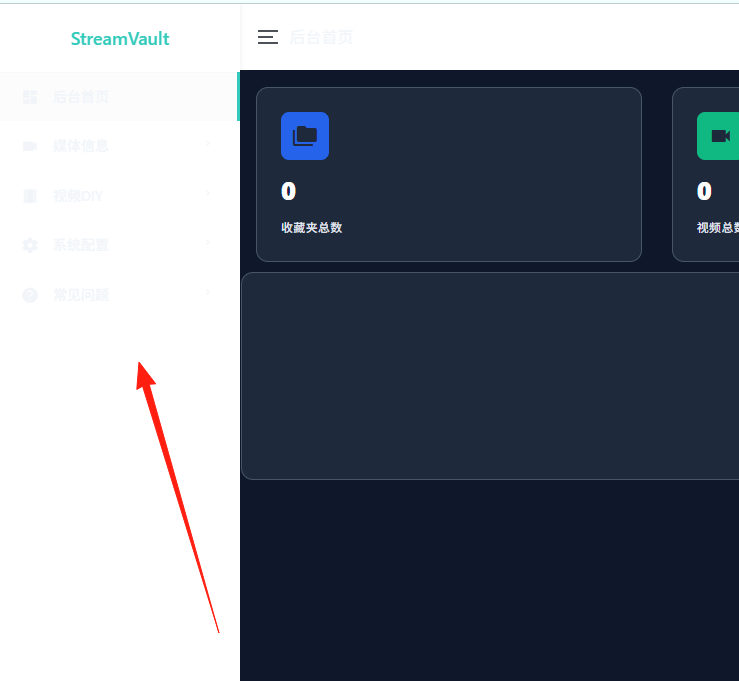
The left side appears blank, but there should be a menu; this is likely a display bug.
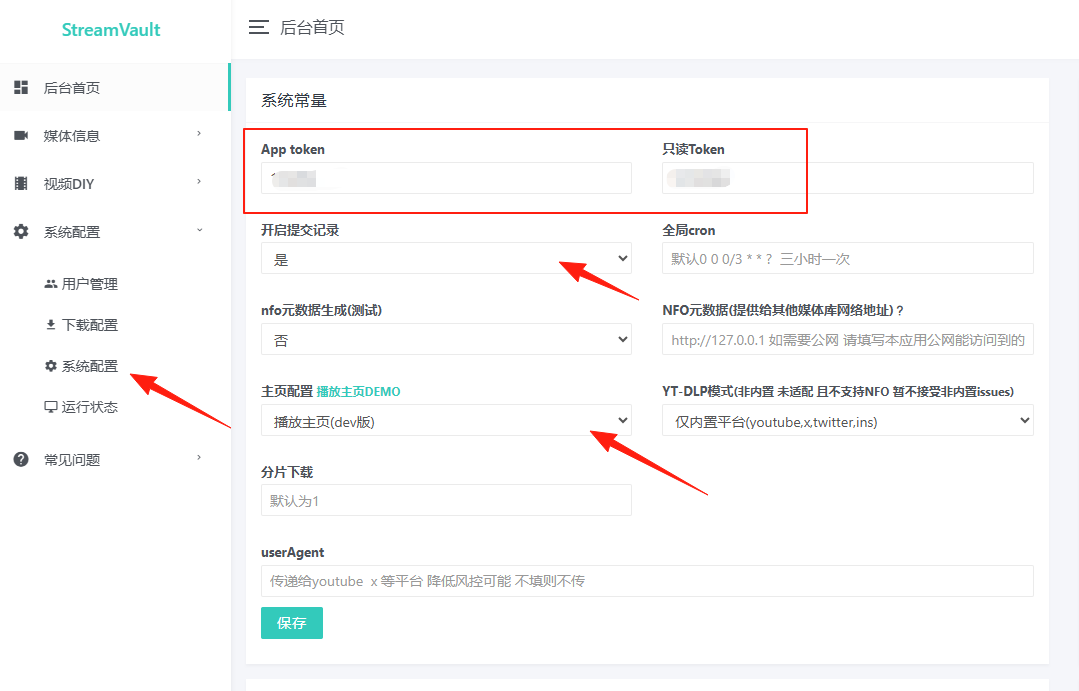
First, navigate to System Configuration and configure all these values.
Bilibili Cookie:
Supports QR code login to obtain the Cookie. Click the "Scan QR Code Login" button. Use the Bilibili APP to scan the QR code. The Cookie will be automatically retrieved and saved.
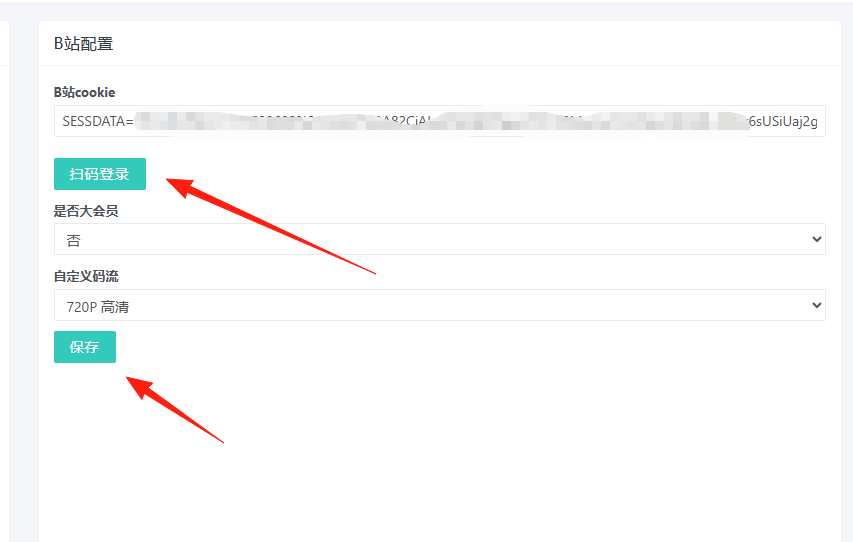
After configuring these settings, you need to use the client for downloading.
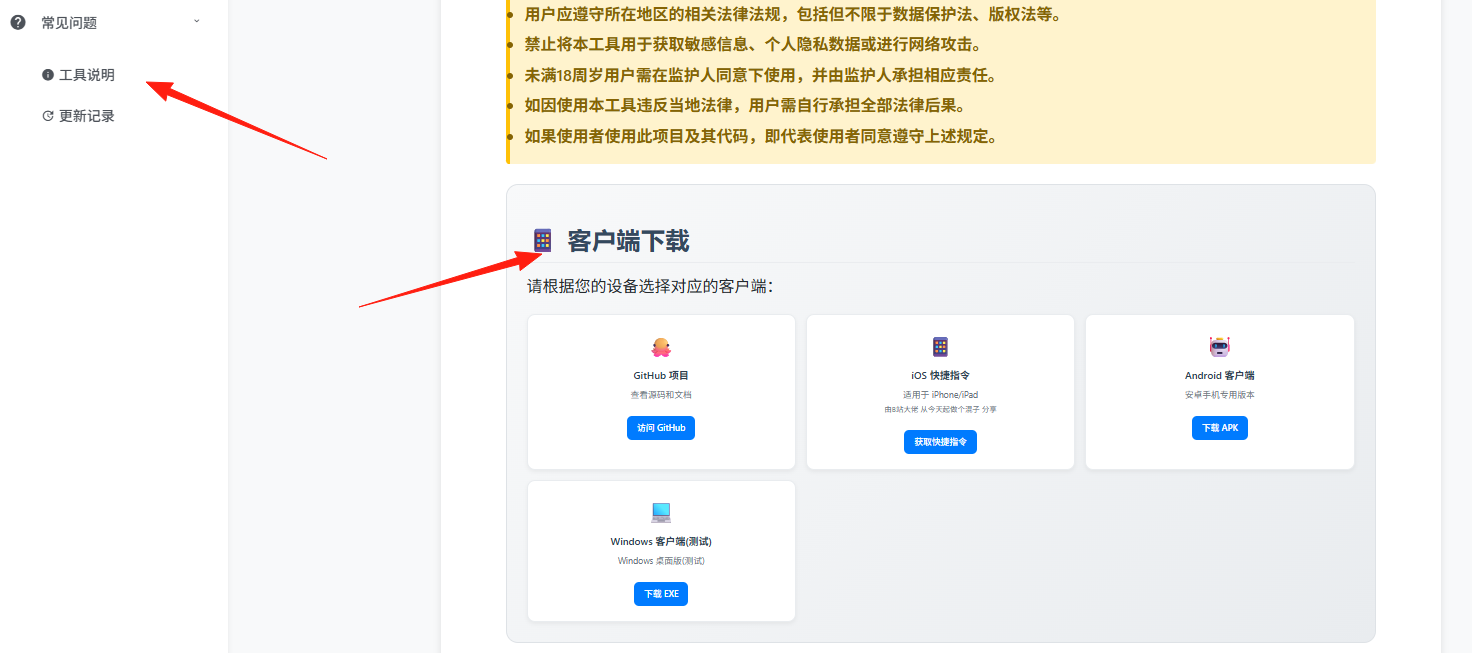
The project also provides a browser extension. After installation, you can download videos directly from the video page with one click. Alternatively, you can use a bookmarklet:
javascript:(function(){
var token = "Your Token";
var url = window.location.href;
fetch("http://Your-IP:28083/api/processingVideos", {
method: "POST",
headers: { "Content-Type": "application/x-www-form-urlencoded" },
body: "token=" + encodeURIComponent(token) + "&video=" + encodeURIComponent(url)
}).then(response => response.json())
.then(data => alert("Request successful: " + JSON.stringify(data)))
.catch(error => alert("Request failed: " + error));
})();
Summary
StreamVault is a great video download tool, especially suitable for users with bulk download requirements.
While it still has some rough edges, considering it's open-source and free, these aren't major issues.