
Shaarli - Your Ultimate Private Bookmark Management Tool
Why Use Shaarli?
Imagine this scenario: You find an awesome tutorial at work and want to save it to view at home, only to realize your work and home computer bookmarks are completely out of sync. Or maybe you use Chrome bookmark sync, but sometimes with a poor network connection, the bookmarks just won't load, which is incredibly frustrating.
Shaarli is known as a "super-fast" bookmark service. Why is it so fast? Because it doesn't use a database; all data is stored in simple files. Web pages open almost instantly, much faster than those bloated online bookmarking services.
In simple terms, it's your own private version of Google Bookmarks, with you having complete control over your data.
https://appstore.lazycat.cloud/#/shop/detail/com.liaobinbin.shaarli
Quick Start
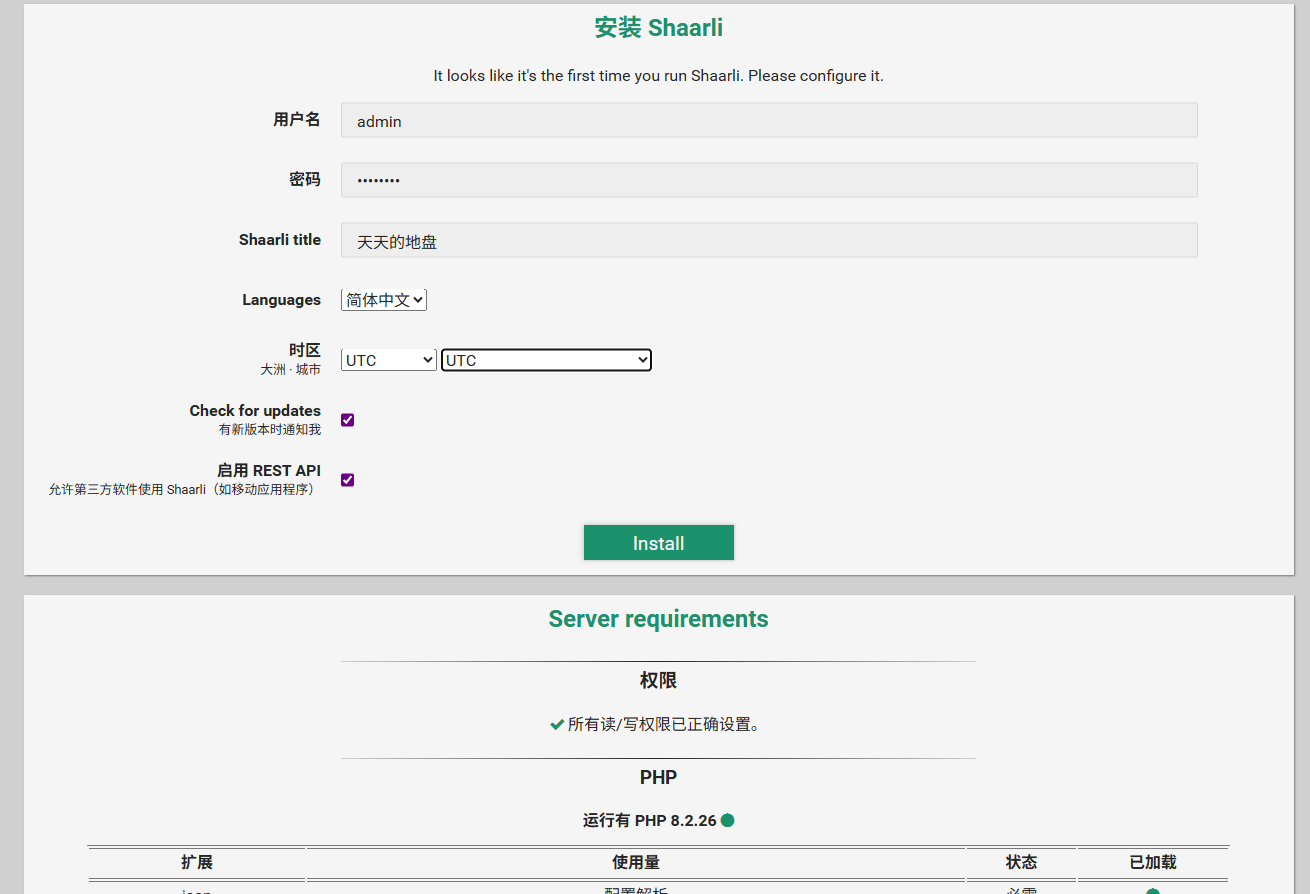
After installing the application, you first need to set a username and password, then click 'install'.
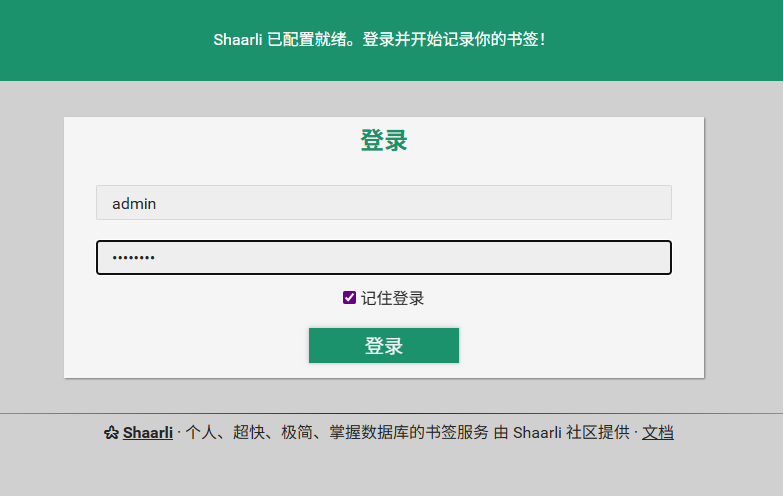
Log in.
Enter the main page.
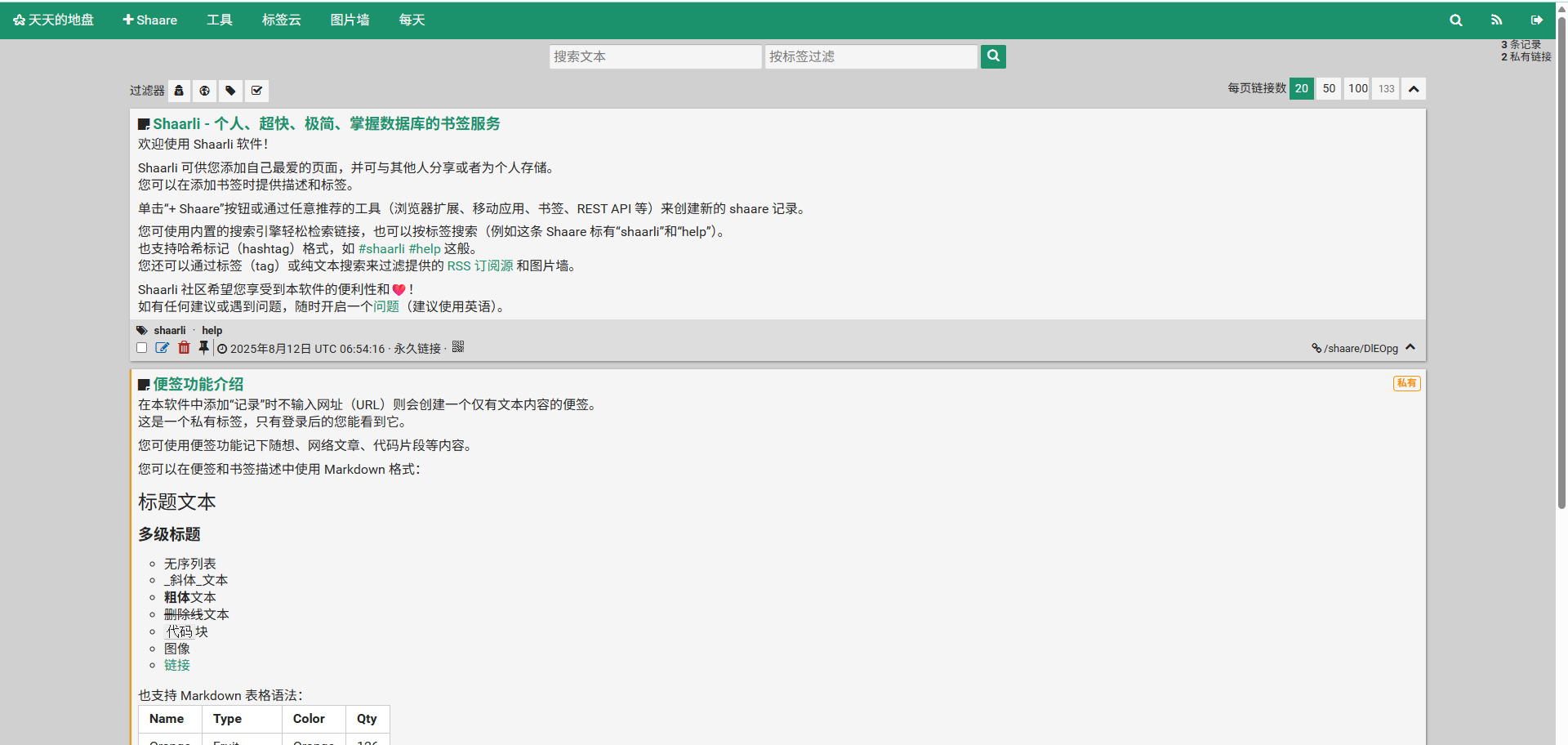
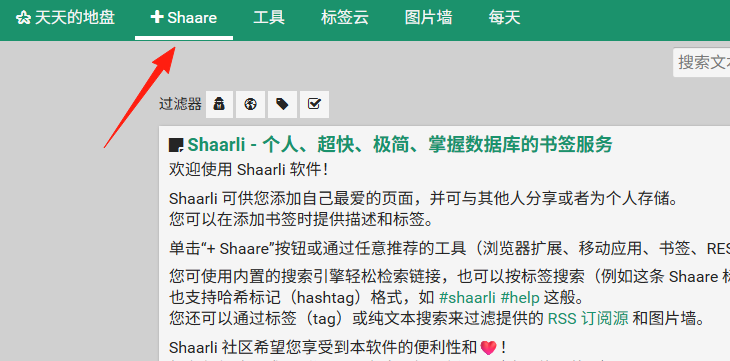
The homepage displays instructions on how to use the application. Click the '+Sharee' button in the top left corner.
Add a link.
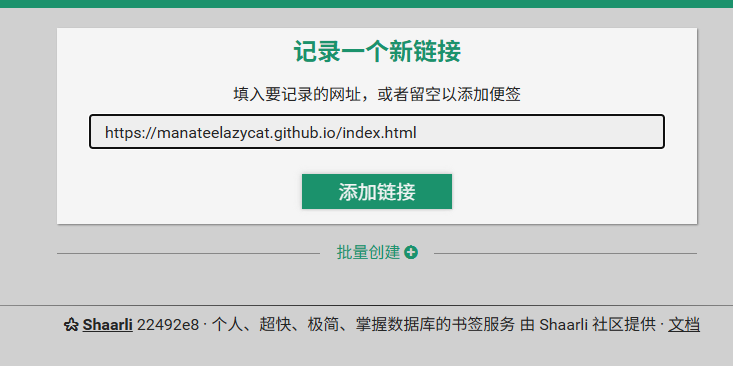
It automatically fetches information, but sometimes it might fail to retrieve it.
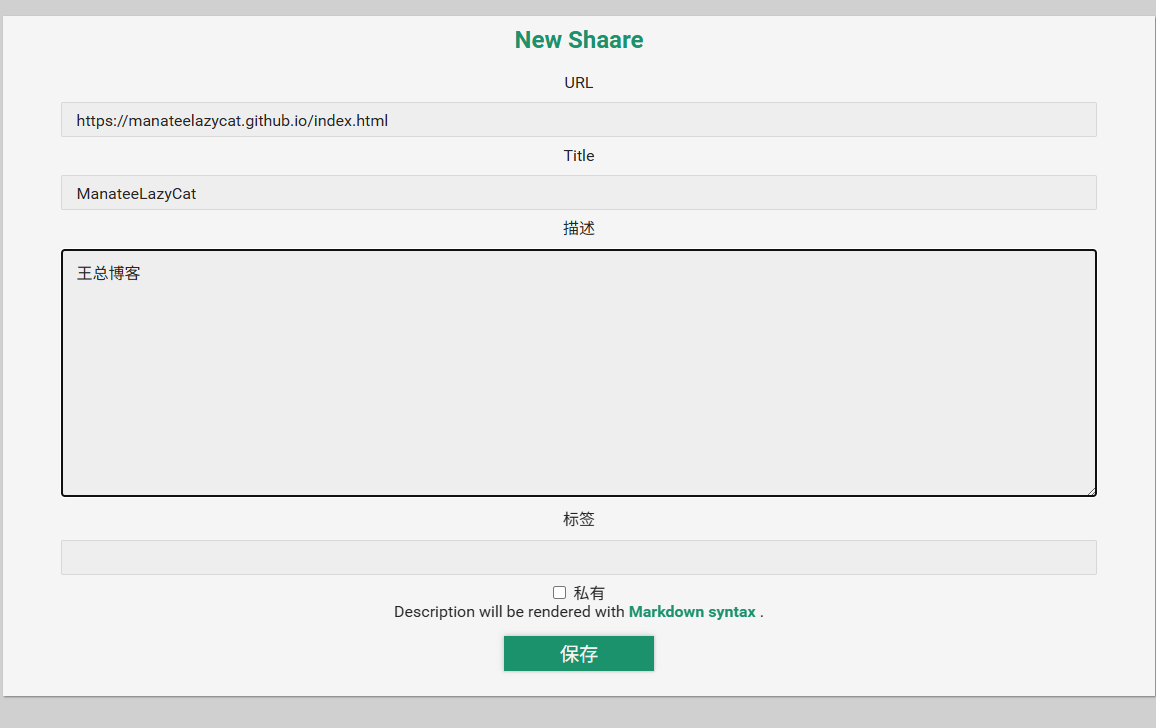
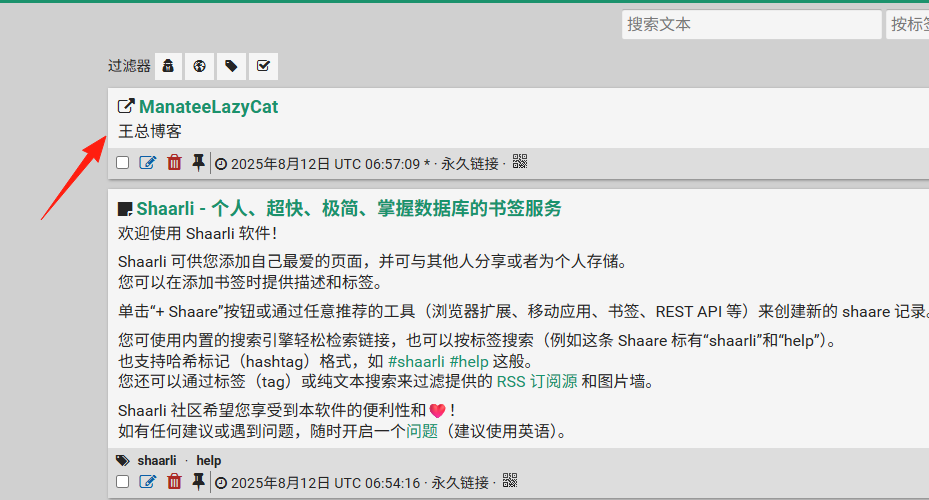
The result after saving.
Adding them one by one is too slow. In Chrome: Settings → Bookmarks → Bookmark Manager → Export Bookmarks.
Click on Tools to import your own bookmarks.

The import process is very fast.

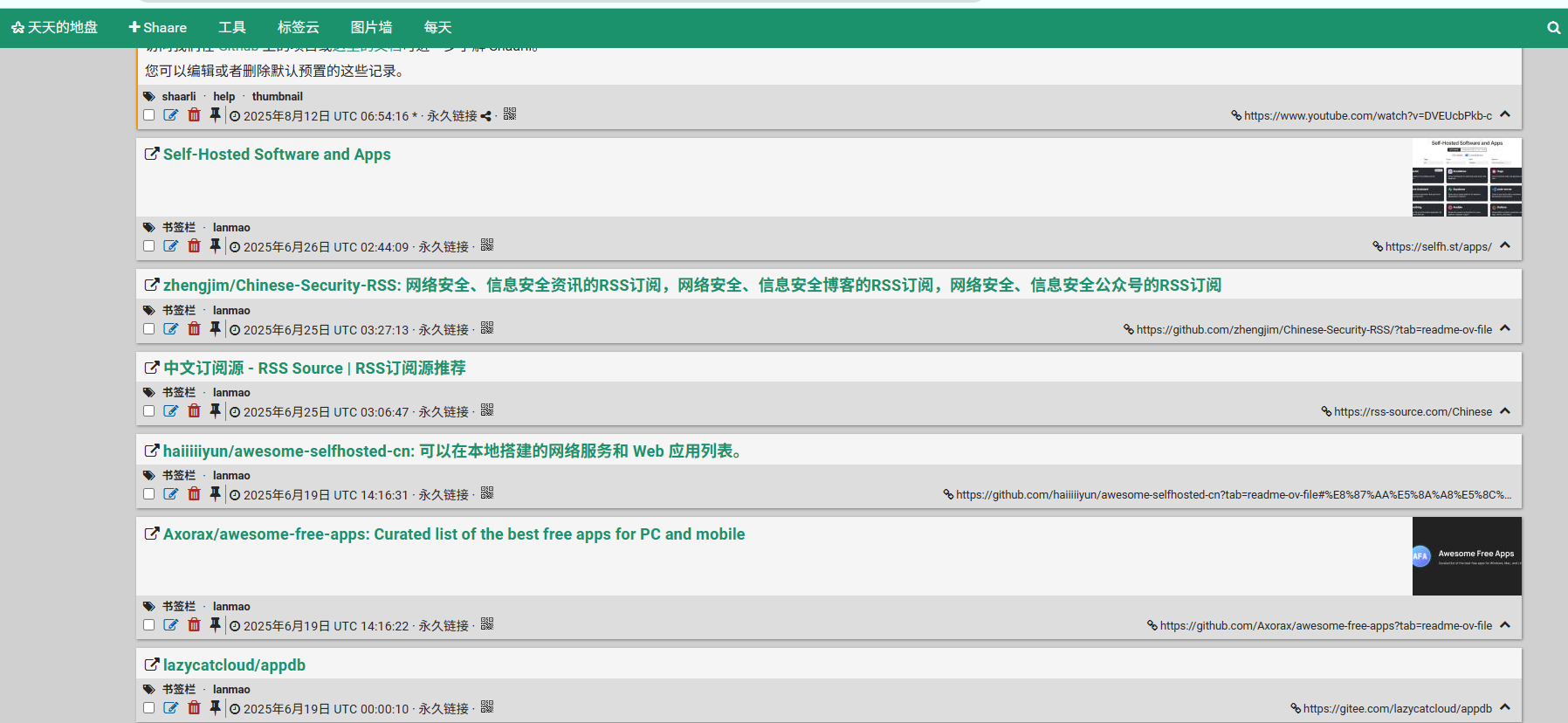
Return to the homepage to see the imported data.
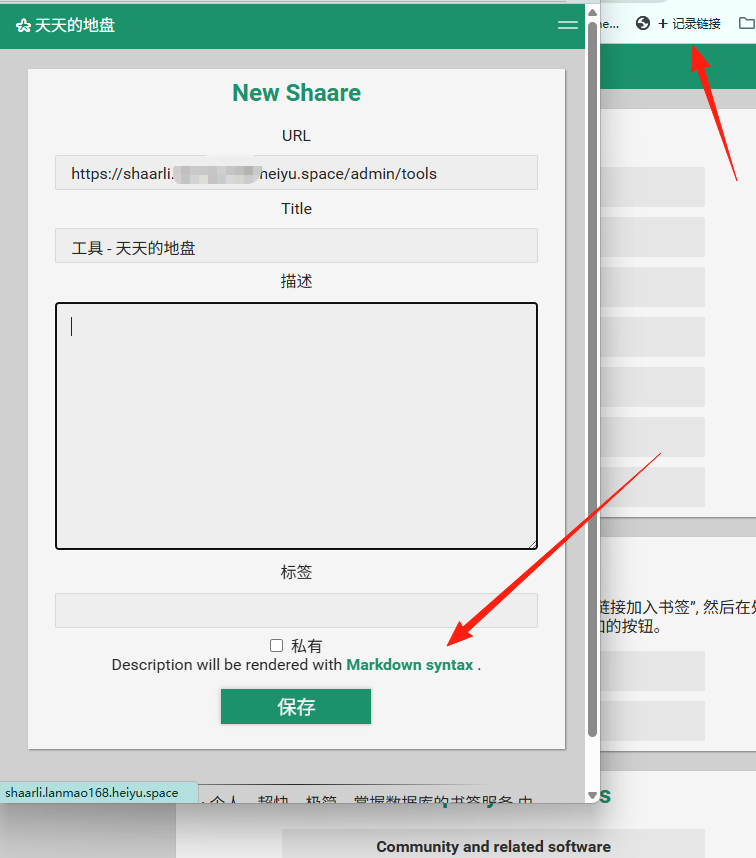
Drag this link to your browser's bookmarks bar.

In the future, when you see a page you want to save, just click this bookmarklet to add it quickly, which is much more convenient than manual copy-pasting.
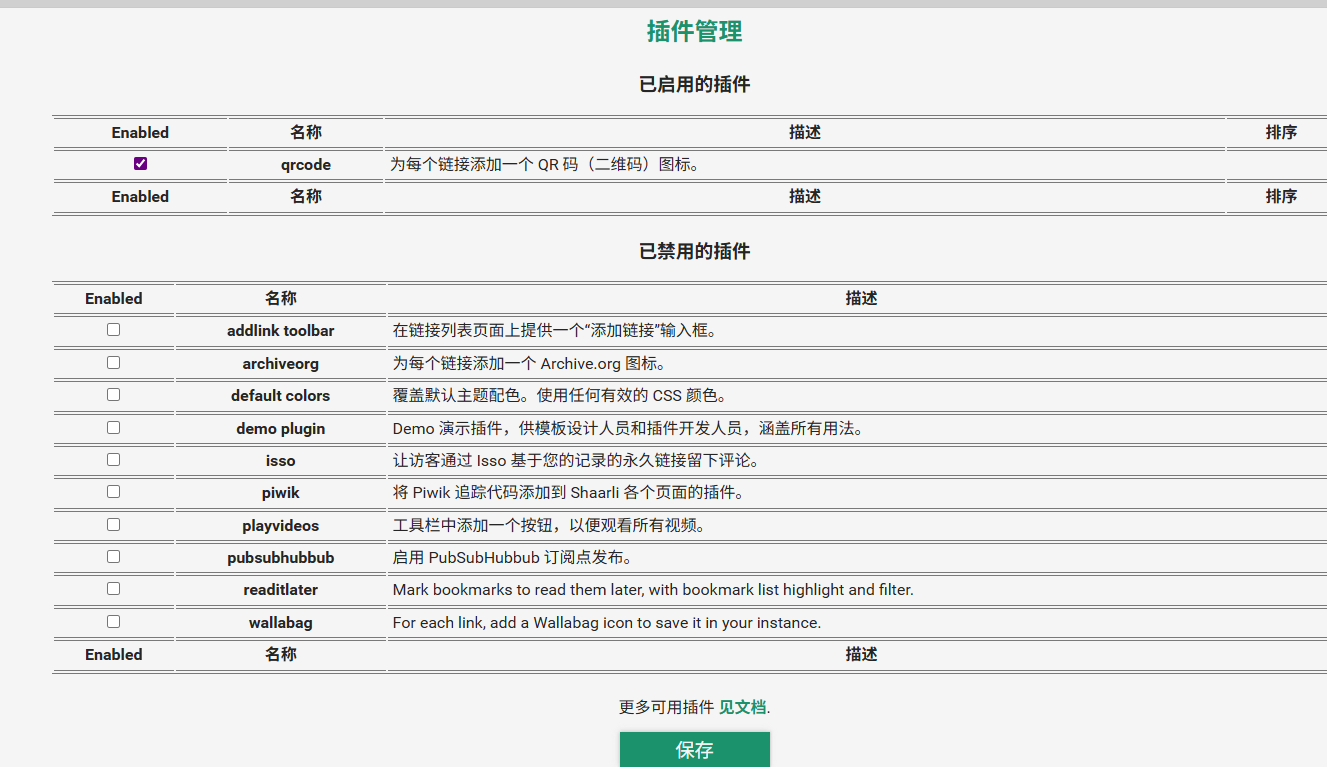
Some useful plugins:
- Favicon Plugin: Displays website icons for each bookmark, making it more visually intuitive.
- Auto-save Plugin: Automatically saves when editing bookmarks, preventing accidental loss.
- Code Highlighting Plugin: Very useful if you save code-related content.
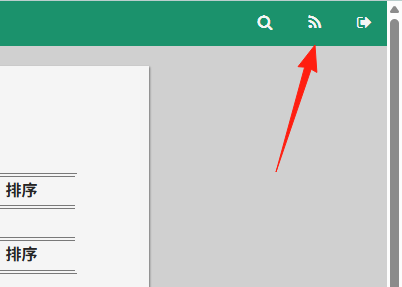
If you want to share your curated content with friends, you can enable the RSS feature. Once others subscribe to your RSS feed, they can see every new bookmark you add.
Summary
Shaarli is truly a gem of a tool, especially suited for power users who need to sync bookmarks across multiple devices.
Most importantly, it's really lightweight and fast, unlike some bookmarking services that take forever to load.
Give it a try – we believe you'll love this sense of control!