
PacCrypt Practical Recommendations - Encryption Tools Can Be This Fun Too
What is PacCrypt?
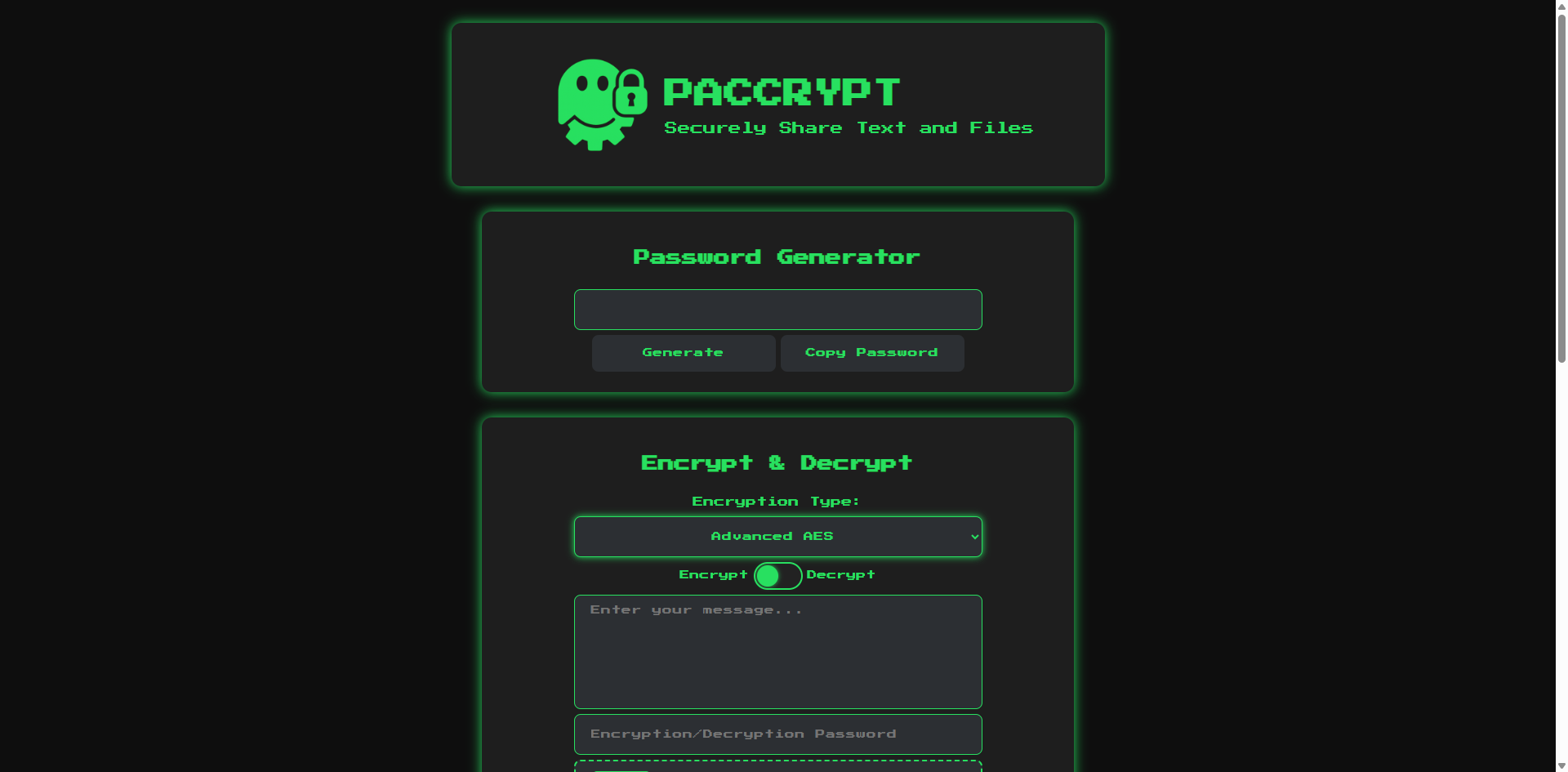
Simply put, PacCrypt is a web-based encryption tool that can encrypt text and files, and also supports secure file sharing. The most interesting part is that the developer hid a Pac-Man game inside 🎮
Unlike encryption software that requires you to learn a bunch of concepts, PacCrypt's interface is just like a regular website.
- Basic Encryption: Suitable for daily use, fast speed
- Advanced AES Encryption: Military-grade security, suitable for important files
Traditional encryption tools finish the job after encryption, leaving you to figure out how to transfer the file to others. PacCrypt directly generates a shareable link for you; the recipient can download the file by entering the password, saving a lot of hassle.
https://appstore.lazycat.cloud/#/shop/detail/cloud.lazycat.app.paccrypt
Usage Guide
After installing the application, open the main page.
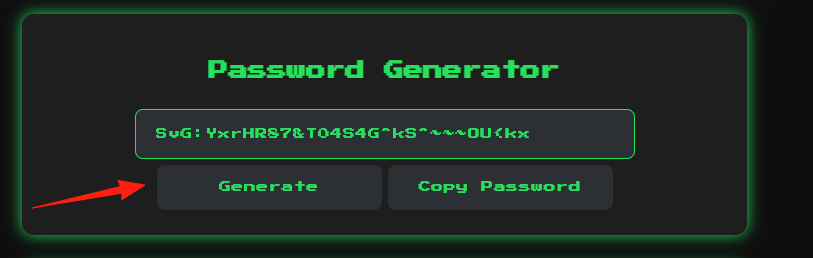
You can generate a strong password here.
Select the "Advanced AES" mode, switch to "Encrypt" mode, and upload a file or enter text.
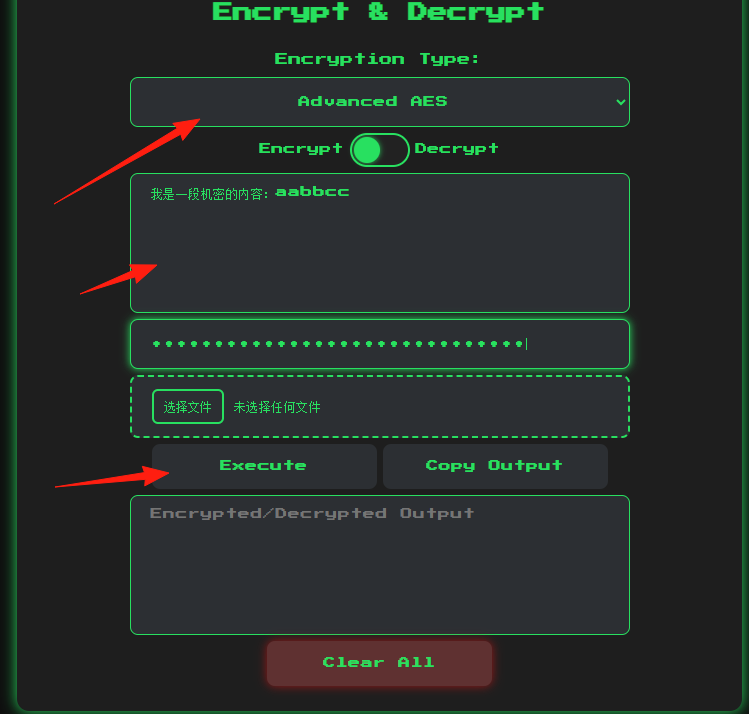 Set a strong password (it's recommended to use the password generator mentioned above).
Click Execute to finish.
Set a strong password (it's recommended to use the password generator mentioned above).
Click Execute to finish.
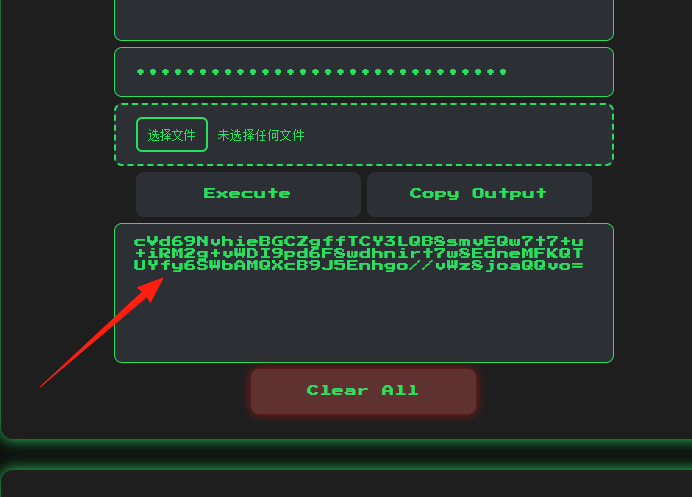 Tip: You must remember the password. If you lose the password for AES encryption, no one can recover your data.
The feature below is useful for sending sensitive materials to colleagues or sharing private photos with friends.
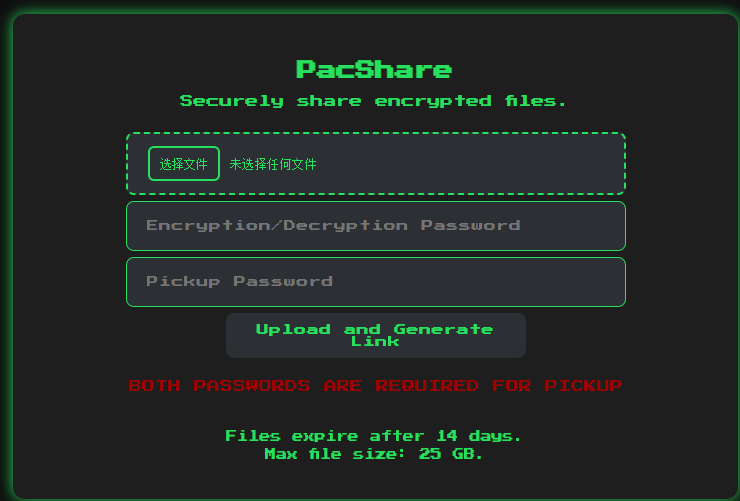 Set two passwords:
- Encryption Password (used to encrypt the file)
- Extraction Password (required for download)
Upload the file.
Copy the generated share link. Note: You need to change the prefix of the link to your PacCrypt domain, like this:
https://paccrypt.your-lazycat.heiyu.space/
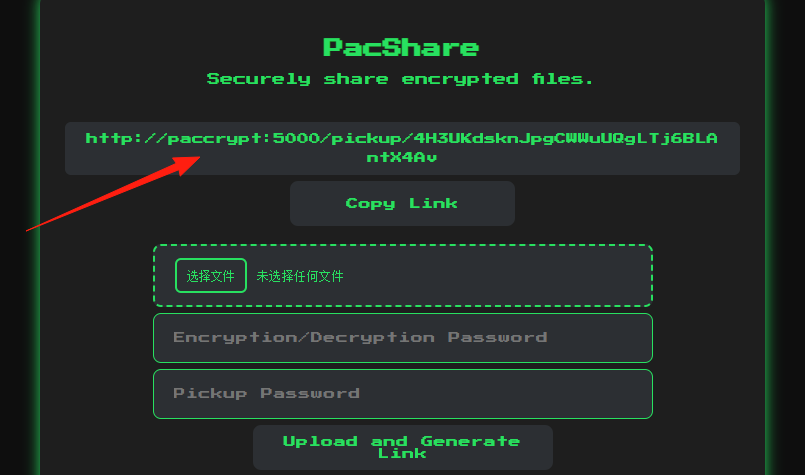 Send the link and the two passwords to the recipient separately.
Why two passwords? This design is clever: even if someone intercepts your share link, they cannot open it without the password. Furthermore, you can send the link and passwords separately for enhanced security.
PacCrypt also has an admin backend. Access it via /admin-setup.
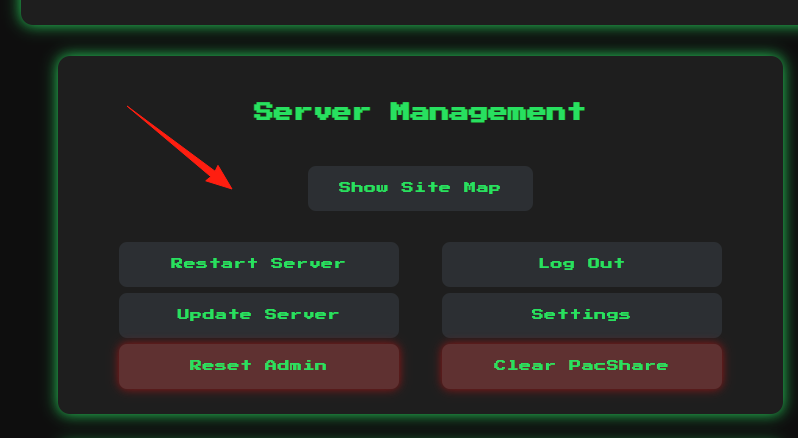
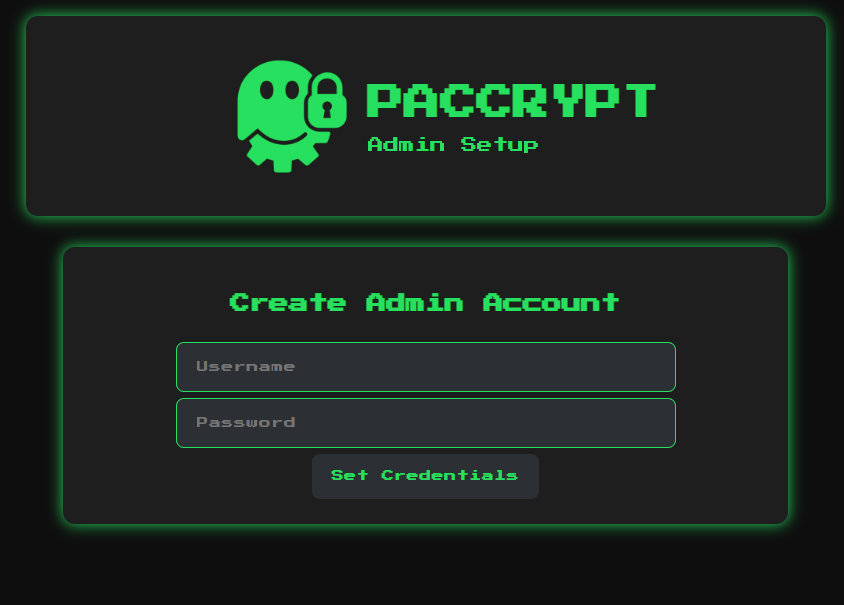 After setting up the administrator account, you can:
- Restart the server
- Update code from GitHub
- Clean up uploaded files
- View system logs
- Adjust upload settings
Hidden Easter Egg
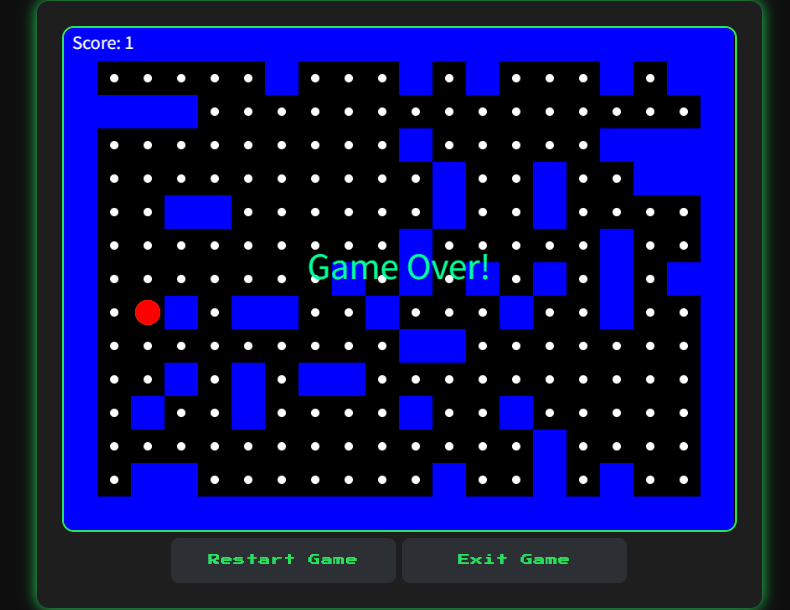
Type pacman in the input box, and a Pac-Man game will appear 😄, adding a bit of fun to the mundane task of encryption.
Summary
PacCrypt is a very practical encryption tool, especially suitable for:
- Individual users protecting private files
- Small teams securely sharing documents
Its design philosophy is excellent: simple and easy to use, but not simplistic; functional enough, but not complicated. Combined with its open-source nature and that little Easter egg, it stands out among many encryption tools.
If you are looking for a simple and easy-to-use encryption tool, why not give PacCrypt a try.