
FOSSBilling Practical Guide: The Ultimate Free and Open-Source Billing Management Solution
What is FOSSBilling?
FOSSBilling is a completely free and open-source billing and client management system, particularly suitable for hosting providers, freelancers, and digital businesses.
Feature-Rich
- 🎓 Open Source Nature: Open-source code, making it convenient for developers to perform customized development based on their business needs.
- 💼 Billing Management: Comprehensively covers various billing scenarios, accurately calculates costs, and ensures billing accuracy.
- 📄 Invoice Processing: Easily generate, send, and manage customer invoices, improving invoice processing efficiency.
- 💰 Financial Management: Supports recording and analysis of financial transactions, helping businesses control their financial status.
- 👥 Client Management: Effectively manage client information, track client spending, and enhance client relationship maintenance.
https://appstore.lazycat.cloud/#/shop/detail/cloud.lazycat.app.fossbilling
Getting Started Guide
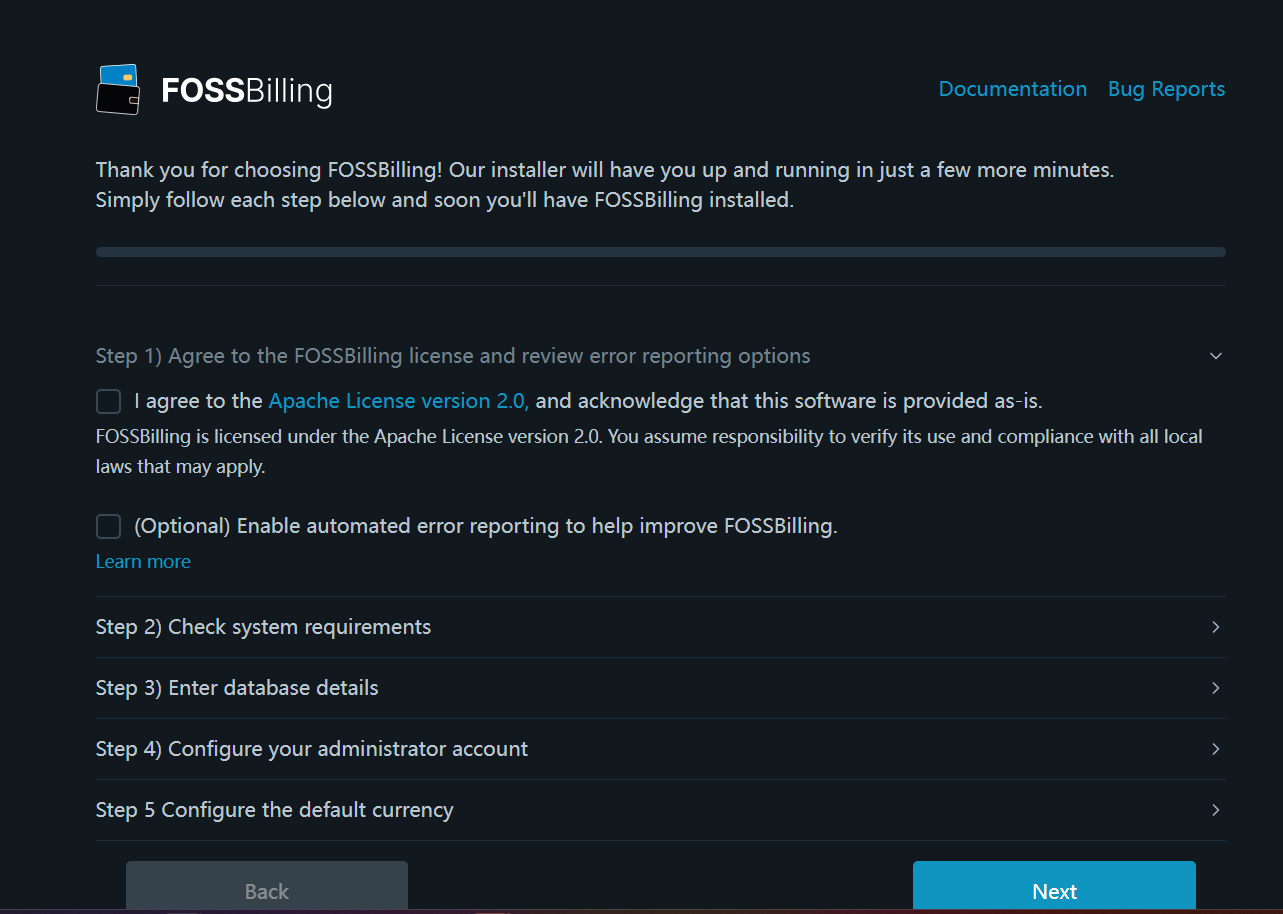
After the application is installed, you will first be directed to the installation page.
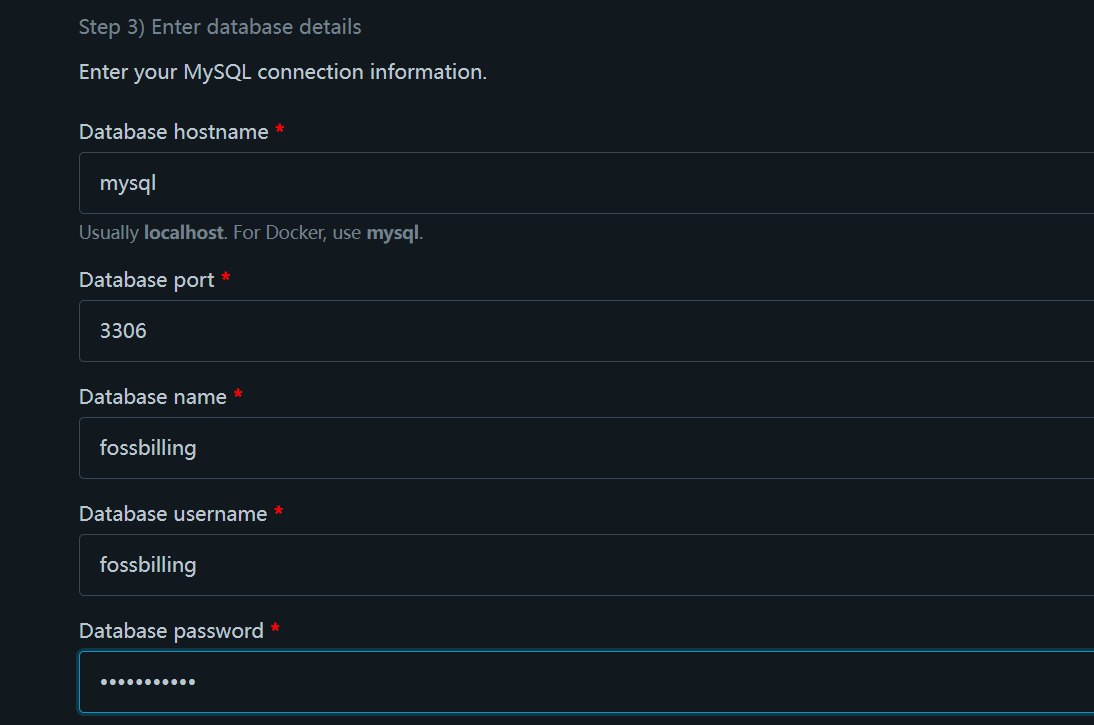
In the third step, configure the database as follows:
- Database hostname: mysql
- Database name: fossbilling
- Database username: fossbilling
- Database password: fossbilling
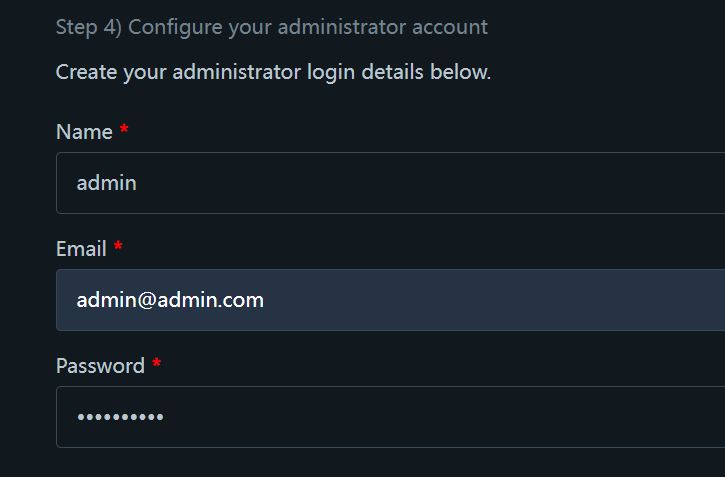
In the fourth step, "Configure your administrator account", the administrator password requirements are: 8 characters, containing at least one number and one uppercase letter.
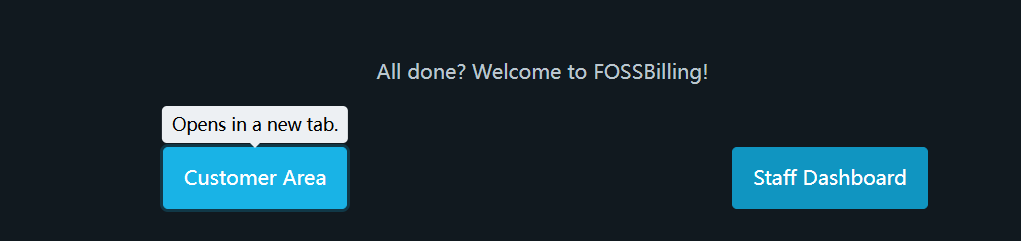
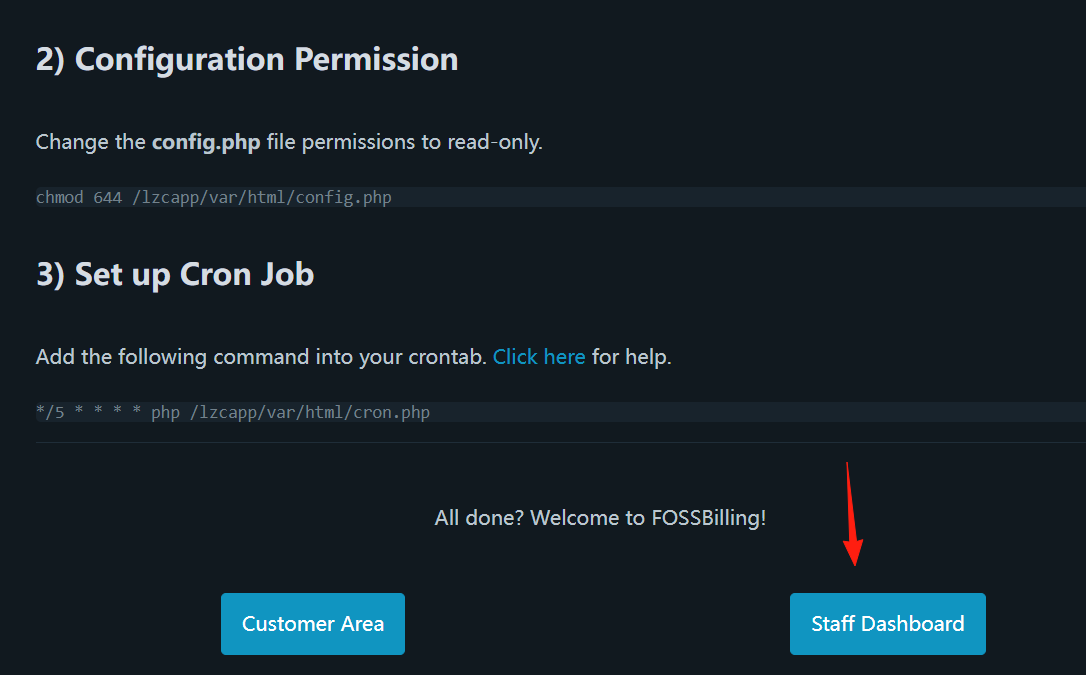
After successful installation:
- Customer Area: This is the interface your clients will see.
- Staff Dashboard: This is the backend interface used by you and your team to manage the entire system.
Access the admin dashboard.
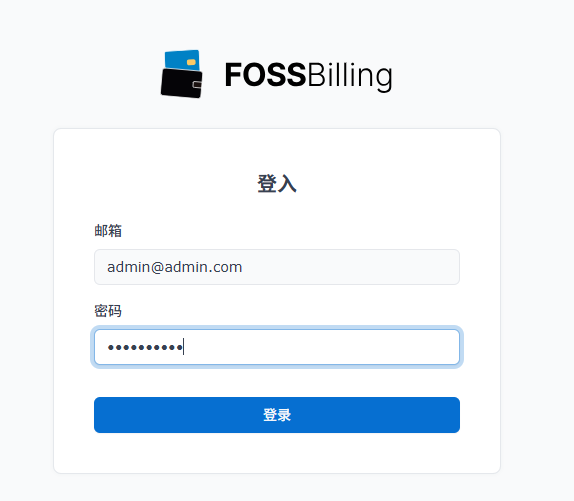
Log in using the password you just set.
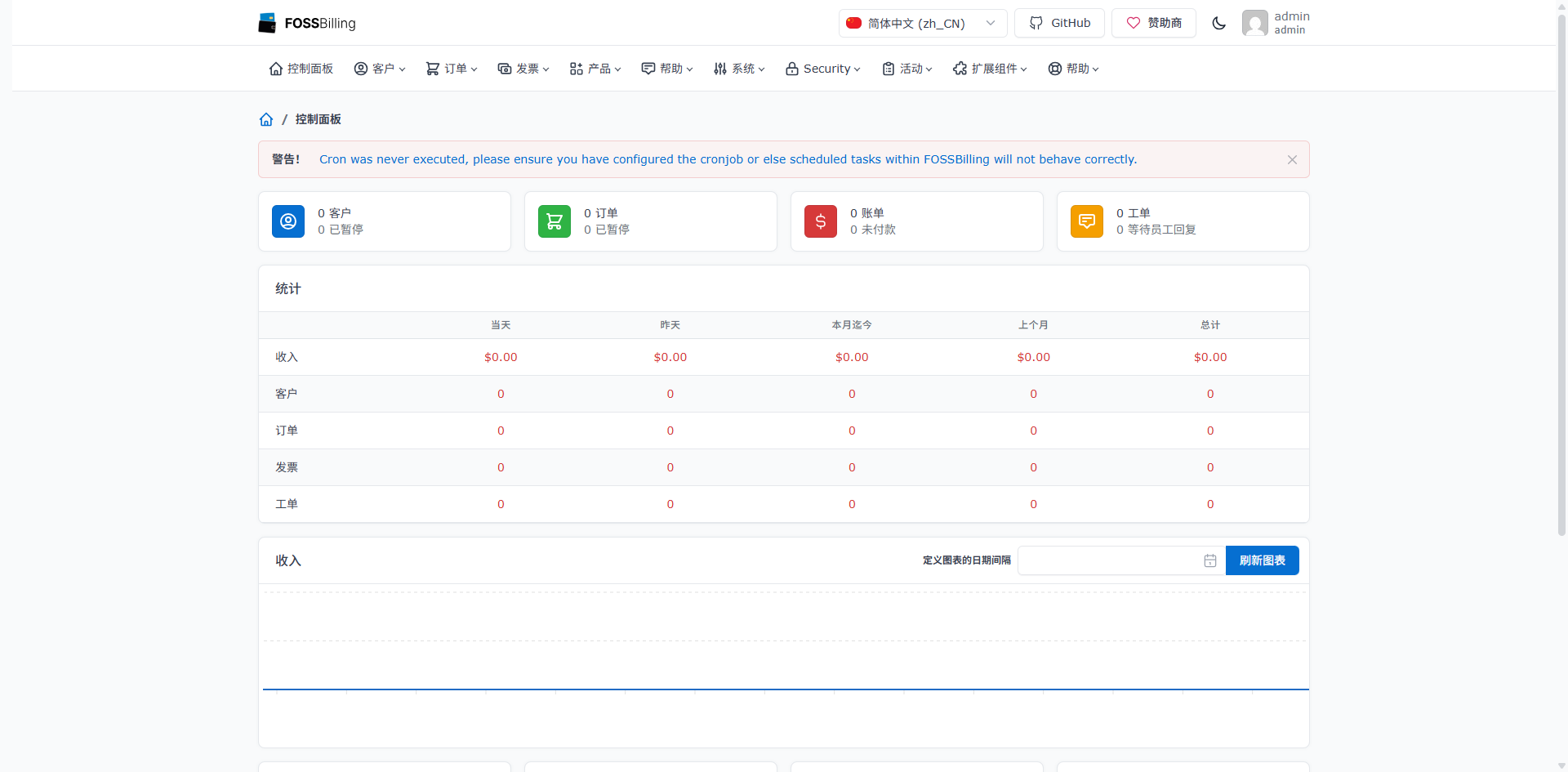
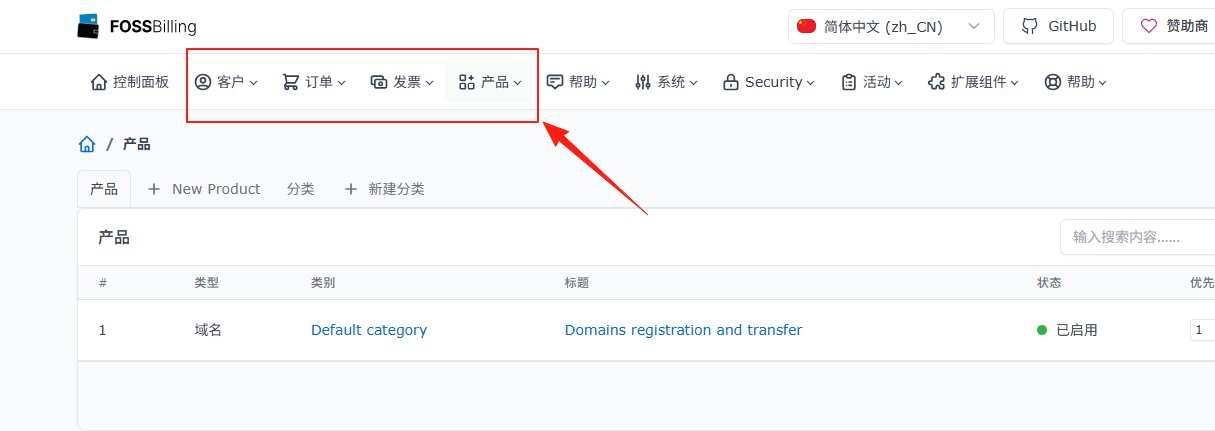
Enter the main admin dashboard page.
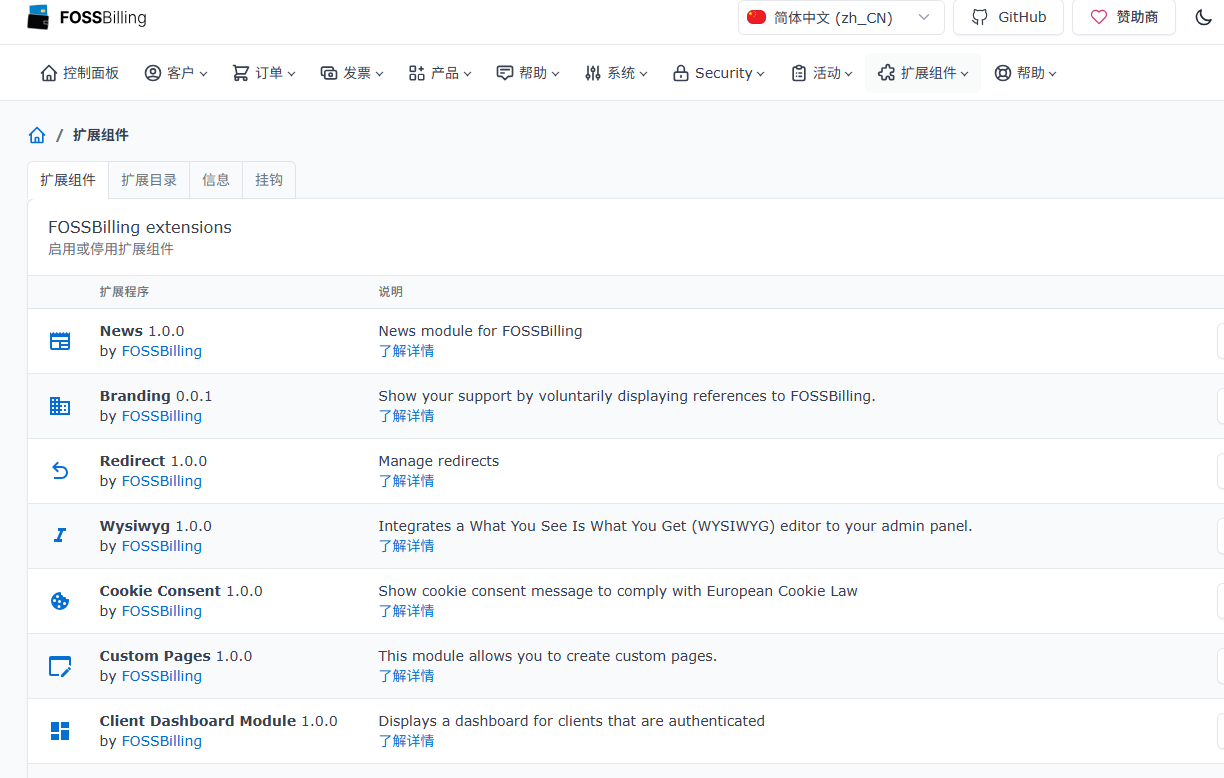
Supports multiple plugins.
Here, you can add and modify products, manage client information, process orders, respond to client support tickets, view reports, etc. This area is only accessible to you and your staff.
If you access the Customer Area: Your clients can register for accounts, place orders for your products or services, view their invoices, manage their purchased services, and submit support tickets for help.
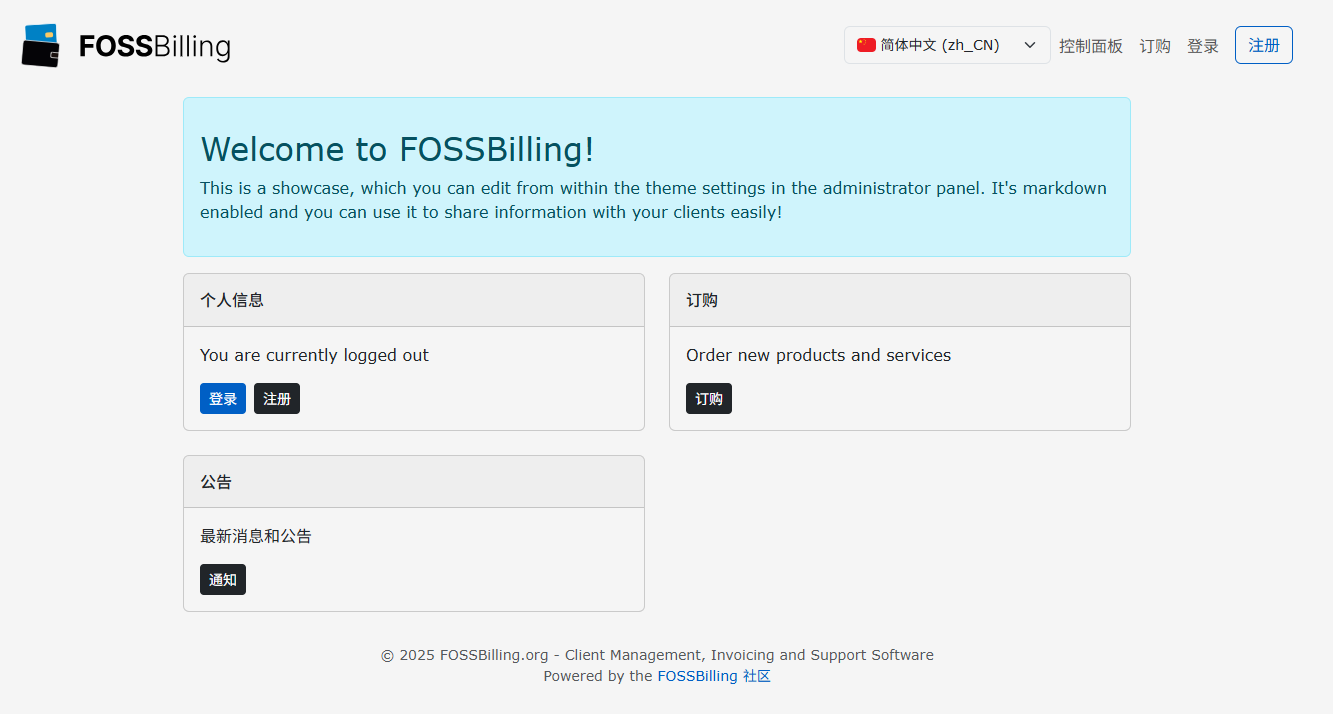
Once everything is set up, you can share the FOSSBilling Customer Area address with your clients.
They can easily place orders, manage their services, view invoices, and submit tickets. A professional and user-friendly system can significantly enhance your clients' satisfaction and trust.