
Readest: A Hidden Gem E-book Reader That's Actually Good
While searching for an e-book reader recently, I unexpectedly discovered a project called Readest. After using it for a few days, I think this thing is really worth recommending to everyone. It's not the kind of flashy software, but a tool that genuinely enhances your reading experience.
First, Why I Chose It
Readest is an open-source e-book reader built on Next.js 15 and Tauri v2, supporting macOS, Windows, Linux, Android, iOS, and Web platforms. It sounds very technical, but in actual use, it's just one word: Awesome.
The points that impressed me the most:
- Truly Cross-Platform: Available on mobile, computer, and web, with data synchronization
- Comprehensive Format Support: Supports common formats like EPUB, MOBI, PDF, TXT
- Completely Free: Open-source project, no ads, no fees
- Practical Features: Notes, highlighting, search – all the essentials are there
https://appstore.lazycat.cloud/#/shop/detail/wcloud.gblw.app.readest
Hands-On Experience
After installing the app, opening it takes you directly to the functional page where you can import books.
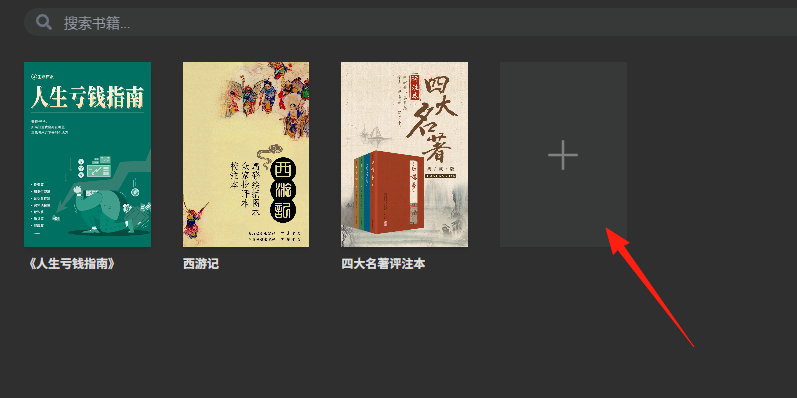
The supported formats are quite comprehensive:
- EPUB: The most common e-book format
- MOBI/AZW3: The Kindle formats
- PDF: Although experimental support, it's generally sufficient
- TXT: Can read plain text too
- FB2/CBZ: Can even read comics
Installation methods for different platforms:
Easiest for Apple Users
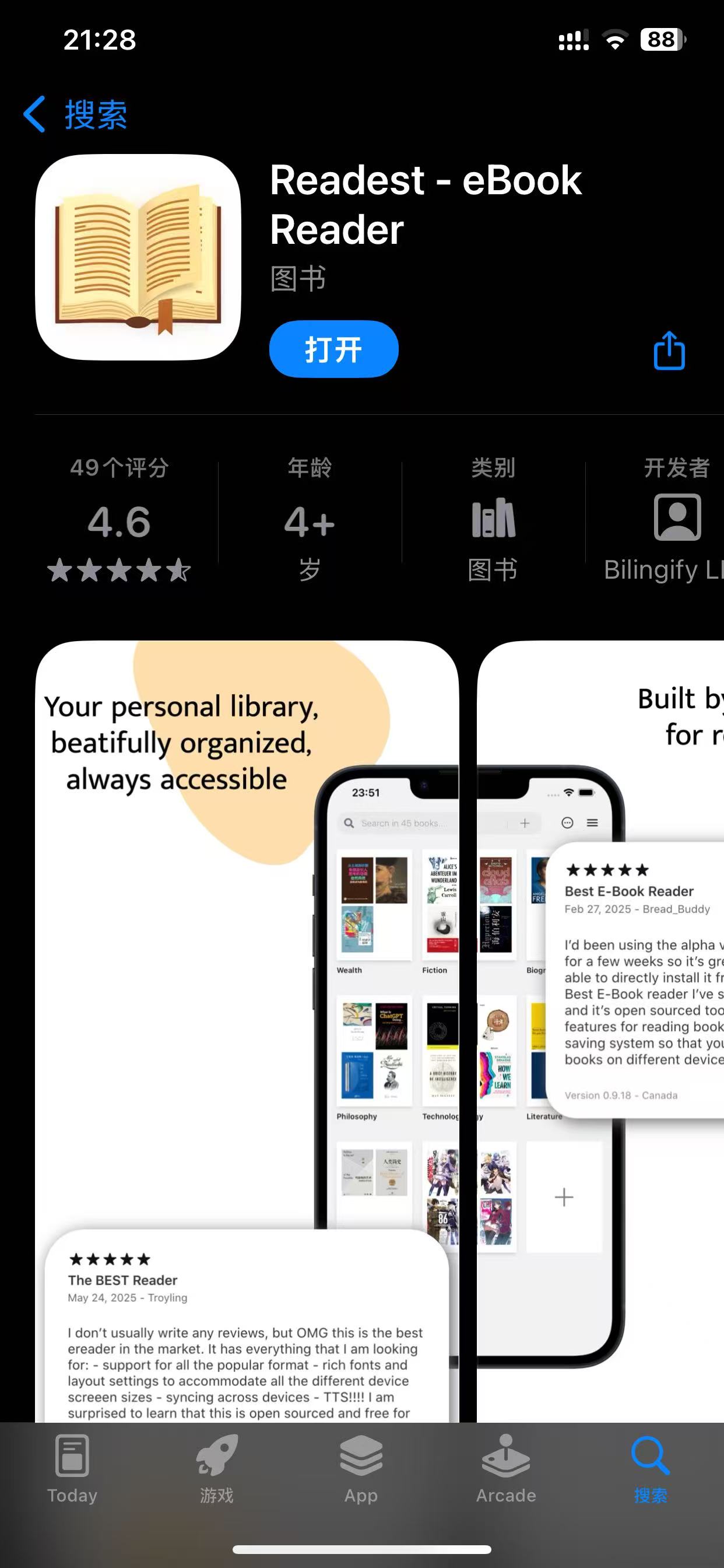
- iOS/Mac: Just search for "Readest" directly in the App Store
Android/Windows/Linux
- Visit the official website readest.com to download
- Or go directly to the GitHub Releases page
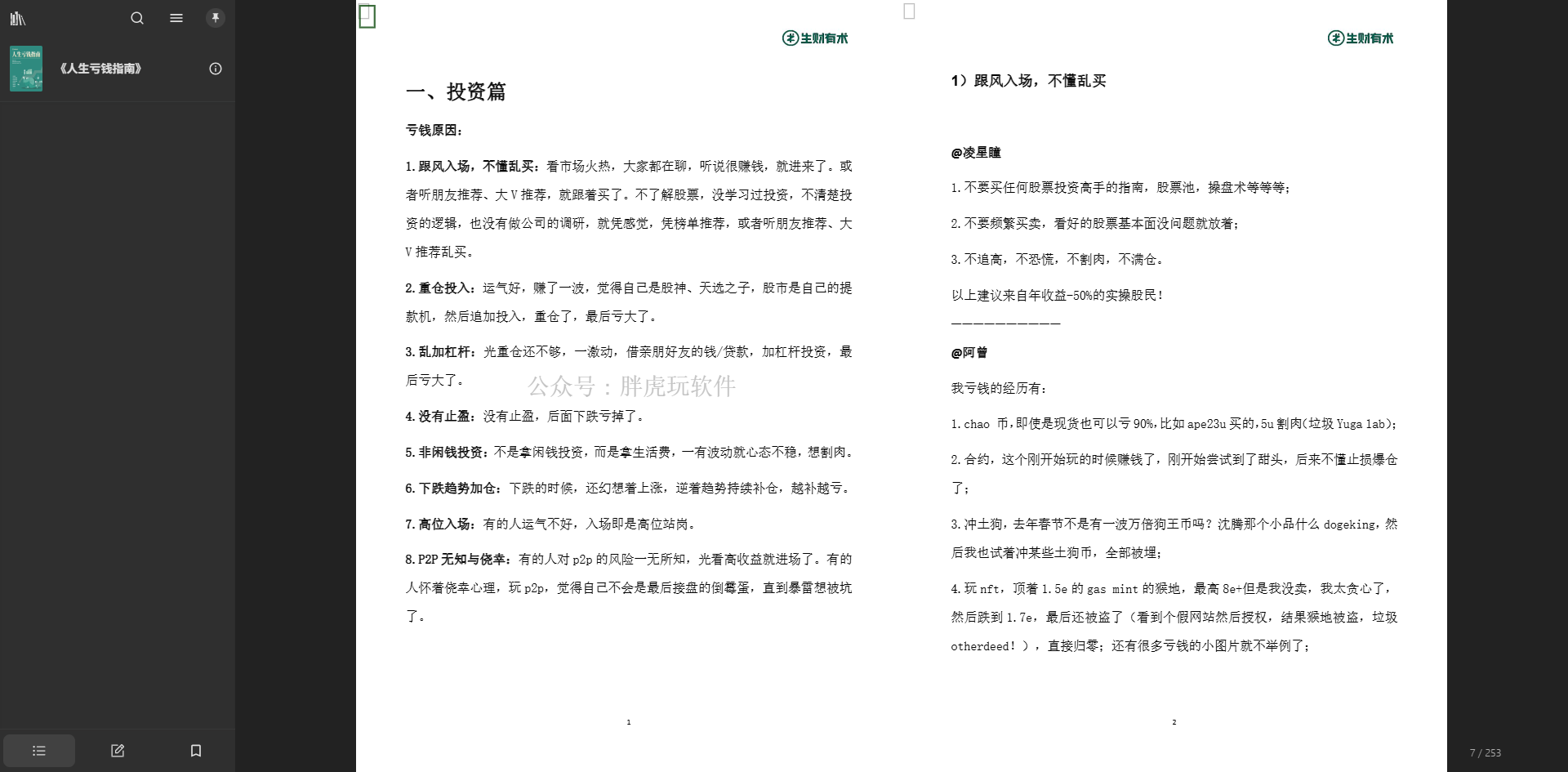
The software's settings are very considerate; you won't get lost in a sea of options:
Reading Mode Selection
- Pagination Mode: Flip pages like a physical book
- Scrolling Mode: Scroll down like browsing social media
Font Adjustment
- Adjustable font size, line spacing, and font type
- Includes an eye-care mode for comfortable nighttime reading
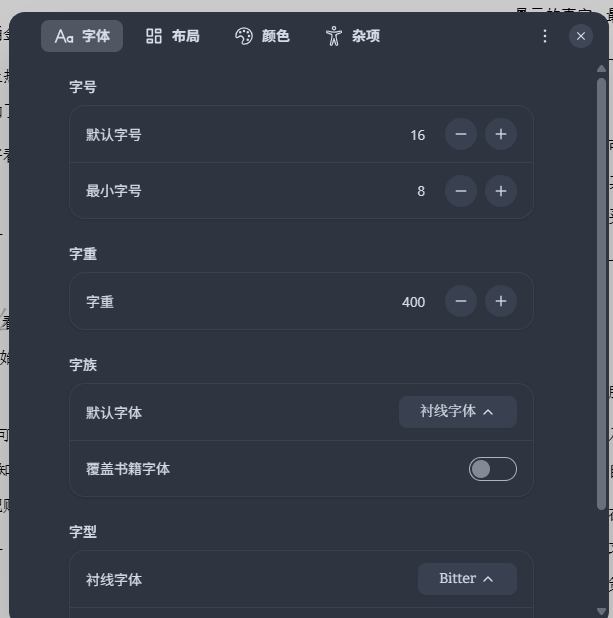
I think this font looks nice.

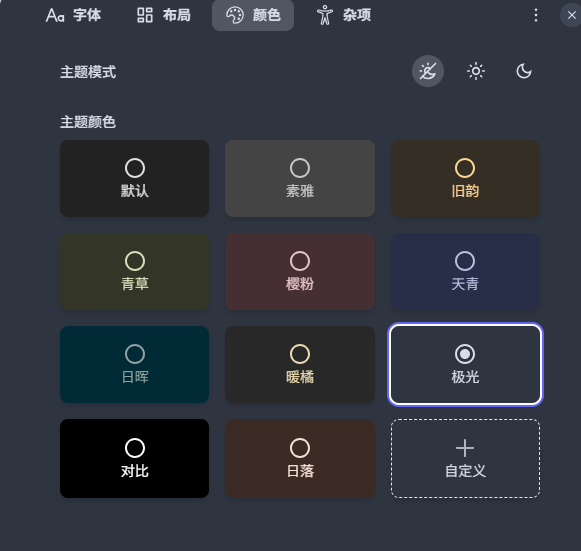
Theme Switching
- Light theme suitable for daytime
- Dark theme suitable for nighttime
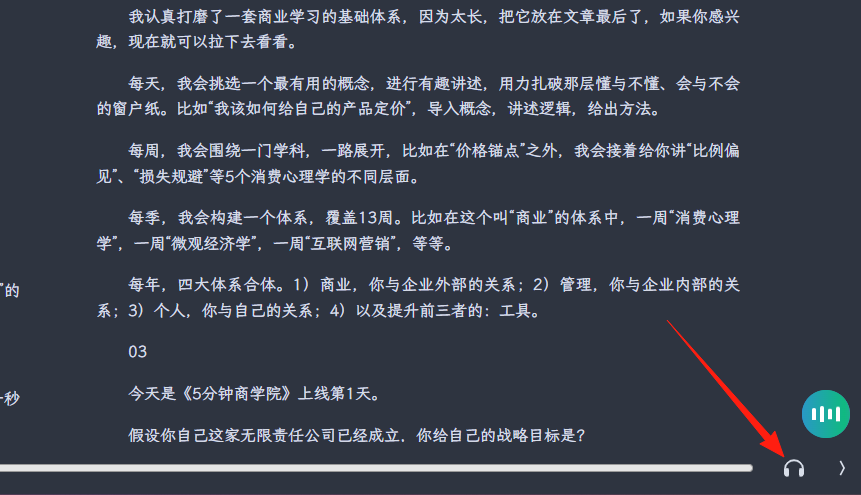
You can use text-to-speech in the bottom right corner; it works for EPUB but PDF support is temporarily unavailable.
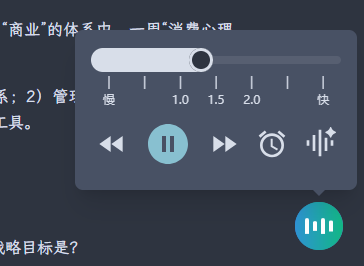
Adjust speech rate and set a sleep timer.
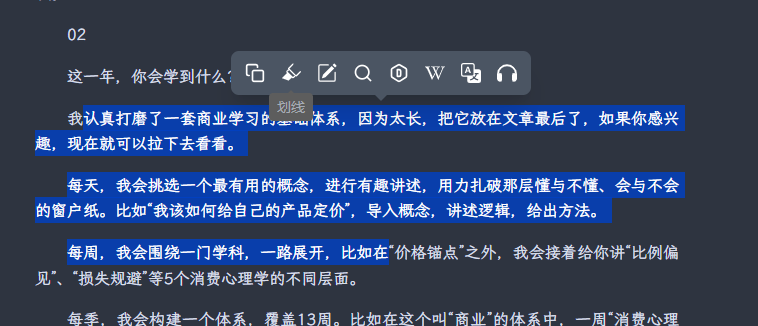
Supports adding highlights, bookmarks, and notes to enhance the reading experience. This feature is implemented very user-friendly:
Steps:
- Select the text you want to highlight
- Choose a color (yellow, green, blue, etc.)
- You can directly add a note for explanation
Practical Scenarios:
- Marking key points when reading professional books
- Recording memorable passages when reading novels
- Taking study notes while learning
Supports full-text search to quickly find relevant chapters. This is super practical:
- Finding a specific point mentioned earlier
- Searching for specific names or terms
- Quickly locating content during review

Dictionary and Translation Features
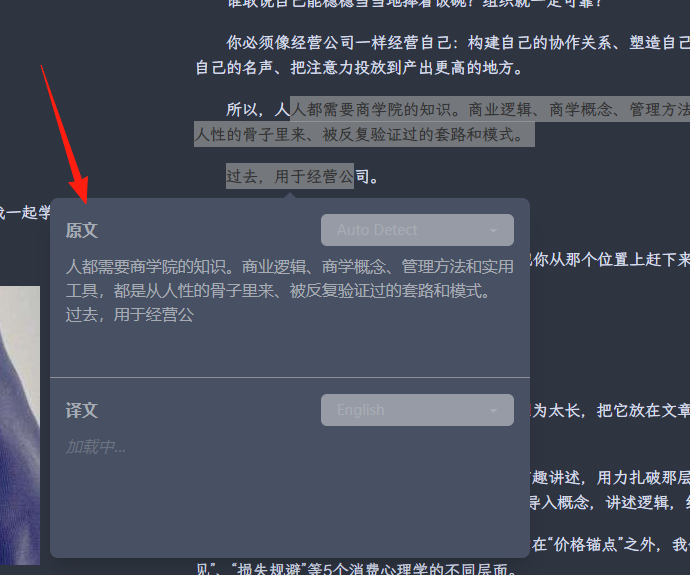
Built-in dictionary and Wikipedia lookup, allowing you to check words directly while reading. Especially useful for English books:
Usage Tips:
- Double-click a word to look up its definition
- Supports multiple languages
- Can connect to Wikipedia for more information
Summary
Readest is a modern, feature-rich, open-source e-book reader supporting multiple formats and cross-platform synchronization. If you:
- Frequently switch between different devices for reading
- Need to take reading notes and organize them
- Want a clean, ad-free reading environment
- Prefer open-source and free software
Then Readest is definitely worth a try.