
YABin User Experience: The Ultimate Self-Hosted Code Pastebin Tool
What is YABin?
A PasteBin-like tool for pasting and sharing code snippets and text, supporting encryption and multiple syntax highlighting options.
YABin is Your Private Code Hub:
- ✅ Self-Hosted: Your data stays entirely on your own server, ensuring complete privacy
- ✅ AES-256 Encryption: Add a "security lock" to sensitive code - no one can view it without the password
- ✅ 297 Syntax Highlighting Options: Beautiful display for Python, Java, and even niche programming languages
- ✅ Direct Command Line Upload: Share code snippets directly from terminal without opening a browser
Who is it for?
- 👩💻 Programmers: Share error logs/code snippets without losing formatting
- 🛡️ Security Engineers: Encrypt and transfer vulnerability PoCs (attack code)
- 👨👩👧👦 Small Teams: Build internal knowledge bases and quickly save temporary documents on local networks
https://appstore.lazycat.cloud/#/shop/detail/cloud.lazycat.app.yabin
How to Use
After installing the application, open the main page
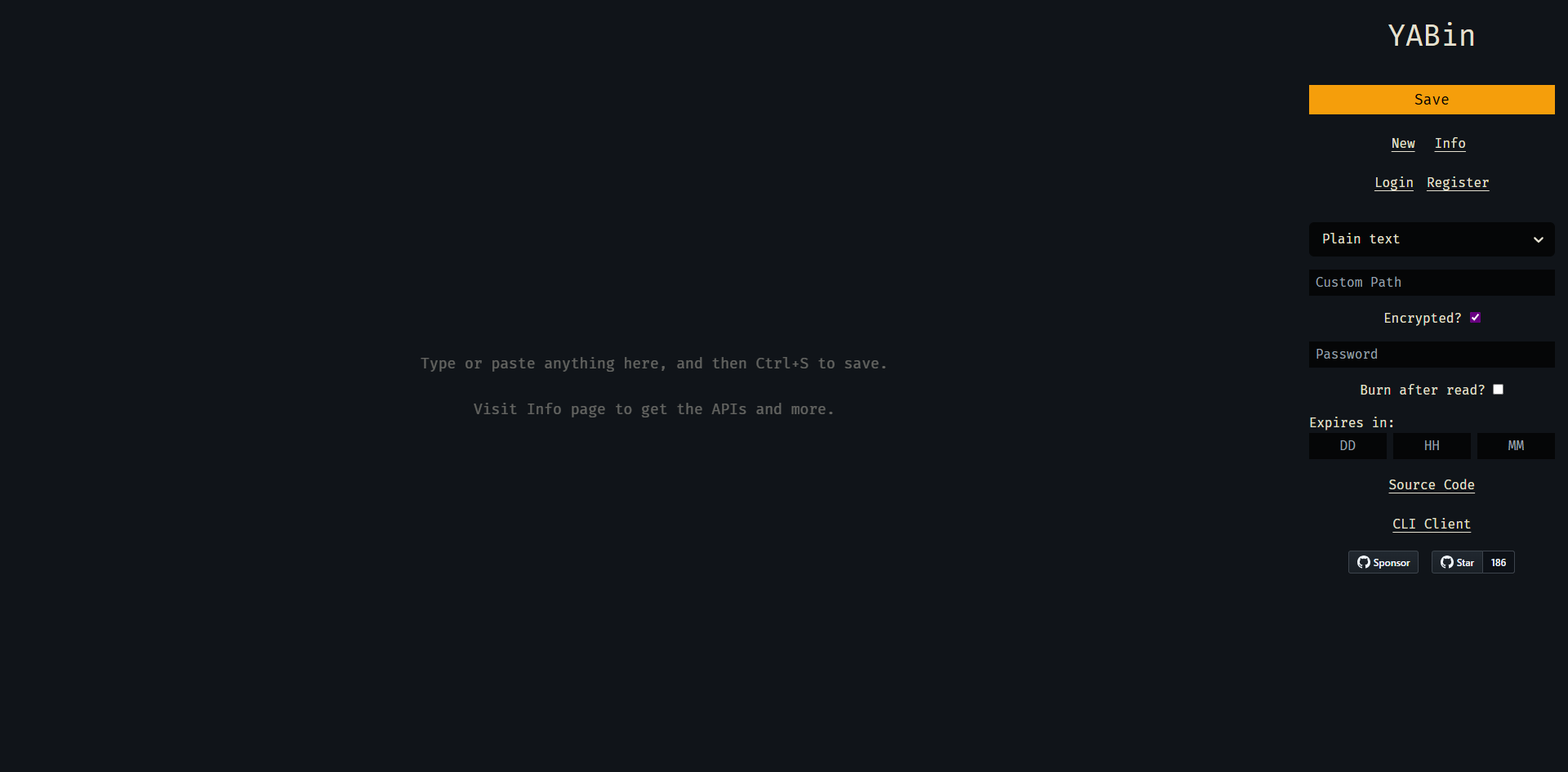
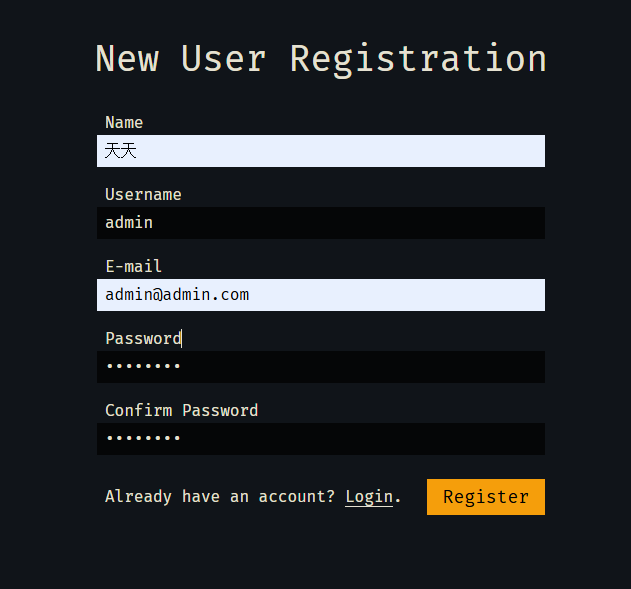
First, register a user account
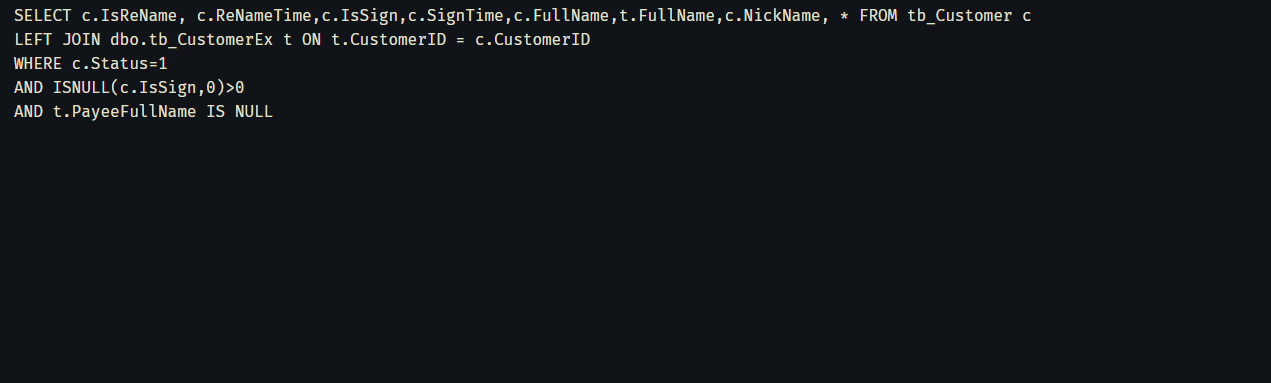
Directly input content on the left side, or paste code, then save
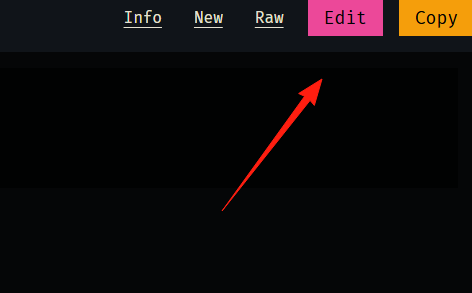
Edit and copy options are available in the top right corner
Select the content type
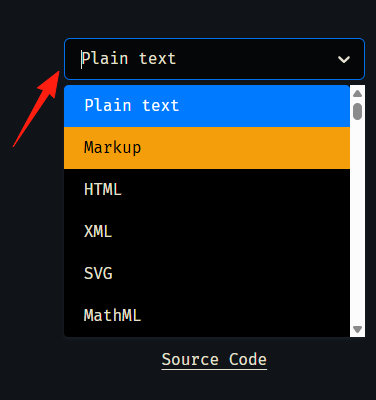
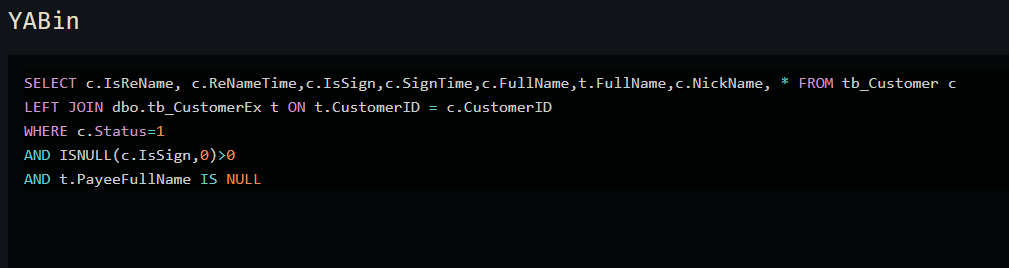
After selecting the corresponding language, code can be highlighted
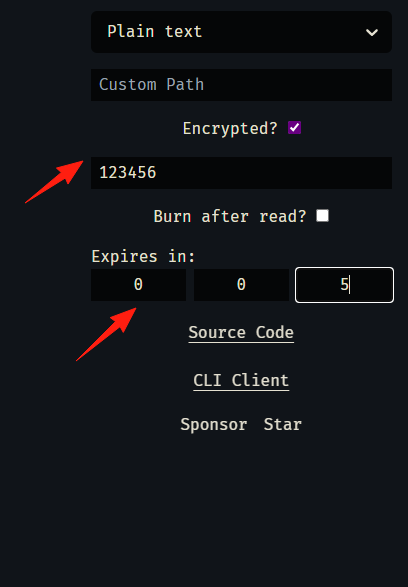
Set a password (others need to enter it to view), and expiration time
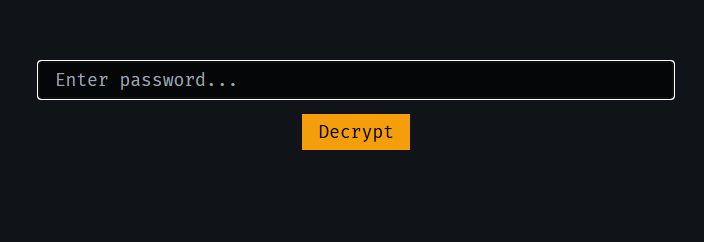
Enter password to decrypt
Links are randomly generated by default, making them very difficult to guess.
Overall, YABin is a very practical small tool. It allows you to enjoy convenient sharing while maintaining complete control over your data. If you also value simplicity and security, give this application a try.