
DumbDrop: A Simple and User-Friendly File Upload Tool
What is DumbDrop?
DumbDrop is a streamlined file upload application built with Node.js and native JavaScript, featuring a modern drag-and-drop interface. It enables users to quickly and securely upload and manage files within a local network environment.
Simply put, DumbDrop is a fantastic web-based tool designed specifically for uploading files in internal networks. Just open a link in your browser, drag your files in, and you're done!
Key Features:
• Intuitive drag-and-drop file upload for easy operation • Clean, modern web interface with light/dark theme support • Customizable PIN code protection for enhanced security • Configurable maximum file size to meet various needs • All uploaded files are automatically stored in the designated
dumbdropfolder on your NAS • Docker-based deployment for strong compatibility and easy management • Supports browsing, selecting, and uploading files or folders • Accessible via LAN without requiring public internet exposure • Supports HTTPS deployment for secure data transmission • Includes health checks and auto-restart mechanisms for improved stability
https://appstore.lazycat.cloud/#/shop/detail/cloud.lazycat.app.dumbdrop
How to Use
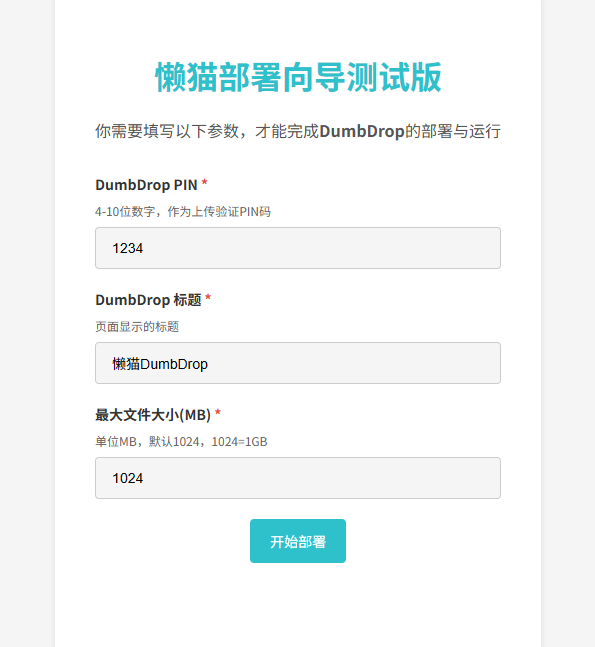
After installing the application, open it and first configure the PIN and name, then click "Start Deployment".
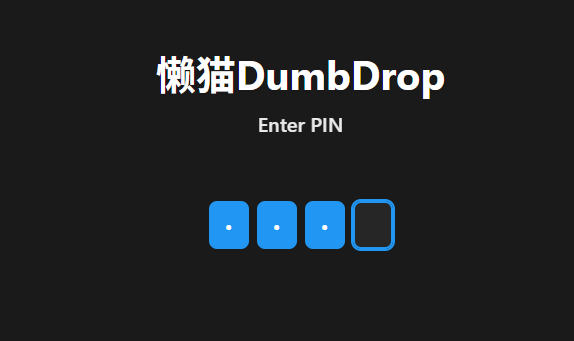
Enter the PIN code you just set.
Access the main page.
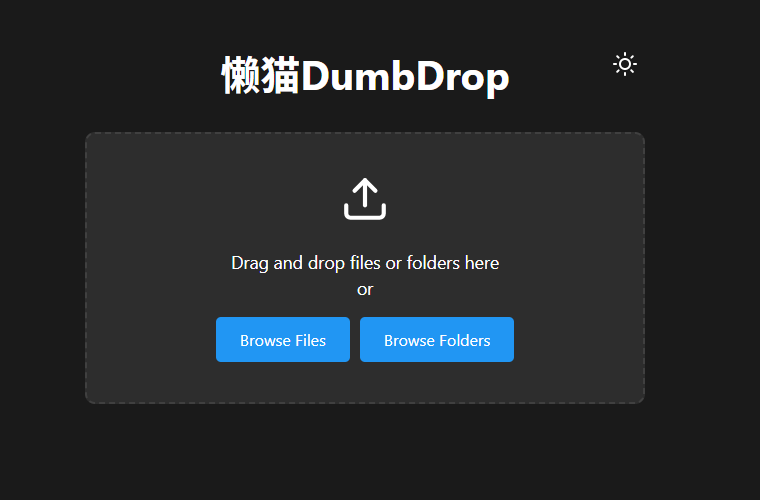
You can select multiple files or upload entire folders.
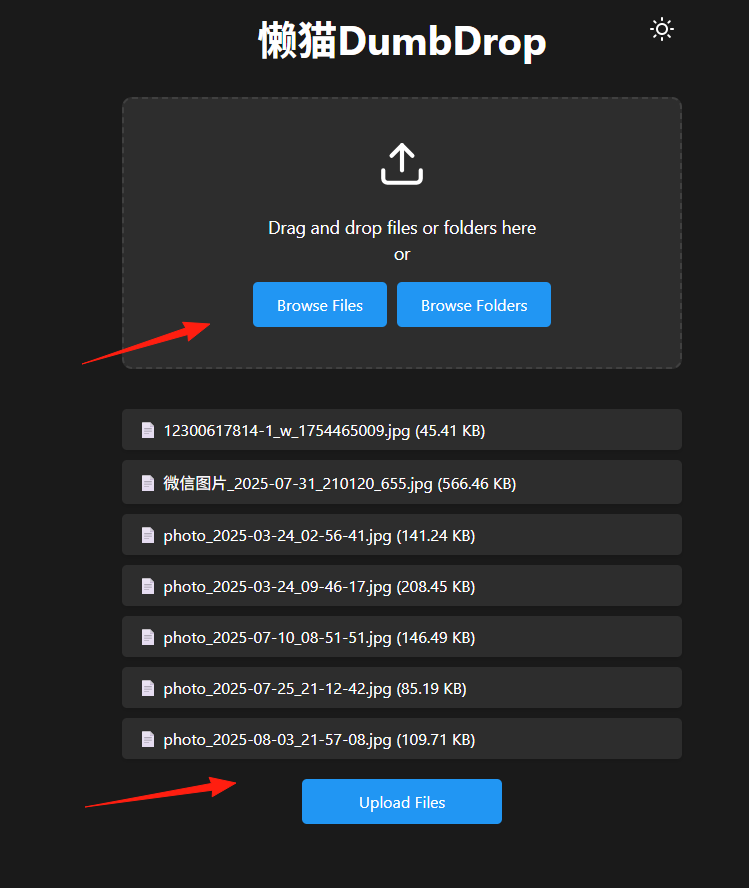
After clicking upload, all files will be placed in the application's data directory.
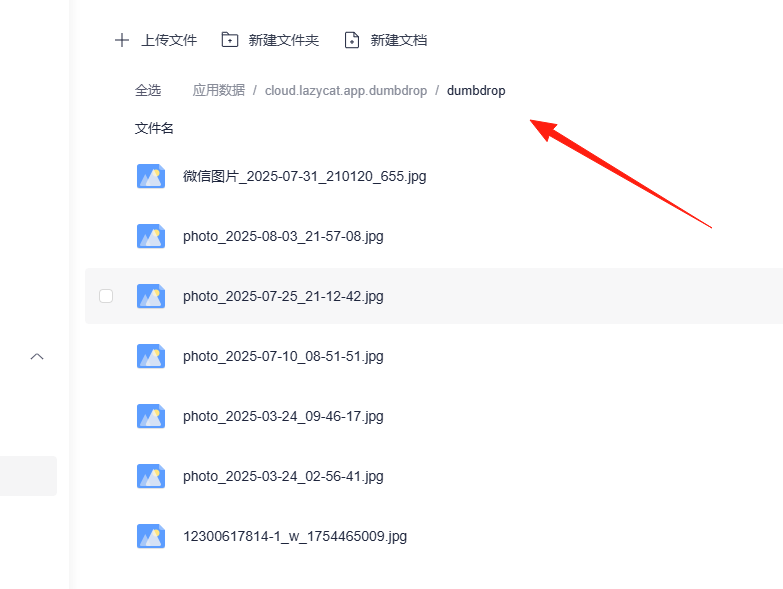
Uploading a folder.
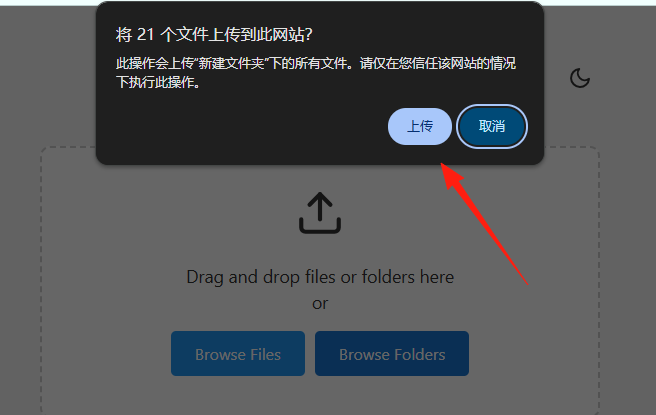
Since it operates within the internal network, the upload speed is quite fast.
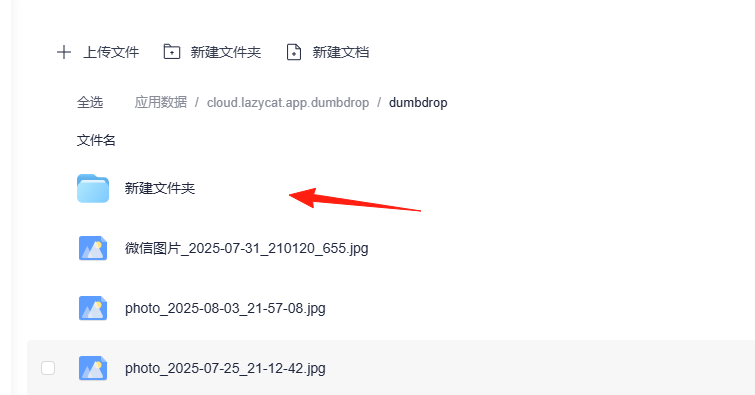
Overall, DumbDrop is a very convenient and efficient little tool that can transform your Lazycat server into a handy file center.
If you also want to simplify your file upload process, give it a try now