
DumbBudget Practical Guide: Budget Tracking Can Actually Be Simple
To be honest, most budgeting apps on the market are too "smart". They require linking bank cards, various authorizations, and come with an overwhelming number of features. But sometimes, we just want a simple tool: input income, record expenses, check the balance—that's it.
DumbBudget is exactly that kind of "dumb" app, but it's this very simplicity that makes it practical.
What is DumbBudget?
DumbBudget is an open-source personal budgeting application. Despite its name "DumbBudget," its features are anything but dumb:
- 💰 Income & Expense Tracking - Clearly see how much you've earned and spent
- 📊 Real-time Balance - Automatically calculated, no math skills required
- 📅 Date Filtering - Easily view expenses for specific time periods
- 📱 Mobile Optimized - Works on both mobile and desktop
- 🌓 Light/Dark Themes - Easy on your eyes
- 📤 Data Export - Your data belongs to you, export whenever you want
https://appstore.lazycat.cloud/#/shop/detail/in.zhaoj.dumbbudget
How to Use
After installing the app, open the feature page. The interface is optimized for mobile.
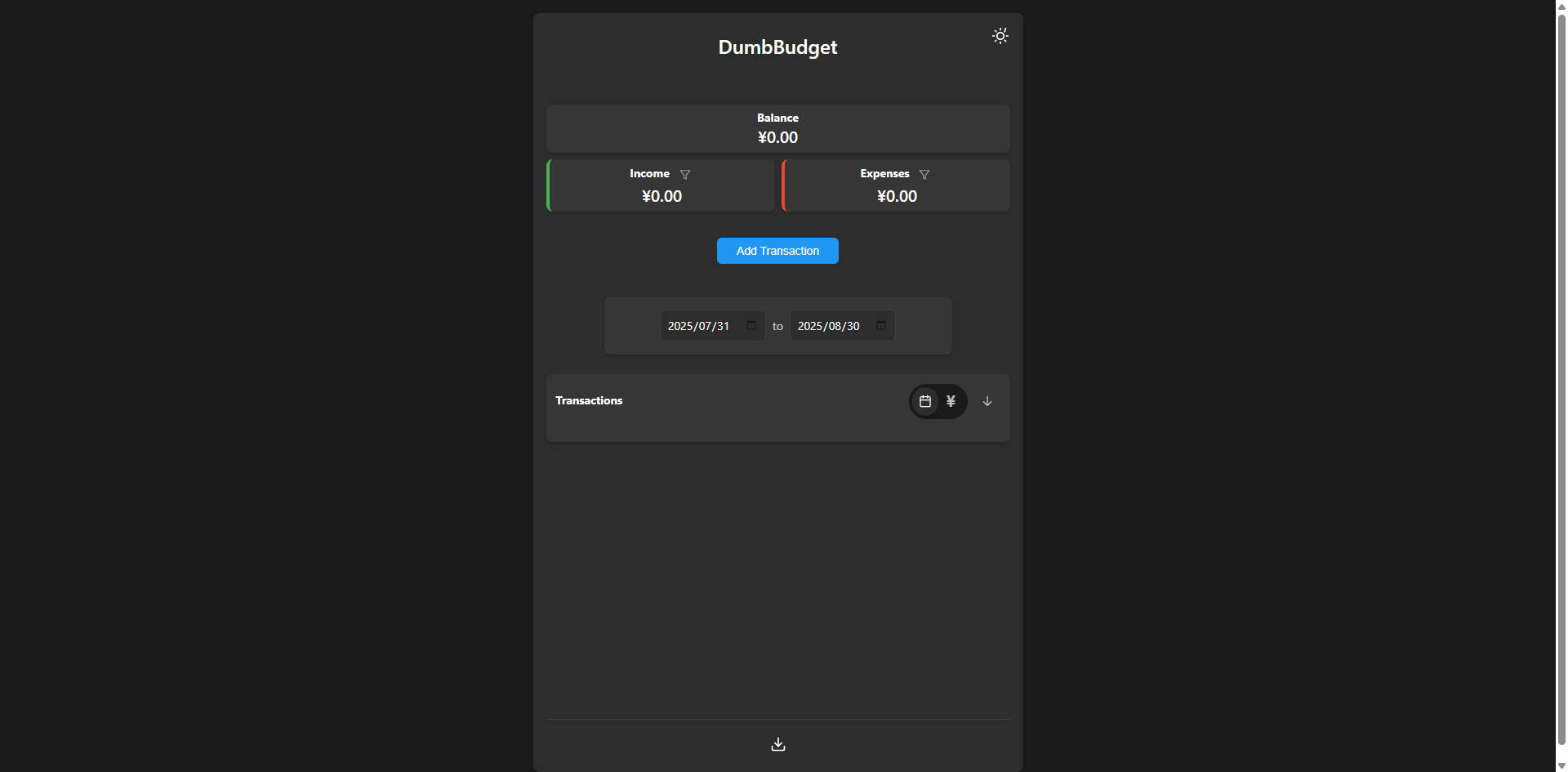
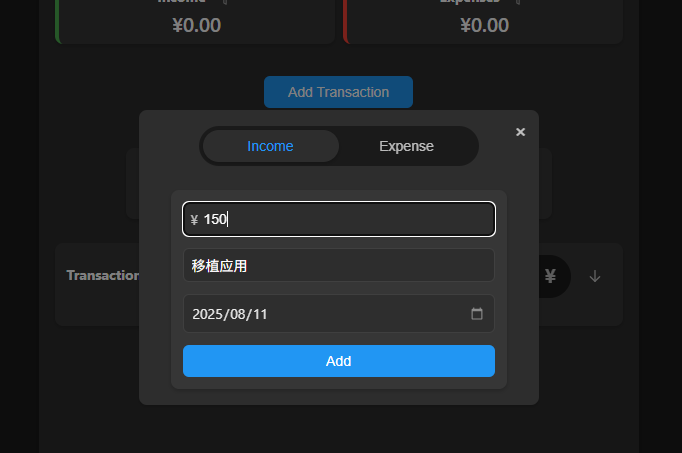
Click "Add" to record income.
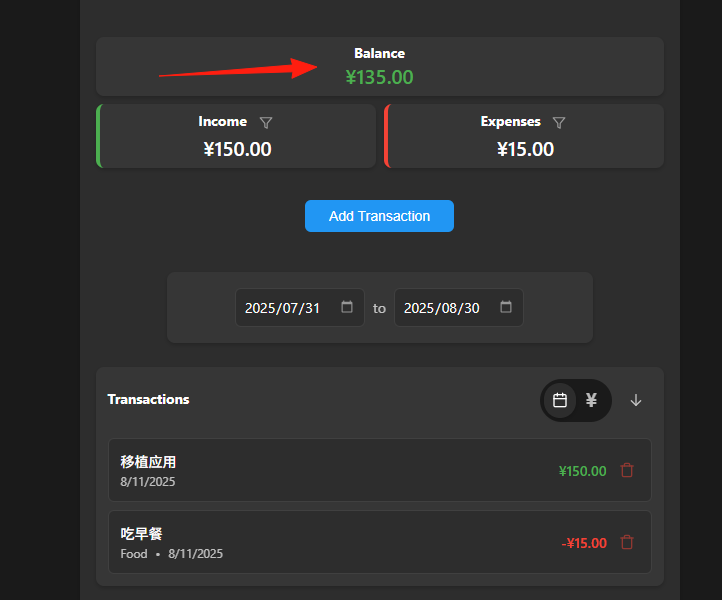
Add an expense. The balance will be automatically displayed.
The features are quite detailed. For example, click the filter icon in the top-right corner to display only Income entries.
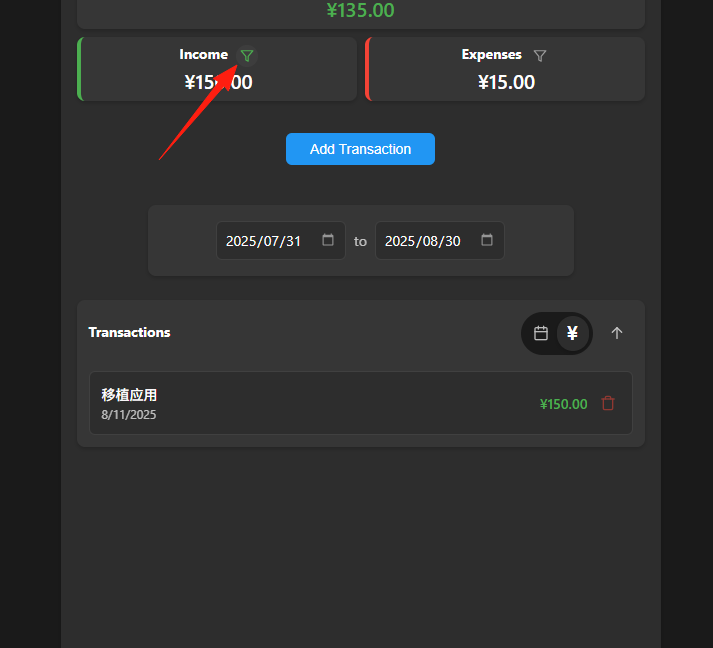
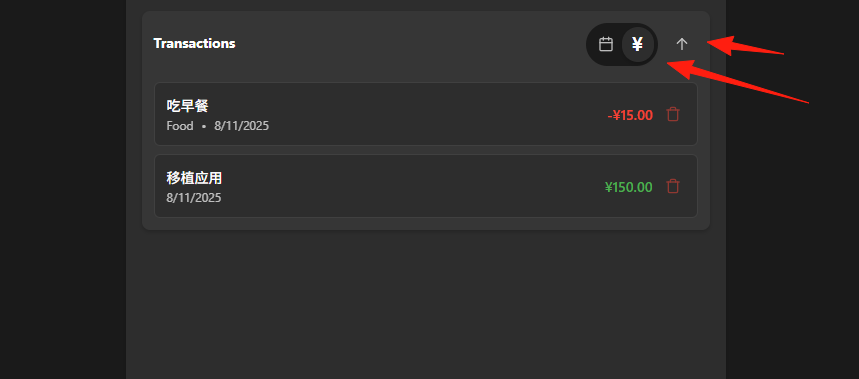
Supports sorting by date and amount.
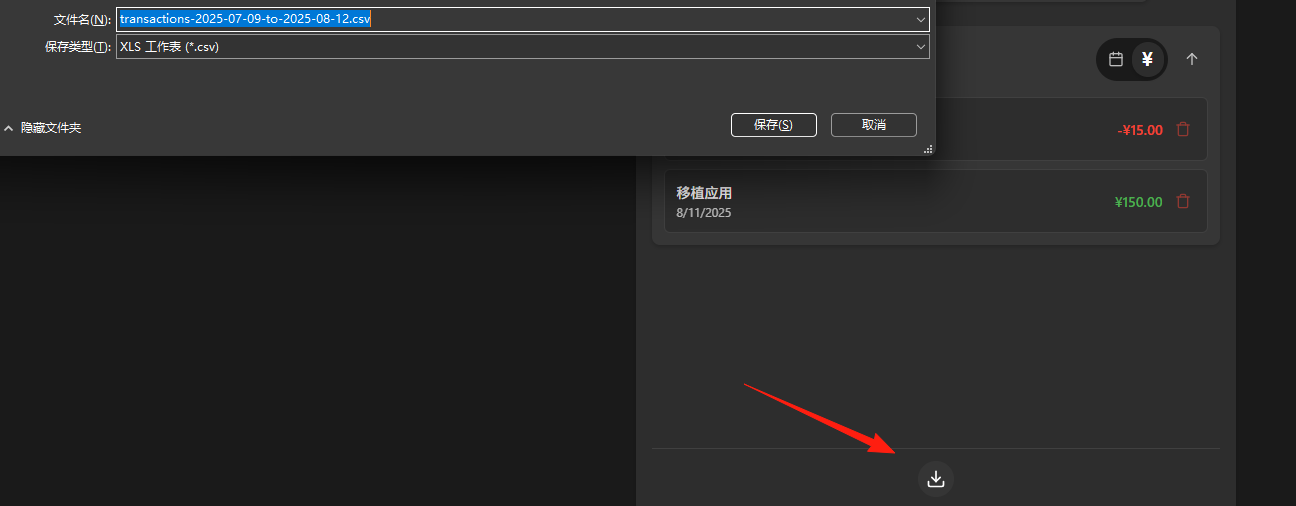
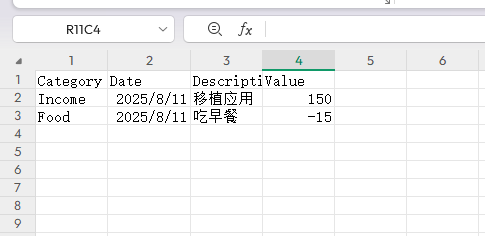
You can export data to a CSV file.
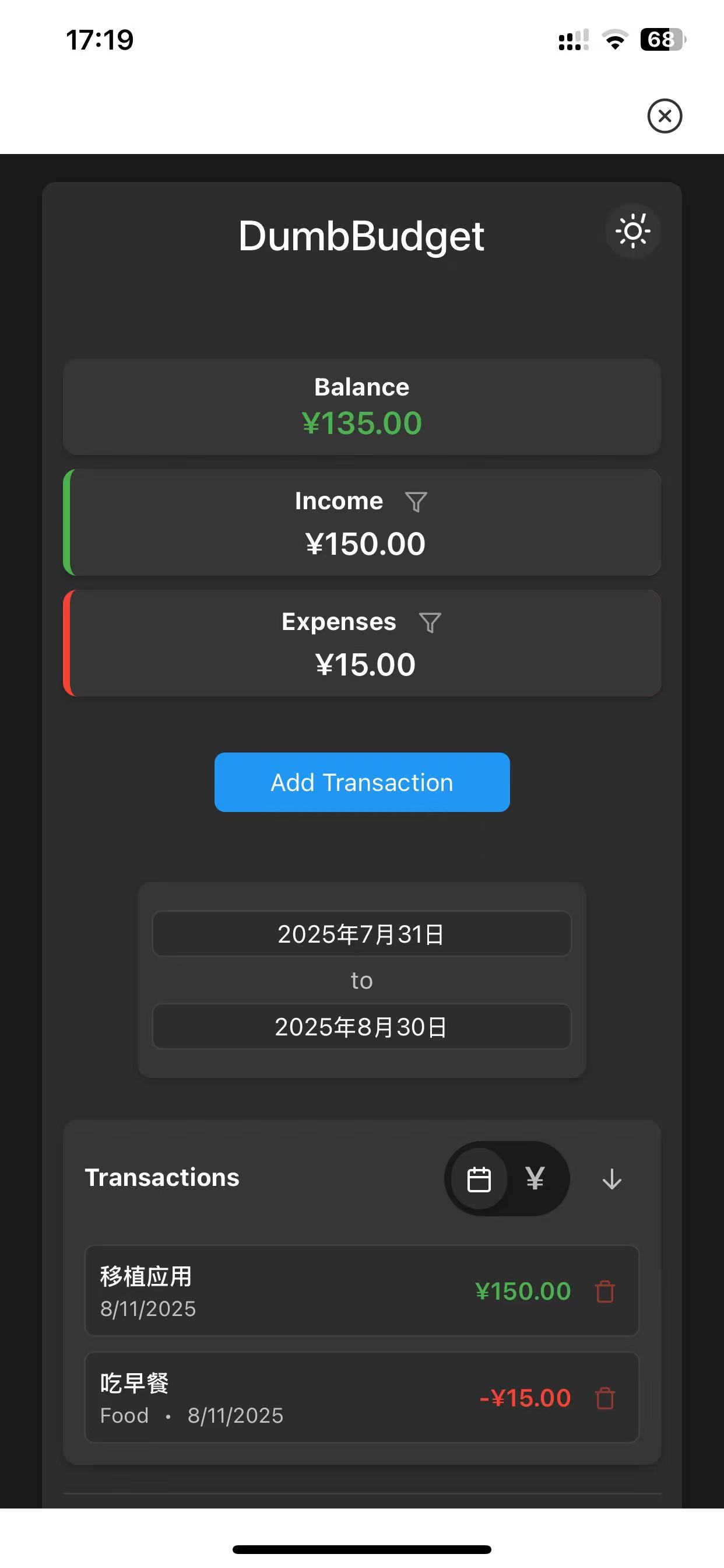
The mobile experience is also excellent.
It only has these default categories.
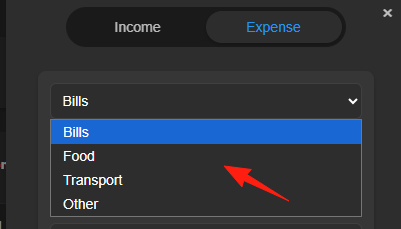
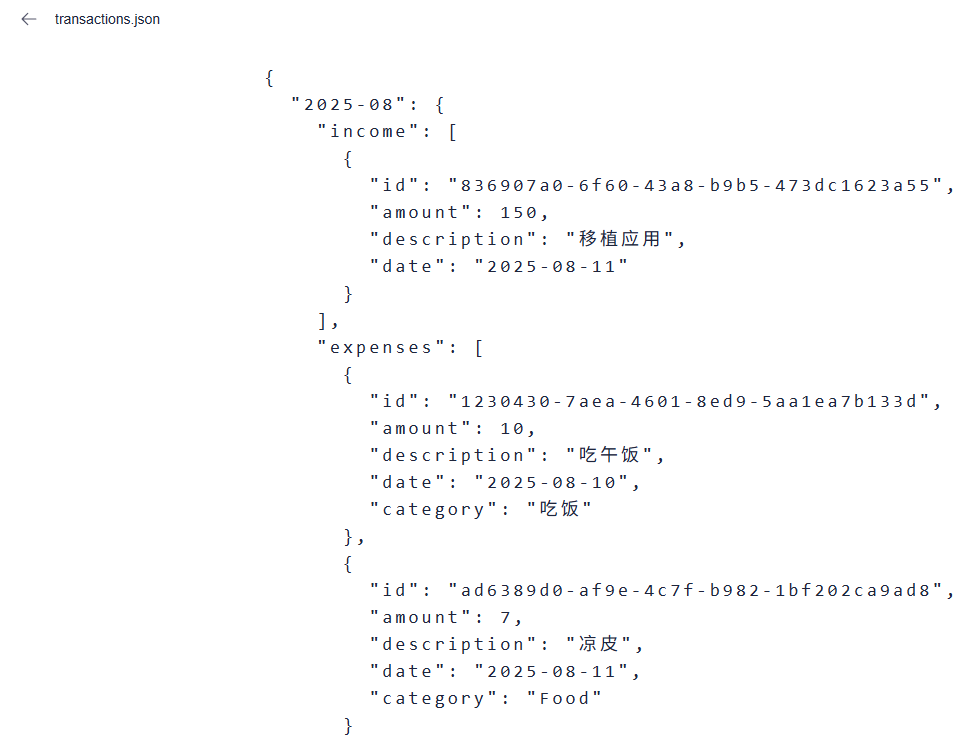
But you can actually modify the data yourself in the application data.

Edit this file to add your own categories.
Summary
DumbBudget isn't the most feature-rich budgeting app, but it might be the most practical one.
If you're tired of complex financial apps, endless authorizations, and privacy concerns, give this "dumb" app a try. It might just be the budgeting tool you've been looking for.