
Chhoto URL: A Minimalist Self-Hosted URL Shortener
What is Chhoto URL?
Have you ever encountered this situation: you want to share a link, but it's incredibly long, taking up several lines in a WeChat group, and just looking at it gives you a headache. Using Baidu Short URL? You worry it might disappear one day.
This is where self-hosted short links come in handy. Chhoto URL's design philosophy is simple and straightforward: it just needs to work, no need for fancy features.
Core Features:
- Shorten links of any length into randomly generated short URLs
- Automatic expiration feature, no need to worry about links permanently occupying resources
- Support for custom short URL suffixes (a feature many tools lack)
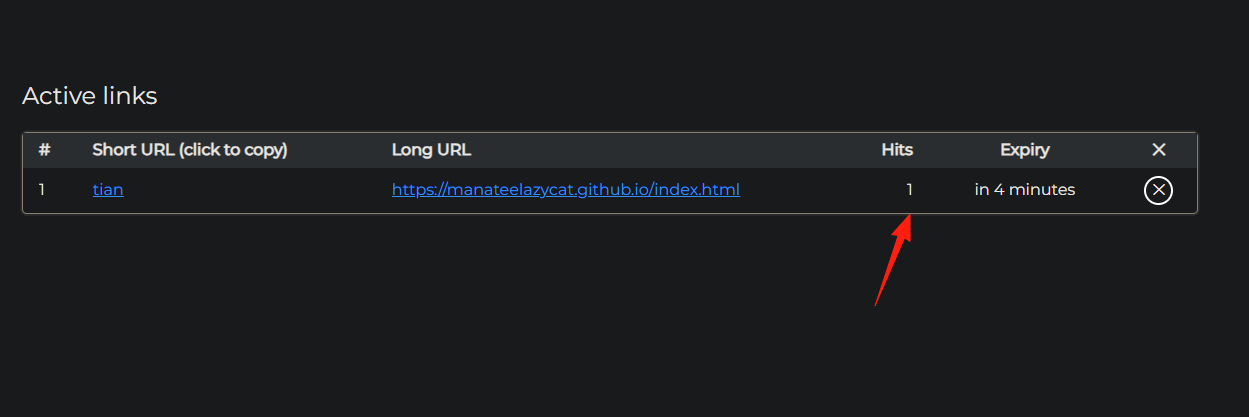
- Privacy-friendly click statistics, recording only the count without collecting user information
https://appstore.lazycat.cloud/#/shop/detail/cloud.lazycat.app.chhoto-url
How to Use
After installing the application, you need to log in with a password. The default password is: TopSecretPass
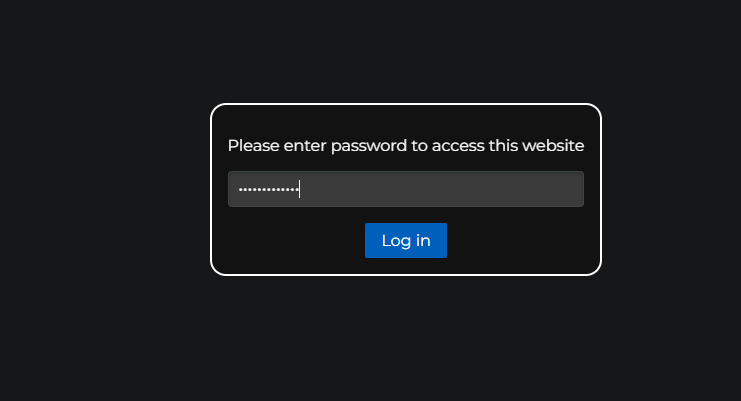
Enter the main page.
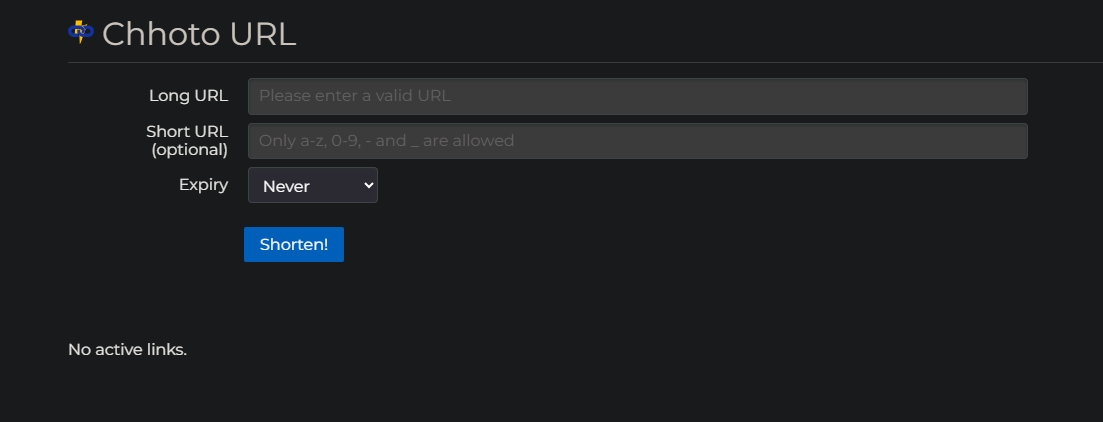
Enter the URL you want to shorten:
https://manateelazycat.github.io/index.html
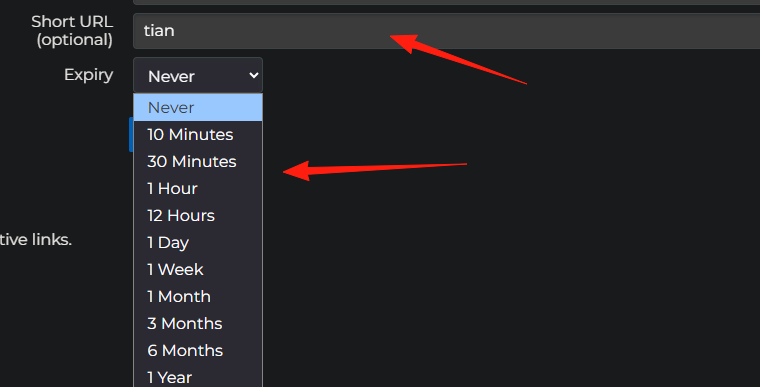
Enter a custom suffix and expiration time.
Click "shorten" to generate the URL.
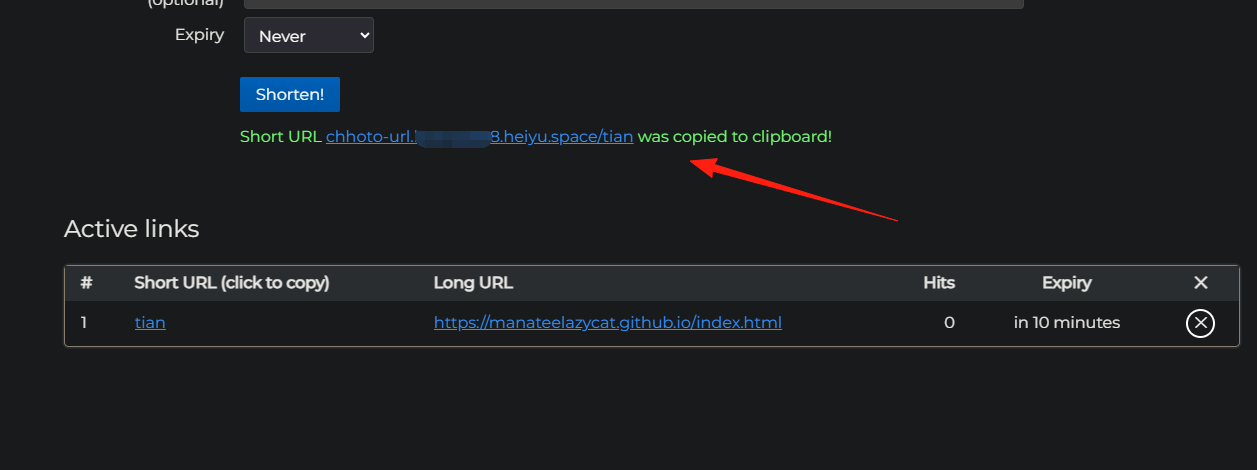
The generated URL looks like this: chhoto-url.懒猫.heiyu.space/tian
It can be opened normally.

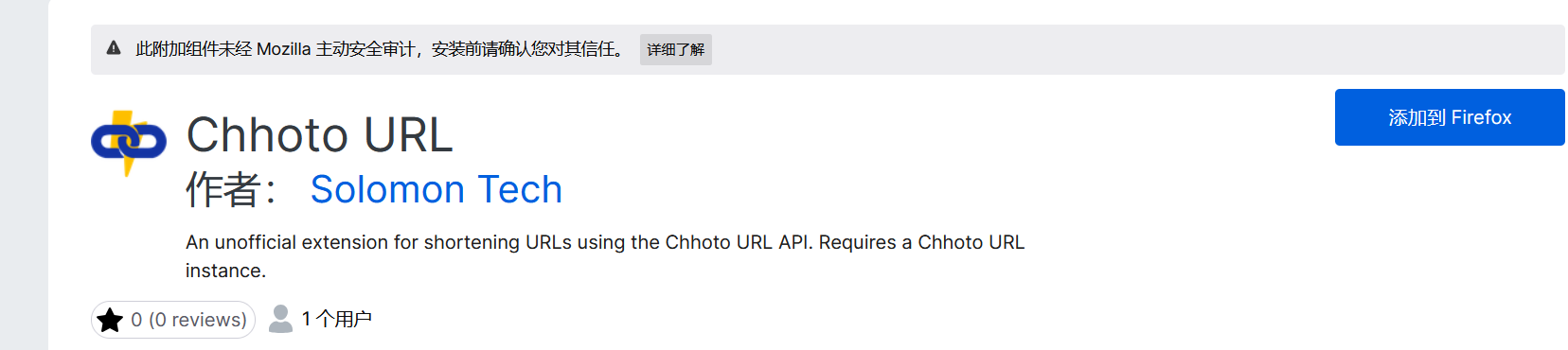
Someone even specifically created a browser extension. Firefox users can directly install the Chhoto URL extension and generate short links with a right-click.
It can also track click counts, letting you know which articles are the most popular.
Summary
Chhoto URL focuses on core needs, achieving ultimate lightness and simplicity.
If you:
- Don't need complex data analysis features
- Want a stable and reliable self-hosted solution
- Hope for simple deployment and maintenance
- Pursue ultimate performance and low resource usage
Then Chhoto URL is a good choice.