
KChat: An Impressive AI Chat Application
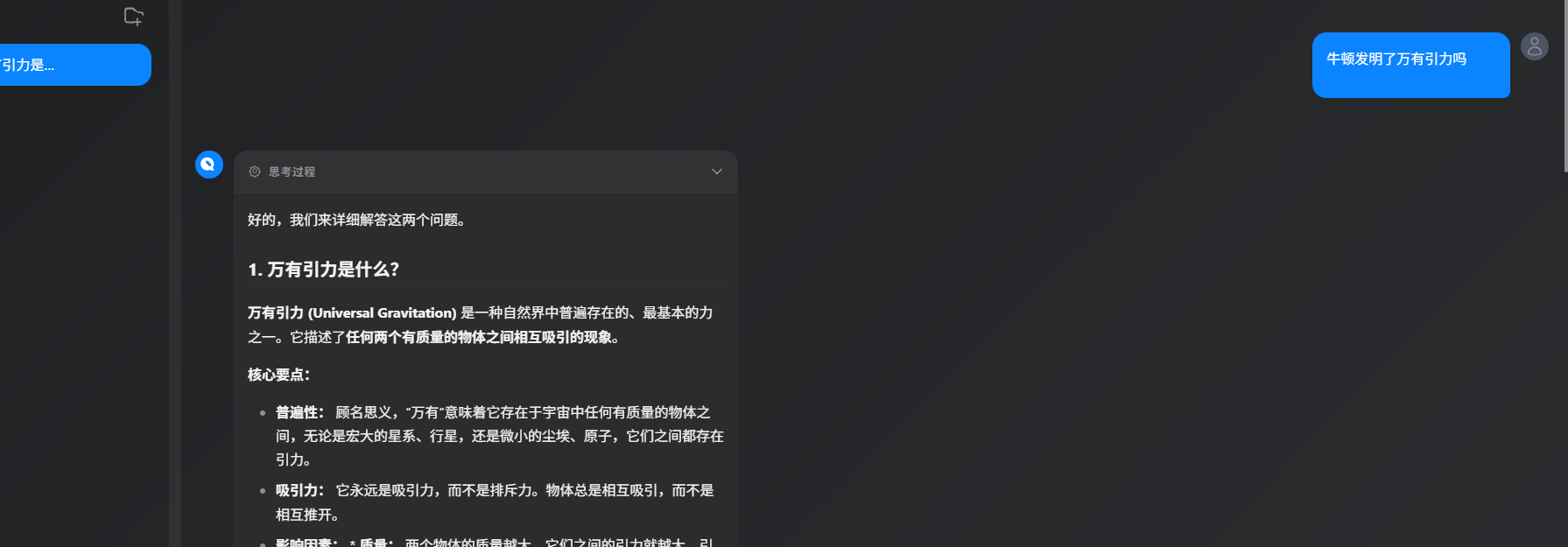
KChat is an AI chat application. After trying it out for a few days, I found it quite impressive and wanted to share my experience with everyone.
The first impression upon opening the app is—it looks great! The interface features a glass-like design (professionally known as Glassmorphism), which gives it a premium feel. Unlike some AI tools whose interfaces look like software from a decade ago, this one truly stands out in terms of aesthetics.
https://appstore.lazycat.cloud/#/shop/detail/kchat.gutenye
How to Use
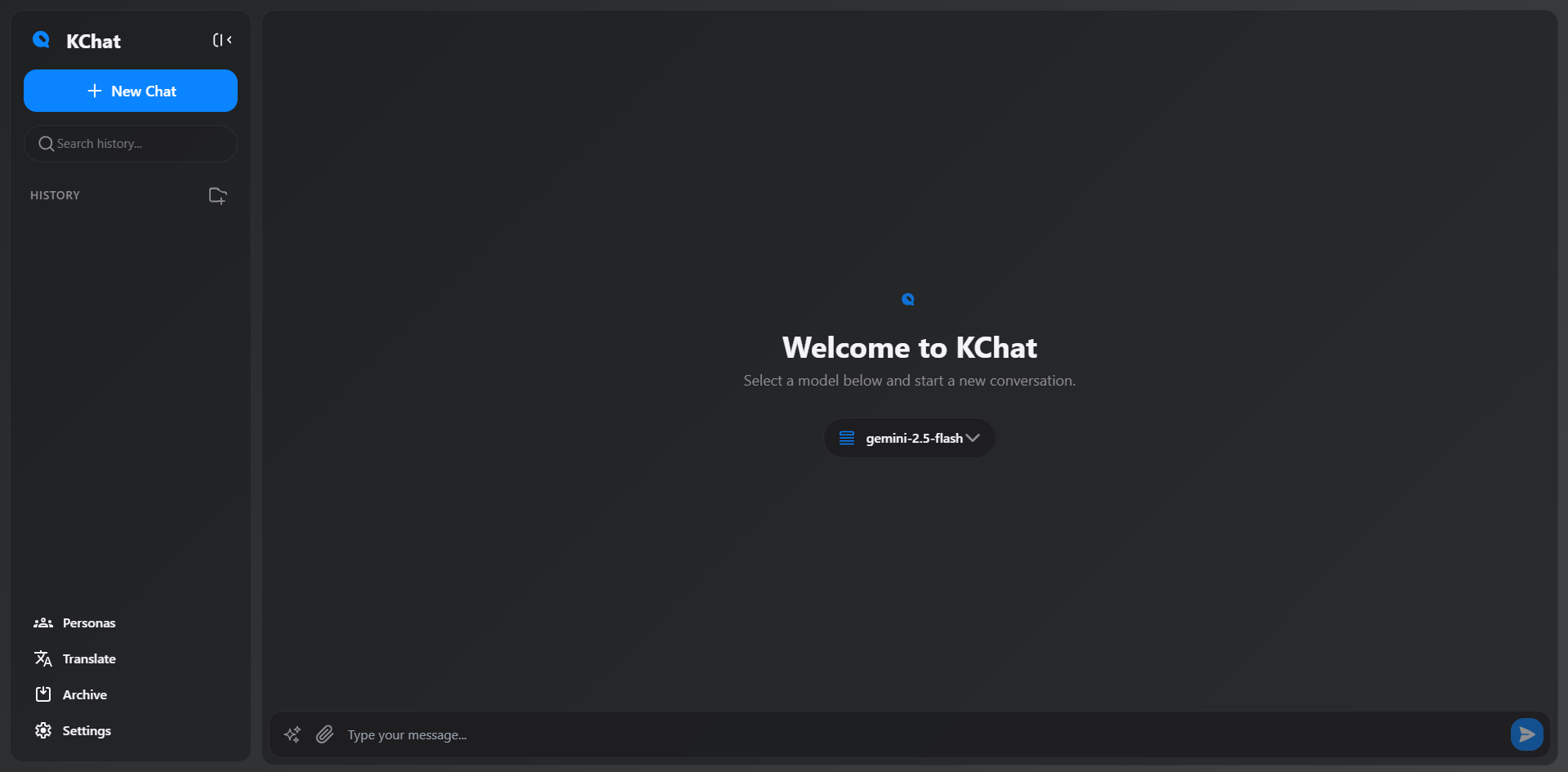
After installing the app, the feature page opens directly.
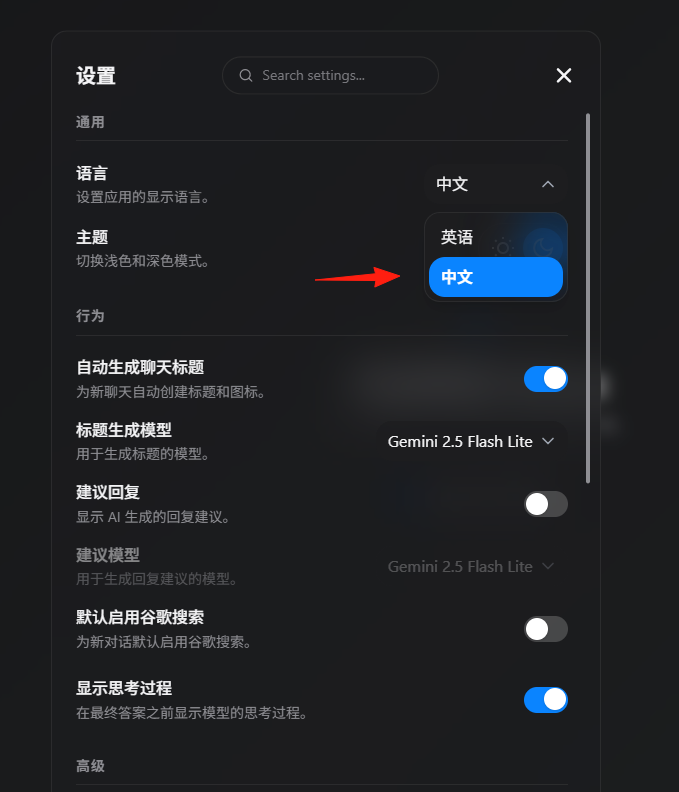
Set the language to Chinese in the settings.
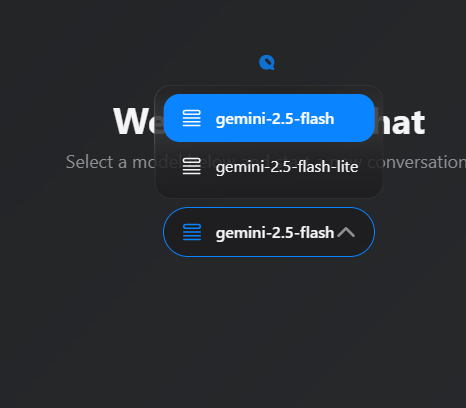
KChat uses Google's Gemini model, and the conversation quality is quite good. Compared to other popular options like ChatGPT or Wenxin Yiyan, the difference is minimal, and the response speed is quite fast.
Steps to Obtain an API Key:
- Visit Google AI Studio
- Log in with your Google account
- Click "Create API Key"
- Copy the generated key
- Paste it into the KChat settings In the Advanced settings, configure your own key and address The address is: https://generativelanguage.googleapis.com
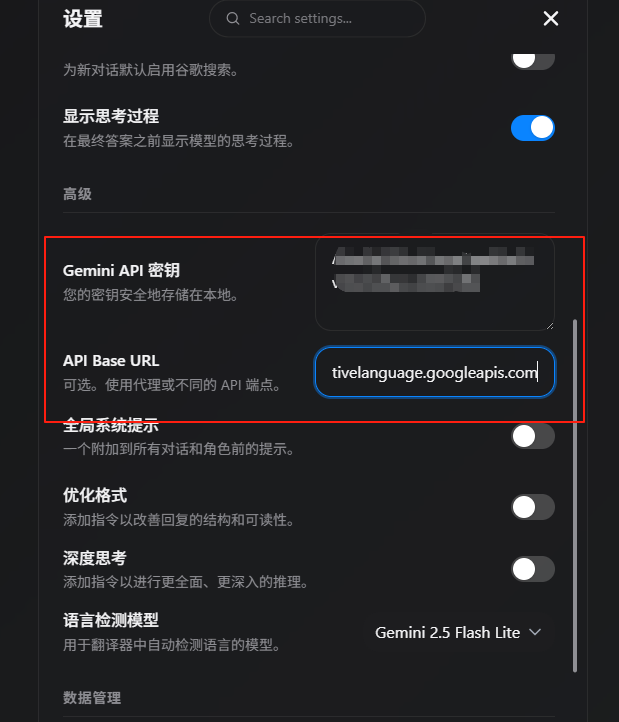
After configuration, it's ready to use.
Supports Various File Formats
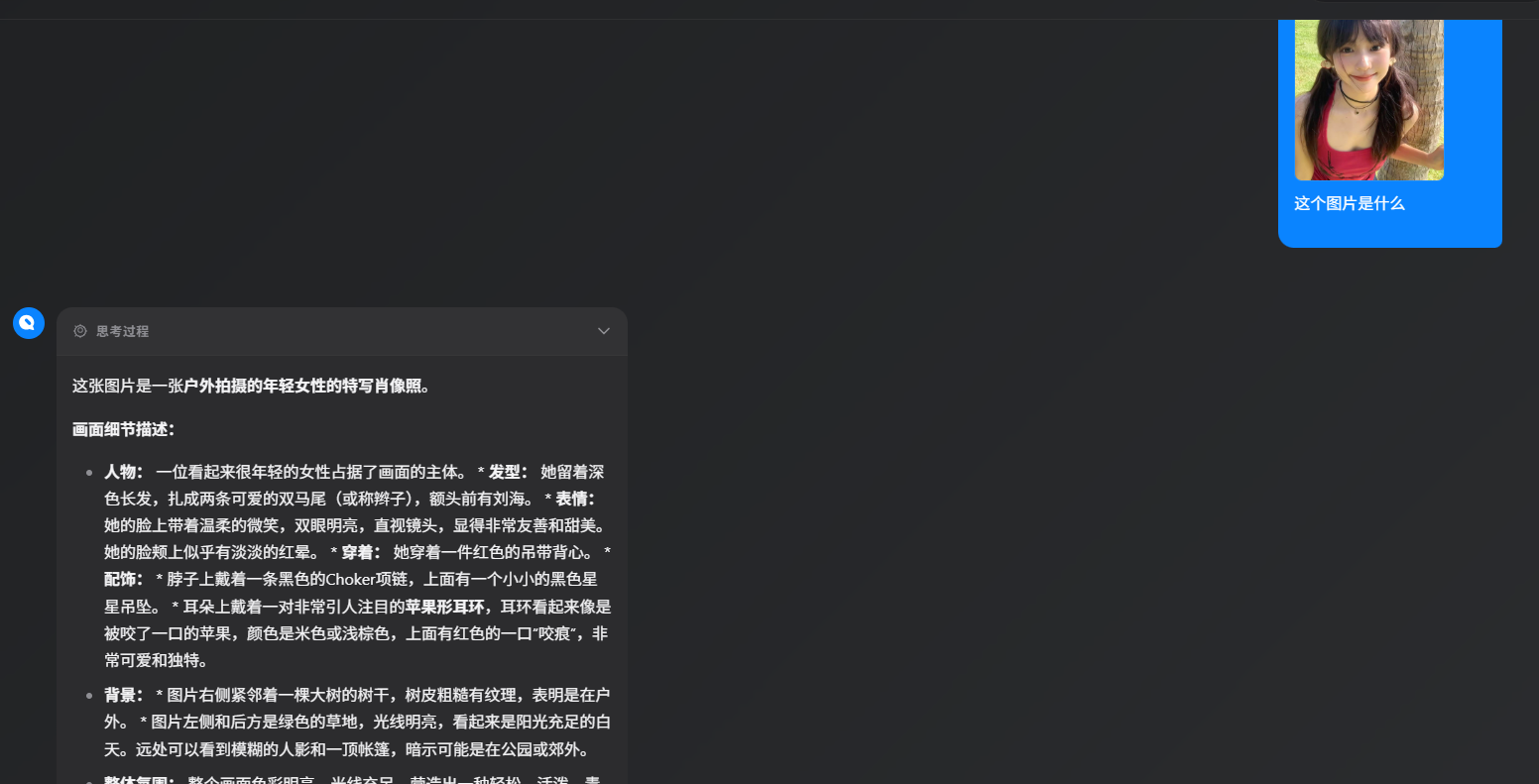
This feature is really thoughtful. You can directly drag and drop images, PDFs, and Word documents for the AI to analyze. For example:
- Drop a screenshot and ask the AI to explain the code in the image
- Upload a contract and let the AI summarize the key points
- Submit an English PDF and have the AI translate it into Chinese
Usage Tips:
- When uploading documents, it's best to first tell the AI what kind of analysis result you want
- Images should ideally be high-definition; blurry images may be difficult for the AI to recognize
- For long documents, you can ask the AI to create an outline first, then analyze specific sections in detail
Built-in Translation Feature
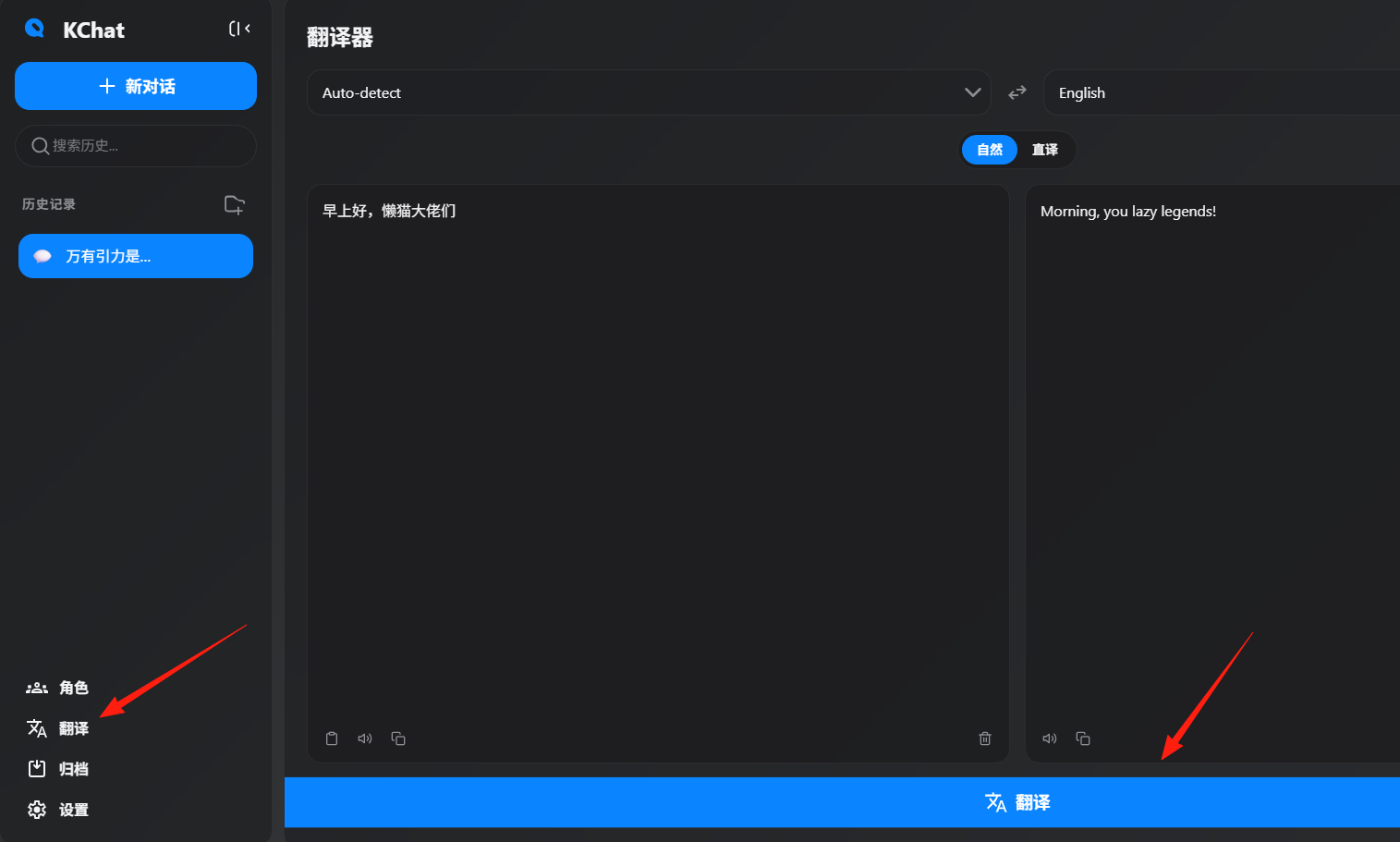
This feature was a pleasant surprise. In addition to chatting, there's a dedicated translation interface supporting multiple languages with voice playback functionality.
Practical Use Cases:
- Copy and translate English technical documents directly
- Write emails to foreign clients in Chinese first, then have it translated into natural English
- Use the voice playback for language learning to practice listening
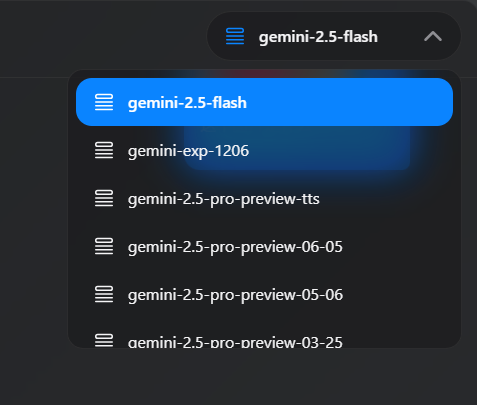
You can switch between different models in the top right corner.
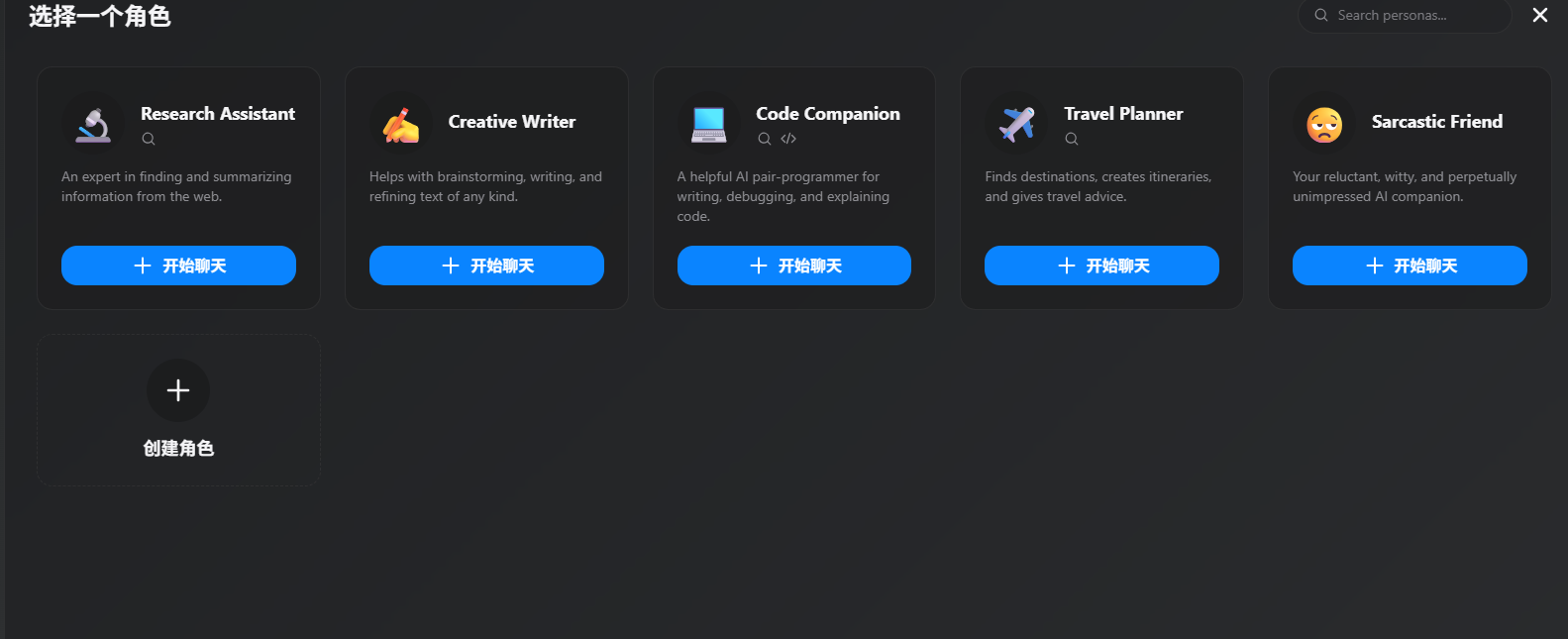
It also comes with several built-in personas for direct conversation.
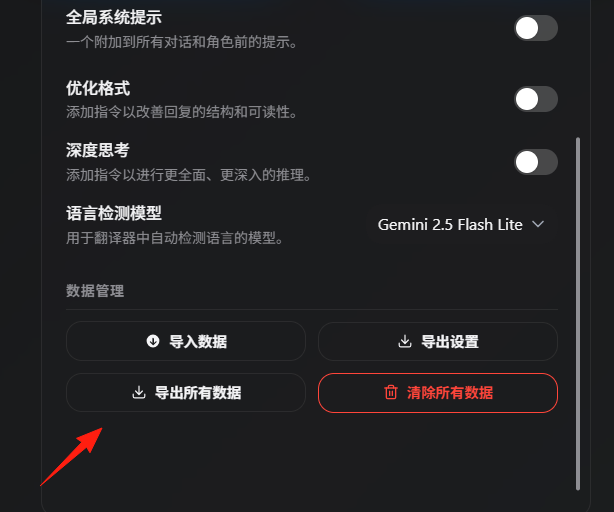
Conversation data can be easily imported and exported.
There are many AI chat tools on the market, such as Doubao, Kimi, ChatGPT, etc. KChat's advantages include:
Pros:
- High-quality interface that makes using it enjoyable
- Open-source and free, allowing for customization
- Comprehensive features including chat, translation, and file processing
- Local data storage ensures privacy
- Supports multiple Gemini model switches
Cons:
- Requires users to obtain their own API key, which may be a barrier for beginners
- Only supports Gemini models, unlike some tools that support multiple AI providers
Summary
KChat is a great AI chat tool, especially suitable for users looking for a good-looking, easy-to-use, and secure AI assistant. Although there's a slight technical barrier (mainly obtaining the API key), once set up, the user experience is excellent.
If you're looking for a ChatGPT alternative or want to experience the capabilities of the Gemini model, give KChat a try.