
LiYing: Making ID Photo Processing as Simple as Taking a Picture
What is LiYing?
Simply put, LiYing is an "automated ID photo processing bot." You just need to give it a photo, and it handles everything else:
- Automatically detects faces and bodies - No manual selection needed
- Automatically corrects angles - Don't worry if it's tilted, AI will straighten it
- One-click background replacement - Easily switch between red, blue, and white backgrounds
- Automatic size cropping - 1-inch, 2-inch, passport photos... whatever size you need
- Smart layout - Arranges the photos for printing, ready to go
If you frequently handle ID photos or run a photo studio, this tool can significantly boost your productivity.
https://appstore.lazycat.cloud/#/shop/detail/liying.gutenye
How to Use
After installing the application, open the main page.
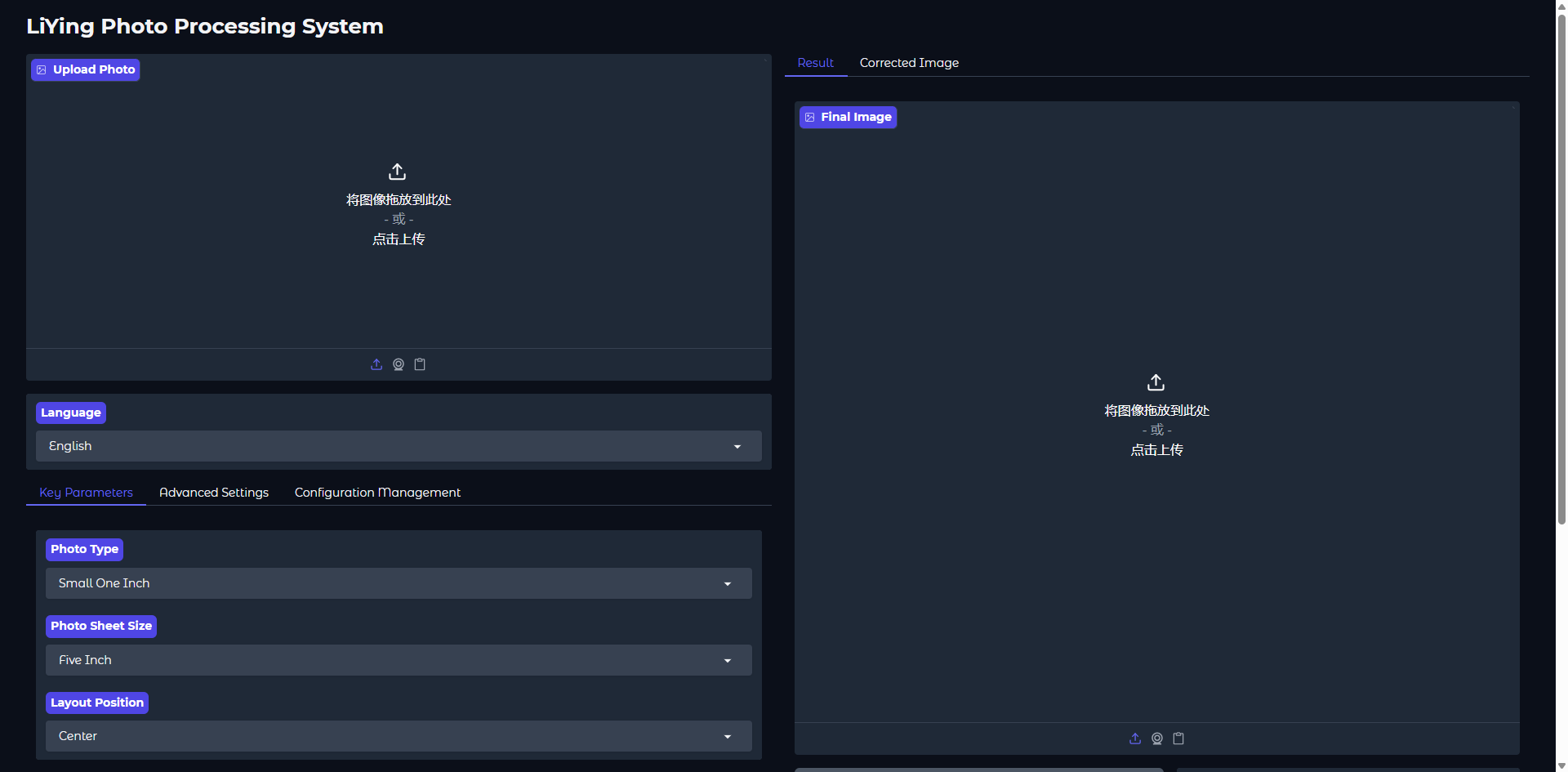
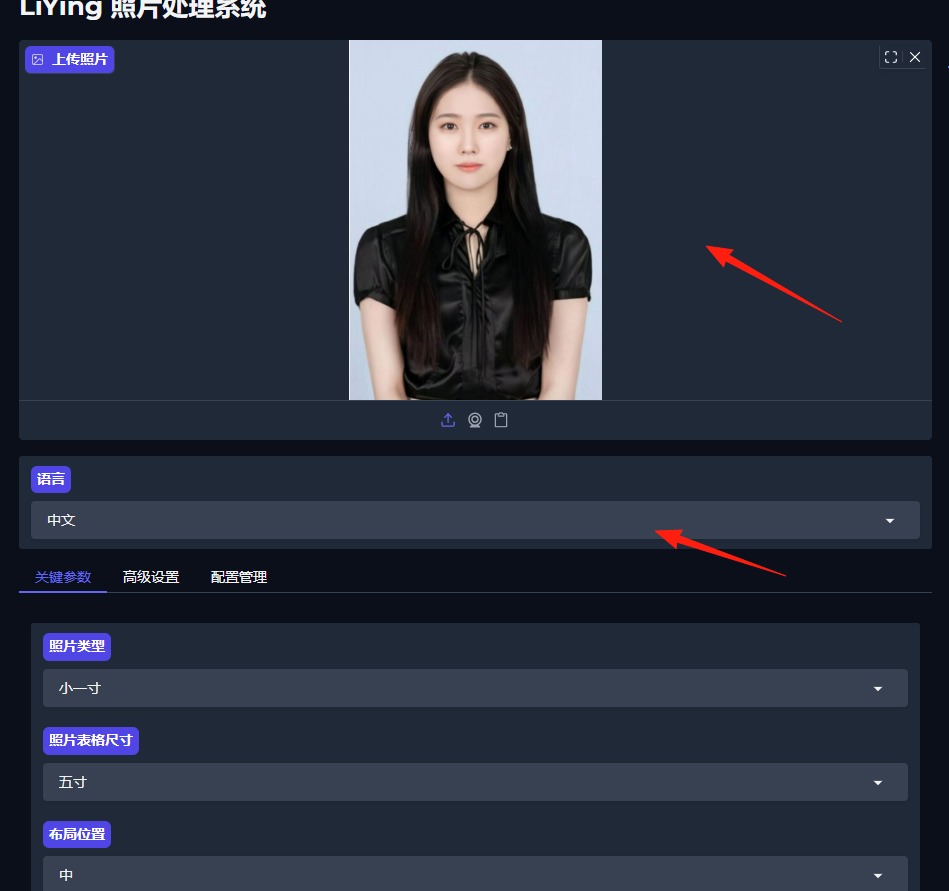
Upload an ID photo on the left side and change the language to Chinese.
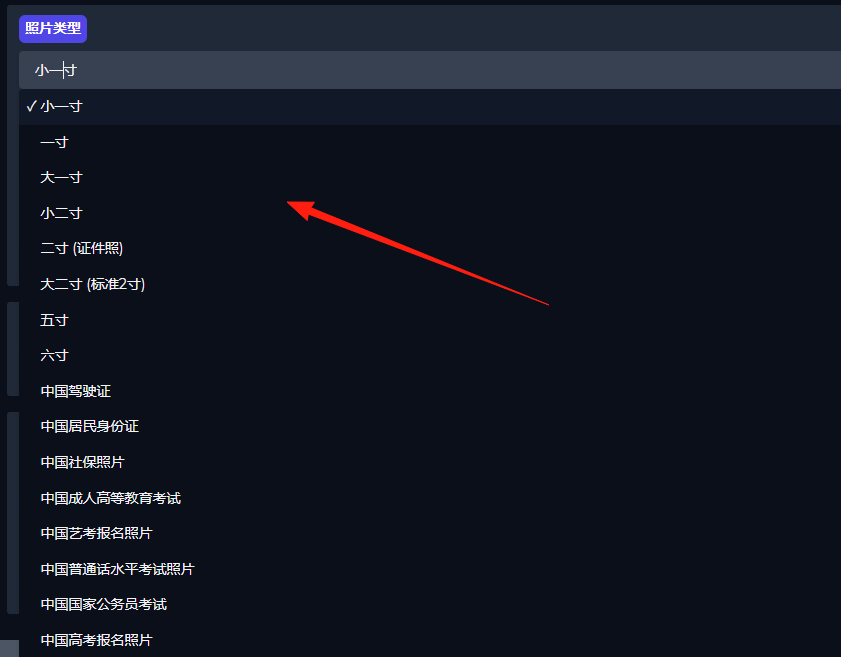
Supports over ten common photo types.
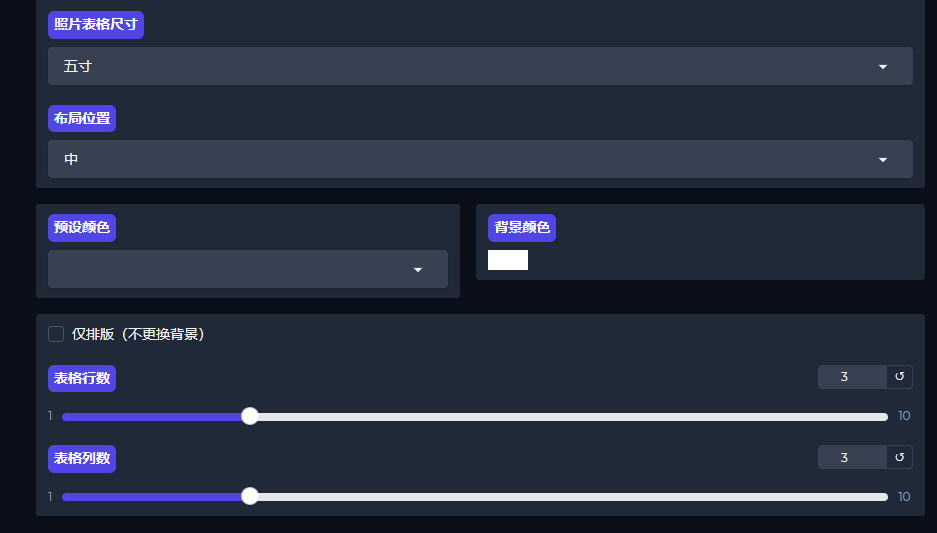
You can also adjust the size and background color.
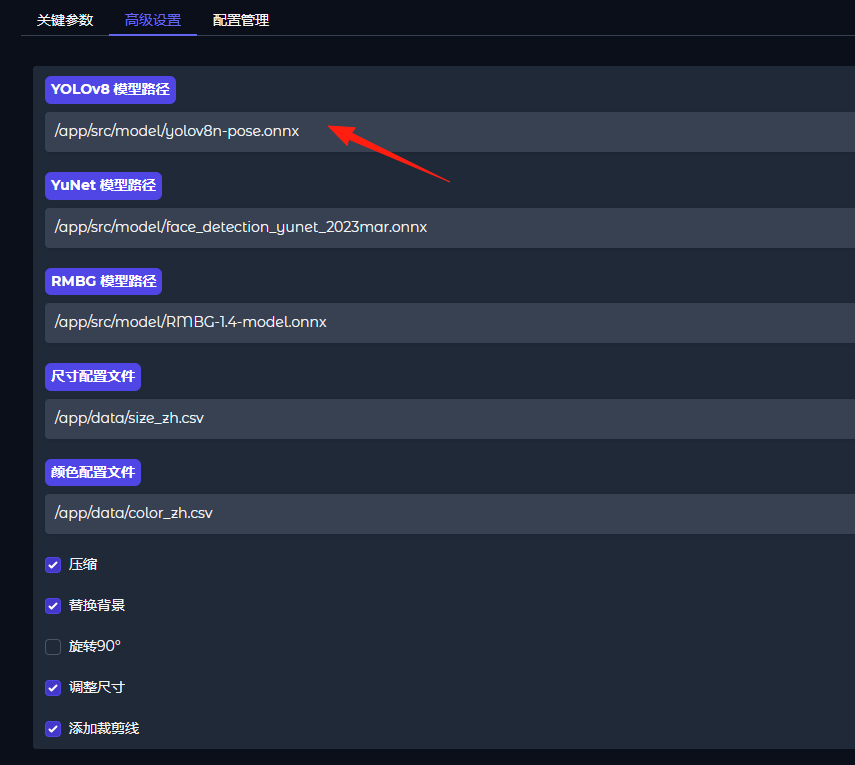
In the advanced settings, multiple models are built-in:
- YuNet (Face Detection)
- RMBG (Background Removal)
- YOLOv8-pose (Human Pose Detection)
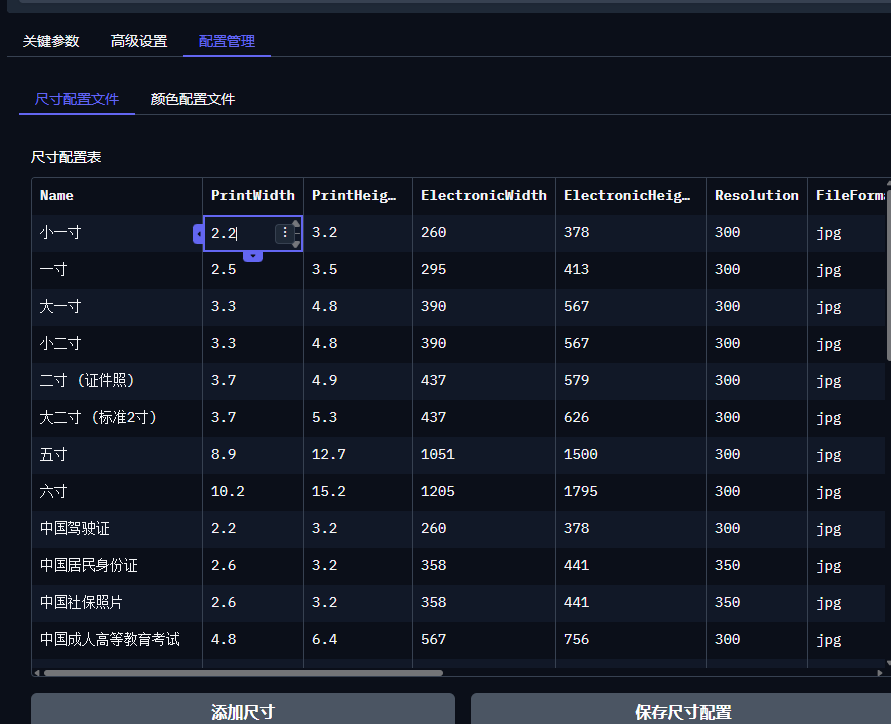
In Configuration Management, you can add custom sizes or modify existing ones.
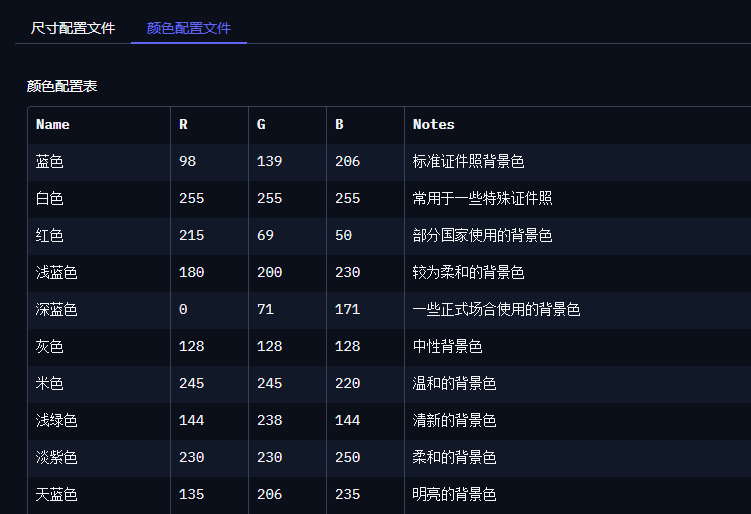
Modify the background color.
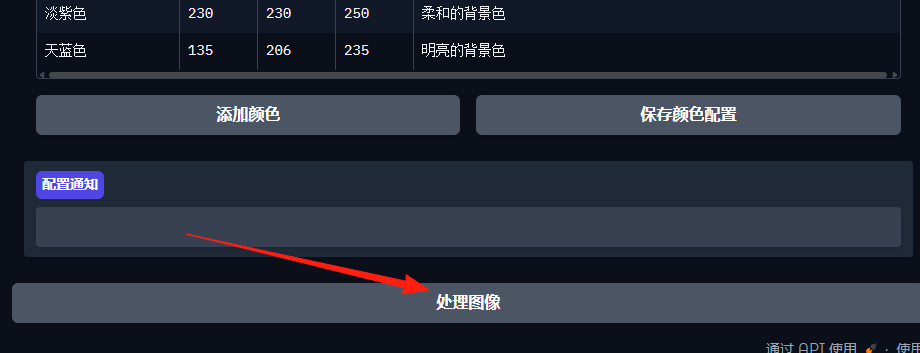
After preparation is complete, click "Process Image" at the bottom.
View the processed result on the right side and click "Save Image" at the bottom.
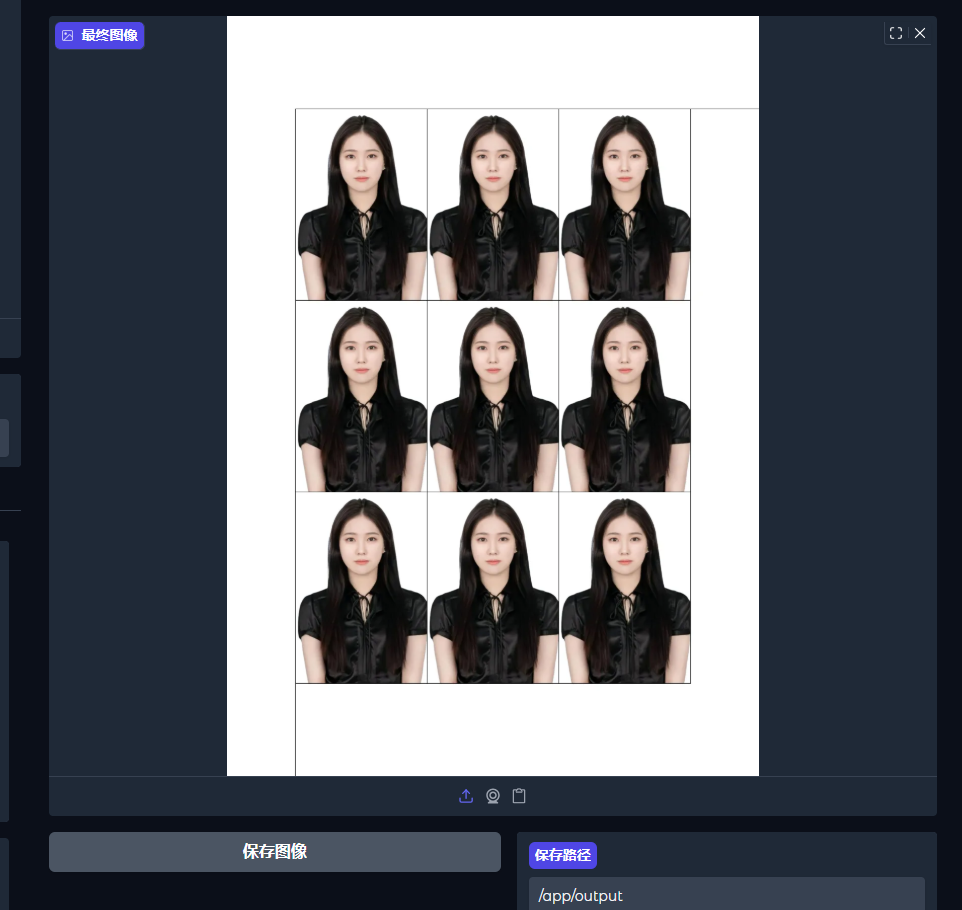
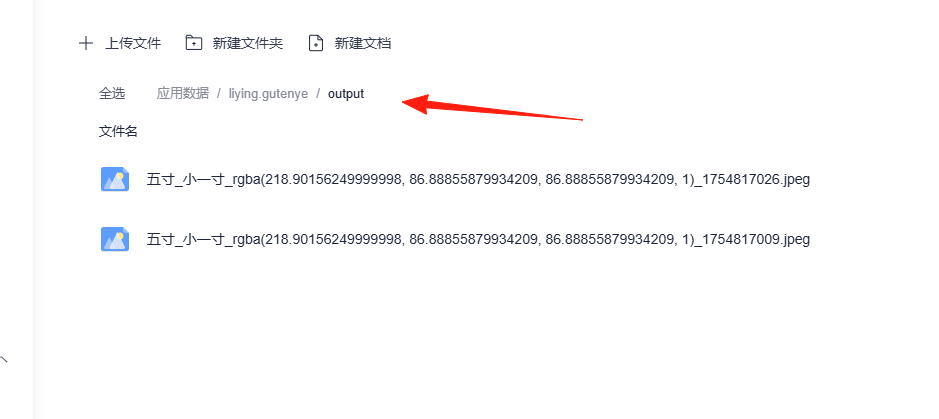
The image is saved in the application data /output folder.
I've tested it; there's a certain chance it might report an error and fail to generate.
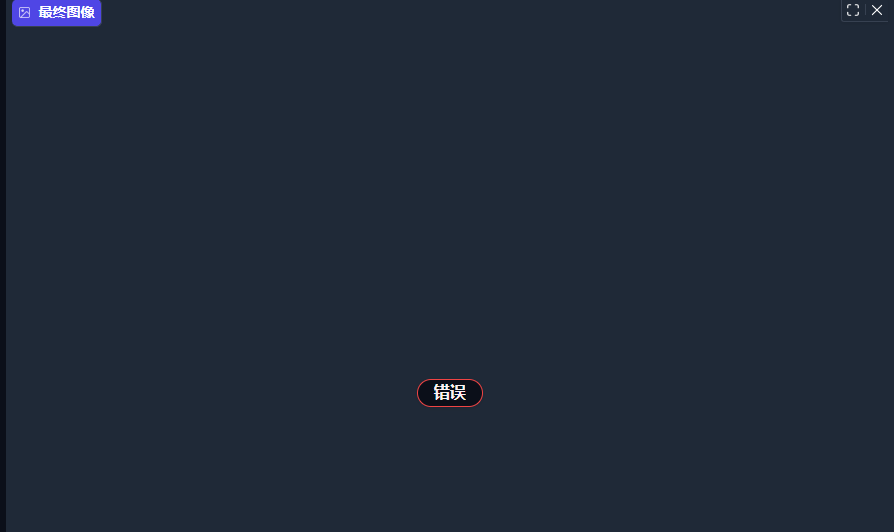
You can try adjusting the parameters, experimenting with different combinations like image size and background color. Usually, that will lead to success.
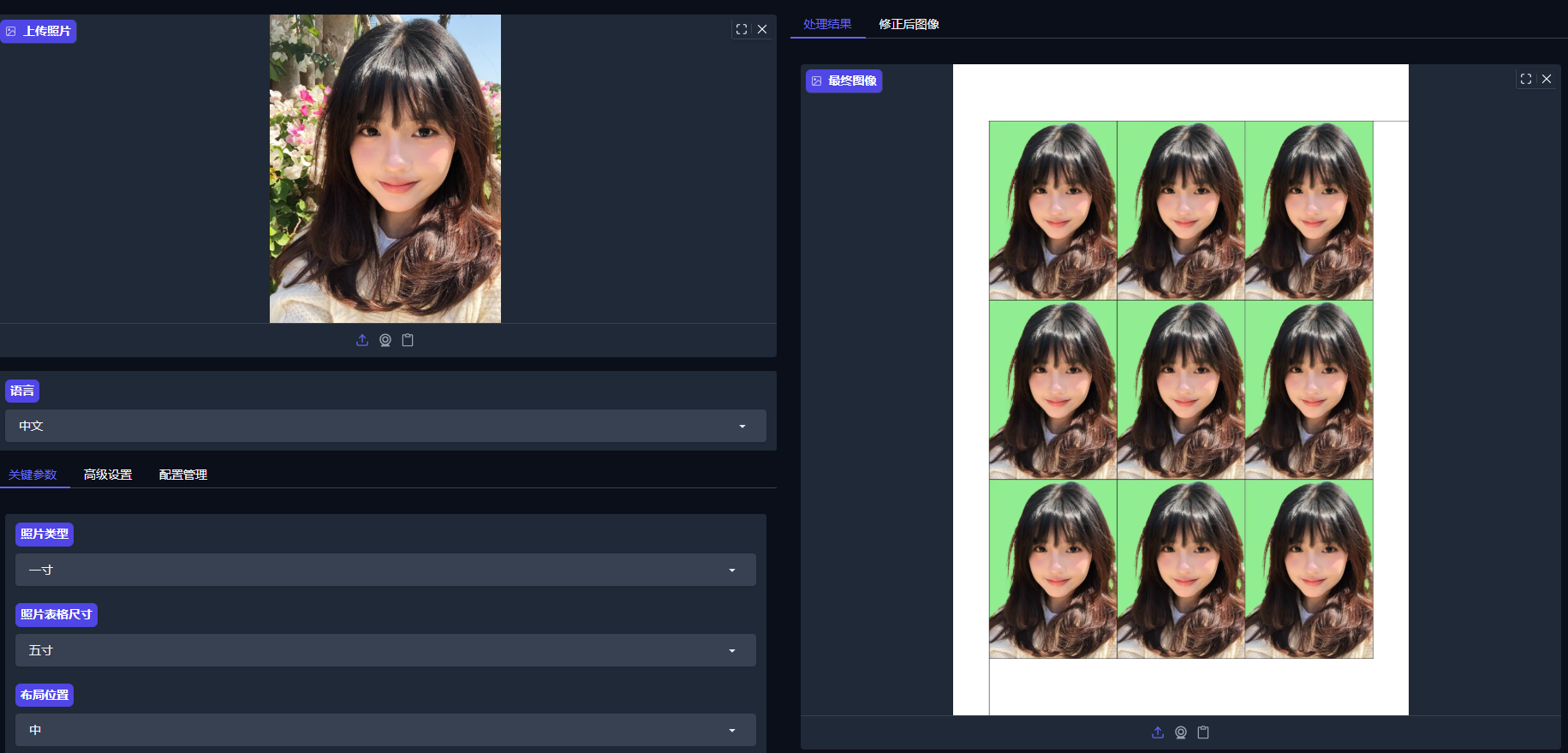
This tool is specifically designed for ID photos. It might not accurately identify people in group photos.
Honestly, the results are quite impressive. I tested it with several photos, and it mostly accurately detected faces with clean cutouts. The edge handling for background replacement is excellent, avoiding that obvious "photoshopped" look.
The only thing to note is that input photos should ideally be standard single-person portraits. Don't challenge it with group photos or artistic shots.
Final Words
LiYing is a great tool—a fully local, open-source ID photo processing tool specifically designed and developed for the common post-processing workflow in photo studios.
If you frequently handle ID photos, it's definitely worth trying.
Project Address: https://github.com/aoguai/LiYing
If this guide helped you, remember to give it a like~