
DrawDB: The Ultimate Visual Database Design Tool
What is DrawDB?
DrawDB is a free online database diagram editor that runs directly in your browser. No account registration or software download/installation is required.
Most importantly, it can automatically generate SQL scripts, which is a lifesaver for developers.
https://appstore.lazycat.cloud/#/shop/detail/cloud.lazycat.app.drawdb
Practical Guide
After installing the application, open the home page.
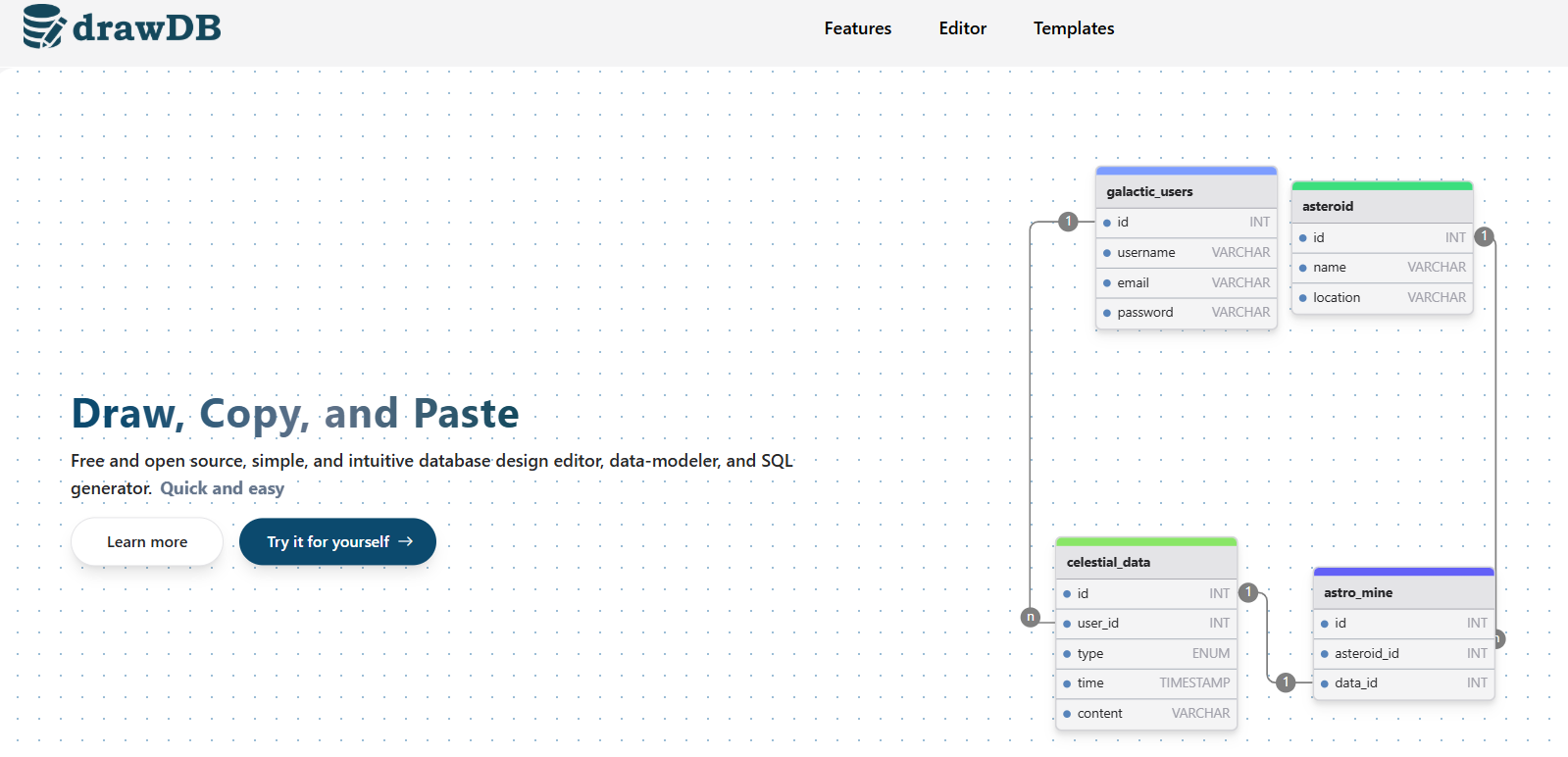
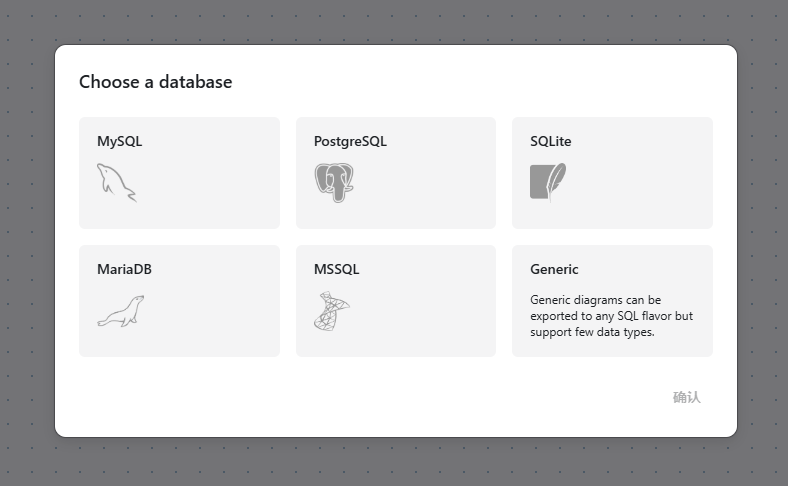
Click "try" to use it and select a database.
Click the "Add Table" button on the left.
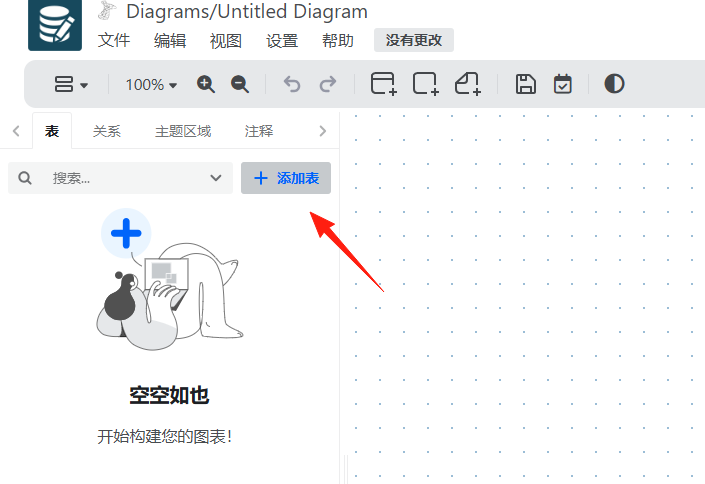 Click once on the canvas, and the table will be created.
Double-click the table to start editing the table name and fields.
Click once on the canvas, and the table will be created.
Double-click the table to start editing the table name and fields.
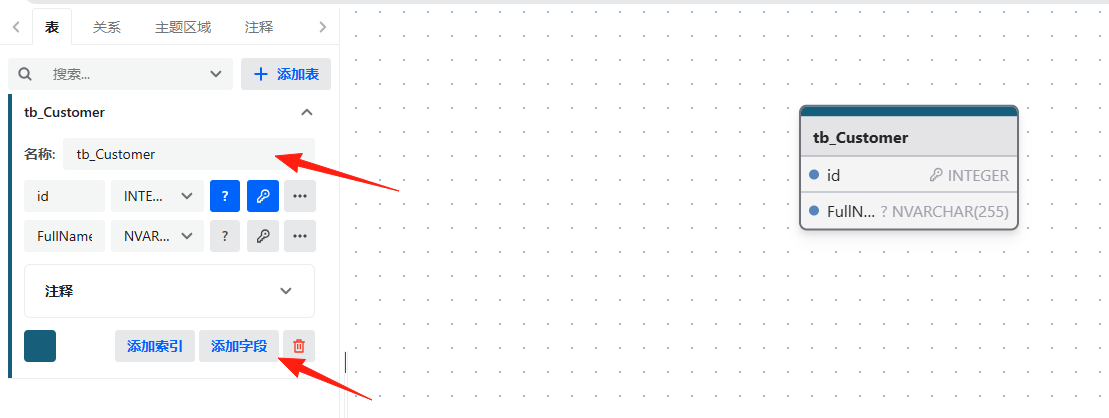
Step 2: Design Fields In the editing interface, you can:
- Set the field name
- Select the data type (varchar, int, datetime, etc.)
- Set as Primary Key
- Set whether to allow NULL values (Not Null)
- Add a default value
- Write comment descriptions
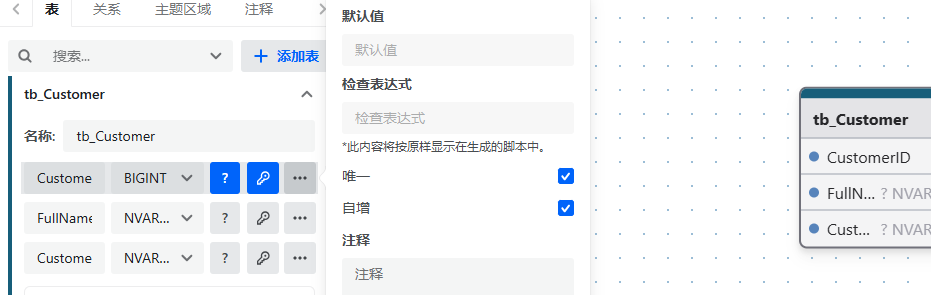 Step 3: Establish Relationships
- Click the "Relationship" button on the left.
- Drag from a field in one table to a field in another table.
- Select the relationship type (One-to-One, One-to-Many, Many-to-Many).
- The system will automatically draw the connection line.
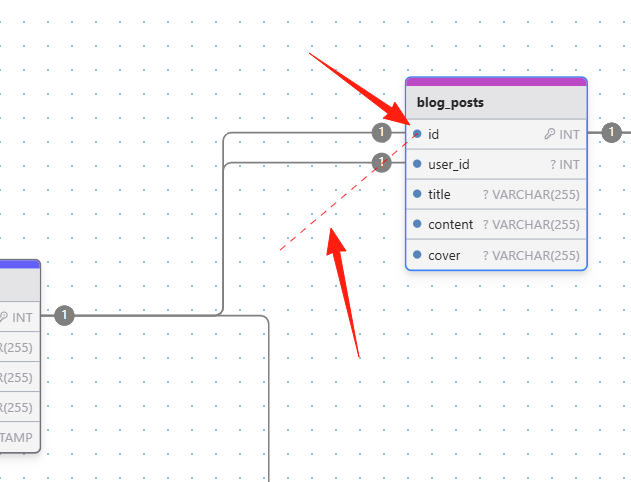
Note: When dragging, position your mouse over the small green dot in front of the field. A red dashed line should appear during dragging, indicating it's working correctly.
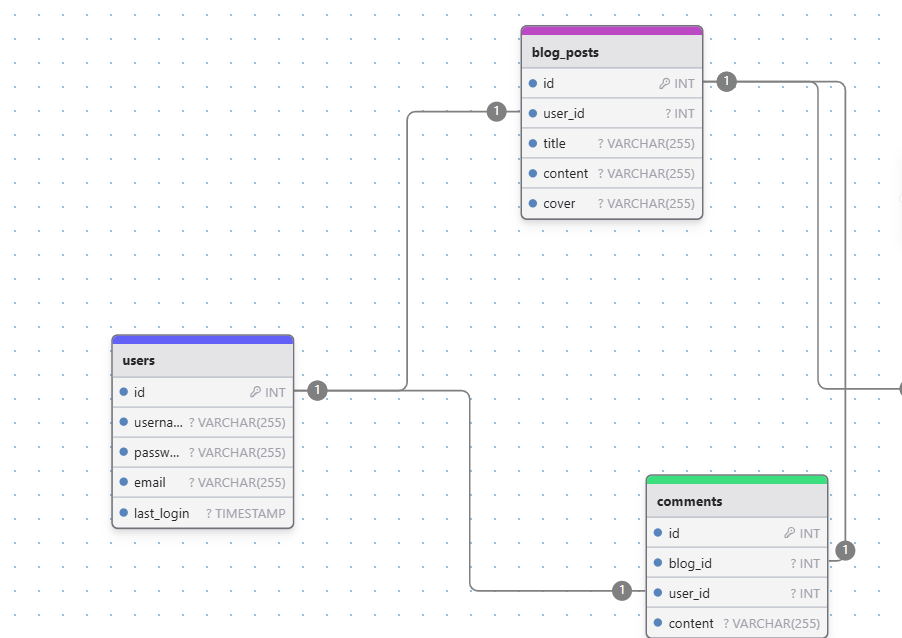
The data types must be consistent to establish a foreign key.
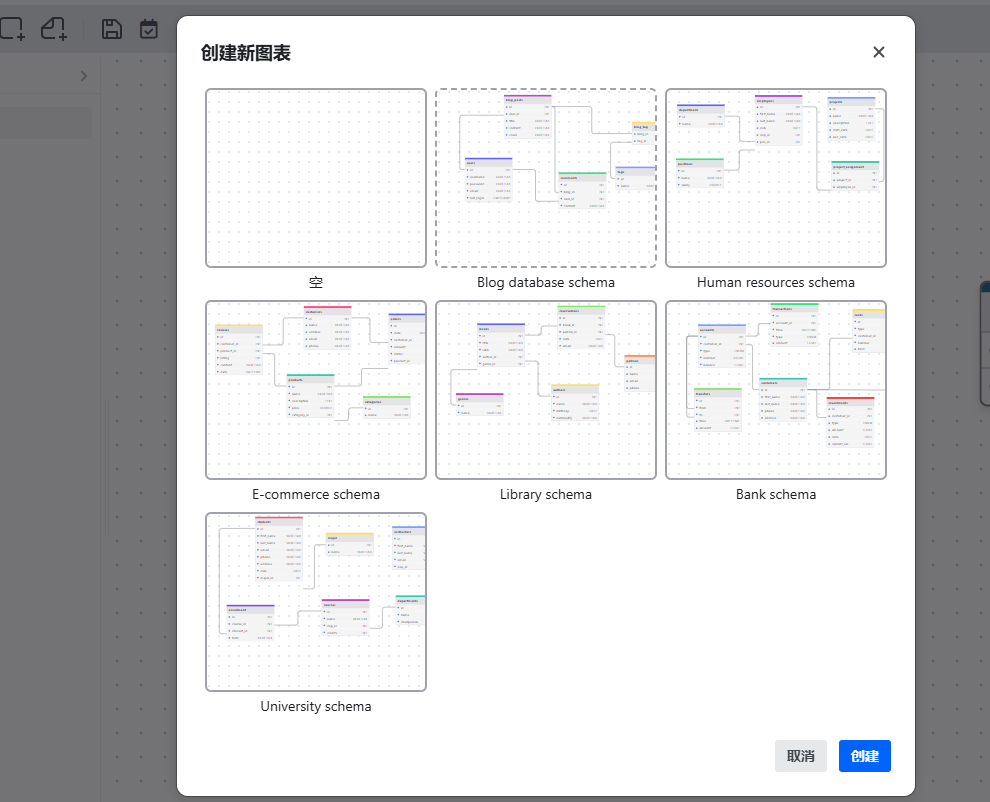
If you are unsure how to design, it provides some icon templates.
If you already have a database and want to generate a diagram, you can copy your existing SQL CREATE TABLE statements into DrawDB. It will automatically parse them and generate the diagram.
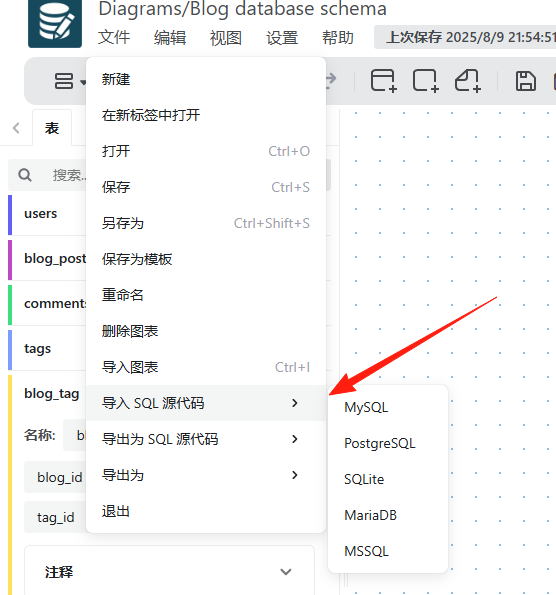
Many legacy projects lack database documentation. Using DrawDB allows you to quickly generate visual database structure diagrams, making it easier for new team members to understand the system architecture.
Summary
DrawDB is a truly practical tool, especially suitable for:
- Database beginners
- Developers who need to design databases quickly
Say goodbye to tedious SQL scripts and embrace clear database diagrams