
AtomicServer Experience: A Lightweight CMS Tool
What is Atomic Server?
In simple terms, Atomic Server is a lightweight yet powerful CMS (Content Management System) and graph database capable of achieving response times under 1ms.
Its main functions are:
- You can use it to manage website content
- Supports real-time data synchronization (for multi-user collaboration)
- Features a powerful table editor
- Supports full-text search
- Comes with ready-to-use JS/React/Svelte SDKs
https://appstore.lazycat.cloud/#/shop/detail/cloud.lazycat.app.atomic
Getting Started Guide
After the application is installed, opening it will take you to the functional area page.
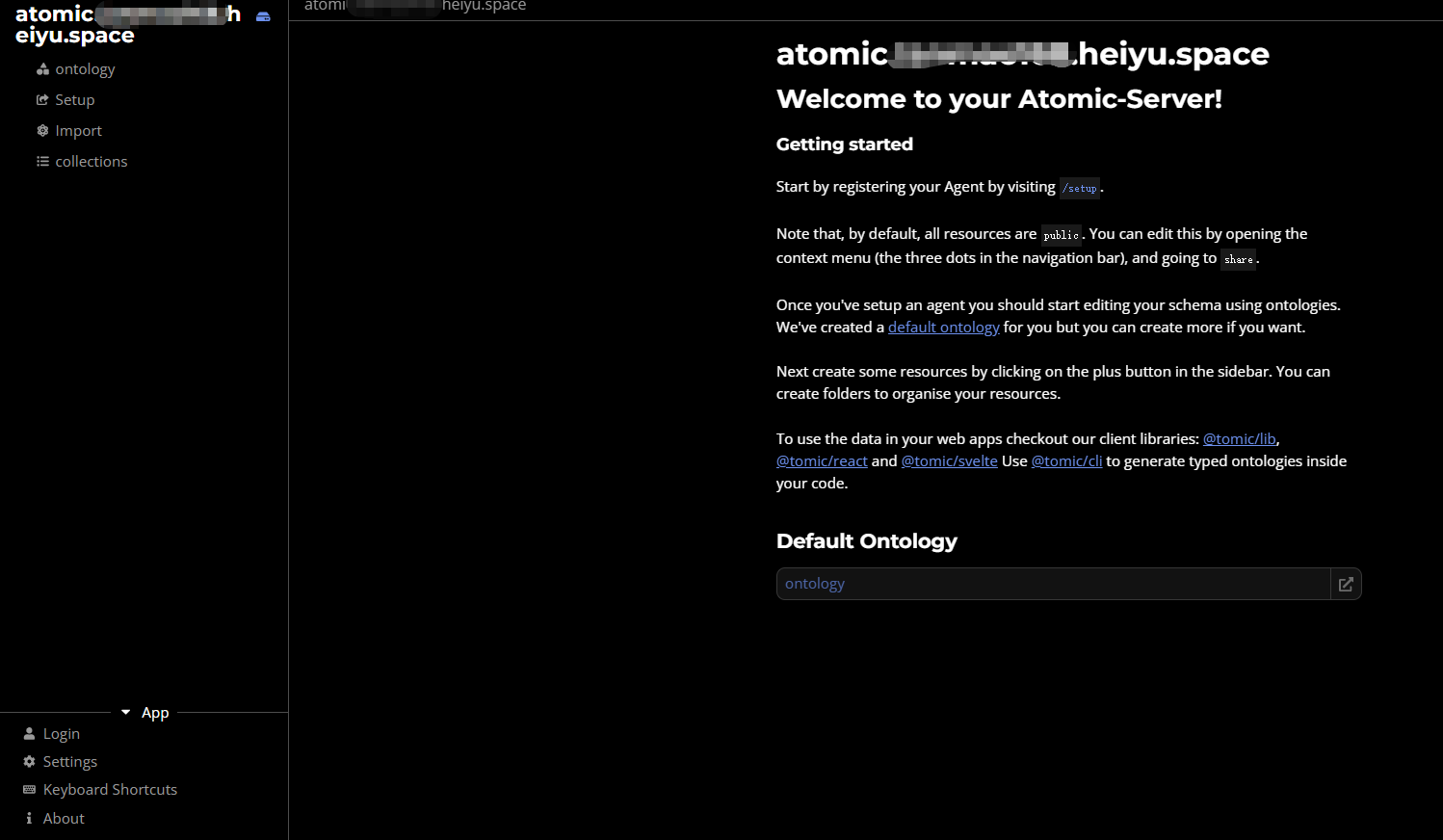
You must configure a secret key first, otherwise the functions below the functional area will report errors!
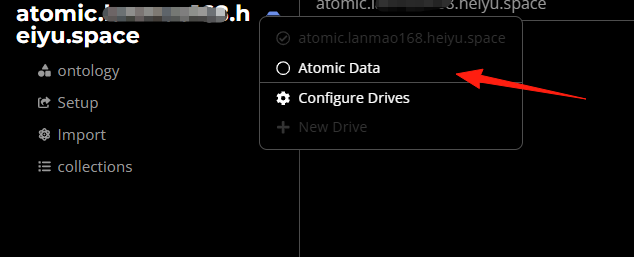
Click the icon and select Atomic Data; this is the data storage area.
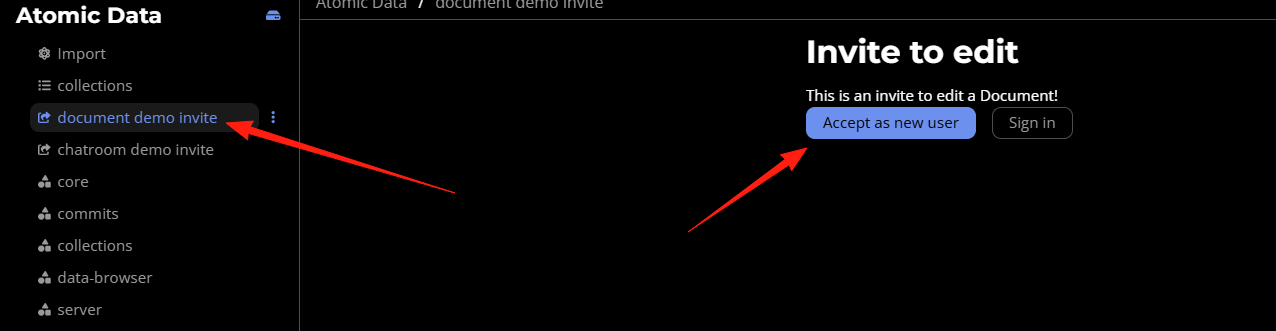
Select Accept new users.
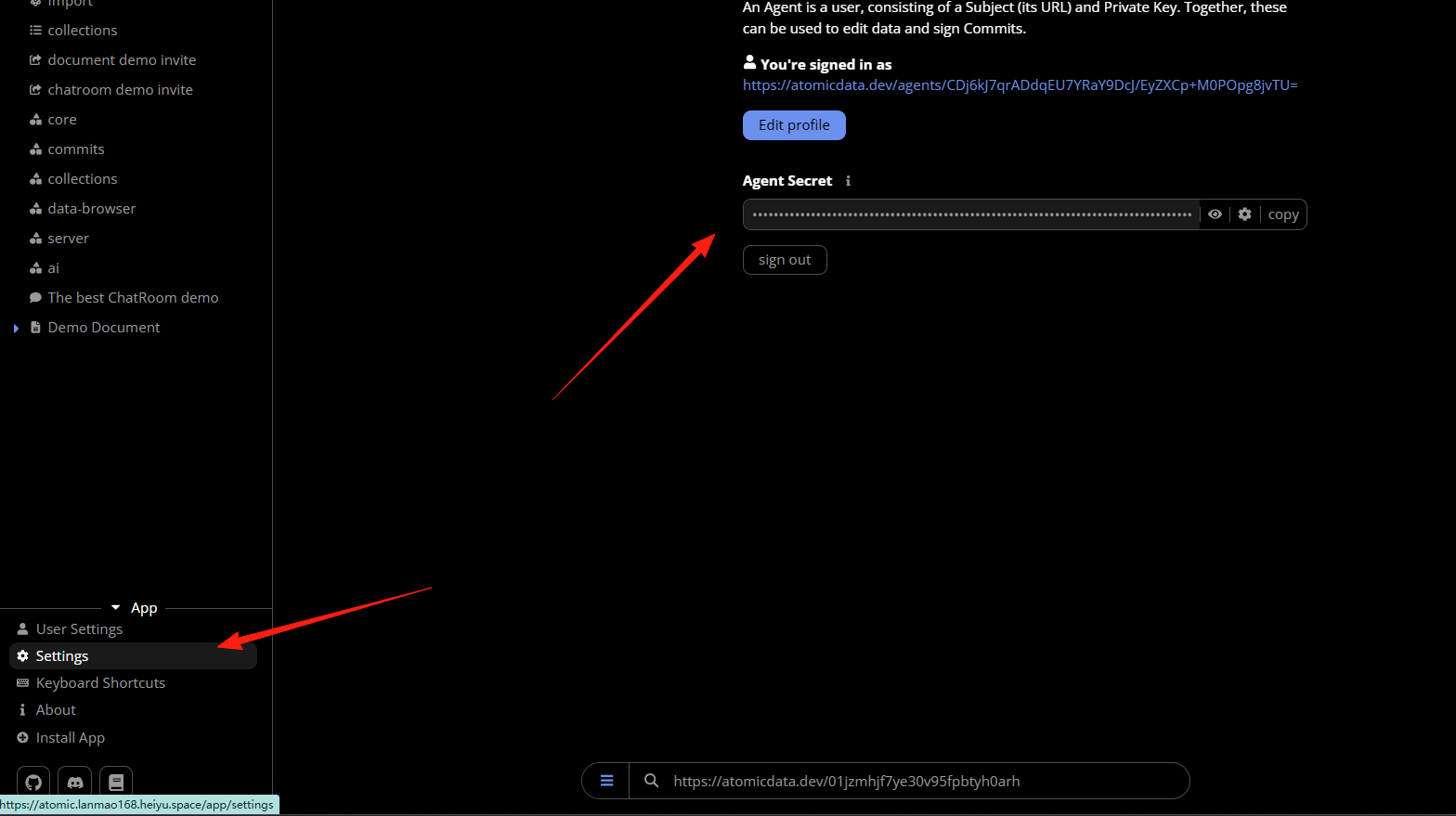
Click Settings. If you see an auto-generated secret key on the right side, it indicates success.
Return to the functional area.
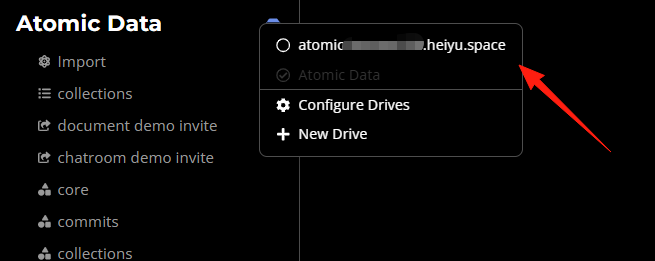
The navigation bar on the left is the core of the entire system, primarily consisting of several areas:
Ontology: This is one of the core concepts of Atomic Server. You can think of the "ontology" as the definition of your data model, essentially the templates you use to describe various "things".
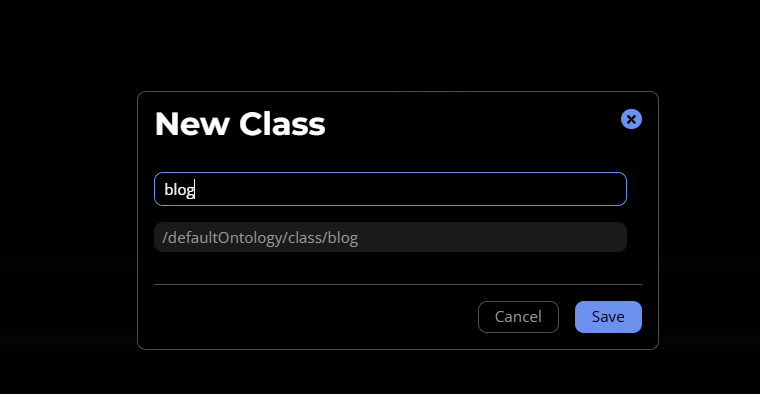
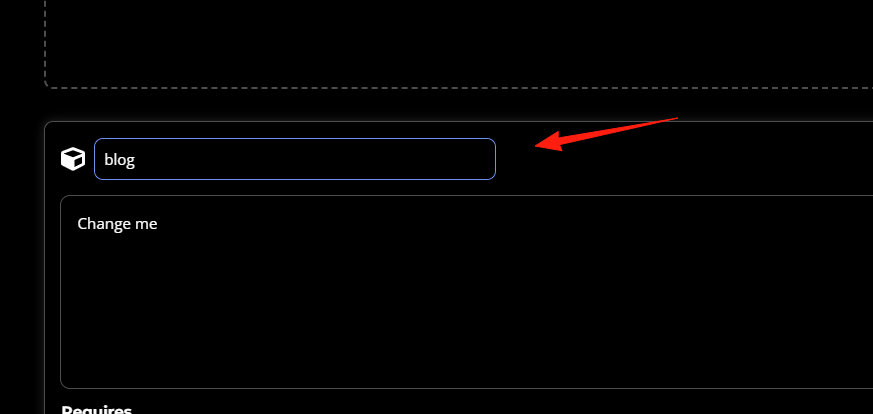
You can click here to create, modify, or view various Classes and Properties. For example, you can define a Class named "Blog Post" that includes Properties like "Title", "Content", and "Publication Date".
After saving, you can see it below.
Setup: This area is mainly for initial system configuration, typically of concern during the first use. You can set global parameters here, such as the site name, domain, etc.
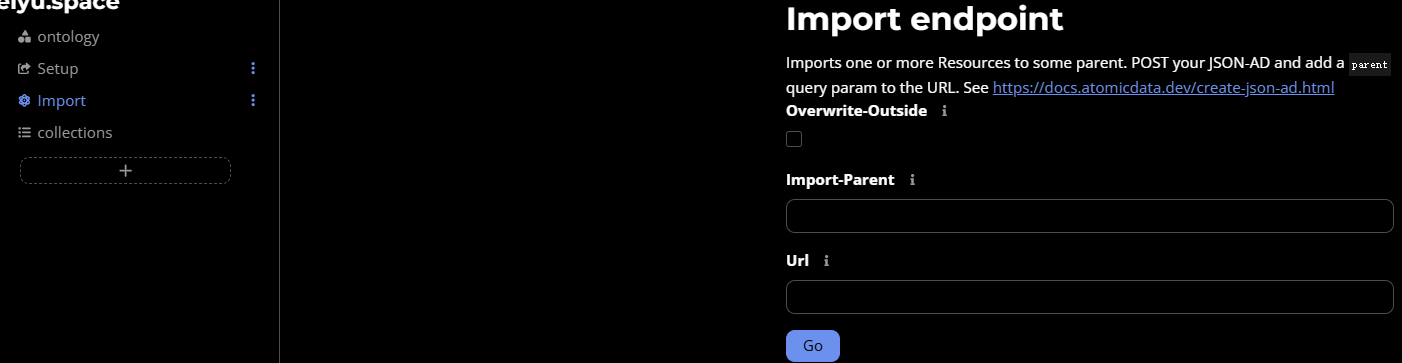
Import: If you have external data you want to import into Atomic Server, you can use this feature.
You can upload files in specific formats (like CSV, JSON-LD) to let the system automatically import the data in bulk, saving you the trouble of manual entry.
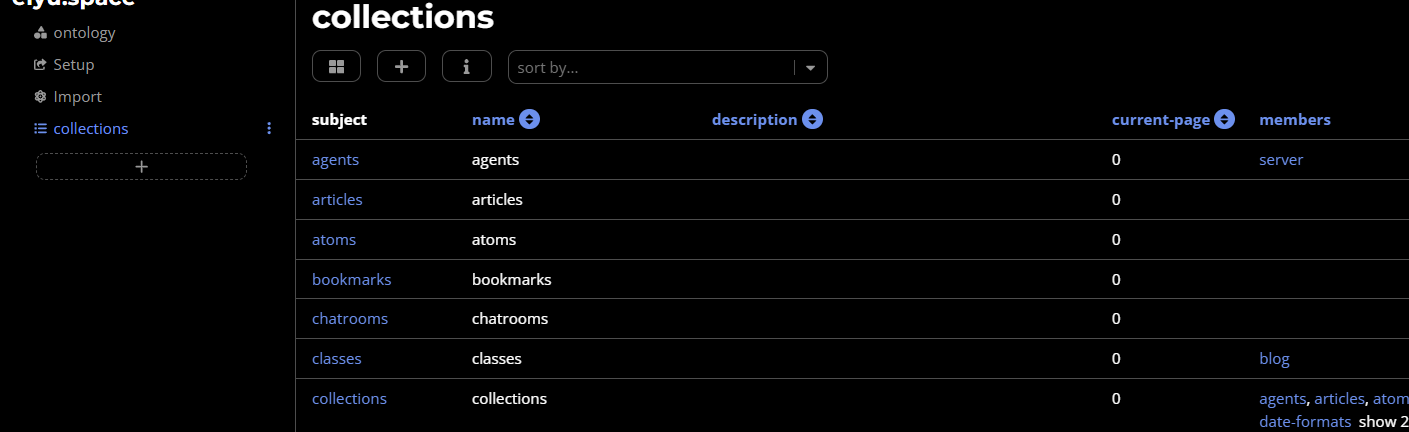
Collections: This is the entry point for managing your actual data.
Click here to see all the "Collections" you have created. A "Collection" can be understood as a list of a specific type of resource, such as "All Blog Posts" or "All Project Tasks". You can create new collections, or view and edit specific data resources within a collection.
Bottom Search Bar How to use: You can enter a URL here to search for or access a specific resource. Because the core of Atomic Server is "atomic data", where each resource has a unique URL, you can directly access any resource via its URL.

If you are using it for the first time, you can start with Ontology to define the data structure you want to manage, such as a blog post template. Then, go to Collections to create a collection and add specific data to it. Logging in via Settings grants you the permissions needed to edit and manage data.
Summary
Atomic Server is suitable for:
- Individual developers needing a lightweight CMS
- Content collaboration for small teams
If you are looking for a modern Headless CMS or need a simple yet powerful data management tool, it's recommended to try Atomic Server.