
LimeSurvey Experience: Building a Professional Online Survey Platform
What is LimeSurvey?
LimeSurvey is an open-source online survey management system with multiple functions including survey design, modification, publishing, collection, and statistical analysis.
It integrates survey program development, questionnaire publishing, and data collection capabilities. Survey data collected online can be exported in various file formats for analysis, such as SPSS data format (*.dat files). It supports 49 languages/dialects.
https://appstore.lazycat.cloud/#/shop/detail/cloud.lazycat.app.limesurvey1
How to Use
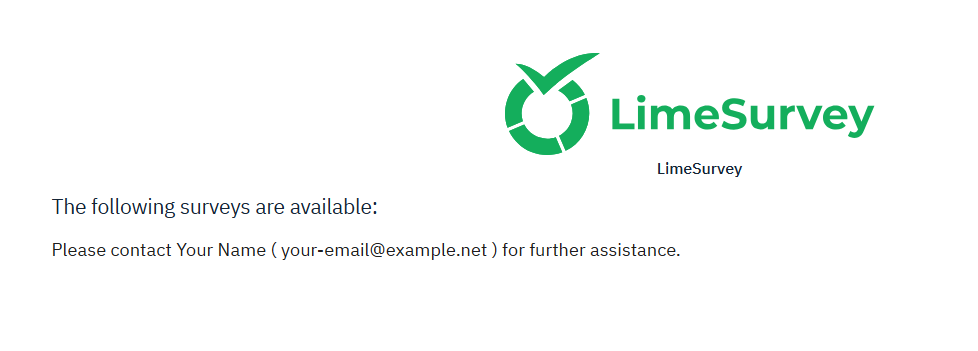
After the application is installed, open the startup page. This page indicates a successful installation:
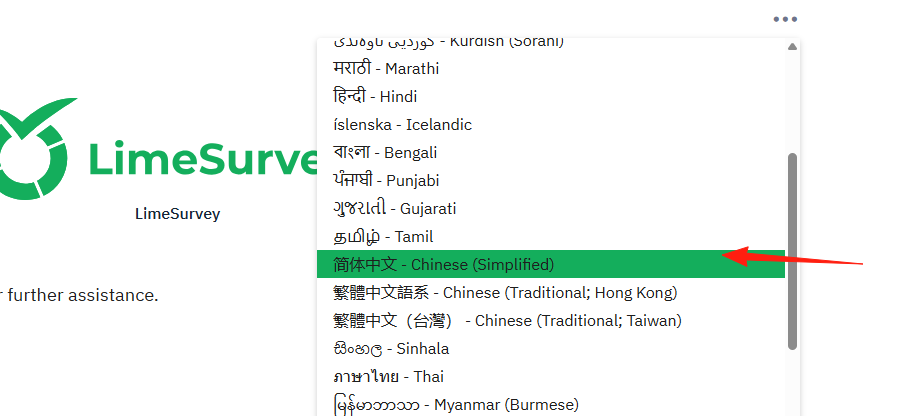
Click the three dots ... in the upper right corner and switch the language to Chinese.
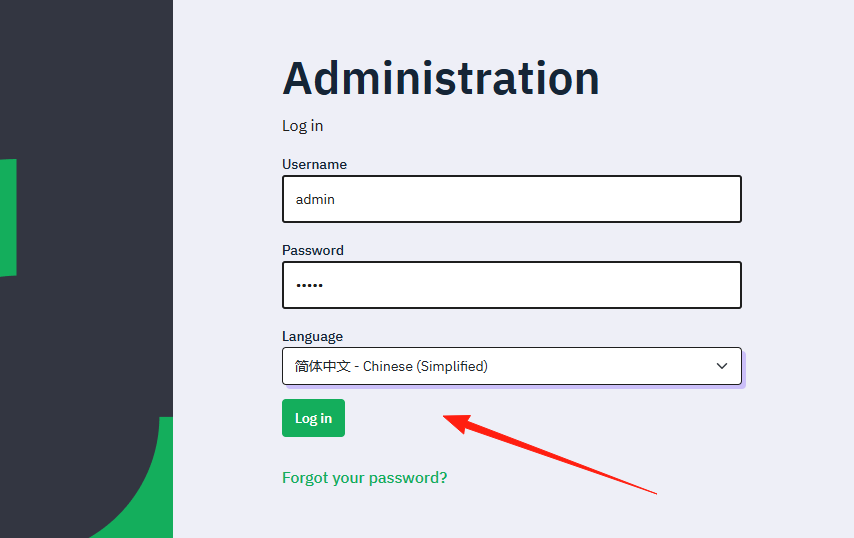
Open your browser and navigate to https://limesurvey.your-box-name.heiyu.space/admin to access the login page. The administrator credentials are: username admin, password admin.
Enter the main page.
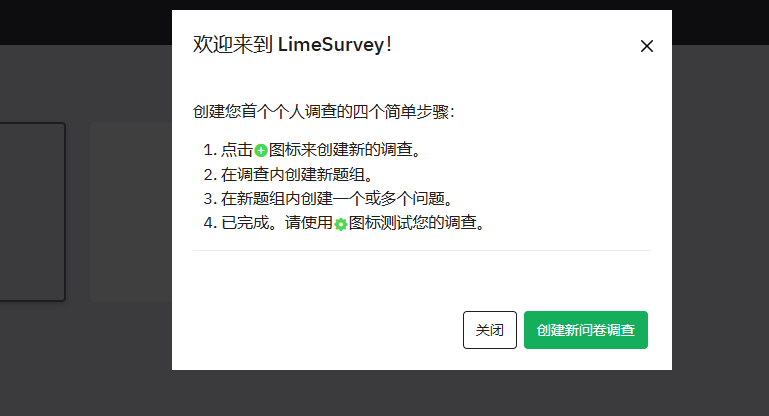
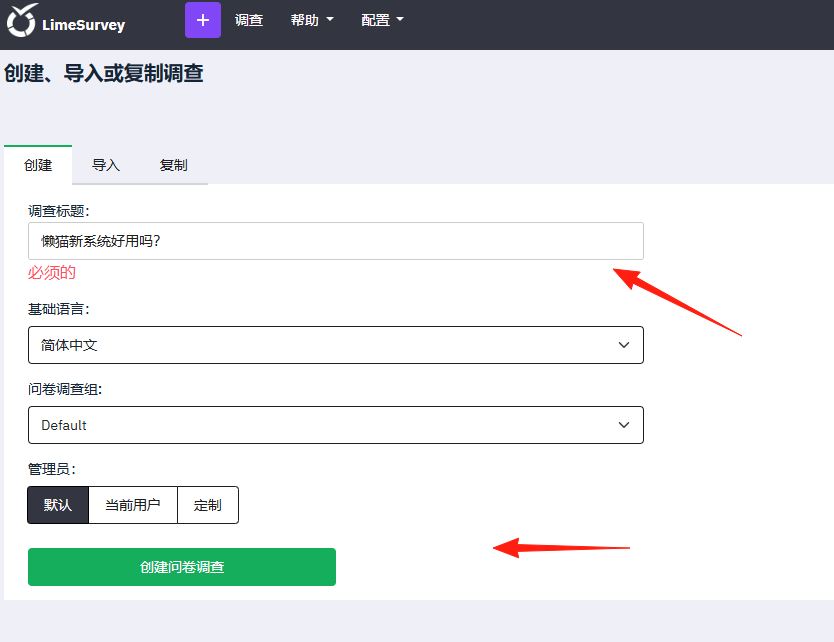
Create a survey.
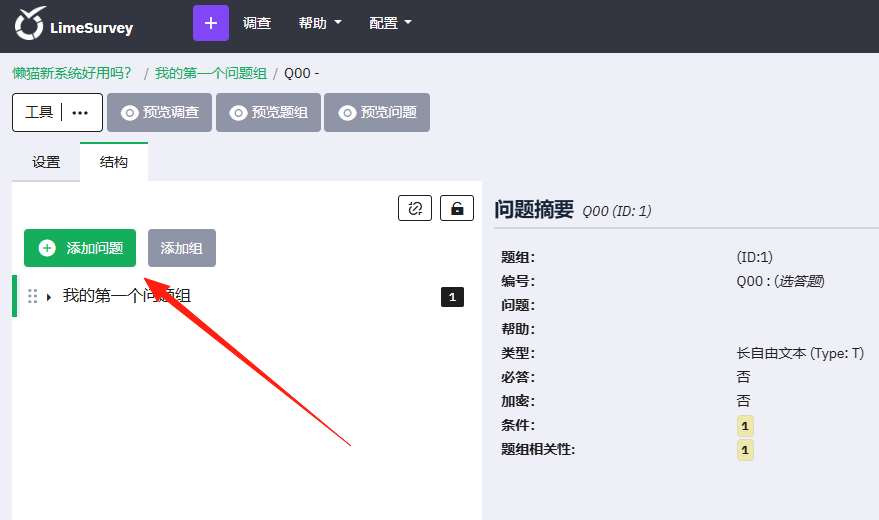
Once you have a survey, create new questions here.
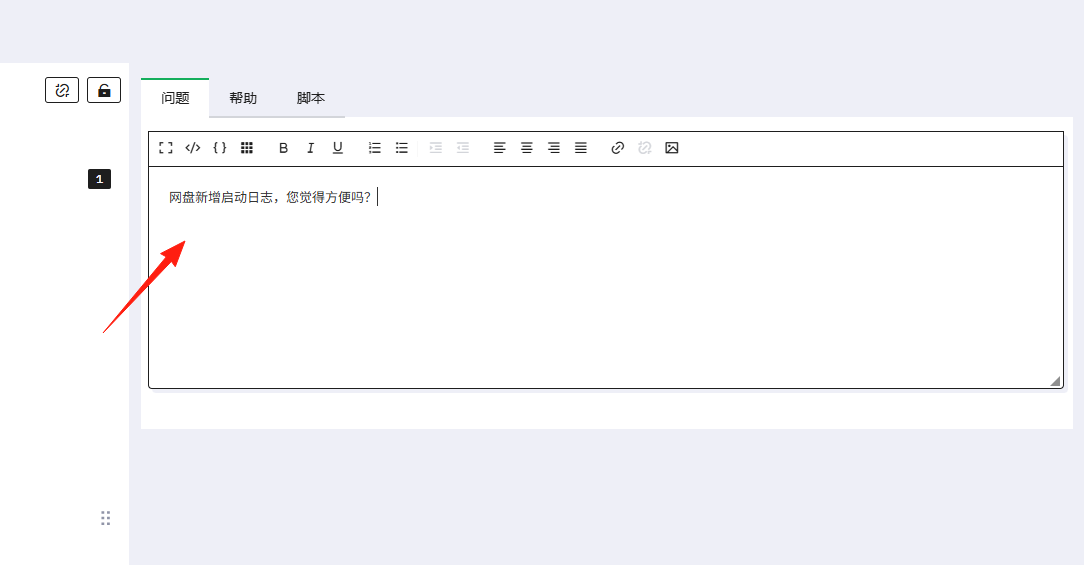
Enter content here; a rich text editor is supported.
You can modify the question type on the right side.
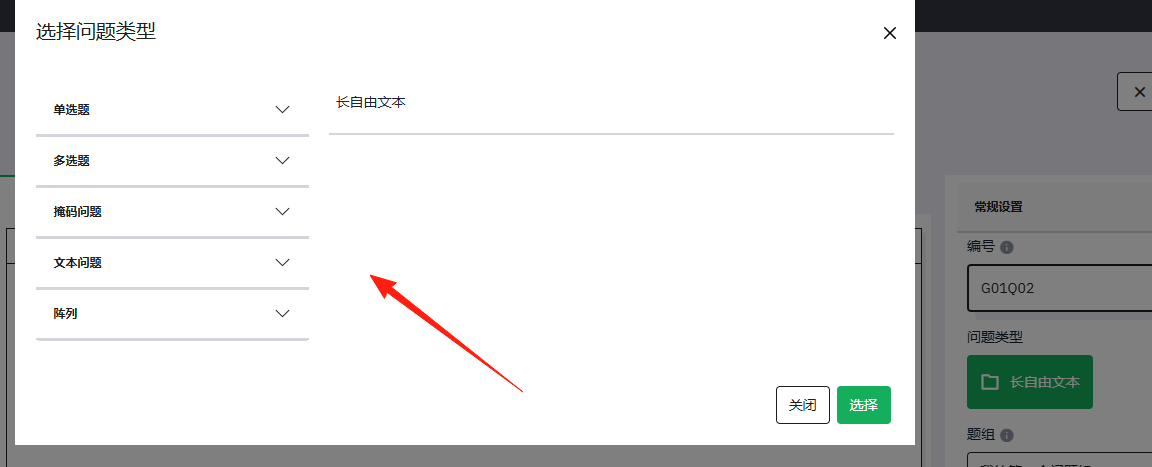
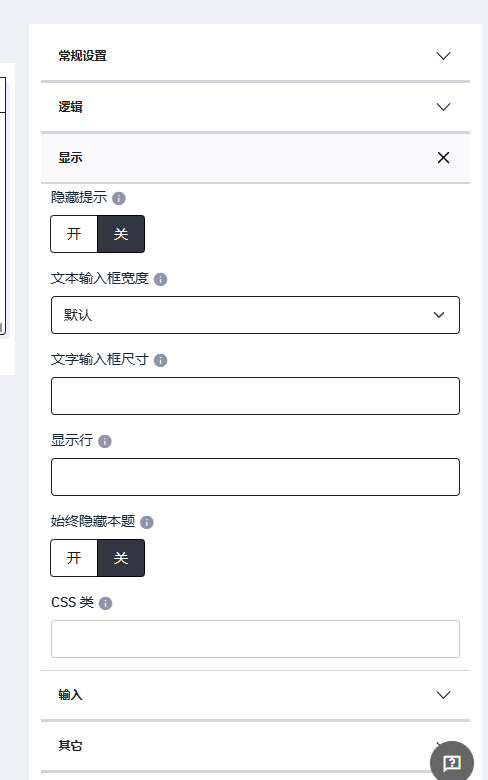
In the General Settings, you can adjust more details.
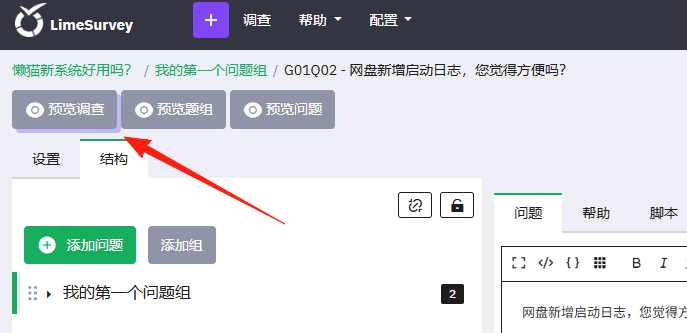
After adding all the questions, click the Preview button in the upper left corner.
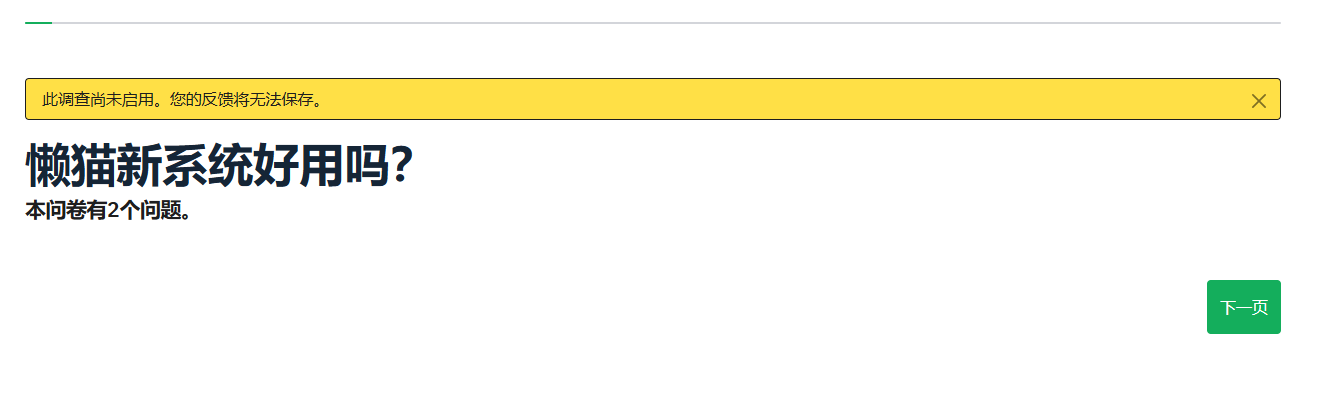
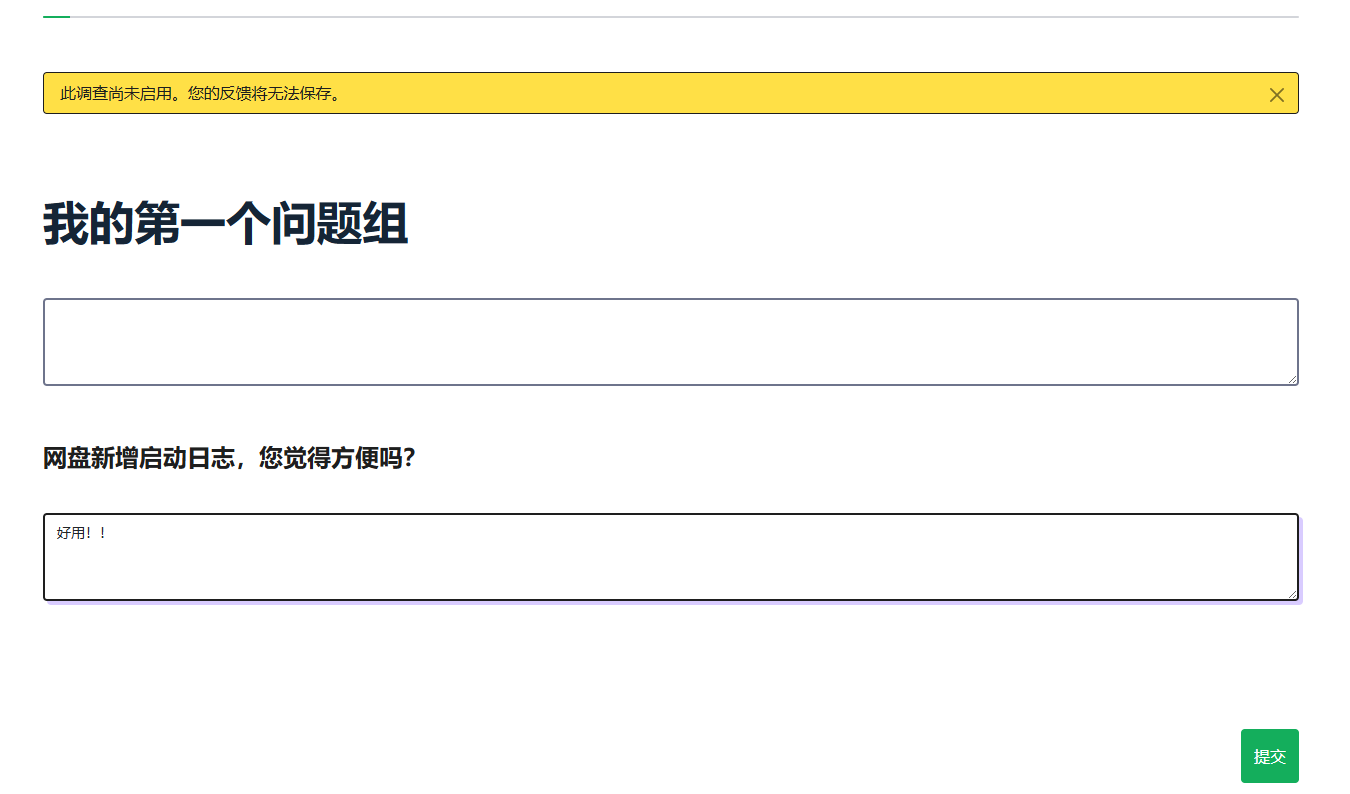
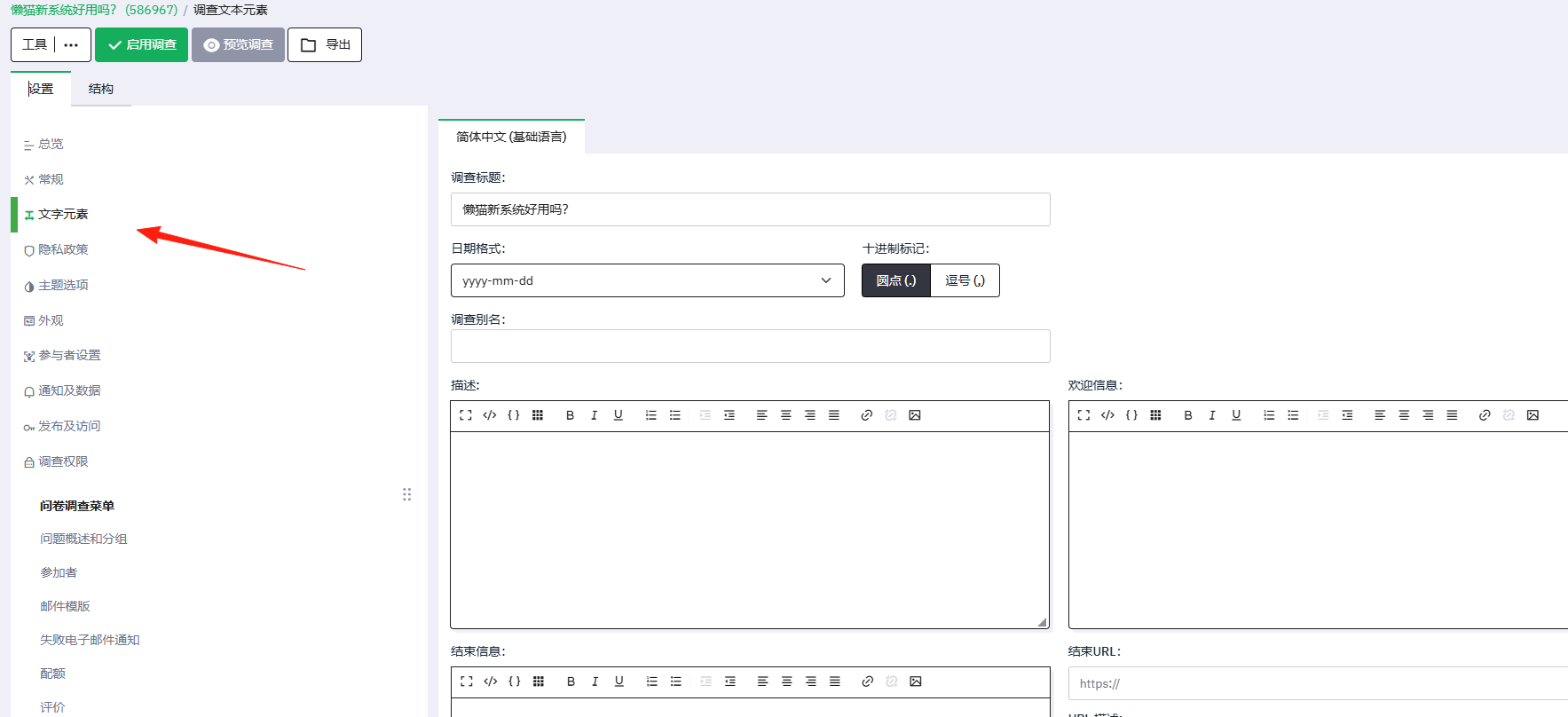
In the Survey Settings, you can modify the welcome and closing messages.
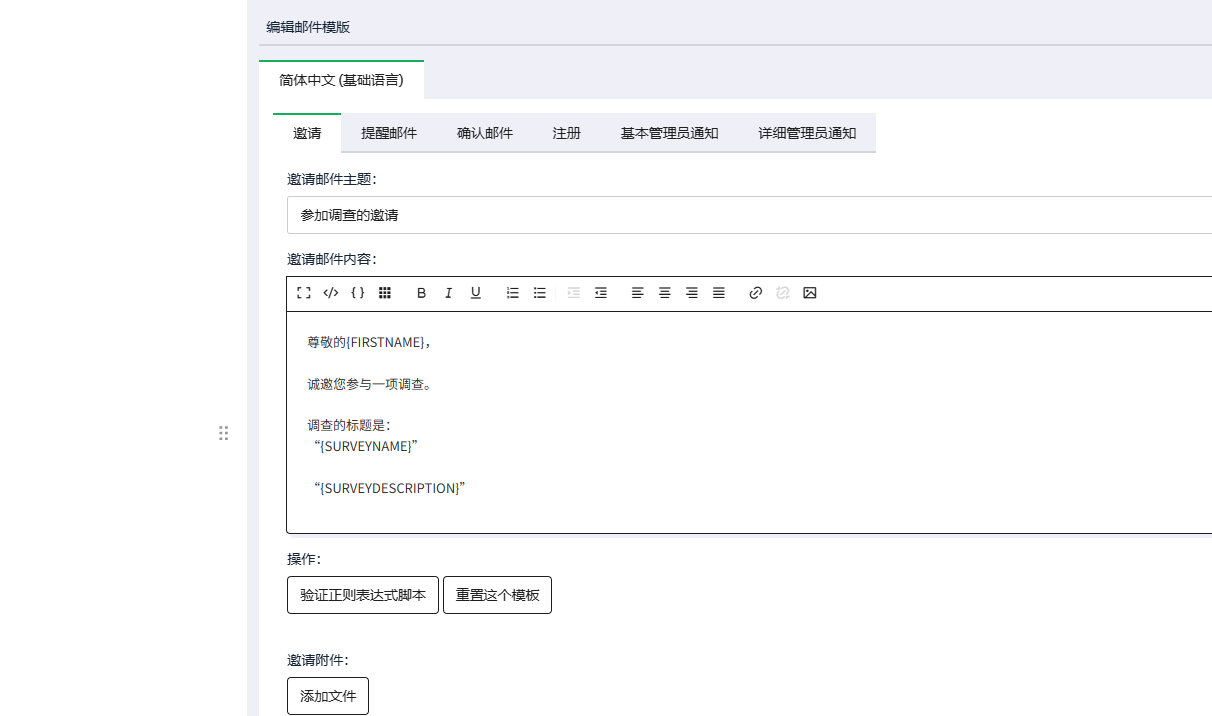
Add email templates.
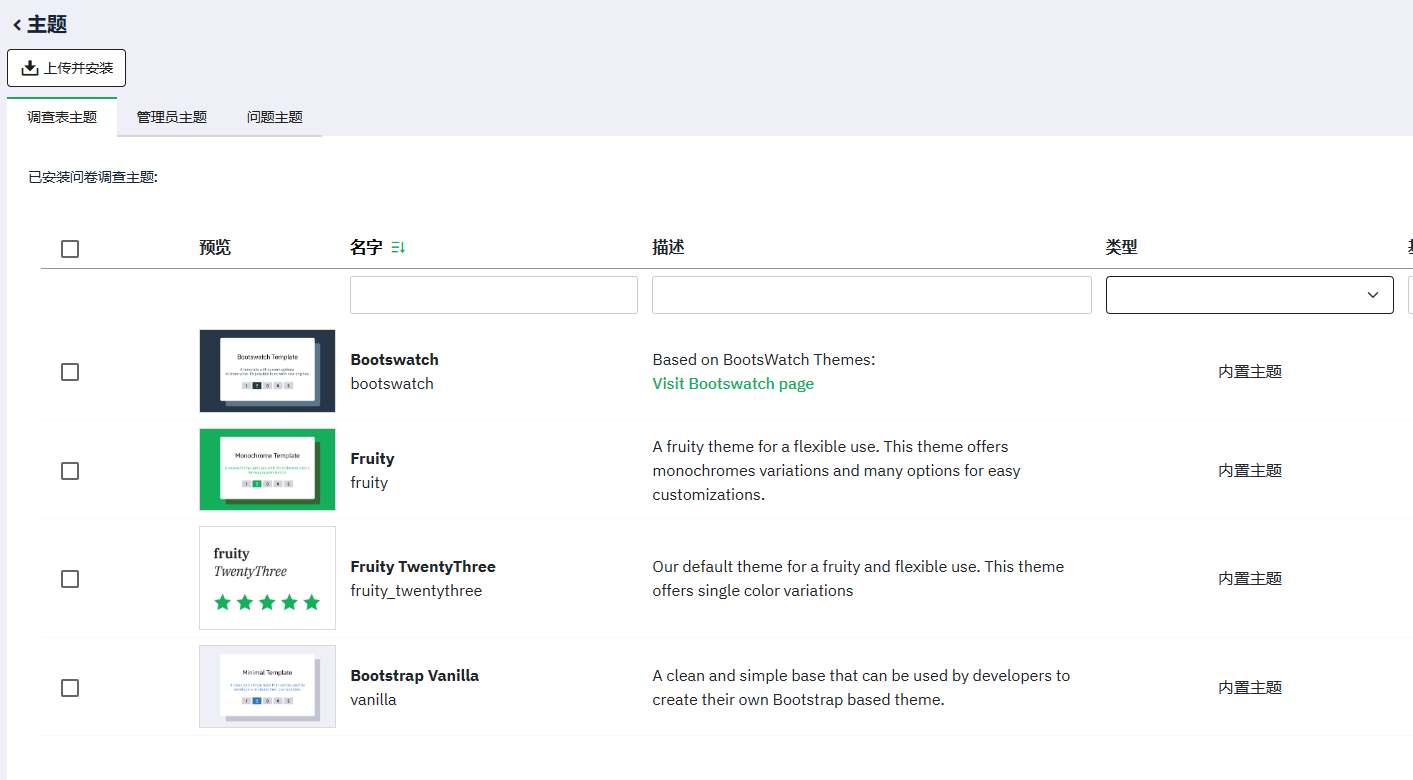
You can also modify various themes.
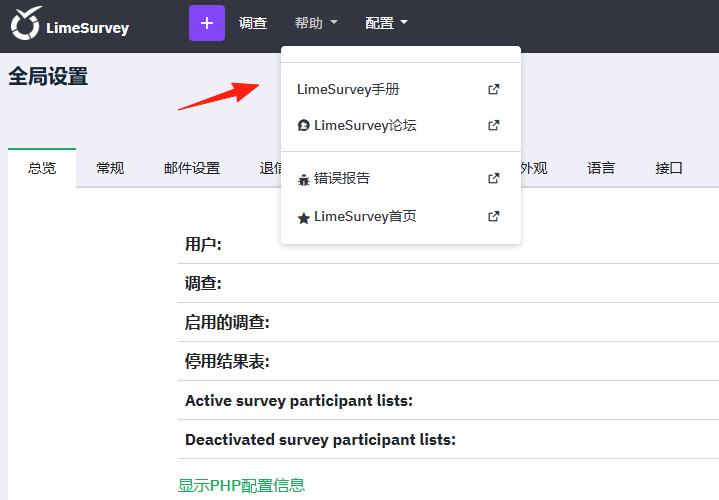
For more detailed usage instructions, please refer to the user manual.
Summary
It might be challenging to get started initially and requires some time for practice and familiarization. As a professional survey platform, its features are quite powerful.
Suitable use cases can be found for students conducting thesis research or companies performing market surveys.