
Bilibili Recorder: The Ultimate Live Streaming Recording Tool
What is B站录播姬?
Simply put, it is a free, open-source software specifically designed for automatically recording Bilibili live streams.
You just need to set it up in advance, and it will automatically monitor the streamers you follow, like a loyal "worker".
As soon as a streamer goes live, it immediately starts recording and saves the recorded video to your computer.
https://appstore.lazycat.cloud/#/shop/detail/top.killmytime.bililive
Usage Tutorial
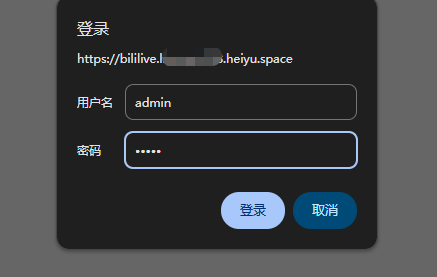
After installing the application, the default account and password are admin/admin.
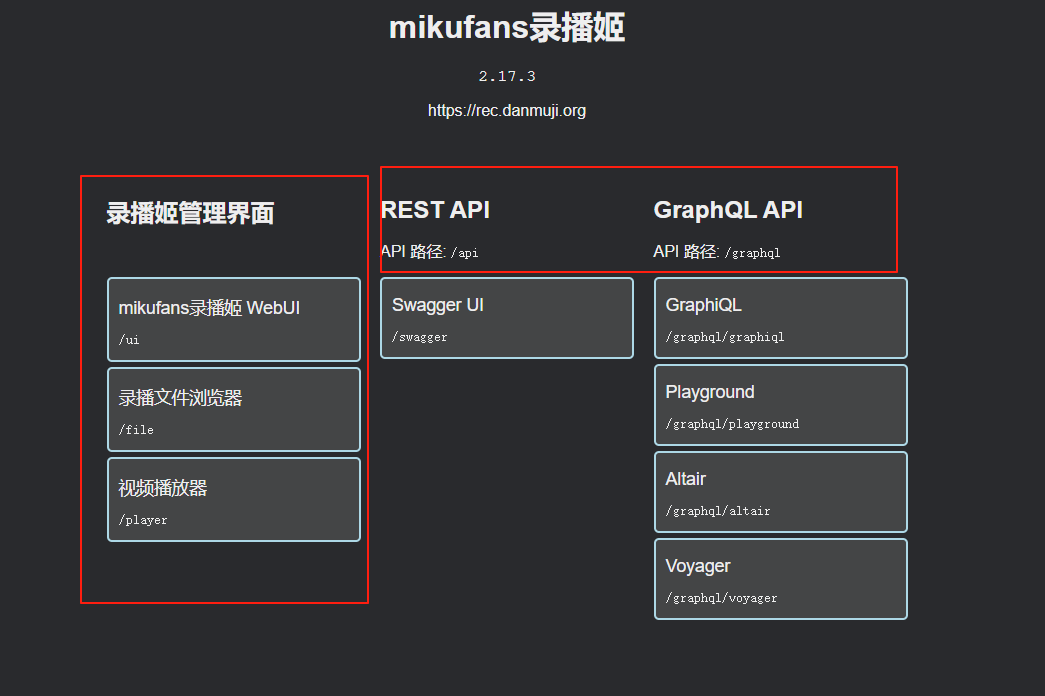
The 录播姬管理界面 (Bililive Recorder Management Interface) on the left is the main functionality. The REST API and GraphQL API are for developers.
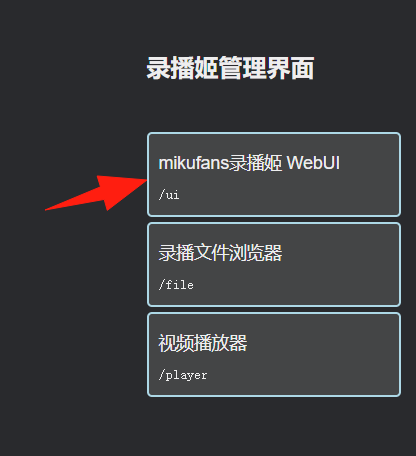
Click on WebUI.
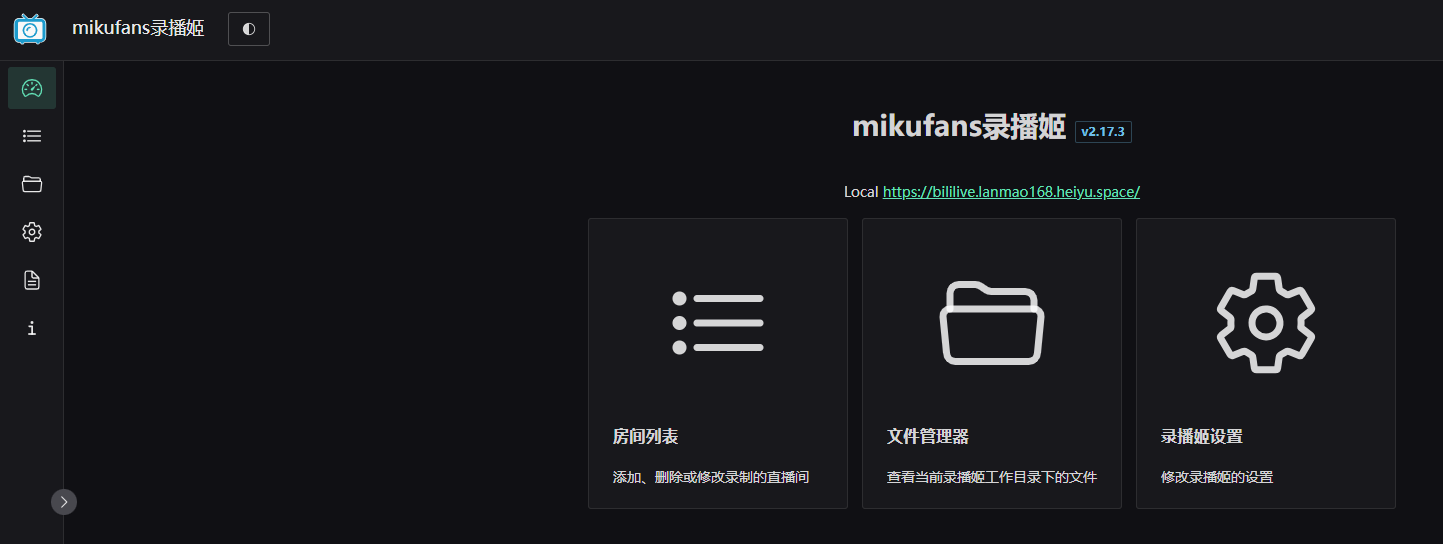
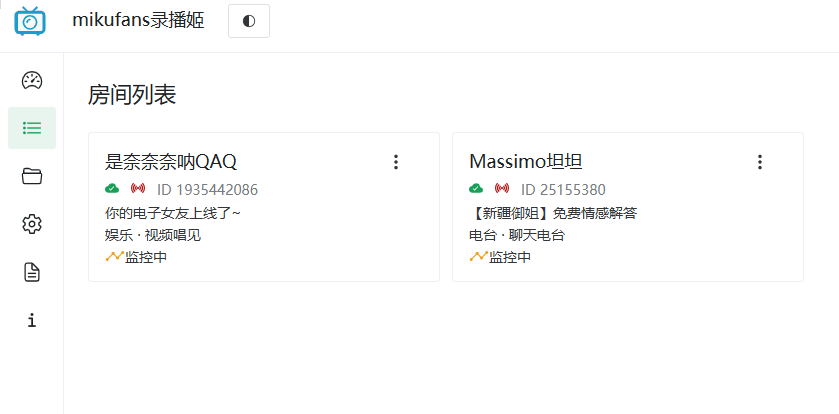
You will see the clean main interface. The left side is the room list, and the right side is the settings area.
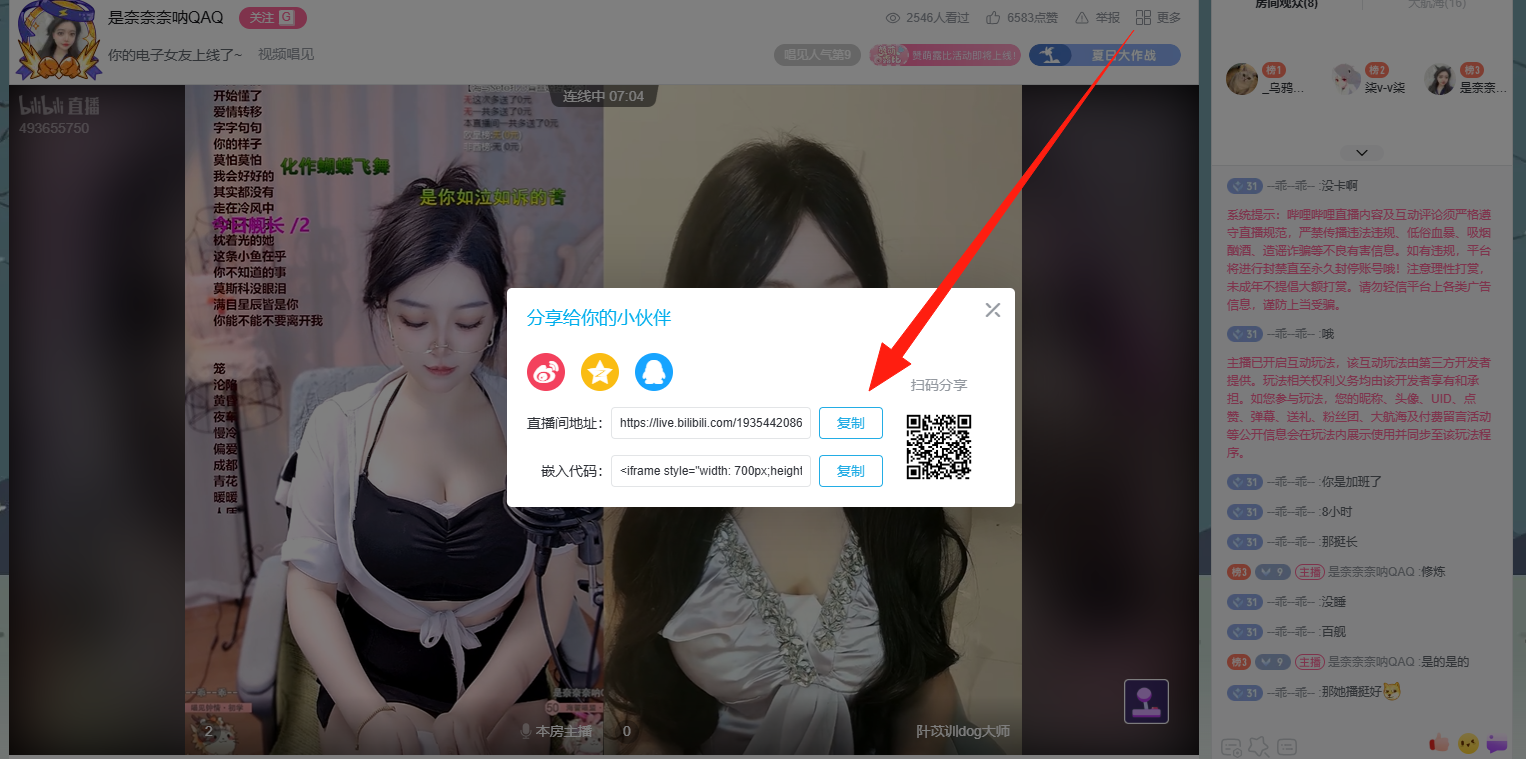
Adding a Live Room Open Bilibili Live: https://live.bilibili.com/all
 Click into any live room and copy the Bilibili live room link you want to record.
- For example: https://live.bilibili.com/1935442086
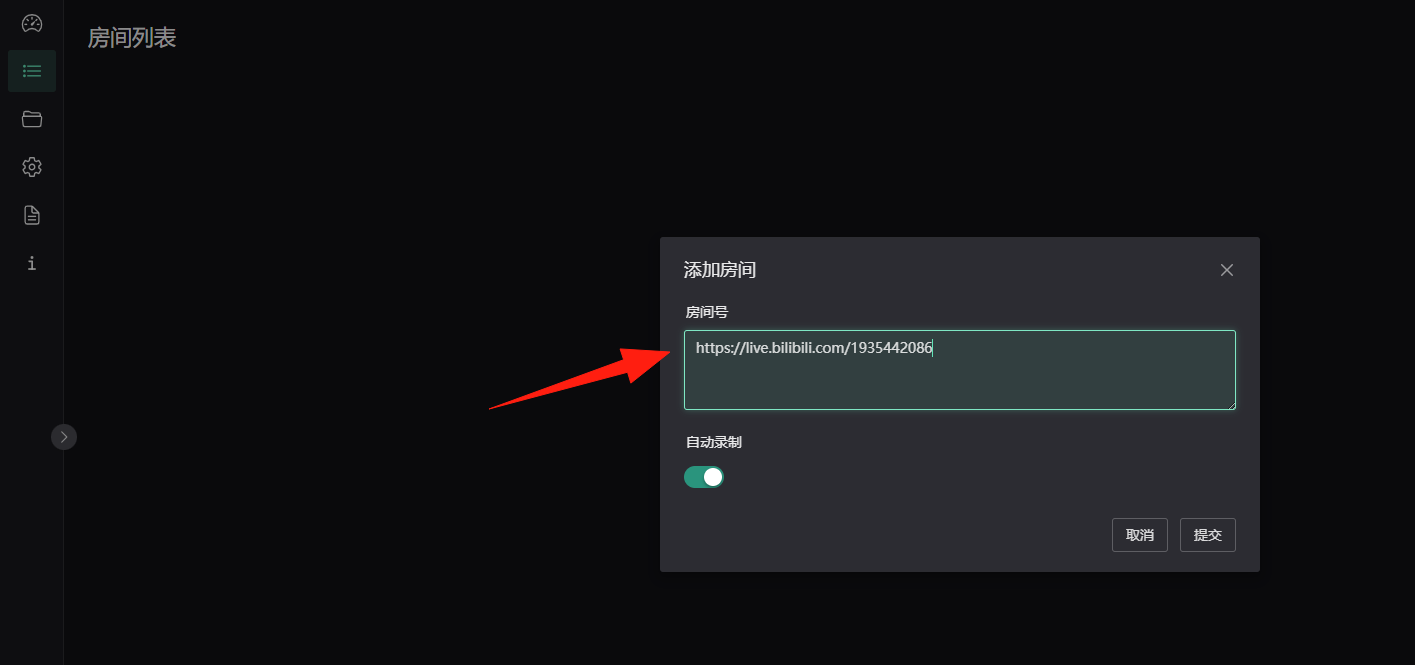
Return to the application, go to Room List -> Add Room.
- Paste the link into the "Room ID/Link" input box.
- Click "Add".
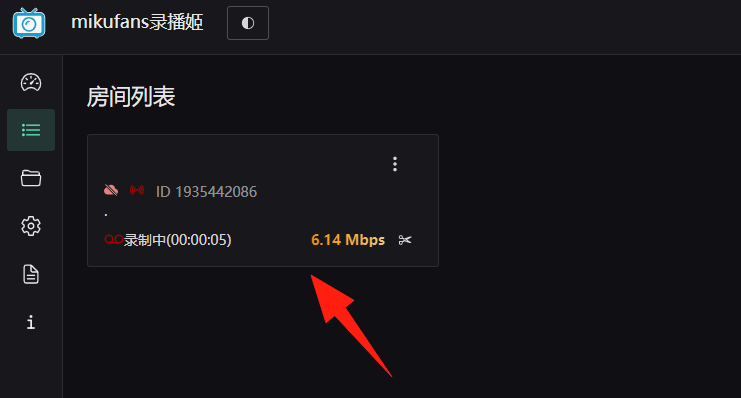
Starting Recording
- If the streamer is currently live, click "Start Recording" to begin immediately.
- If the streamer is not live, check the "Auto Record" option. Recording will start automatically when the streamer goes live.
The buttons on the right allow you to stop recording, enter the live room, and perform other actions.
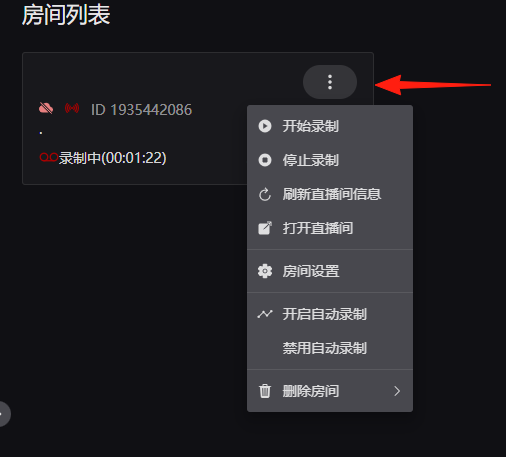
After stopping the recording, the room's name and description will be displayed.
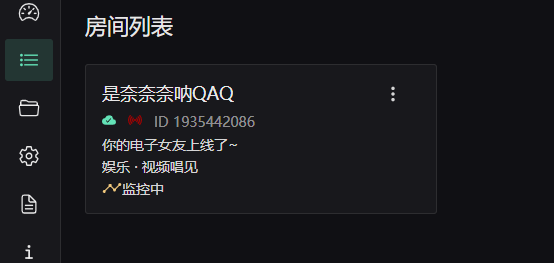
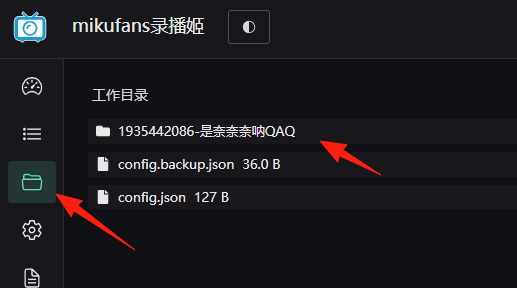
In the file manager, you can see folders named starting with the room ID.
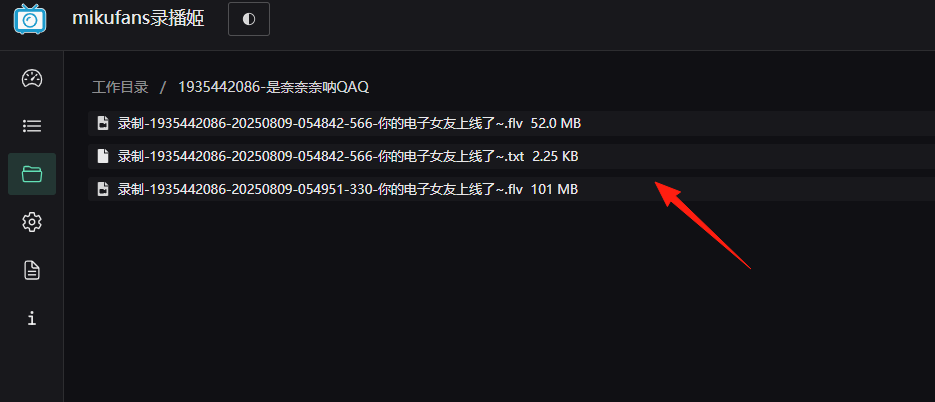
You can click to download the videos to your local machine.
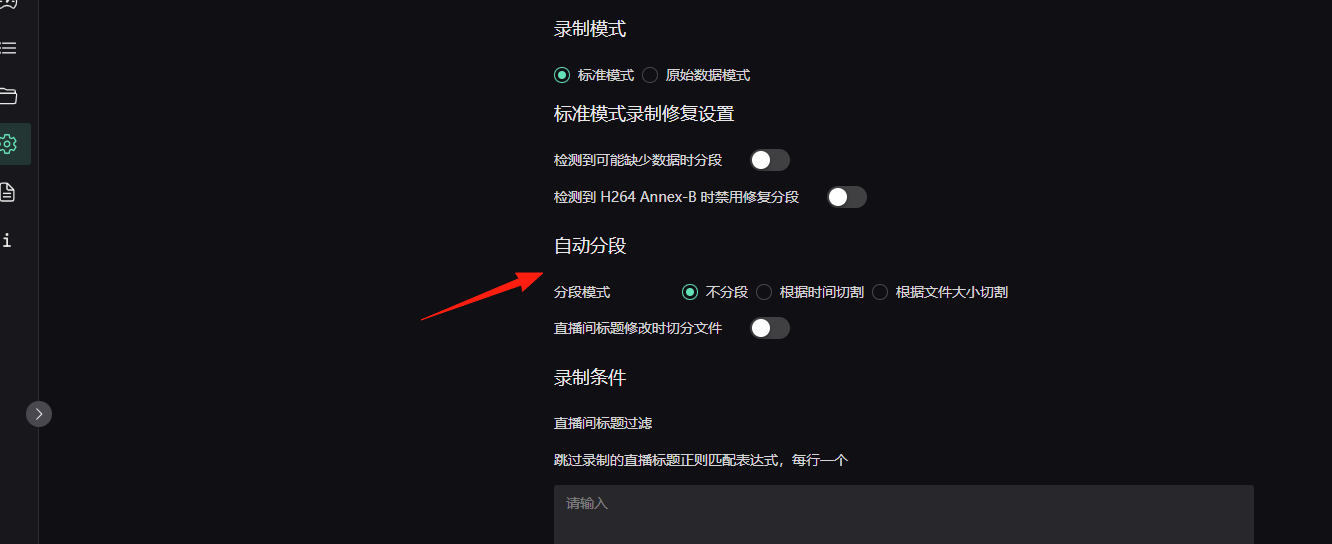
Auto File Splitting: This can be modified. Files are automatically split when they exceed 2GB to avoid excessively large single files.
Can Record Multiple Live Rooms Simultaneously
- Batch Adding Rooms
- Prepare all the live room links.
- Add them one by one to the room list.
- Each room can be configured independently.
Summary
Bililive Recorder is a truly practical tool. It has been tested by a large number of users over time and can run stably 24/7 for extended periods.
Whether you want to archive your favorite streamer's live content or need to record multiple live rooms in bulk, it can effectively meet your needs.