
OpenGist Practical Guide: Build Your Own Code Snippet Sharing Platform
As programmers, we work with code every day. Sometimes we write a useful function, other times we solve a tricky bug. How do you manage these fragmented but valuable code snippets?
Many people's first thought is GitHub Gist - it's indeed useful, but has several issues:
- Frequent access problems in China, often extremely slow
- Your data is in someone else's hands - what if it becomes unavailable someday?
OpenGist, which I'm recommending today, addresses these pain points. Simply put, it's a self-hostable alternative to GitHub Gist that matches the original in features while offering several additional benefits.
https://appstore.lazycat.cloud/#/shop/detail/dev.beiyu.opengist
Quick Start Guide
After installing the application, open the feature page
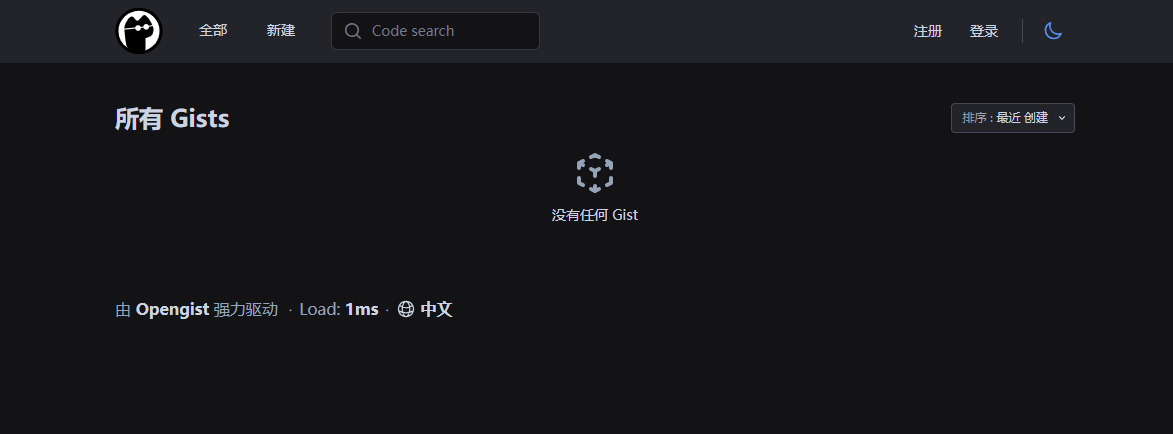
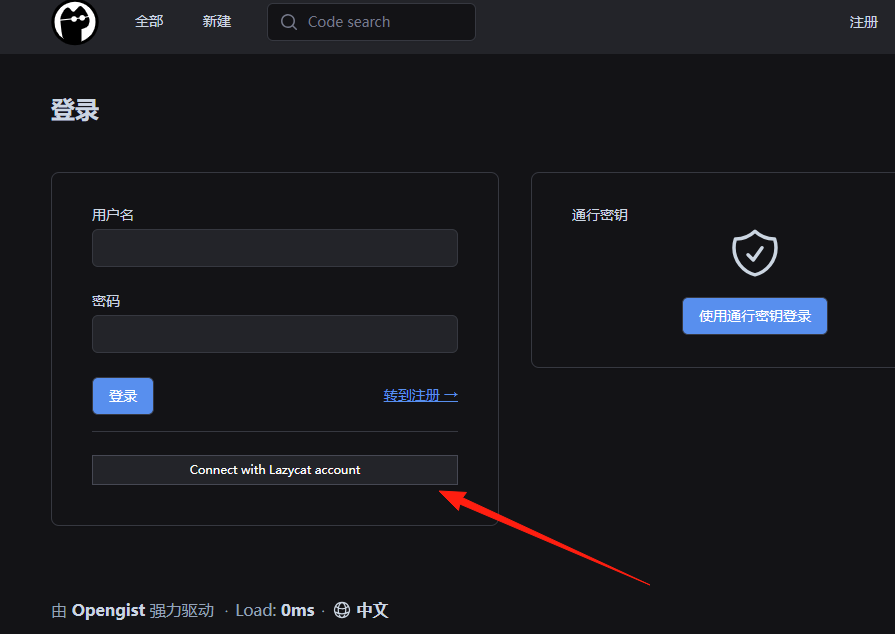
Click login - it integrates with LazyCat account, you can directly click the button below
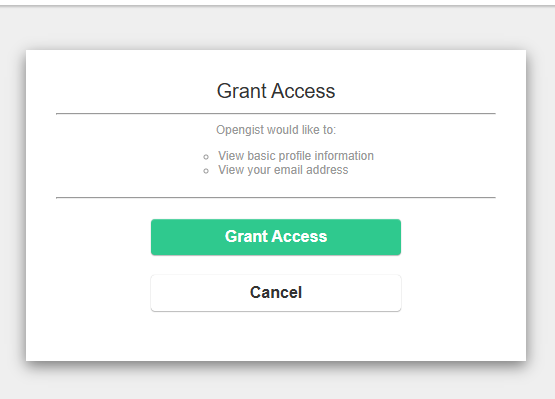
Authorize access
Enter the main page
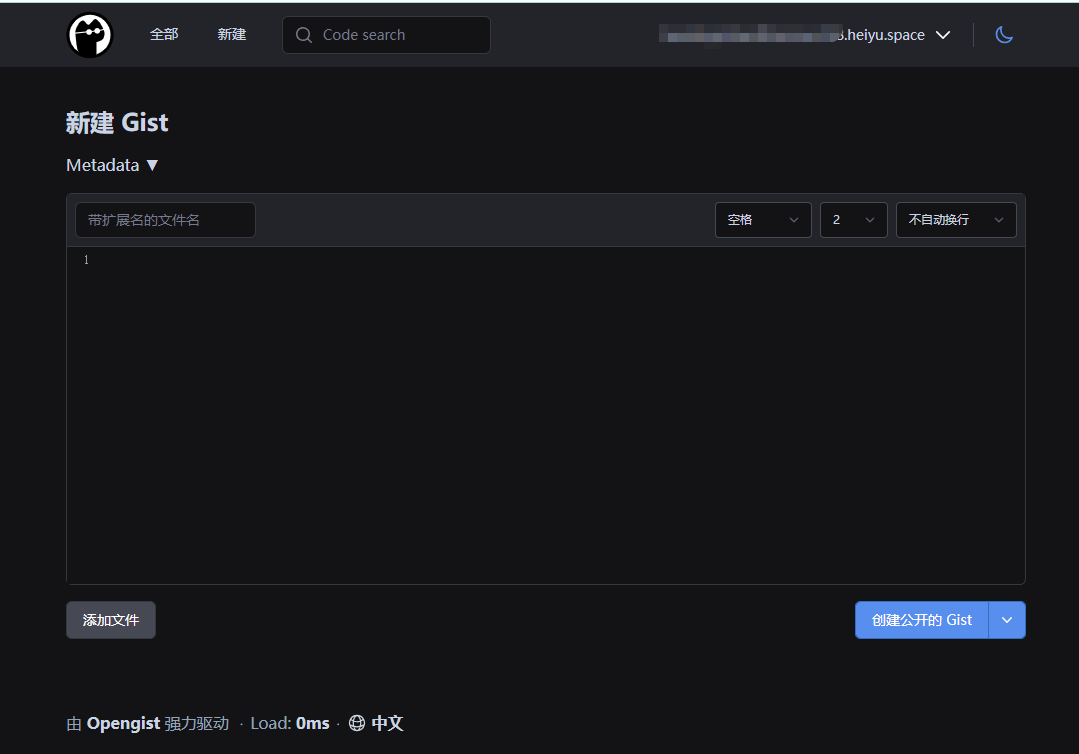
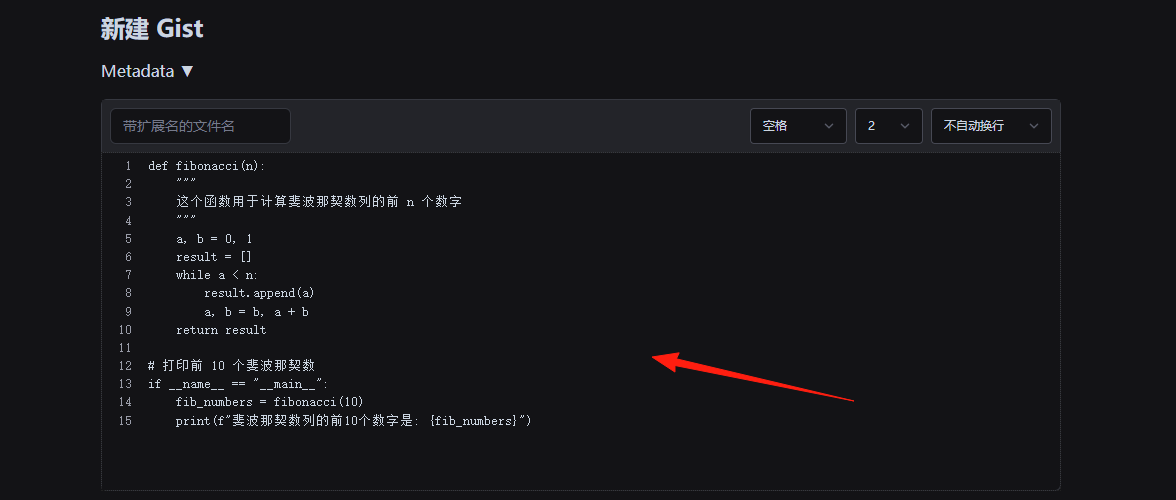
Directly paste the code you want to save here
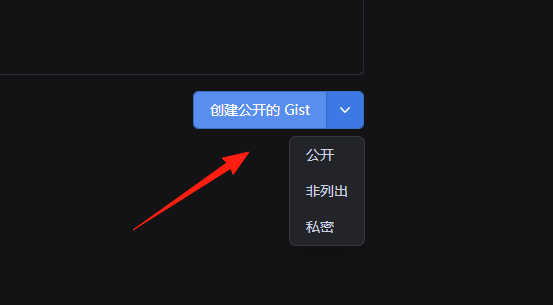
Create public Gist: Accessible and viewable by anyone.
Create secret Gist: Only accessible to those who know the link.
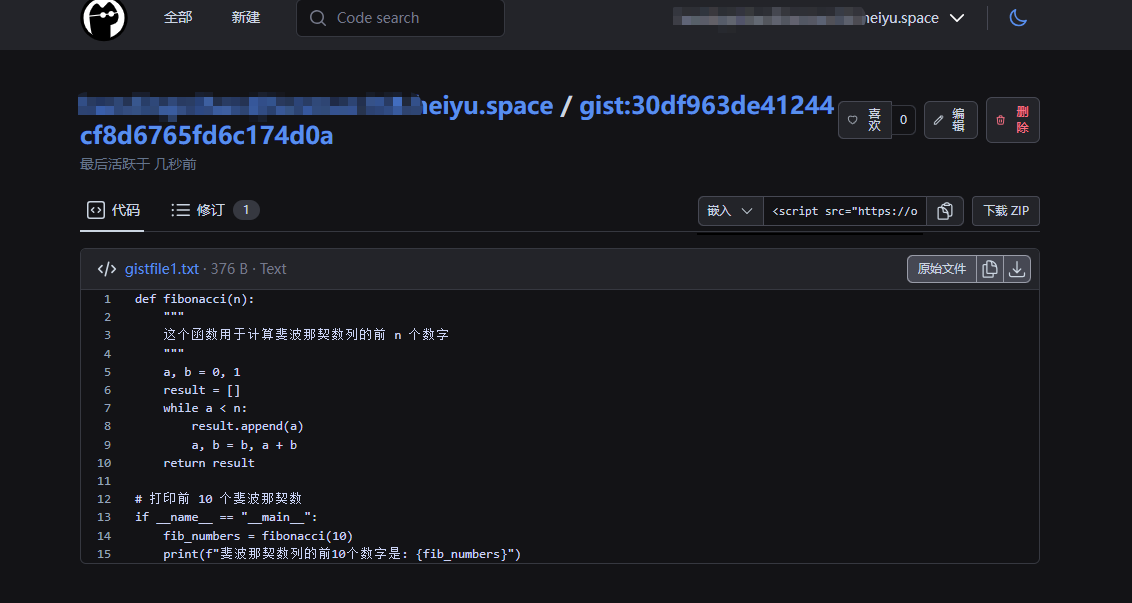
Click "Create Gist" - this link is your Gist address, which you can copy to share with others.
OpenGist fully supports Git operations, such as:
# clone a specific gist
git clone http://your-domain/username/gist-name.git

# commit after modifications
git add .
git commit -m "Update code"
git push origin master
Summary
OpenGist is an excellent choice, especially for:
- Programmers who need code snippet management
- Teams who want to keep their data under their own control
If you're looking for an alternative to GitHub Gist, why not give OpenGist a try?