
ClickHouse Practical Guide: Supercharge Your Data Analysis
If you encounter massive data analysis challenges in your projects, traditional MySQL becomes extremely slow when querying tens of millions of records. But with ClickHouse, you'll truly be amazed by its speed.
What is ClickHouse?
Simply put, ClickHouse is an open-source columnar database specifically designed for real-time data analytics. You can think of it as an ultra-fast data warehouse, exceptionally good at handling queries and analysis on large datasets.
https://appstore.lazycat.cloud/#/shop/detail/io.zeroc.app.clickhouse
Quick Start
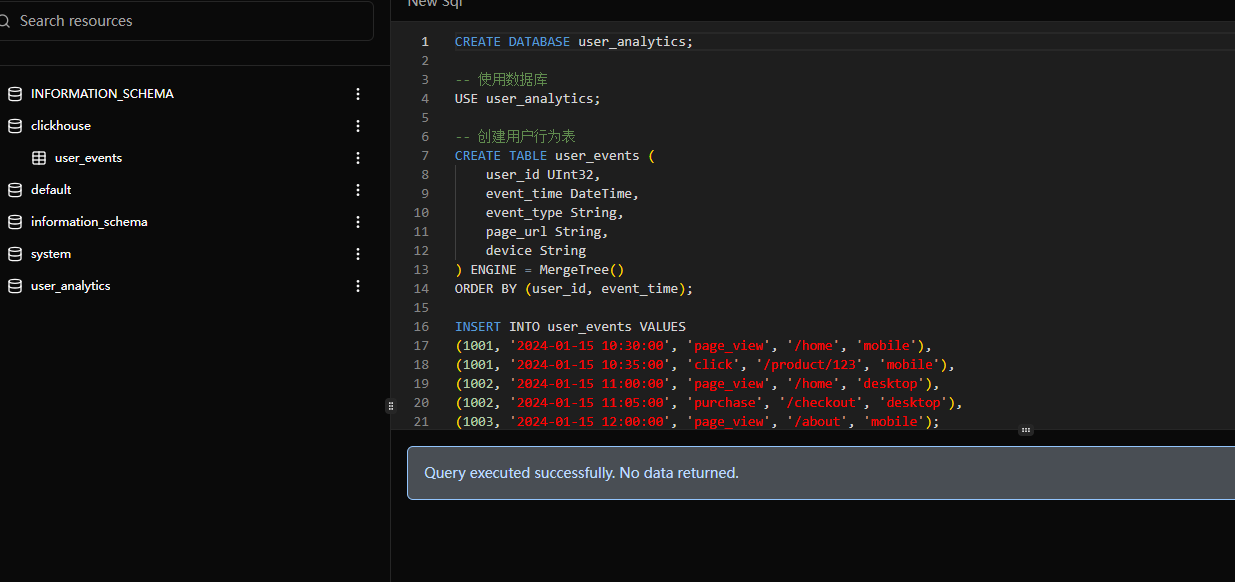
After installing the application, you'll land directly on the functional page.
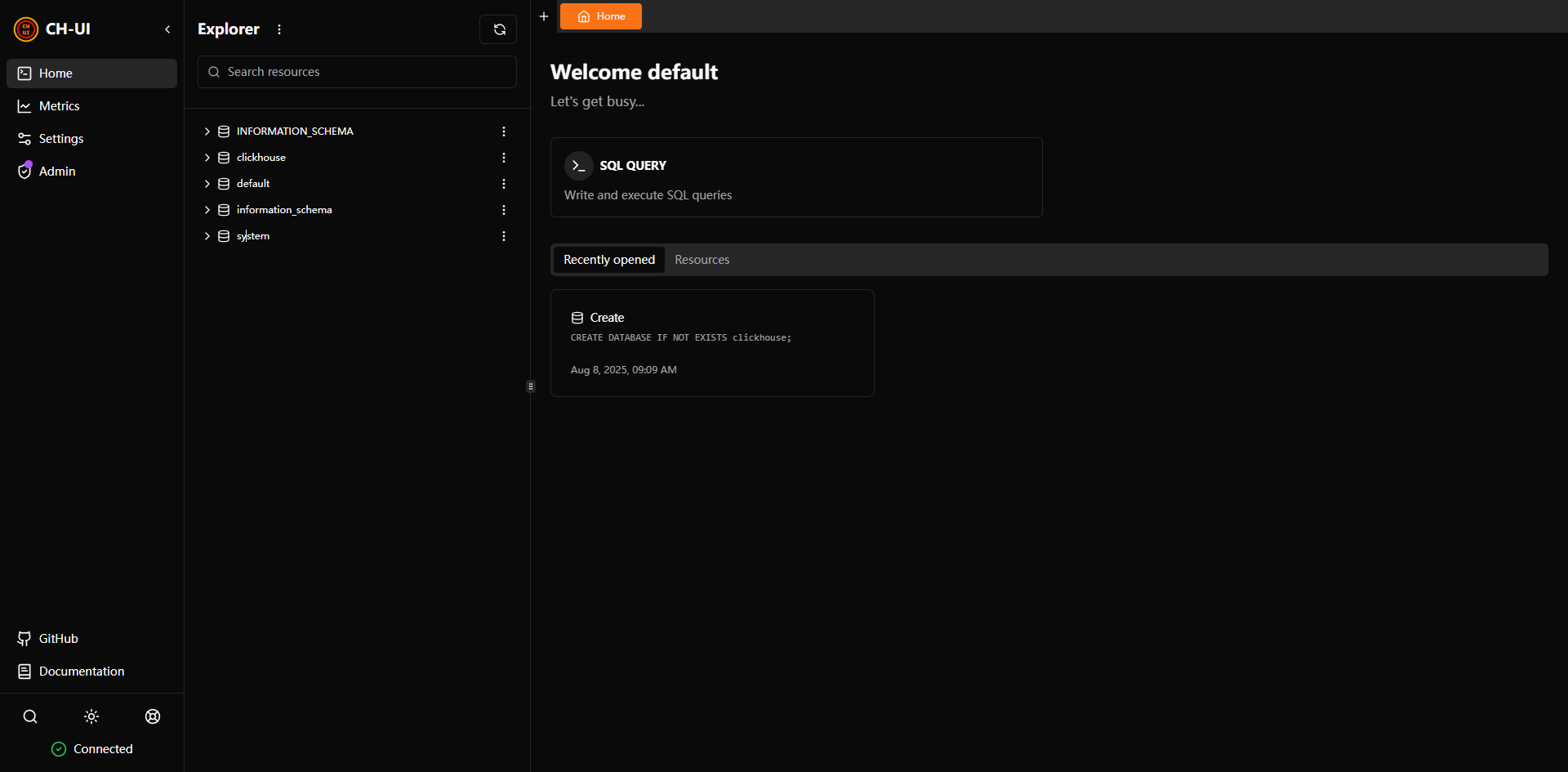
The Explorer panel allows you to browse the database structure. It comes with several built-in databases:
INFORMATION_SCHEMA: A standard schema found in many SQL databases, containing metadata about database objects (like tables, columns, and data types).
system: Another system database in ClickHouse containing internal tables and information about server status.
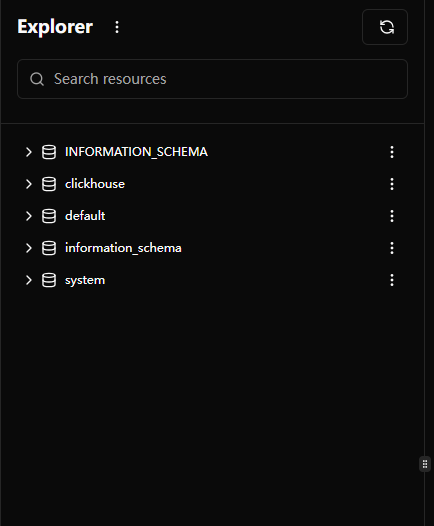
The right-side area is where you write SQL statements.
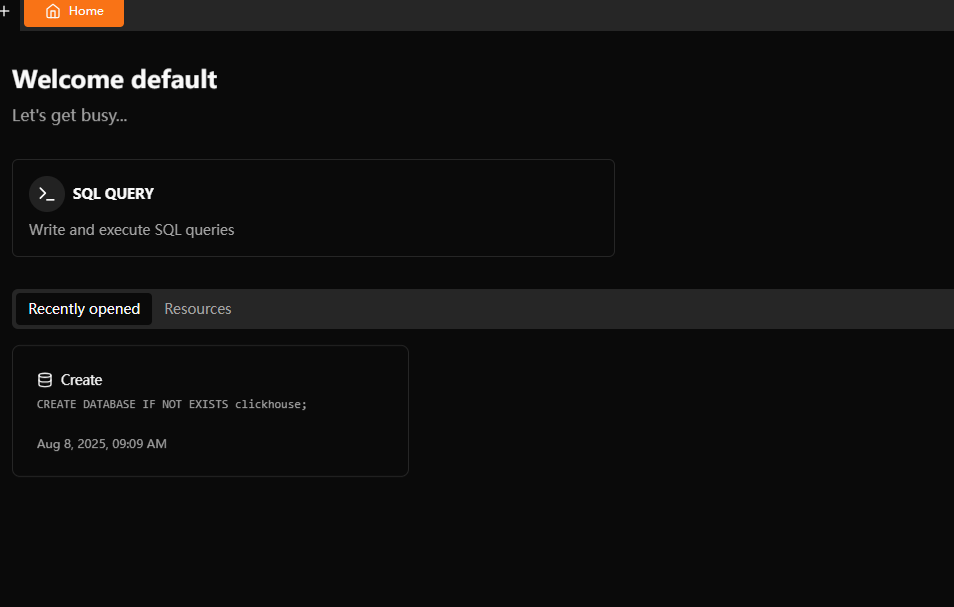 SQL QUERY: This is the most important part of the page. It's an editor where you can directly write and execute SQL queries, sending SELECT, INSERT, CREATE, or other SQL statements to the ClickHouse server.
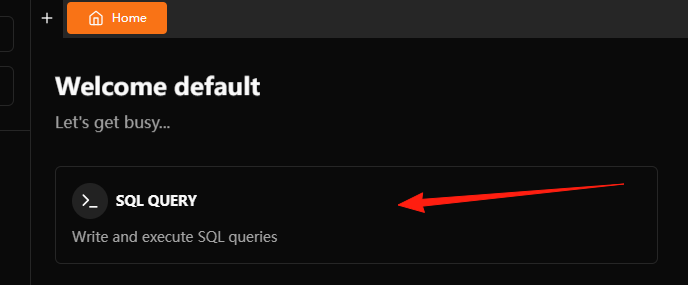
Create a table for user behavior analysis:
-- Create database
CREATE DATABASE user_analytics;

-- Use database
USE user_analytics;

-- Create user behavior table
CREATE TABLE user_events (
    user_id UInt32,
    event_time DateTime,
    event_type String,
    page_url String,
    device String
) ENGINE = MergeTree()
ORDER BY (user_id, event_time);
Insert some test data:
INSERT INTO user_events VALUES
(1001, '2024-01-15 10:30:00', 'page_view', '/home', 'mobile'),
(1001, '2024-01-15 10:35:00', 'click', '/product/123', 'mobile'),
(1002, '2024-01-15 11:00:00', 'page_view', '/home', 'desktop'),
(1002, '2024-01-15 11:05:00', 'purchase', '/checkout', 'desktop'),
(1003, '2024-01-15 12:00:00', 'page_view', '/about', 'mobile');
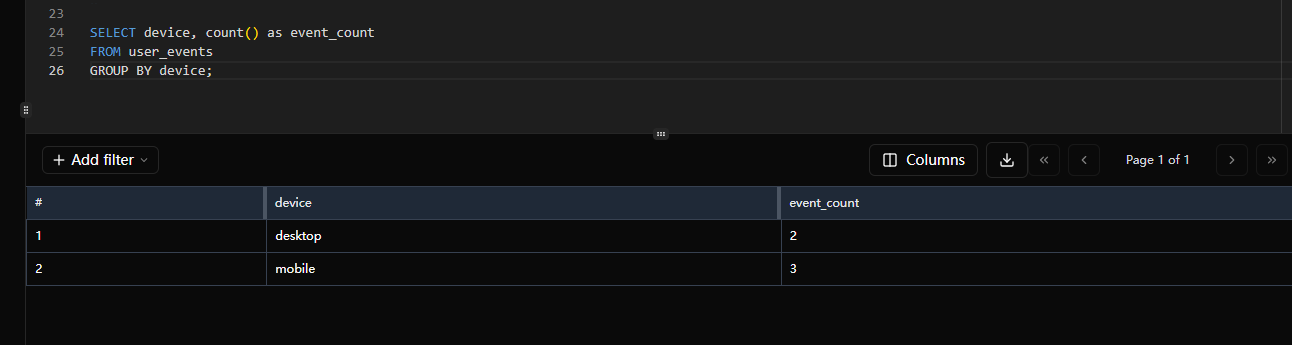
 Try querying:
-- Count events by device type
SELECT device, count() as event_count
FROM user_events
GROUP BY device;
Choosing the Right Table Engine
MergeTree (Most Commonly Used):
CREATE TABLE events (
    date Date,
    user_id UInt32,
    action String
) ENGINE = MergeTree()
PARTITION BY toYYYYMM(date)  -- Partition by month
ORDER BY (user_id, date);    -- Primary key sorting
ReplacingMergeTree (Deduplication):
CREATE TABLE user_profiles (
    user_id UInt32,
    name String,
    email String,
    updated_at DateTime
) ENGINE = ReplacingMergeTree(updated_at)  -- Deduplicate using update time
ORDER BY user_id;
Leverage Partition Pruning:
-- Good query, utilizes partitions
SELECT count() FROM events
WHERE date >= '2024-01-01' AND date < '2024-02-01';

-- Poor query, scans entire table
SELECT count() FROM events
WHERE toYear(date) = 2024;
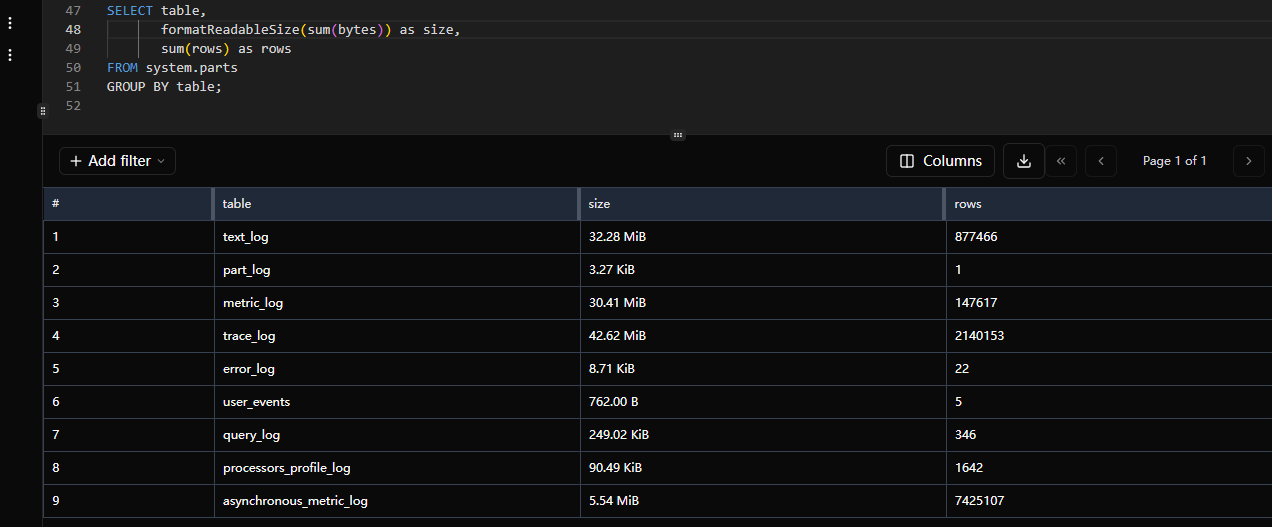
Check table size:
SELECT table,
       formatReadableSize(sum(bytes)) as size,
       sum(rows) as rows
FROM system.parts
GROUP BY table;
Why Is It So Fast?
Traditional databases (like MySQL) store data by row:
Name    Age    City
张三    25     北京
李四    30     上海
王五    28     深圳
While ClickHouse stores data by column:
Name column: [张三, 李四, 王五]
Age column: [25, 30, 28]
City column: [北京, 上海, 深圳]
The benefits of this approach are:
- Queries only read required columns, significantly reducing I/O
- Same data type within columns enables better compression
- Ideal for aggregate calculations (sum, average, etc.)
Suitable Scenarios:
- Log analysis (server logs, user behavior logs)
- Real-time reporting and dashboards
- Time series data analysis
- Statistical analysis on large datasets
Less Suitable Scenarios:
- Frequent single-record inserts, updates, and deletes
- Scenarios requiring transaction support
- Simple queries on small datasets
Final Thoughts
ClickHouse excels when dealing with large-scale data analysis.
If you're also working in data analysis, I strongly recommend trying ClickHouse - I believe it won't disappoint you.
Feel free to discuss if you have any questions~