
Typemill - An Open-Source CMS That Simplifies Documentation Writing
What is Typemill?
Typemill is a lightweight flat-file CMS designed for creating websites and e-books simply, quickly, and flexibly using Markdown. Typemill focuses on content and text, making it perfectly suited for use cases like documentation, manuals, and other text-intensive websites.
In simple terms, Typemill is an open-source CMS system specifically built for writing documentation. Unlike all-in-one systems like WordPress, it specializes in one thing – allowing you to write documentation, manuals, knowledge bases, and similar content without worrying about technical complexities.
https://appstore.lazycat.cloud/#/shop/detail/cloud.lazycat.app.typemill
Getting Started Guide
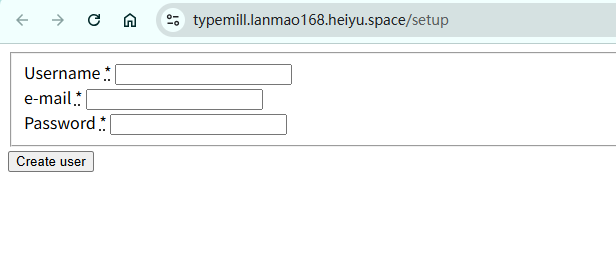
After the application is installed, you need to register a user upon first opening it.
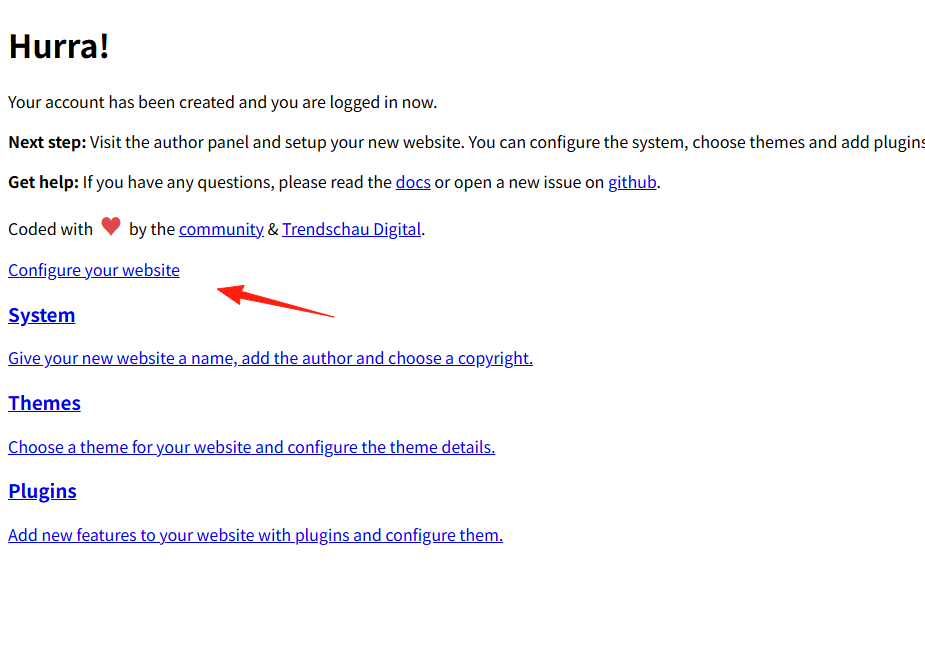
Click on Website Settings.
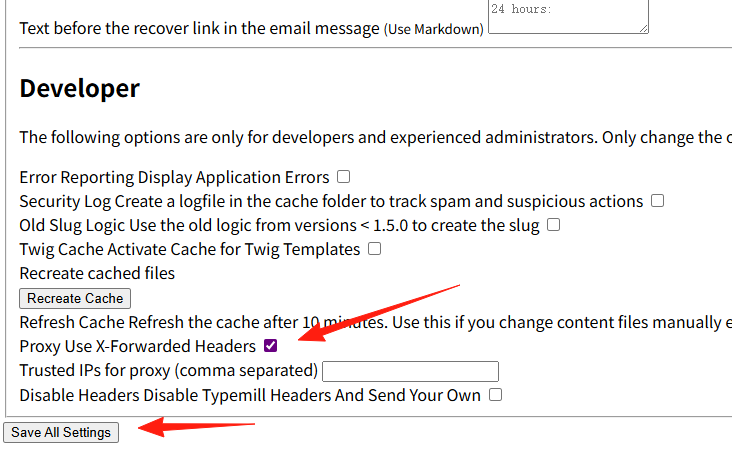
You might notice the styling appears broken. Don't worry. Scroll to the bottom, check this checkbox, and save.
You will now see that the page displays correctly.
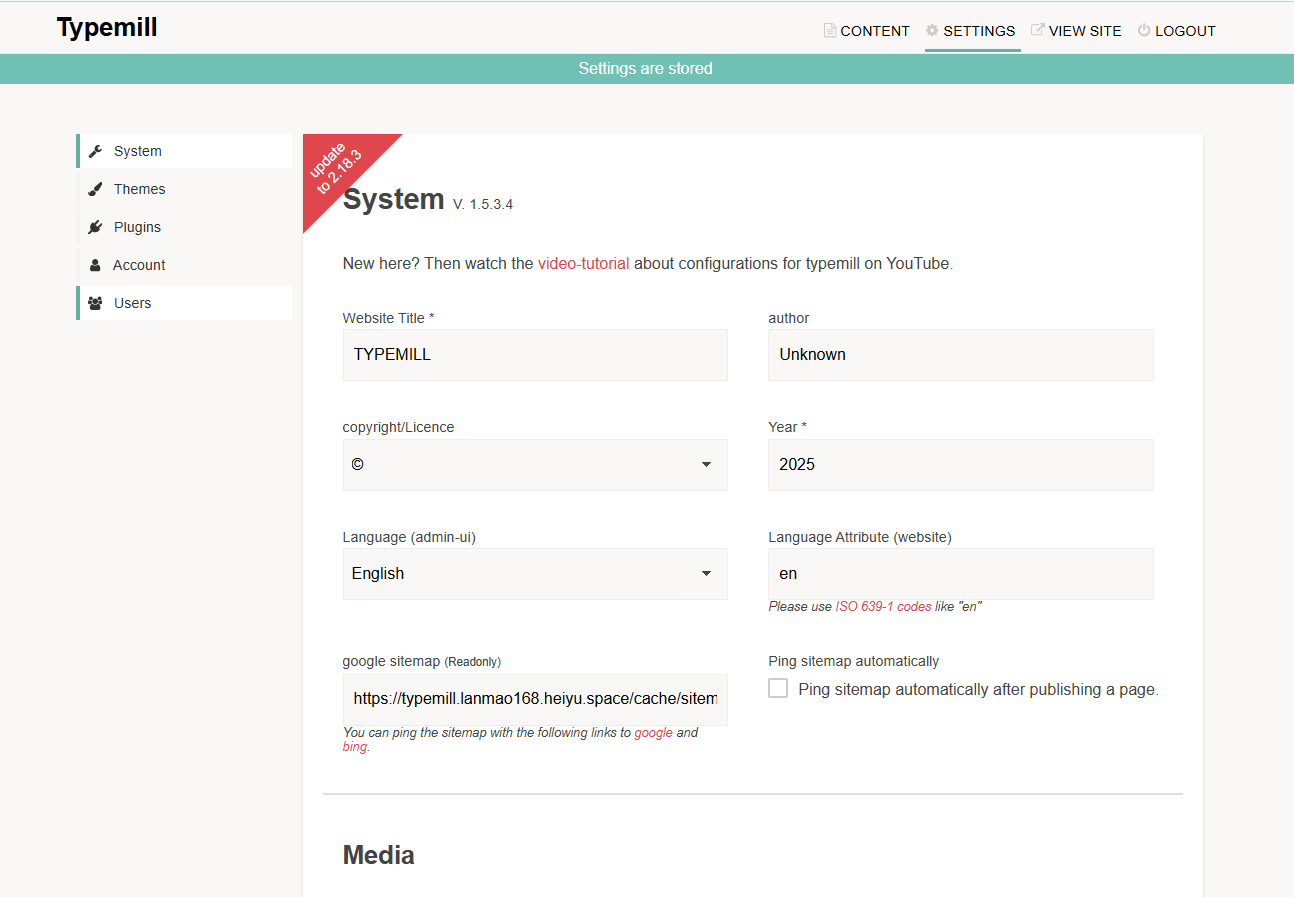
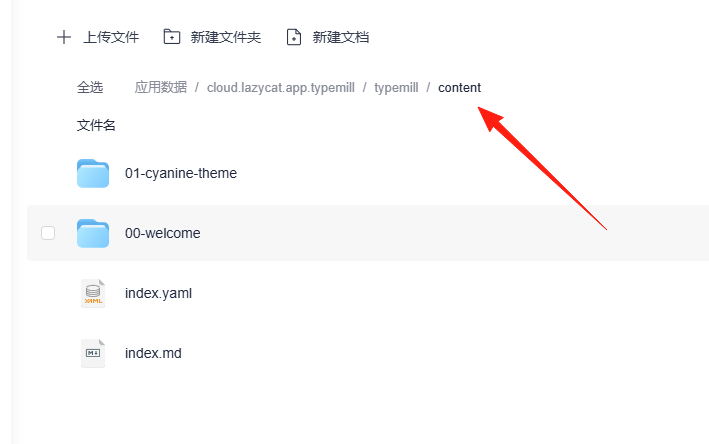
Click to enter Content, where your documents are stored.
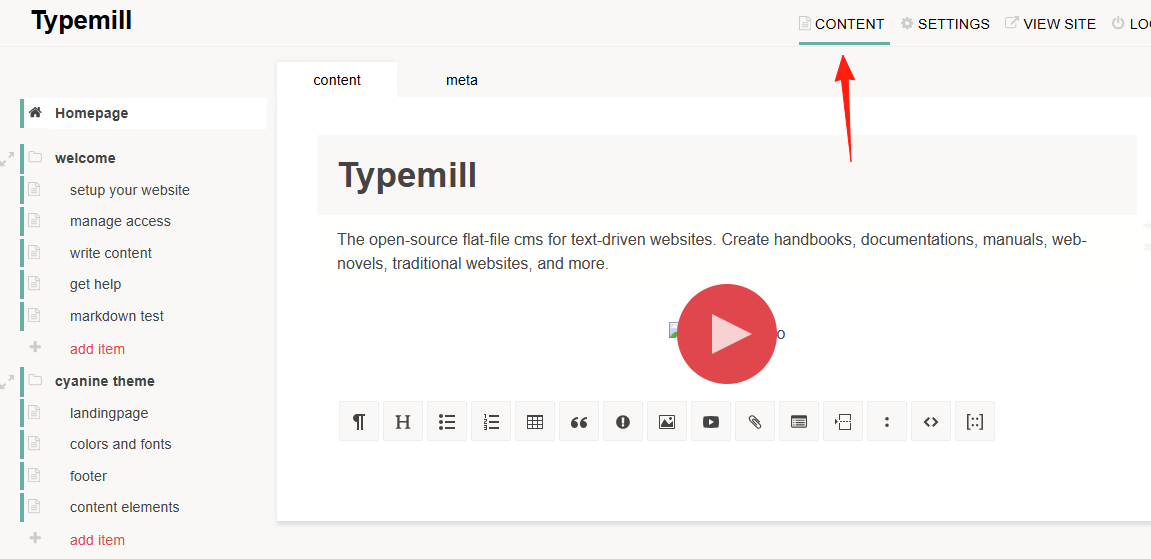
1. File Structure Typemill's content structure is very intuitive:
content/
├── 01-getting-started/
│   ├── index.md
│   └── 01-installation.md
├── 02-user-guide/
│   ├── index.md
│   ├── 01-basic-usage.md
│   └── 02-advanced-features.md
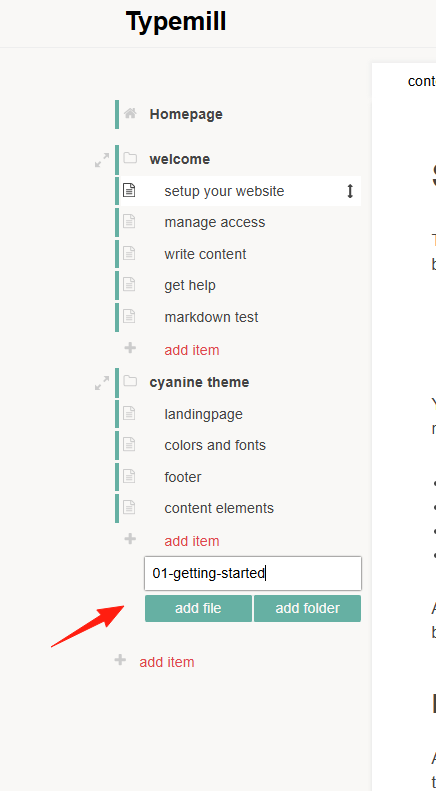 Adding numbers to the beginning of folder names allows you to control the order, ensuring your navigation is structured.
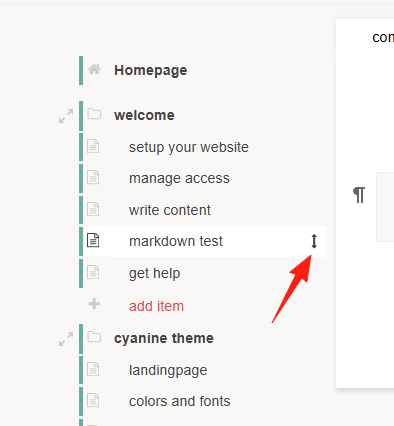
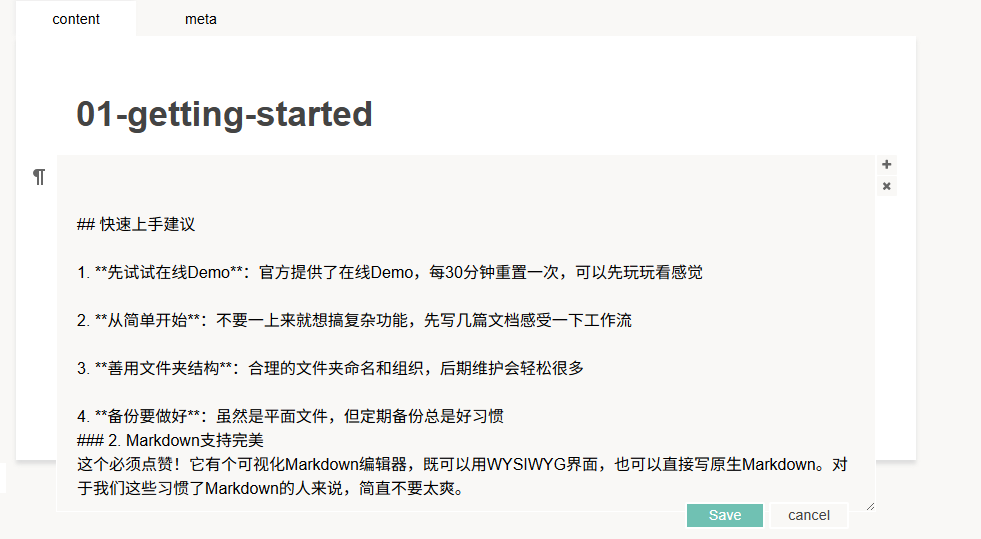
Drag-and-drop support lets you easily build a hierarchical page structure. For precise control, you can switch to Markdown mode.
Supports image uploads.

Click View Site.
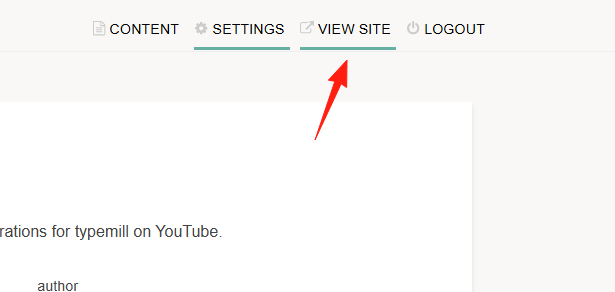
You can see the blog's appearance.
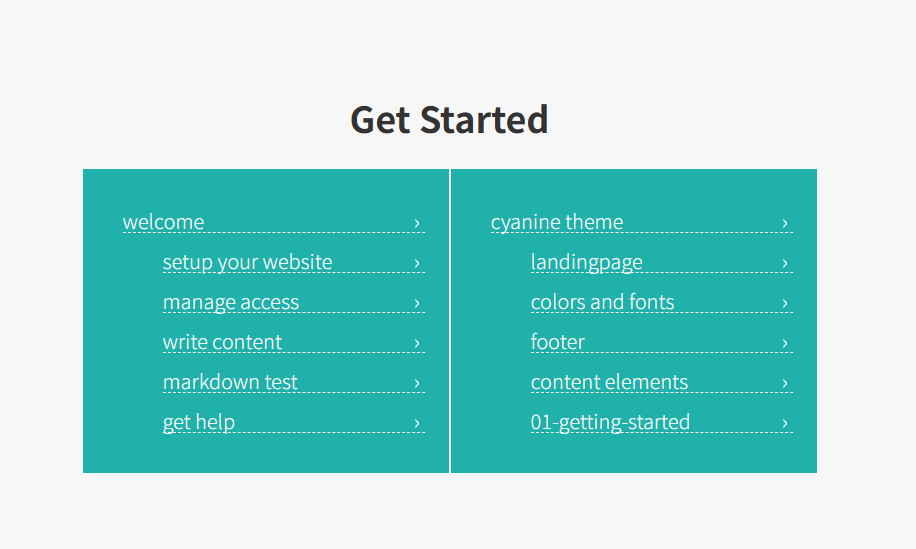
The interface is very clean.
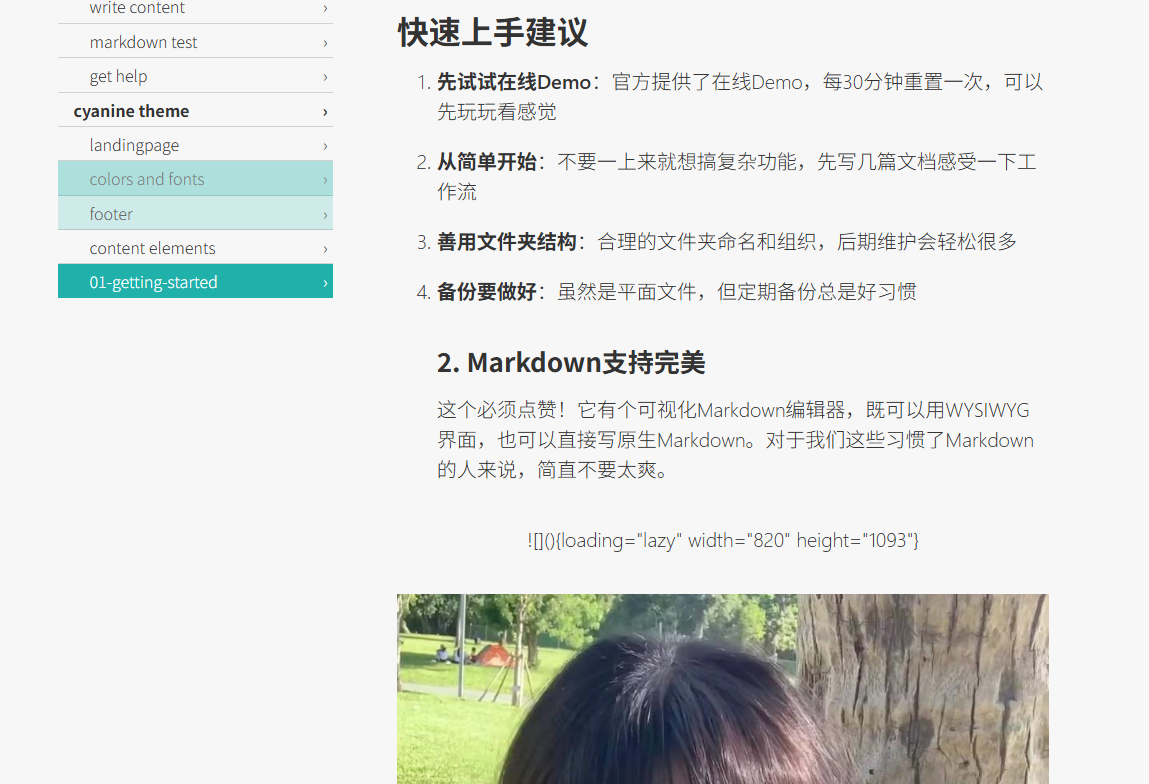 The system supports themes and plugins for extension. There are several official themes available, which are generally sufficient. If you know some CSS, customizing a theme is not difficult.
Files can be viewed in the Application Data directory.
Summary
Typemill is particularly well-suited for those who need to write documentation seriously.
If you are looking for a lightweight, stable CMS focused on content creation, why not give Typemill a try?