
LetterSpace Guide: A Powerful Email Marketing Tool
What is LetterSpace?
When it comes to email marketing, most people initially choose big platforms like Mailchimp or ConvertKit. But after using them for a while, you'll find that the monthly subscription fees keep getting more expensive, and your subscriber data is actually held by someone else.
LetterSpace is an open-source email marketing tool. Its biggest feature is that it can be self-hosted—simply put, you can deploy it on your own server and have complete control over your data.
In short, LetterSpace can help you with these tasks:
Manage Subscribers
- Import and export your email lists
- Group subscribers by tags (e.g., new users, VIP users, active users, etc.)
- Track subscriber behavior data
Send Emails
- Create beautiful email templates
- Send bulk emails to everyone or specific groups
- Set up automated email sequences
Data Analysis
- View email open rates and click-through rates
- Monitor subscriber growth trends
- Analyze which content is most popular
https://appstore.lazycat.cloud/#/shop/detail/cloud.lazycat.app.letterspace
Practical Guide
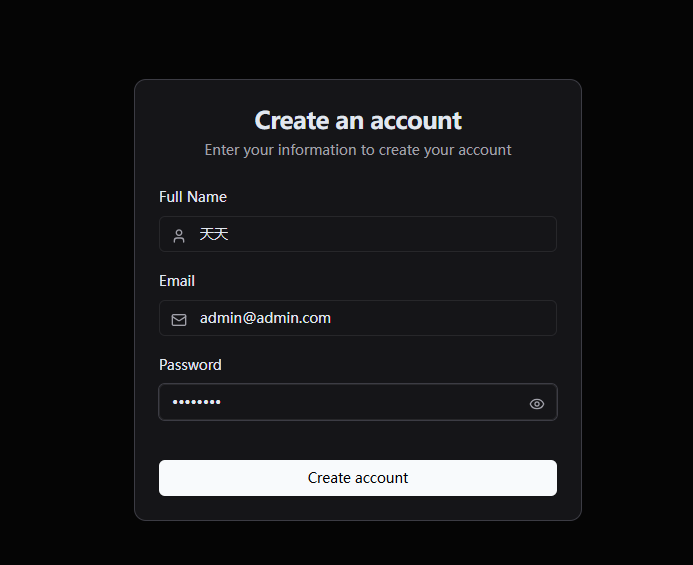
After installing the application, you first need to register an account.
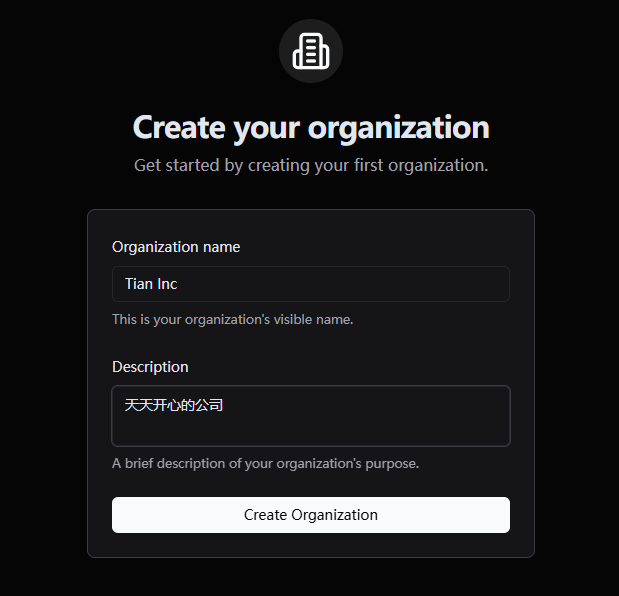
Create an organization name.
Enter the main page. Unfortunately, Chinese is not currently supported.
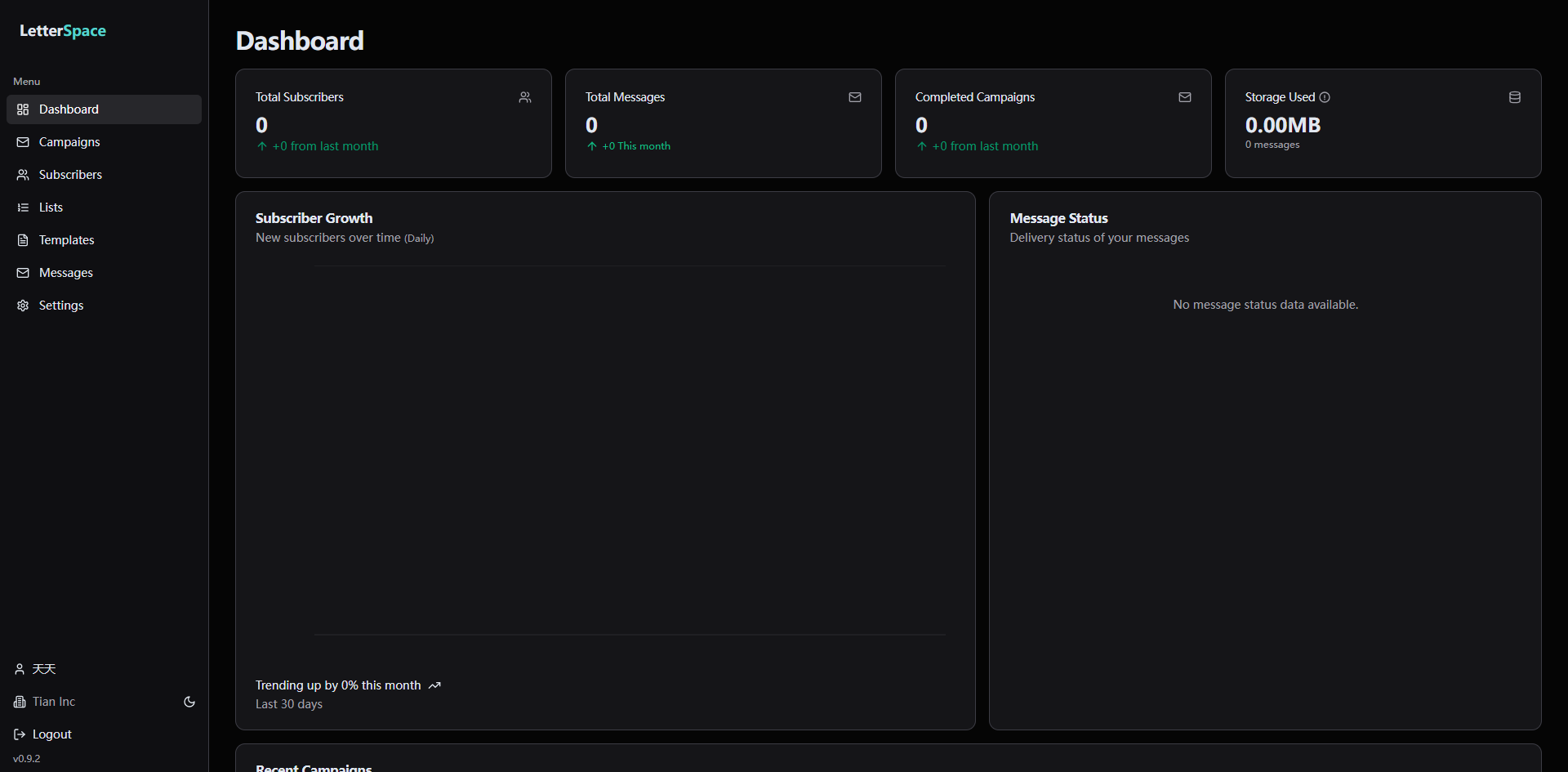
The functions on the left:
-
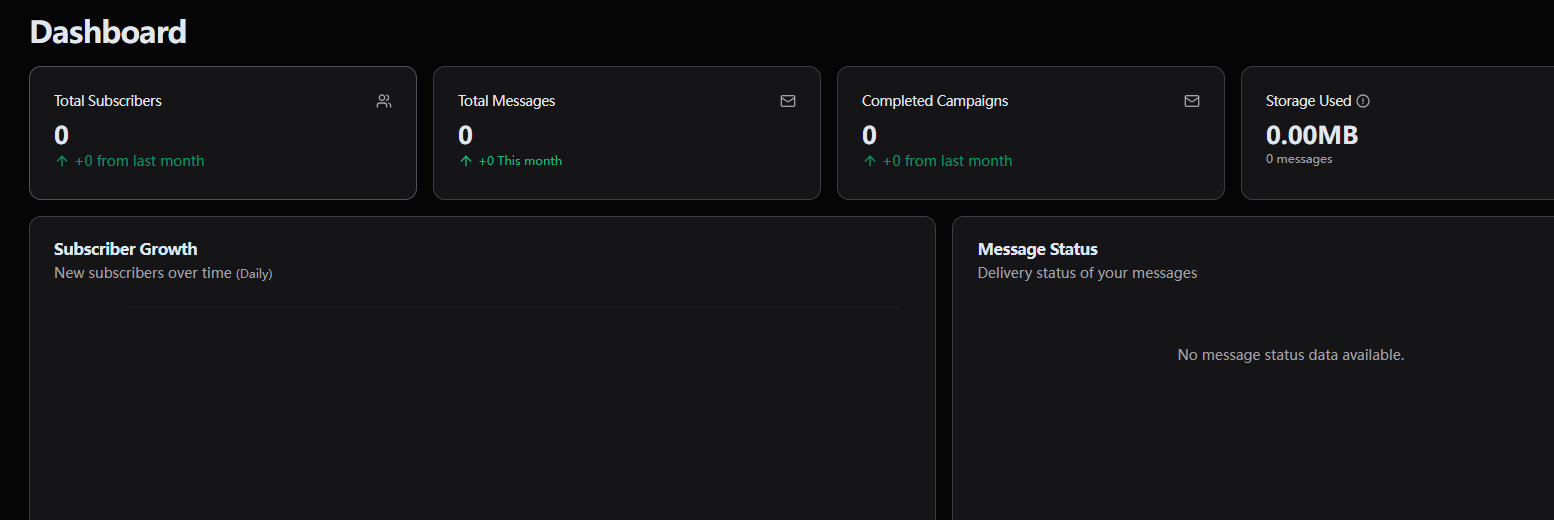
Dashboard: Displays an overview of the most important and core data, such as your total number of subscribers, recently added subscribers, the open rate and click-through rate of your most recent email, etc.
-
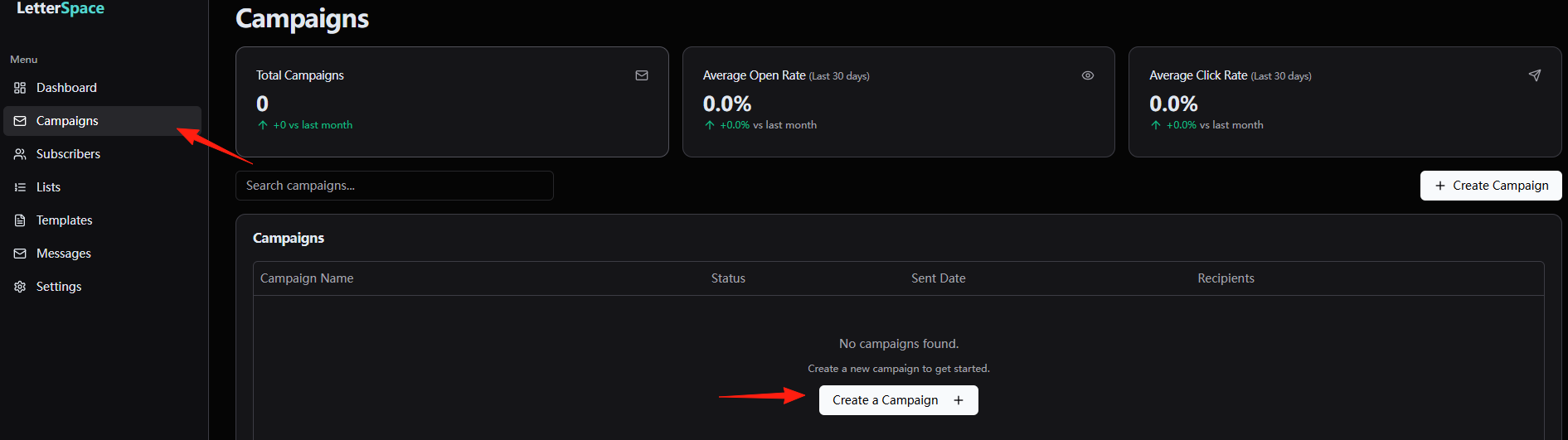
Campaigns: Create, manage, and send your emails. For example, if you want to send a new product promotion email to all subscribers, you can create a new Campaign here to execute this task.
-
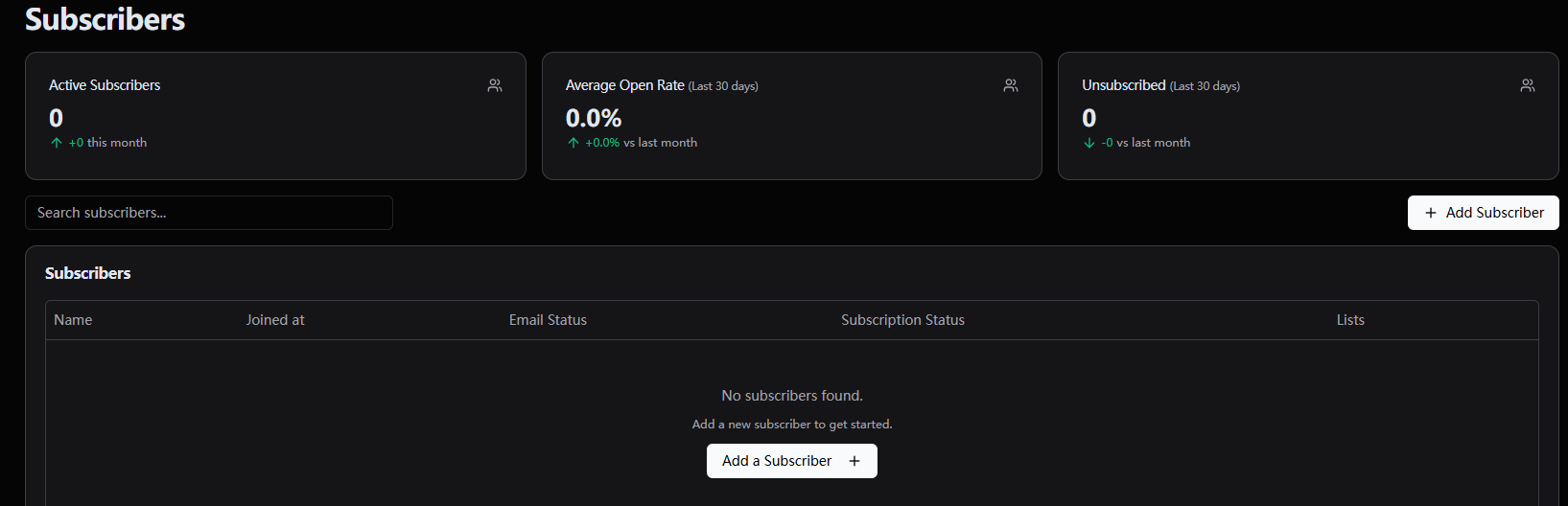
Subscribers: The core area for managing all subscribers.
-
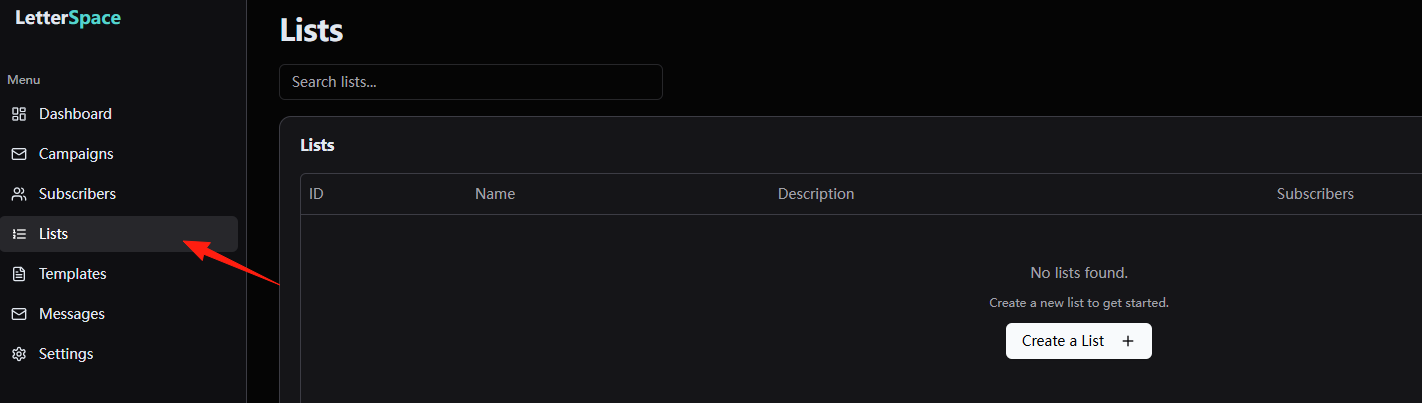
Lists: When you have too many subscribers, you can't just mix them all together. Lists help you categorize your subscribers. When sending emails, you can choose to send only to a specific "circle," enabling more precise marketing.
-
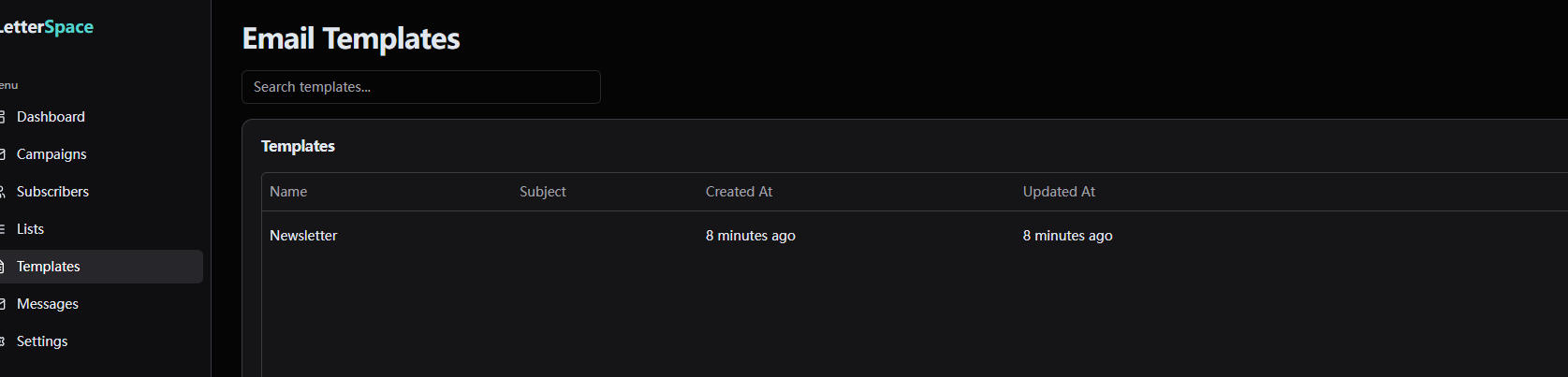
Templates: Create and save common email templates, such as your brand logo, footer, general layout style, etc.
-
Messages: This feature is somewhat similar to Campaigns, but it might focus more on each specific email instance. It records every email you've sent, including content, send time, status, etc.
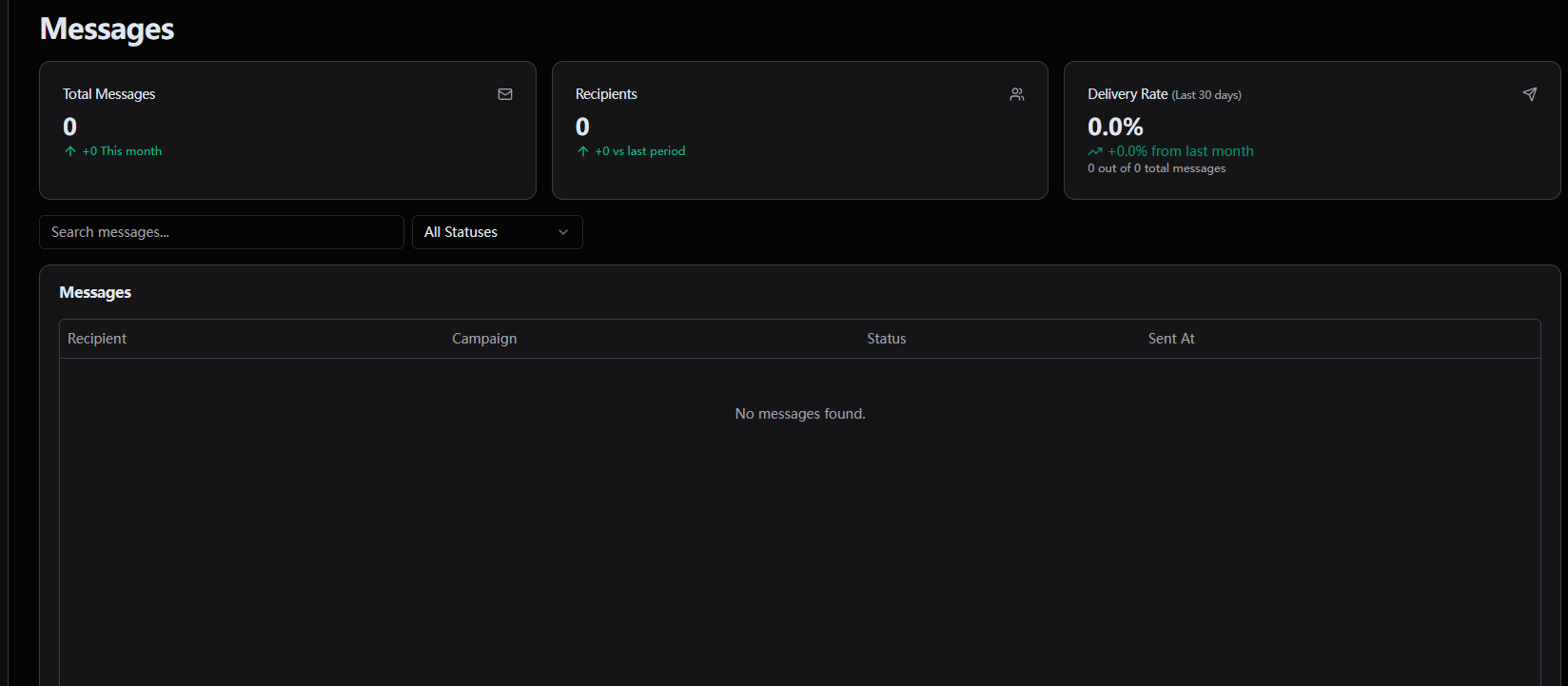
-
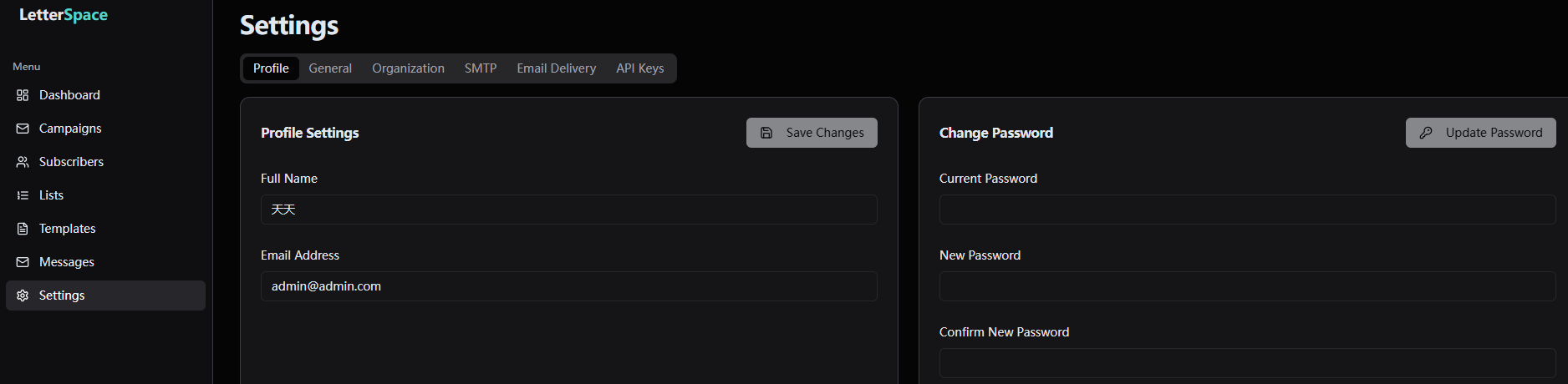
Settings: All global settings related to the application itself are located here. For example, changing your admin password, configuring the SMTP mail server, setting up API interfaces, etc.
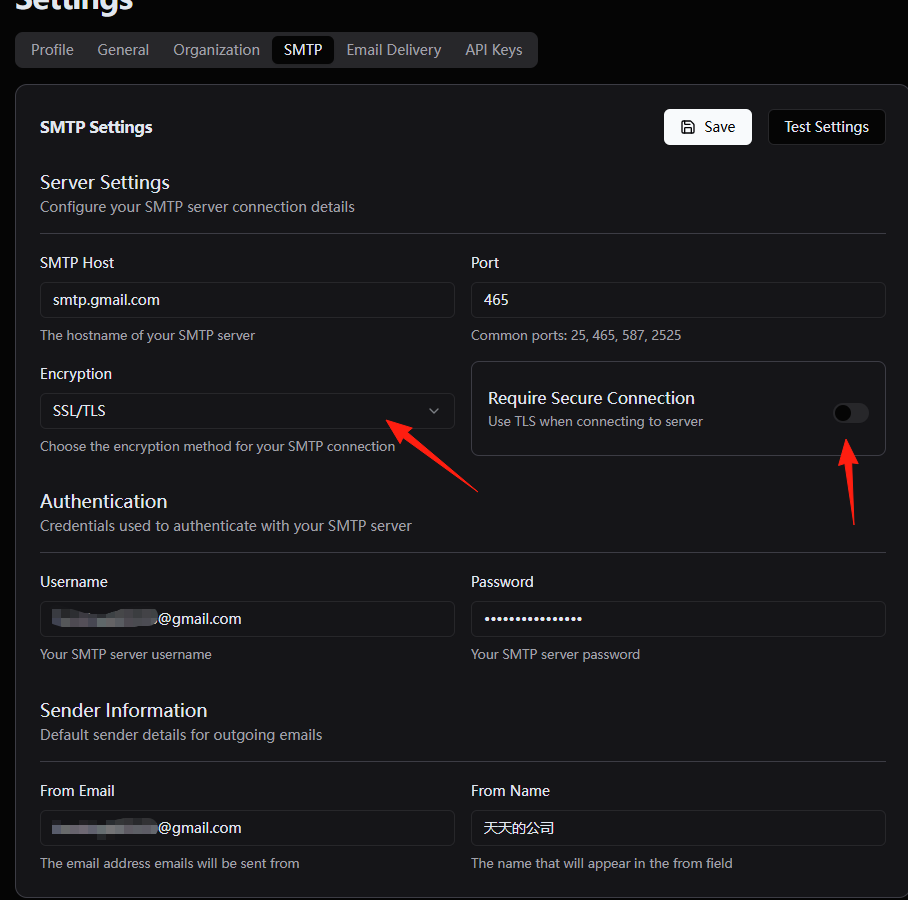
Configure my Gmail SMTP settings: Select SSL/TLS for encryption, and turn off the switch on the right side.
After saving, test it.
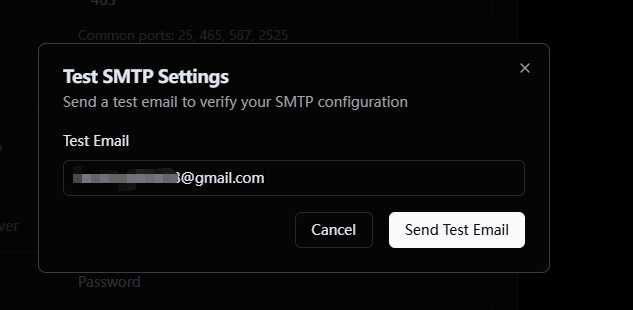
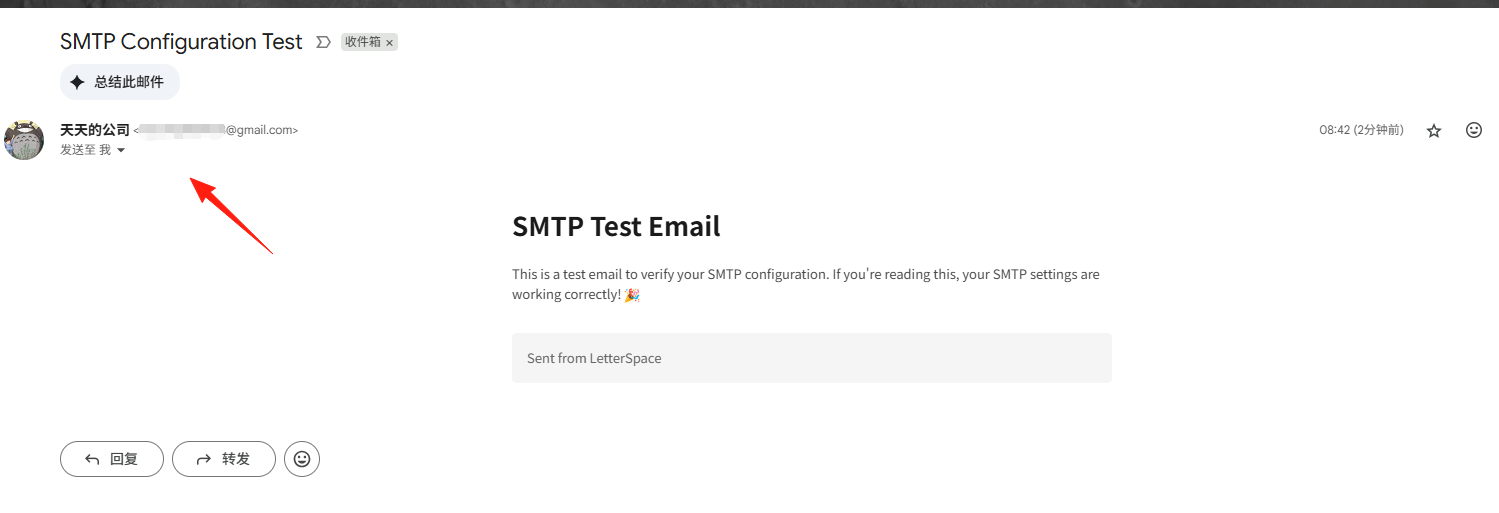
If configured correctly, you should receive the email quickly.
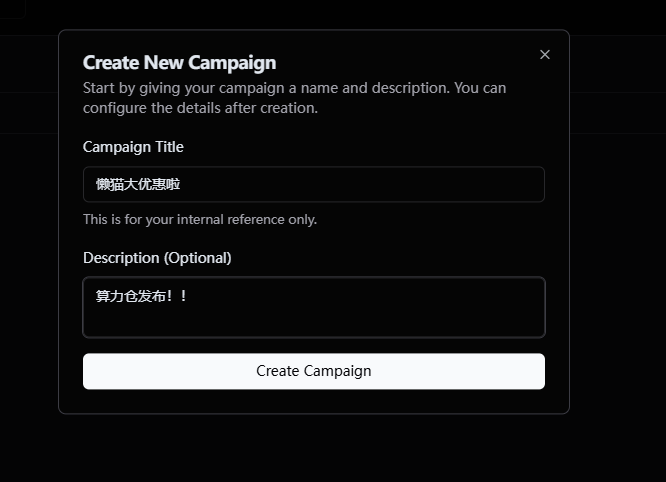
Create a new Campaign.
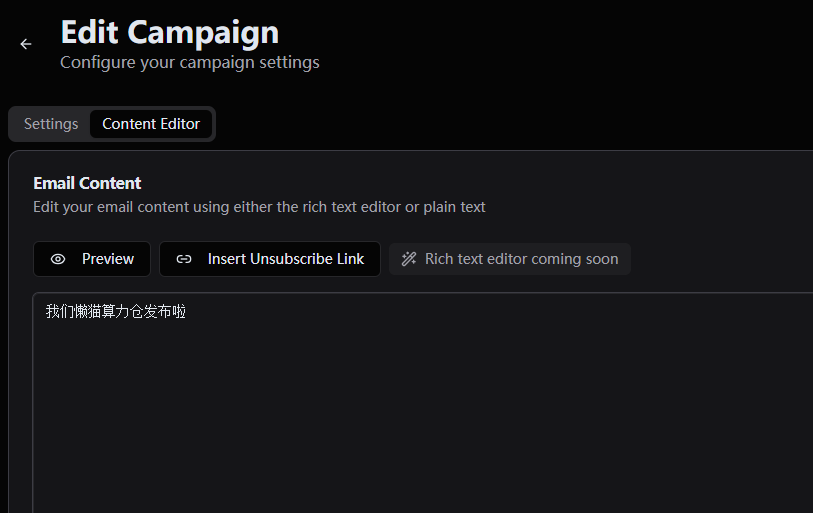
Edit the email content.
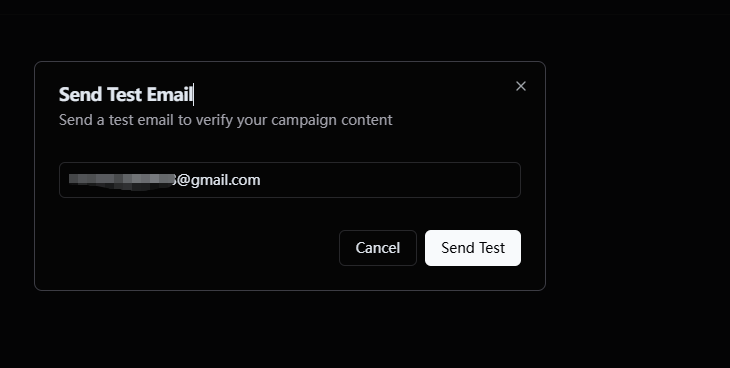
Click "send test".
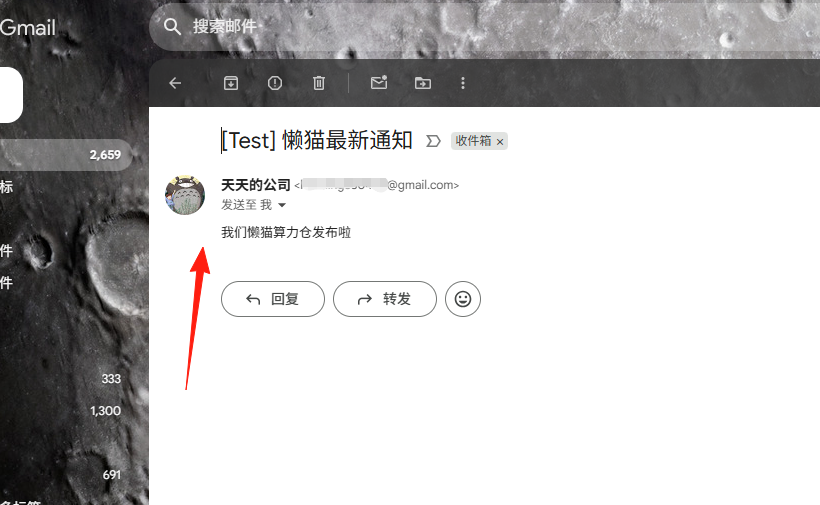
Email received.
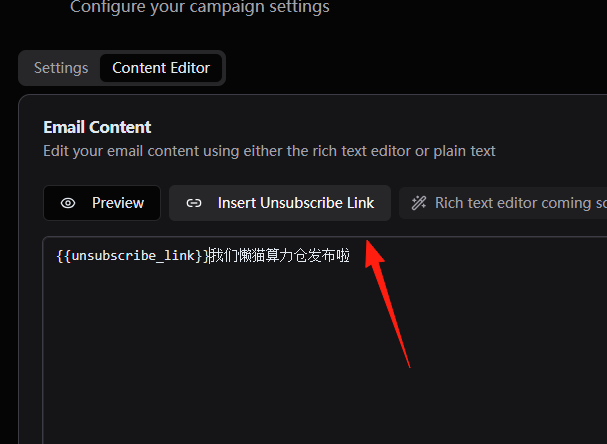
LetterSpace currently does not support rich text editing. Here are a few tips:
- Make the email subject attractive, but avoid being too clickbaity.
- Remember to include an unsubscribe link (this is a legal requirement).
Summary
LetterSpace is a pretty good email marketing tool, especially suitable for users who want to control their own data and reduce long-term costs.
If you're currently paying dozens of dollars per month to Mailchimp and your subscriber count is still growing, you might want to consider trying LetterSpace. In the long run, it can definitely save you a lot of money.